Note: This article is an original work by Liu Feng from Anyatech. Please respect intellectual property rights. When sharing, please indicate the source. No plagiarism, adaptation, or unauthorized reproduction is accepted.
Introduction
Overview
In the Linux permission system, many people focus only on chmod and rwx, but overlook a more hidden yet equally critical role—umask.
It acts like a “permission filter,” silently determining the default permissions of files and directories at the moment of their creation.
Understanding umask not only helps you avoid the risks of file leakage or overly open permissions but is also essential for system hardening, team collaboration, and database permission management.
01
Core Principle of umask: From “Maximum Permissions” to “Actual Permissions”
The role of umask is not to directly set permissions but to mask (deny) certain default permissions.
Its working logic is based on “maximum permissions minus umask value”:
1) Theoretical Maximum Permissions:
-
For files: Linux does not grant execute permissions by default (to avoid security risks), so the maximum permission is 666 (i.e., rw-rw-rw-).
-
For directories: execute permission is required to allow entry, so the maximum permission is 777 (i.e., rwxrwxrwx).
2) Calculation Rule:
Actual default permissions = Maximum permissions – umask value (bitwise subtraction, not mathematical subtraction).
For example: If umask is 022, then:
-
Default file permissions = 666 – 022 = 644 (rw-r–r–)
-
Default directory permissions = 777 – 022 = 755 (rwxr-xr-x)
02
Representation of umask: Numeric and Symbolic
There are two representations of umask, the most common being the numeric representation, which is consistent with the numeric representation logic of file permissions (each digit corresponds to the permissions of the owner, group, and others).
1. Numeric Representation (Core)
It consists of 4 digits (the leading 0 is usually omitted), formatted as abcd:
-
a: Special permission bit (rarely used, usually 0);
-
b: Owner permission mask;
-
c: Group permission mask;
-
d: Other users permission mask.
The meaning of each digit corresponds to basic permissions:
-
4: Mask read permission (r);
-
2: Mask write permission (w);
-
1: Mask execute permission (x);
-
0: Do not mask any permissions.
Common umask values and their effects:
2. Symbolic Representation (Auxiliary)
Similar to chmod’s symbolic representation, used to intuitively describe “which permissions are masked,” formatted as [u|g|o|a][+|-][r|w|x]:
-
u: owner, g: group, o: others, a: all users;
-
+: Add mask (rarely used), -: Remove mask (i.e., allow that permission).
For example:
-
umask u=rw,g=r,o=r is equivalent to numeric 0022 (masking the owner’s execute permission, the group’s write permission, and the others’ write permission);
-
umask 0077 is equivalent to umask u=rwx,g=,o= (only allowing owner permissions).
03
Viewing and Modifying umask:
Temporary and Permanent Configuration
1. View Current umask
Directly execute the umask command, which defaults to displaying the numeric representation:
$ umask
0022  # root default 0022
View symbolic representation (requires the -S parameter):
$ umask -S
u=rwx,g=rx,o=rx  # Indicates: owner retains rwx, group and others mask w permission (i.e., 0022)
2. Temporarily Modify umask
Effective in the current shell session, ineffective after closing the terminal:
# Numeric method (e.g., set to 0077, only allowing owner access)
umask 0077

# Symbolic method (e.g., allowing group write permission, i.e., 0002)
umask u=rwx,g=rwx,o=rx
3. Permanently Modify umask
Must be written into the shell configuration file, categorized by user scope:
1) User-level configuration (effective only for the current user)
Edit the shell configuration file in the user’s home directory (for bash users, it is .bashrc; for zsh users, it is .zshrc):
# Open configuration file
vi ~/.bashrc

# Add umask setting (e.g., 0002)
umask 0002

# Make configuration effective
source ~/.bashrc
2) System-level configuration (effective for all users)
Edit the global configuration file (e.g., /etc/profile or /etc/bashrc):
# Open global configuration
sudo vi /etc/profile

# Add umask setting (e.g., 0022)
umask 0022

# Make configuration effective (all users need to log in again)
source /etc/profile
04
Practical Scenarios: Typical Applications of umask
1. Shared Directory Configuration
A team shared directory needs “group users writable, other users read-only,” suitable for setting umask to 0002:
# Temporarily set umask
umask 0002

# Create shared directory
mkdir /data/project

# Check directory permissions (should be 775)
ls -ld /data/project
drwxrwxr-x 2 root root 6 Jul 26 02:06 /data/project

# Create a file in the directory (permissions should be 664)
touch /data/project/readme.txt
ls -l /data/project/readme.txt
-rw-rw-r-- 1 root root 0 Jul 26 02:06 /data/project/readme.txt
2. Privacy File Protection
Personal sensitive files (such as SSH keys, password files) need to be restricted to “owner only access,” suitable for setting umask to 0077:
# Set umask to 0077
umask 0077

# Create SSH key (default permissions 600)
ssh-keygen -t rsa -f ~/.ssh/id_rsa
ls -l ~/.ssh/id_rsa
-rw------- 1 root root 2590 Jul 26 02:07 /root/.ssh/id_rsa
3. System-level Security Hardening
The default umask for the root user is 0022, ensuring system files are “writable only by root, read-only by others,” preventing ordinary users from tampering with system configurations:
# root user view umask
umask
0022

# Create system configuration file (permissions 644)
touch /tmp/test.conf
 ls -l /tmp/test.conf
-rw-r--r-- 1 root root 0 Jul 26 02:13 /tmp/test.conf
05
umask in Database Applications
As the core mechanism controlling default file permissions in Linux, umask directly affects the security of data files, logs, and configuration files in database scenarios.
Oracle and PostgreSQL have different requirements for umask due to their architectures and permission models, but the core goal is the same: to ensure that database files are only accessible by authorized users (such as oracle, postgres), avoiding permission leaks or overly restrictive settings that lead to functional anomalies.
The following examples illustrate the actual impact and best practices of umask in typical PostgreSQL database scenarios.
Case 1: umask Ensures Minimum Permissions for Data Directory (PostgreSQL Strict Requirement)
Scenario: PostgreSQL has strict requirements for the permissions of the data directory ($PGDATA) (must be 700, accessible only by the postgres user), and umask must be configured to achieve this default permission.
-
umask value: postgres user umask is 077 (masking all permissions for group and others)
-
Theoretical Calculation:
1) Data directory ($PGDATA): 777 – 077 = 700 (rwx——);
2) Configuration file (postgresql.conf, regular file): 666 – 077 = 600 (rw——-).
-
Actual Phenomenon:
# Data directory permissions (only postgres can access, meets PostgreSQL security requirements)
ls -ld $PGDATA
drwx------ 19 postgres postgres 4096 Jul 25 18:57 /data/pgdata/data

# Configuration file permissions (only postgres can read and write, preventing other users from tampering with parameters)
ls -l $PGDATA/postgresql.conf
-rw------- 1 postgres postgres 30770 Jul 25 13:29 /data/pgdata/data/postgresql.conf
Why Must This Be Set:
PostgreSQL checks the $PGDATA permissions at startup, and if it is not 700, it will refuse to start (to prevent unauthorized users from accessing data files through directory permissions), and umask 077 is the most direct way to achieve this permission.
Case 2: umask Adapts to Shared Needs of Archive Directory
Scenario: PostgreSQL enables archiving functionality (archive_command), requiring WAL to be archived to a shared directory (allowing the backup user to read the archived files for backup), at which point the postgres user’s umask needs to be adjusted to 0007 (masking permissions for others, allowing access only within the group).
-
umask value: 0007 (masking all permissions for others, allowing read and write for group users)
-
Theoretical Calculation:
1) Archive directory (/data/pgdata/archive): 777 – 0007 = 770 (rwxrwx—);
2) Archive files: 666 – 0007 = 660 (rw-rw—-).
-
Actual Phenomenon:
umask 0007
# Archive directory permissions (postgres and group users can read and write)
mkdir -p /data/pgdata/archive
ll -d  /data/pgdata/archive
drwxrwx--- 2 postgres postgres 6 Jul 26 02:24 /data/pgdata/archive
Advantages
-
postgres user can write to archive files, backup group users can read for backup (e.g., pg_basebackup);
-
Other users have no permission to access the archive directory, preventing sensitive log leaks.
06
Considerations and Common Misconceptions
1) umask does not directly set permissions
It only masks default permissions; if you need to modify existing file permissions, you still need to use chmod.
2) Files have no default execute permission
Even if umask is 0000, the default file permissions are still 666 (no execute permission), you need to manually add with chmod +x.
3) Directories must have execute permission
Execute permission (x) for directories controls the ability to “enter the directory”; umask typically does not mask the execute permission for directories (otherwise, you cannot enter).
4) Different users have different default umask
Linux distributions typically set 0022 for root and 0002 for ordinary users (friendly for group sharing), which can be adjusted through /etc/profile.
5) umask in scripts
When creating files in scripts, you can temporarily set umask to ensure consistent permissions, for example:
# Temporarily set umask to 0077 in the script, restore original umask after creating files
old_umask=$(umask)
umask 0077
touch /tmp/sensitive.data
umask $old_umask
Conclusion
umask is an often-overlooked yet omnipresent “invisible hand” in Linux permission management.
By configuring umask properly, you can achieve:
-
Safer personal files (e.g., SSH keys visible only to yourself);
-
More efficient team collaboration (shared directory permissions no longer chaotic);
-
More stable database operations (PostgreSQL and other critical scenarios meet security requirements).
⚠️ Don’t forget: umask is not a universal key; it is merely the starting point for default permissions.
True experts will combine chmod, ACL, and other mechanisms to manage the permission system securely and flexibly.

Author Introduction


Hello everyone, I am Liu Feng, founder of Anyatech & Senior Database Technology Instructor, focusing on PostgreSQL, domestic database operation and migration, database performance optimization, and other areas.
As an officially authorized instructor of the PG China branch and a PostgreSQL ACE certified expert, I am actively involved in frontline project practices, with over 10 years of experience in large database management and optimization, having deeply participated in database performance tuning and migration projects across various industries such as telecommunications, finance, and government.
Feel free to follow me as we explore the infinite possibilities of databases together, with no limits on technical exchanges!
📌 If you find this helpful, remember to like, bookmark, and share to support me, and don’t forget to follow me for more database insights~

Anyatech Data Workshop | What We Can Do
Whether you are the technical leader of a business system or the first responder in the data department, we can provide you with reliable support:
-
Supported Database Types
Oracle / MySQL / PostgreSQL / PG / SQL Server and other mainstream databases
-
Core Service Content
Performance optimization / Fault handling / Data migration / Backup recovery / Version upgrade / Patch management
-
Systematic Support
In-depth inspection / High availability architecture design / Application layer compatibility assessment / Operation and maintenance tool integration
-
Specialized Capability Supplement
Custom course training / Client team coaching / Complex problem collaborative troubleshooting / Emergency rescue support
📮 If you have an unremovable table, a query that won’t run, or an unclear upgrade risk, feel free to reach out to us for a chat.
END
Keyword Response (Visible in Corresponding Article):
oracle, mysql, pg, postgresql, sql, performance optimization, fault handling, data migration, backup recovery, version upgrade, patch management, in-depth inspection, solutions, architecture design……
Assistant

If you have any questions or doubts, feel free to add me on WeChat to discuss~
\ | /
★
Move your fingers
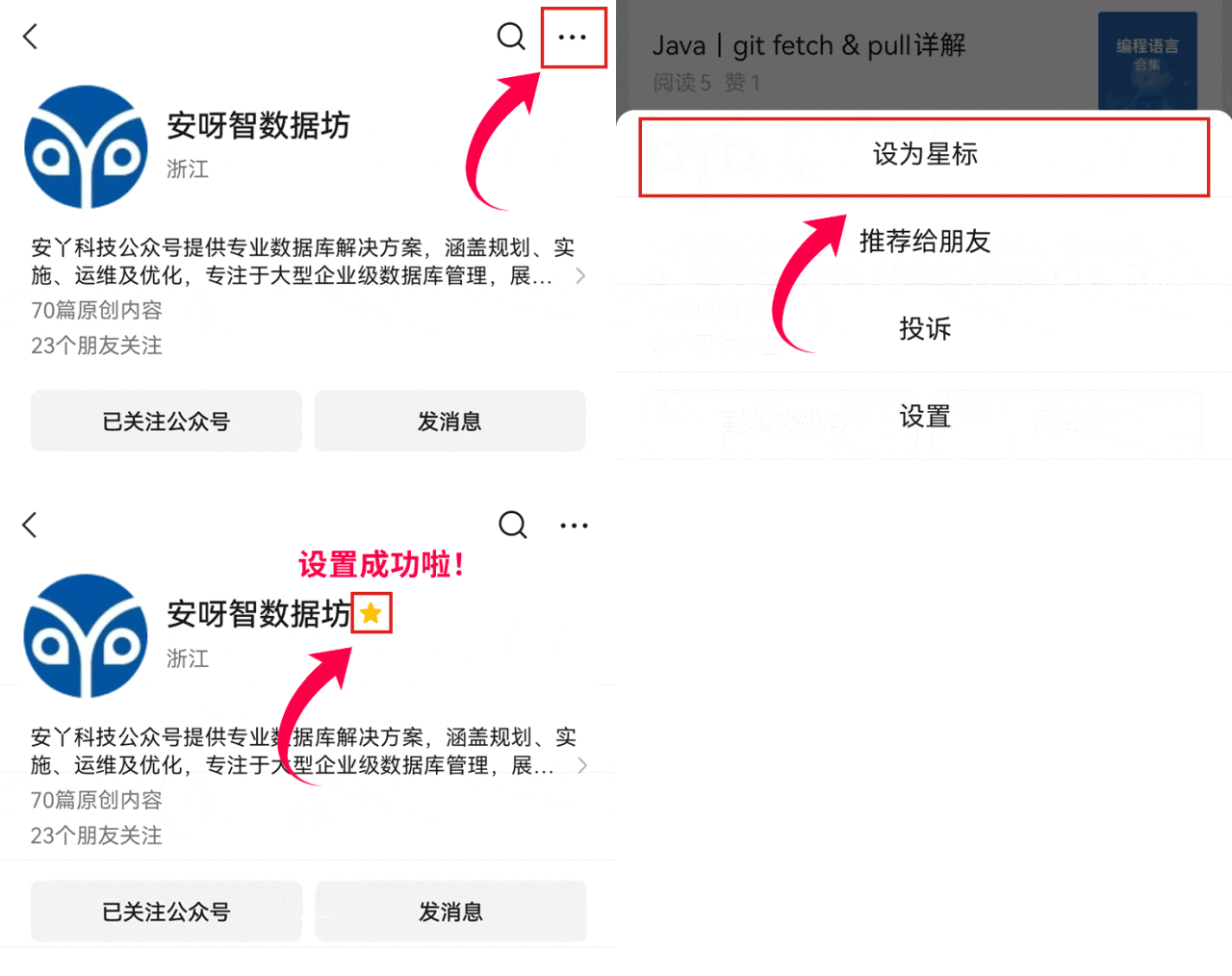
Give [Anyatech Data Workshop] a star mark~
So you won’t lose me~
Don’t forget to add a star mark!