Software Introduction
Keil uVision5 is a powerful software development system compatible with microcontrollers, providing a complete development solution that includes a C compiler, macro assembler, linker, library management, and a robust simulation debugger. These components are integrated into a development environment (μVision), generating highly efficient target code with compact and easily understandable assembly code for most statements. Additionally, Keil uVision5 perfectly matches ARM devices and features a Visual IDE, debugger, ARM C/C++ compiler, and necessary middleware components.
Software Download
| Software: Keil uVision5 | Version: C51V959 |
| Language: Chinese/English | Size: 83.6M |
| Installation Environment: Win11/Win10/Win8/Win7 | |
| Hardware Requirements: CPU @ 2.0GHz Memory @ 4G | |
| Download Link @ Baidu Cloud | 64-bit download link:
https://pan.baidu.com/s/1coGYWOxdSqShuj_I8KGjIA Extraction Code: lrfl |
|
| Compression Software: 7-Zip |
Installation Steps
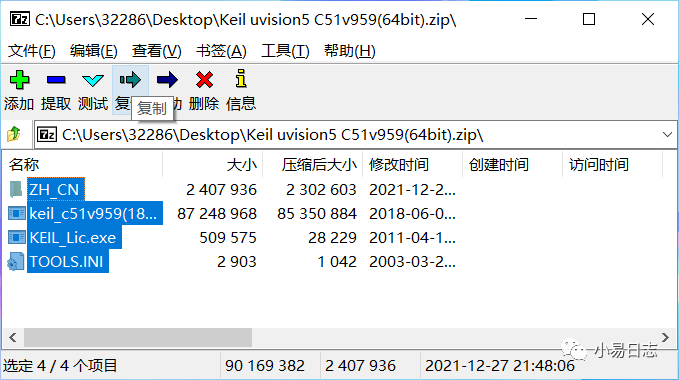
1. Double-click to open the 【Keil uvision5 C51v959(64bit).zip】 compressed file, press Ctrl+A to select all items, and click 【Copy】
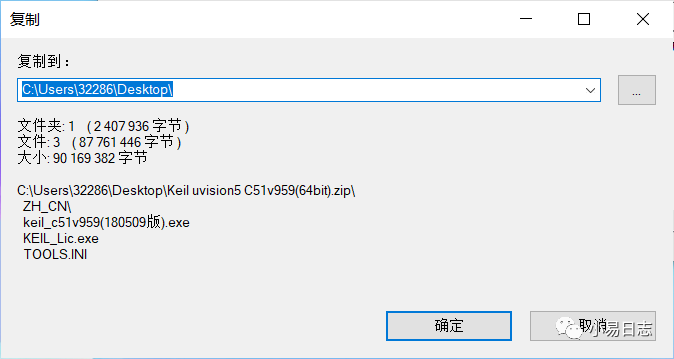
2. Use the default path and click 【OK】
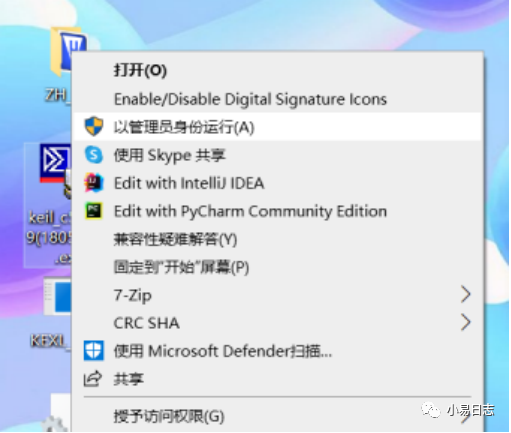
3. Right-click the extracted 【keil_c51v959(180509 version).exe】 and select 【Run as administrator (A)】
4. Click 【Next】
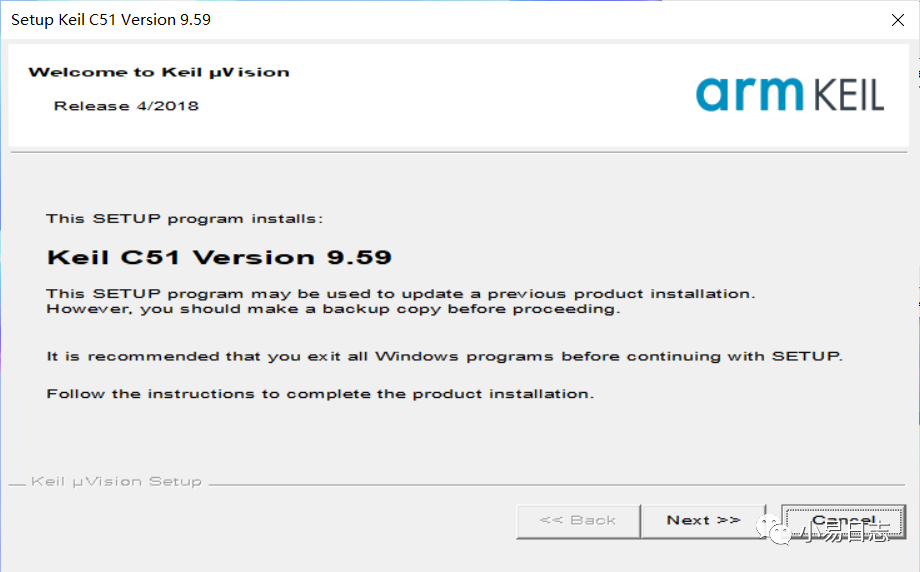
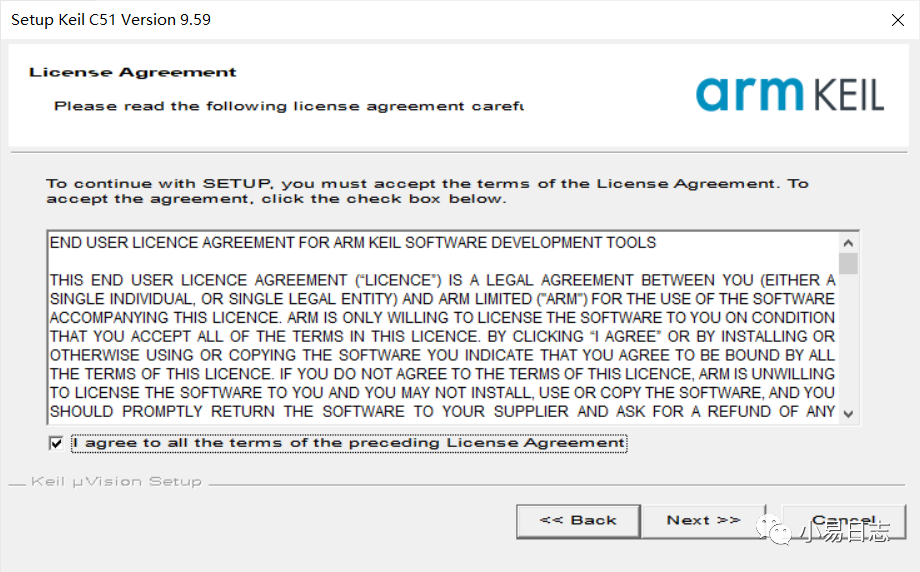
5. Check 【I agree to all the terms of the preceding License Agreement】 and click 【Next】
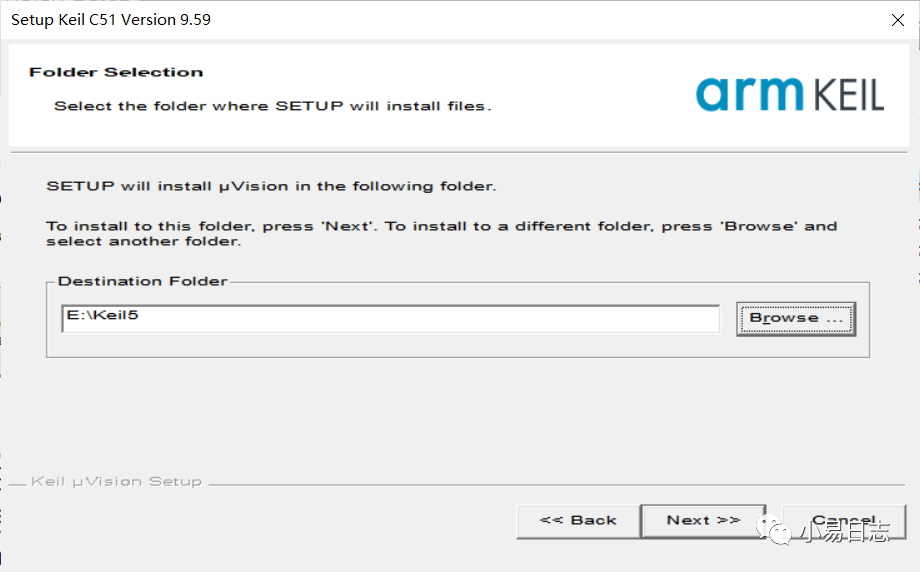
6. Click 【Browse…】 to change the installation path (or use the default path), then click 【Next】
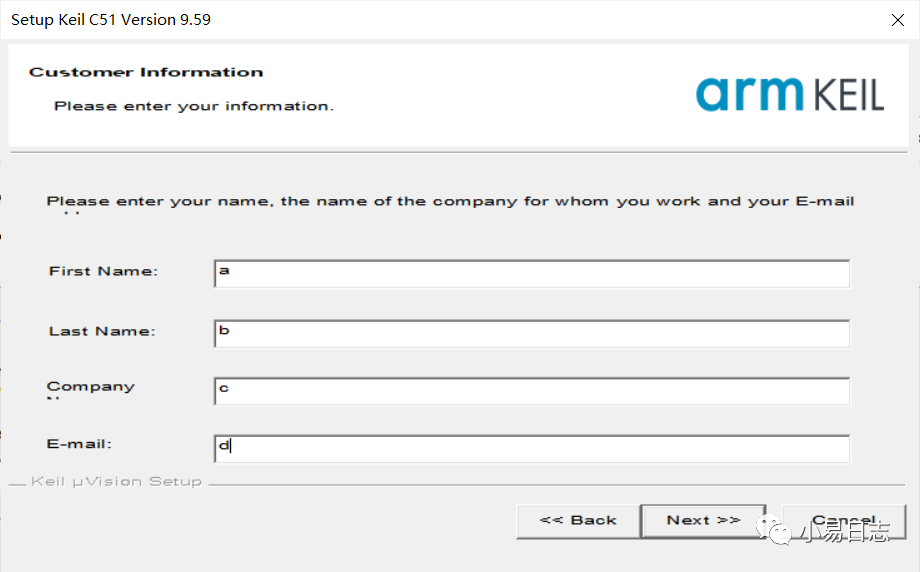
7. Enter any user information and click 【Next】
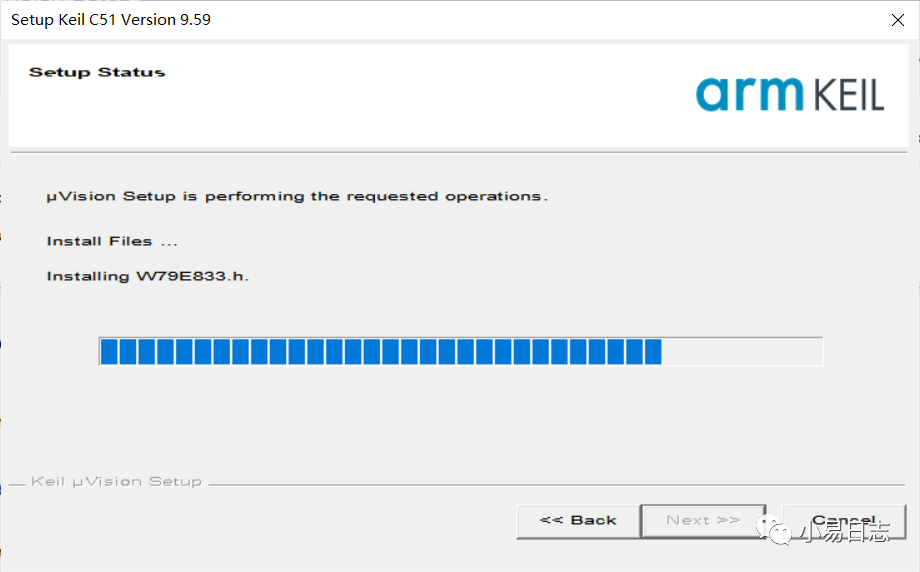
8. Installation in progress……
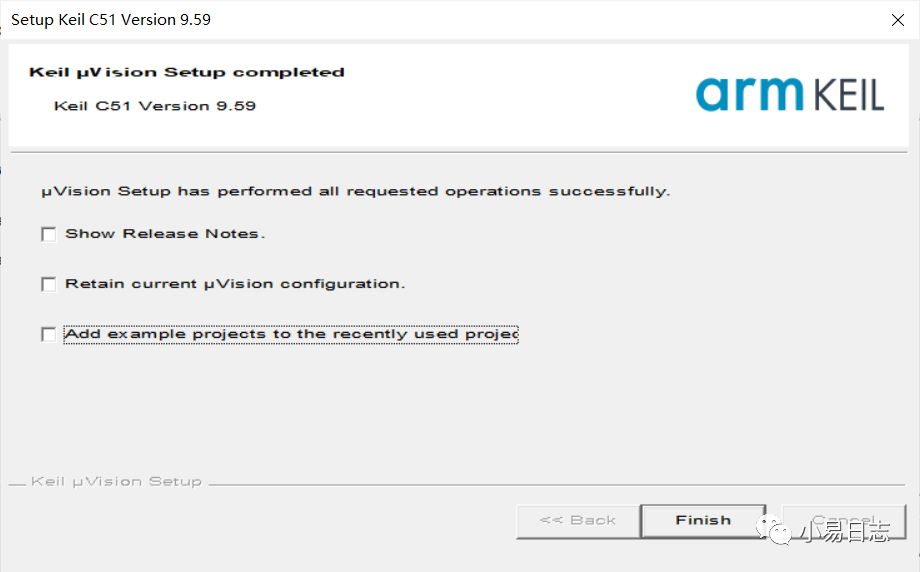
9. Uncheck all options and click 【Finish】
Activation Steps
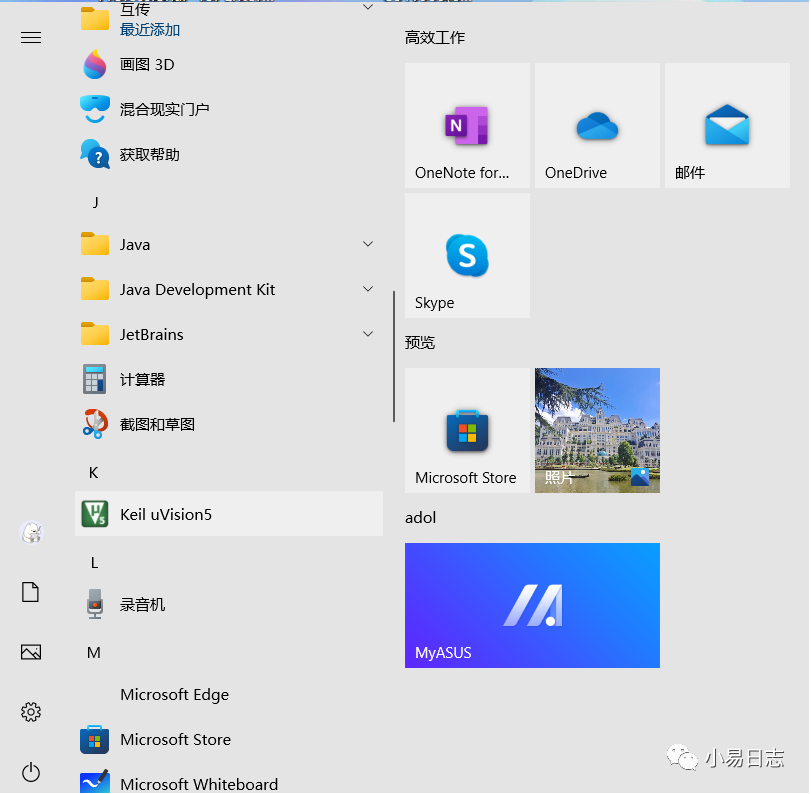
1. In the system start menu, click 【Keil uVision5】 to open the software
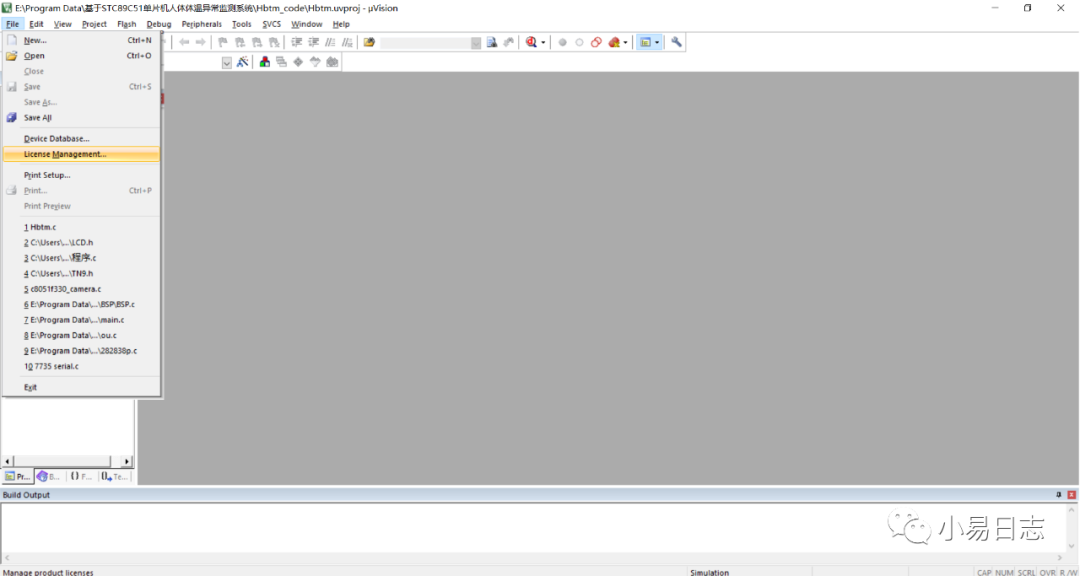
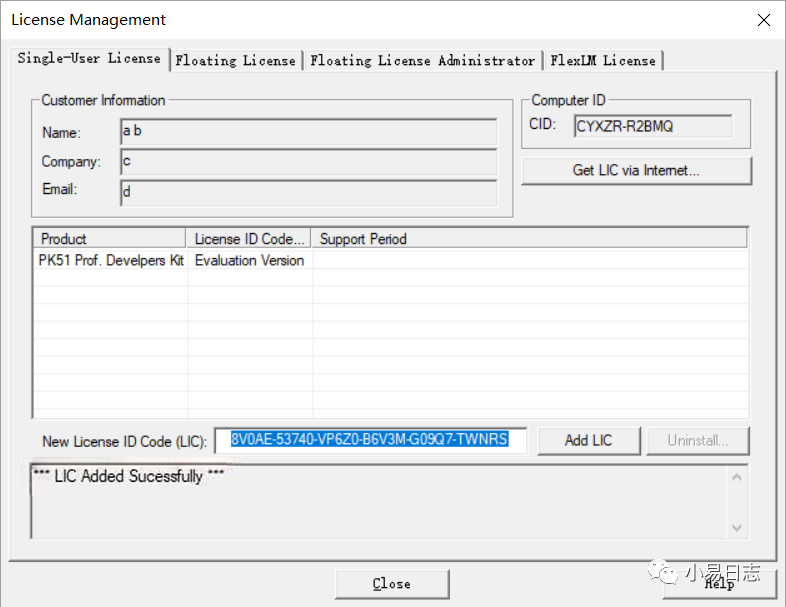
2. Click 【File】 and select 【License Management…】 from the dropdown menu
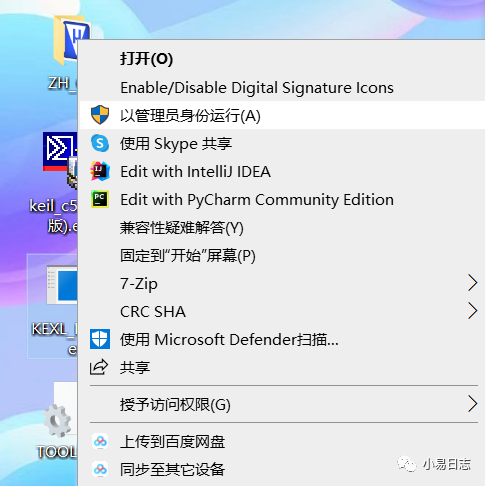
3. Disable the system antivirus engine, return to the extracted files, right-click to run 【KEIL_Lic.exe】 as administrator
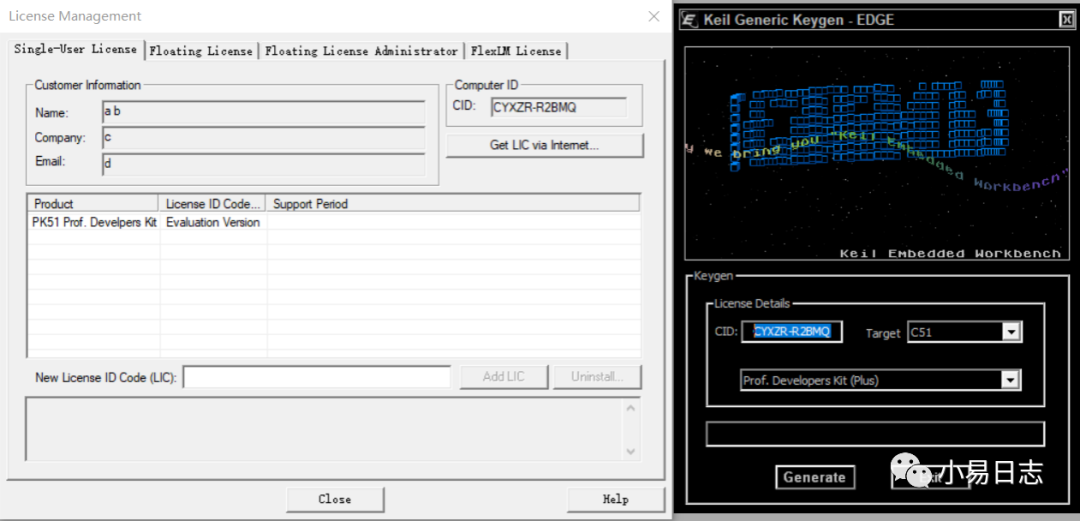
4. Copy the content of 【CID】 in 【License Management】 to the CID field in the key generator
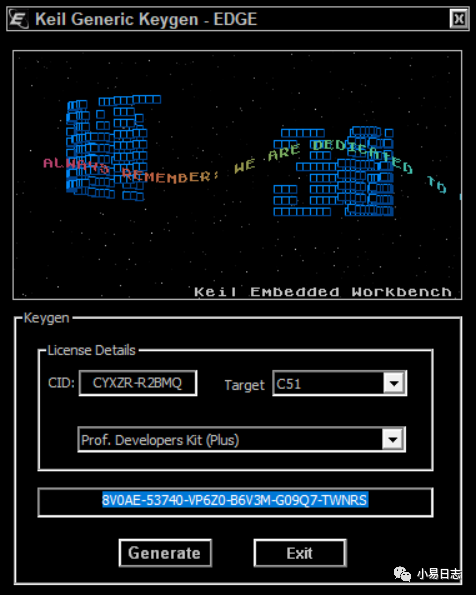
5. Click 【Generate】 to obtain the activation code
6. Copy the obtained activation code into the 【New License ID Code (LIC)】 field in 【License Management】
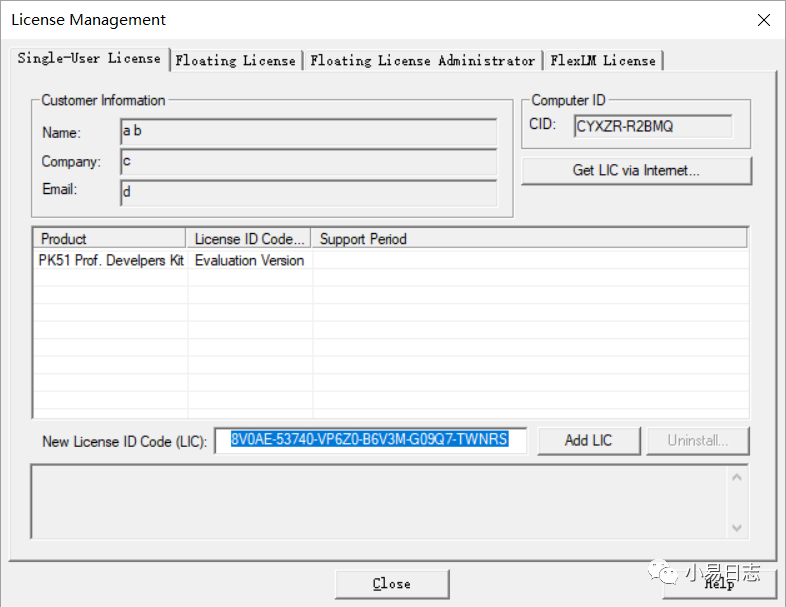
7. Click 【Add LIC】, after receiving the Successfully message, click 【Close】
Localization Steps
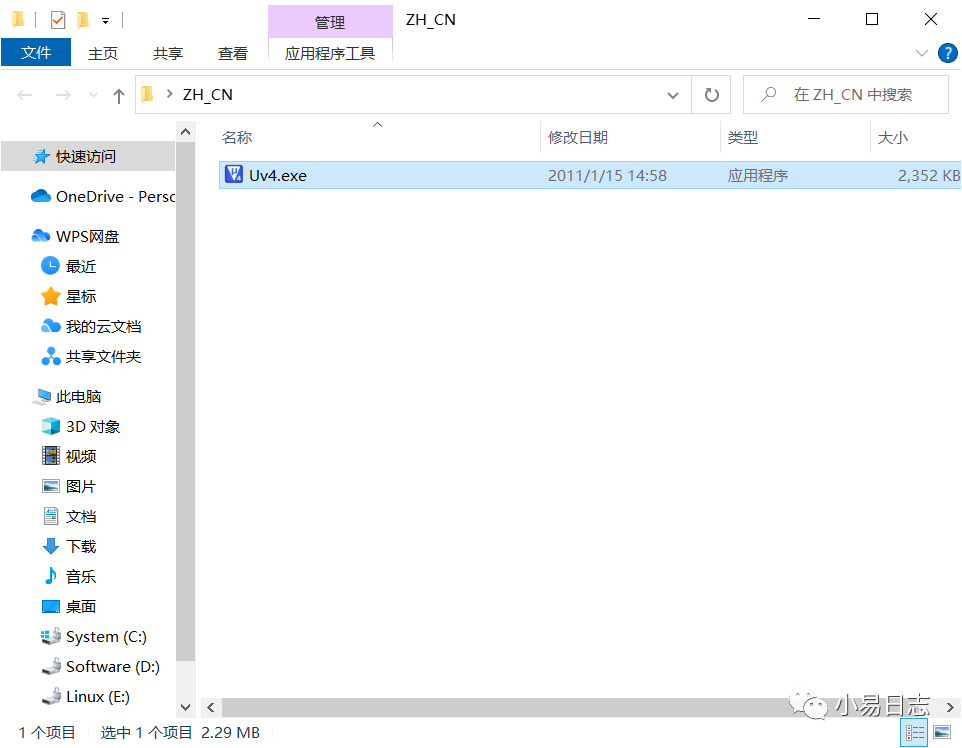
1. Close the software, return to the extracted 【ZH_CN】 folder, and press Ctrl+C to copy 【Uv4.exe】
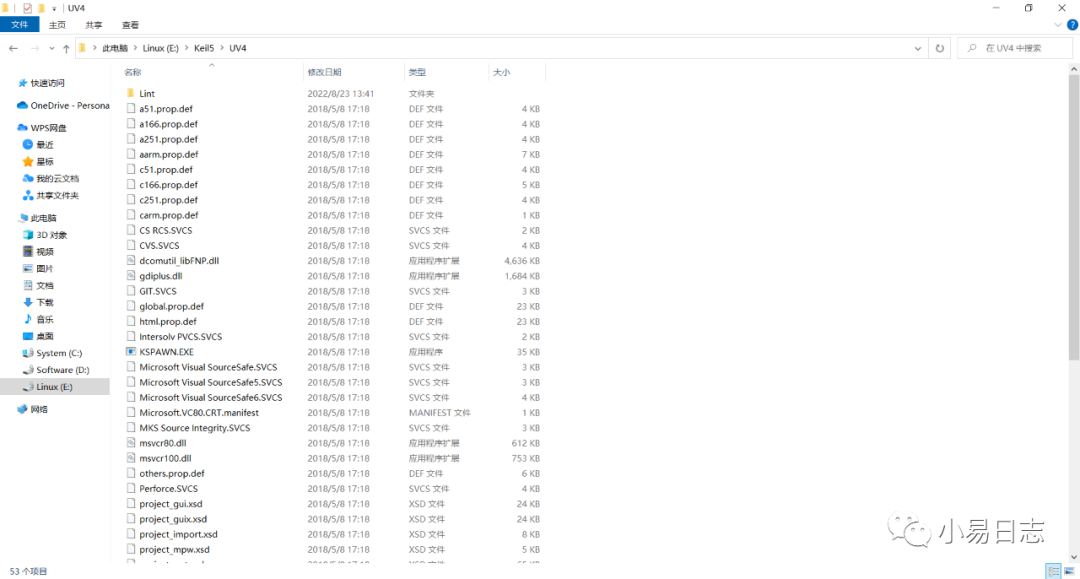
2. Go back to the software installation directory under the 【UV4】 folder, and press Ctrl+V to paste the copied content from the previous step
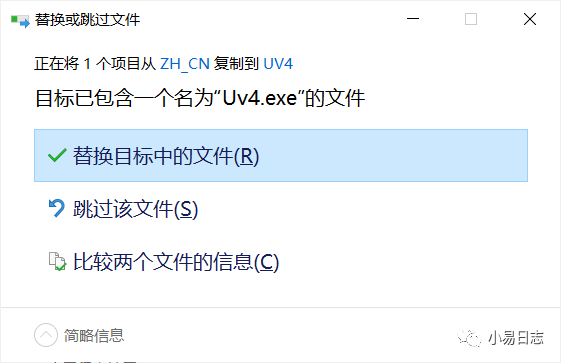
3. Select 【Replace the files in the destination】
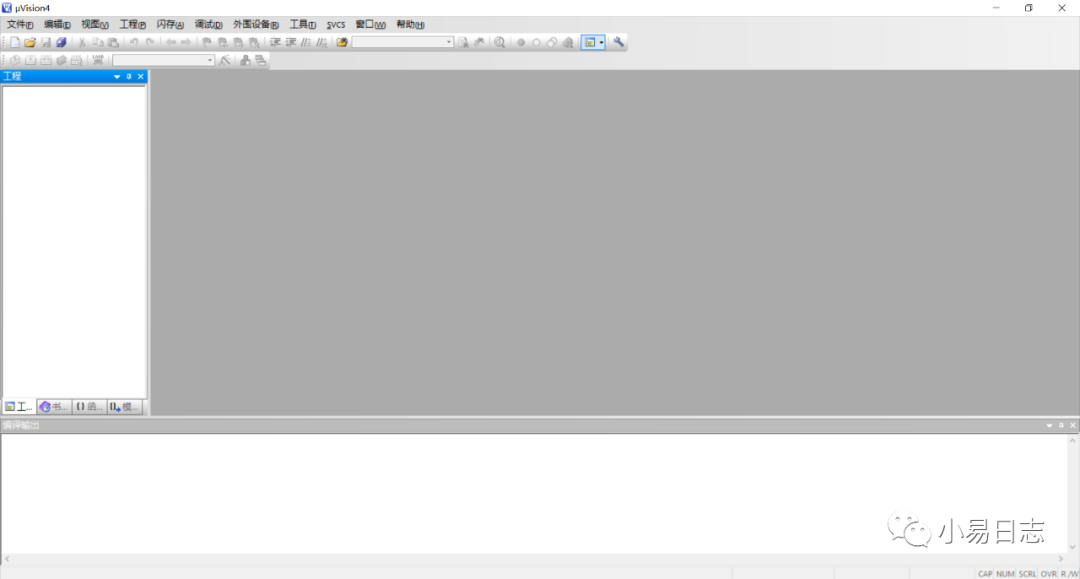
4. The software installation is successful, and the interface is as follows