WiFi Weather ClockWiFi Weather ClockProject Overview
The WiFi Weather Clock: This project is made using the ESP32 and ST7789-LCD color screen, capable of displaying real-time time, weather, temperature and humidity, air quality index, wind speed, wind direction, etc. The center of the screen can also display an animation, and by long-pressing a button, different animation effects can be switched. Suitable scenarios: home desktop decoration, student dormitory study tool, office desktop embellishment, and great gift options.
Wiring Diagram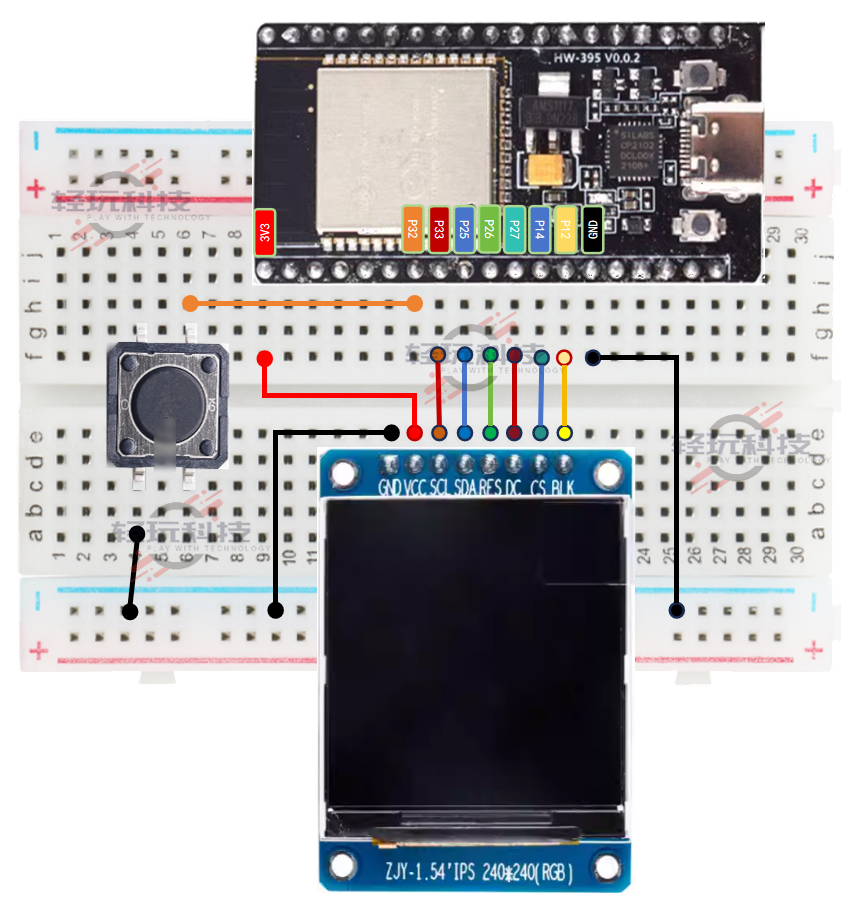 Materials List#01 ESP32 Board x1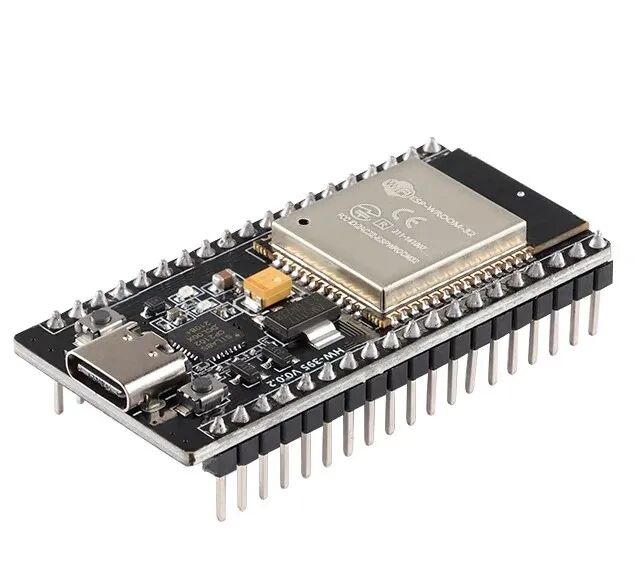
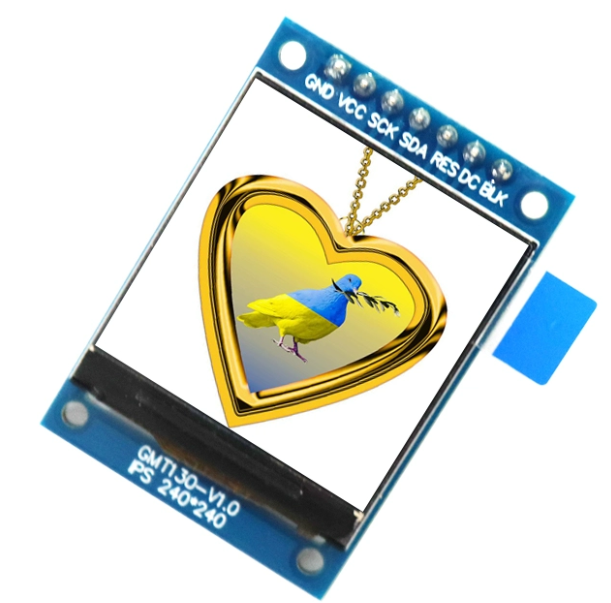 #02 ST7789-LCD Screen x1#03 Button x1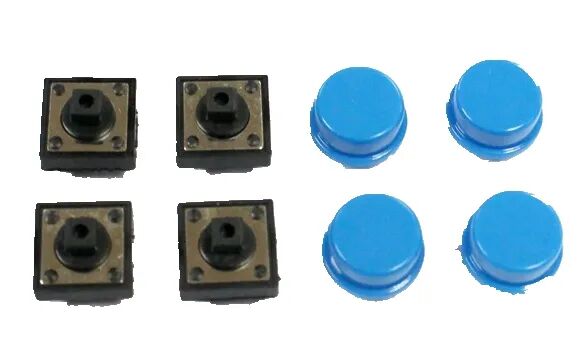
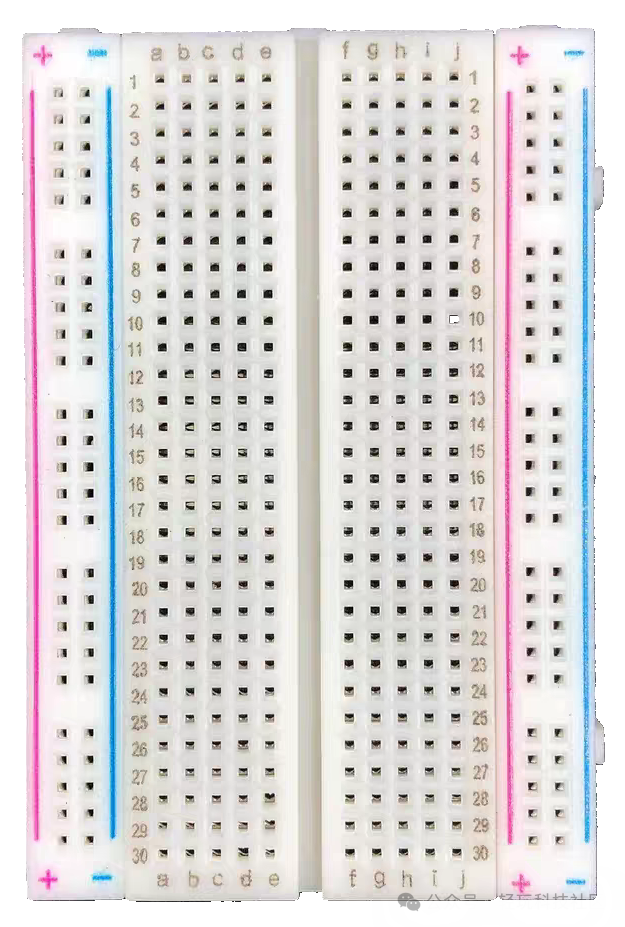 #04 Breadboard x1#05 Breadboard Jumper Wires x1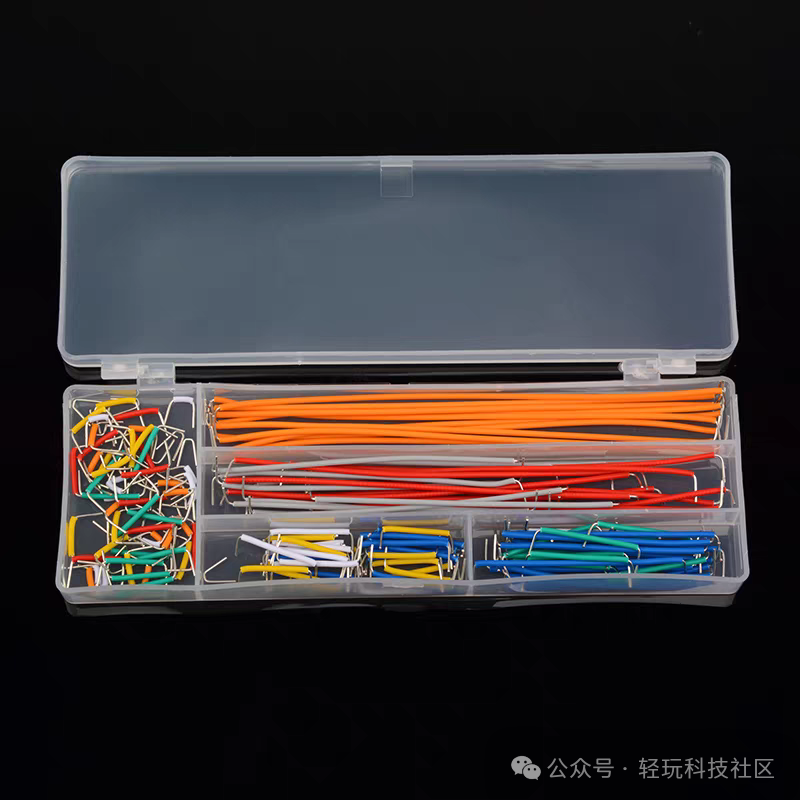
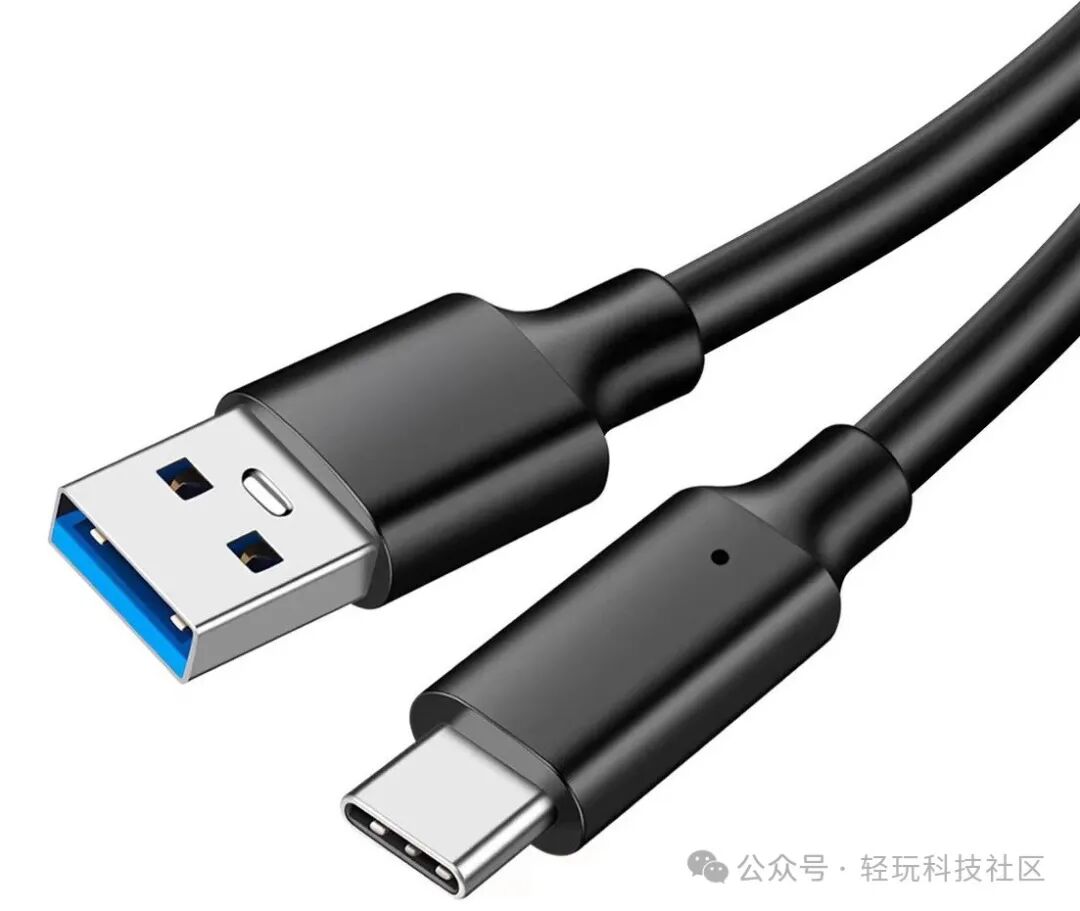 #06 Type-C Data Cable x1#07 OTG Adapter x1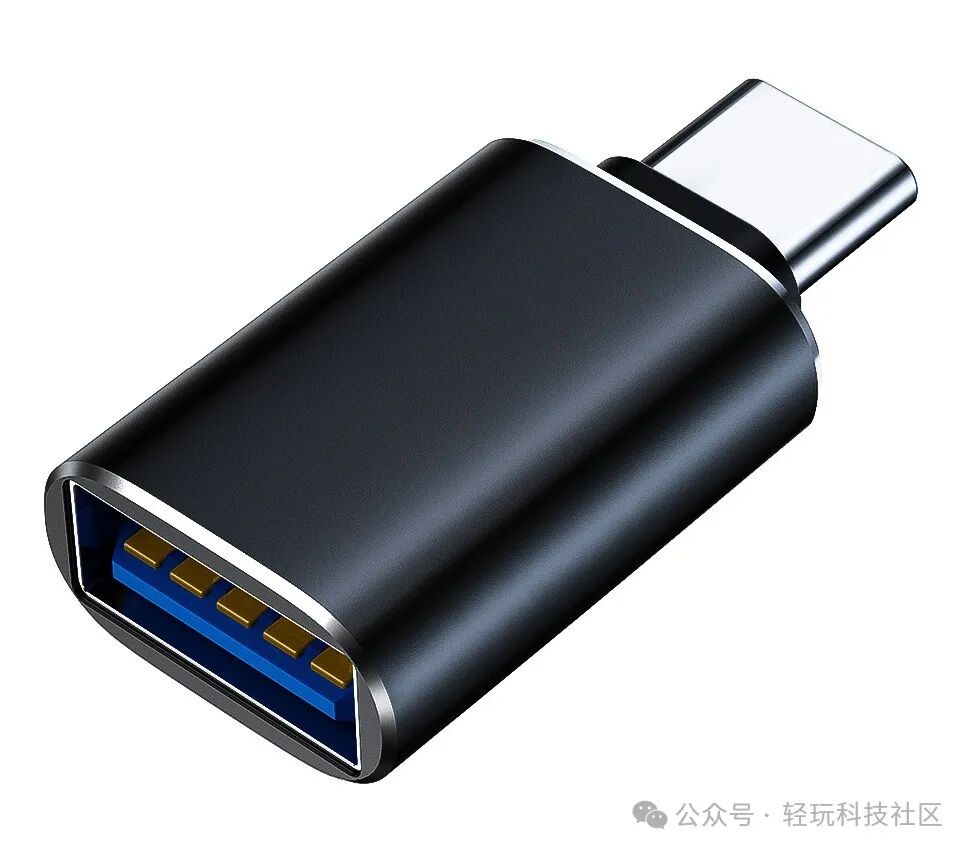
 Scan to OrderModule Explanation
1.ESP32 Board: Responsible for connecting to WiFi and obtaining network data
2.ST7789-LCD Screen: Responsible for displaying network data (weather, time, various indices) in real-time
3.Button: Set animation effects, reconfigure network
4.Breadboard: Holds components, circuit connections
5. Jumper Wires: Responsible for connecting circuits
6. Type-C Data Cable: Power supply, program download
7. OTG Adapter: Converts standard USB interface to Type-C interface
Essential Knowledge
The essential foundational course for IoT project practical training is the same, using the weather clock as an example for explanation.
Project Production
Firmware Program
Copy the following URL into your browser
diy666.cn/a6


Scan QR Code
 Follow Us