MSS Fossen refers to the Marine Systems Simulator (MSS), which is a Matlab and Simulink library used for marine system control design.If you want to configure this library, you first need to download the MSS library. If you don’t have a VPN or other tools, the download may not be very fast, so I have prepared it for you.
I have shared “MSS-master.zip” via a cloud drive; just copy the link to open and save it.
Link: https://pan.quark.cn/s/6eec962e8ca7
After downloading, unzip the file, naming it mss or any other name you are familiar with. The directory is as follows.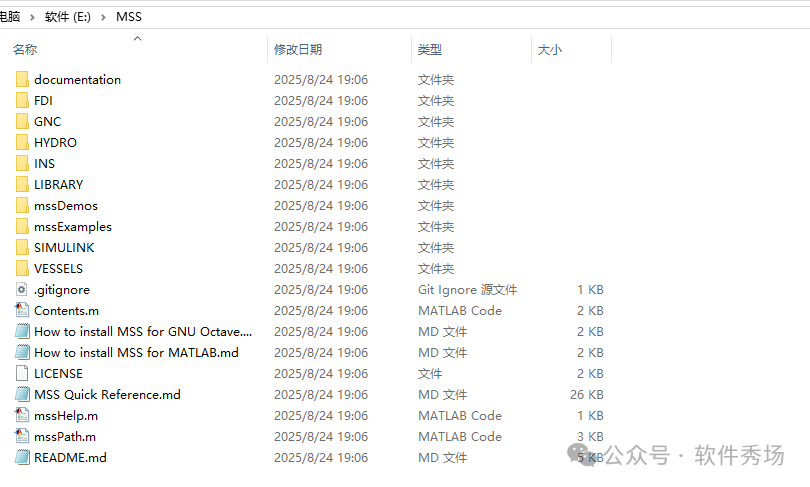 Then move the mss folder to the Matlab toolbox directory, and open Matlab, ensuring that the rectangular area is the path of mss,
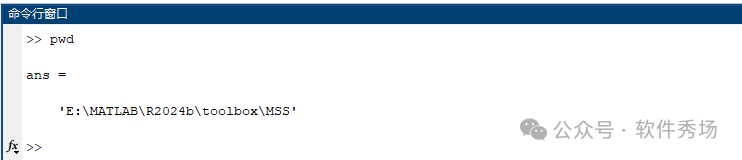
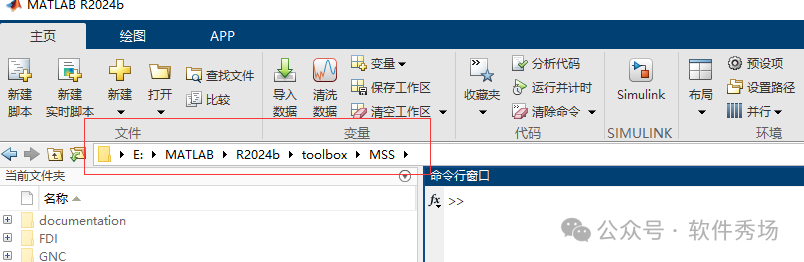 Then enter pwd in the command window to get the path
 Add the path by executing the following command
addpath(genpath(pwd))To save the path permanently, execute the following command
savepath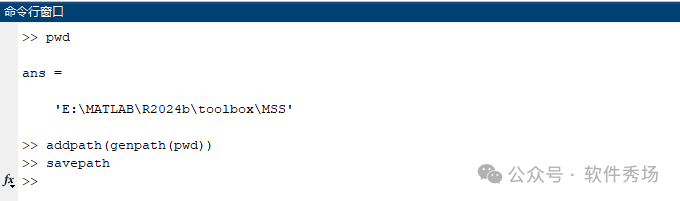 Continue by entering the following command to verify
mssPath You can also use the following command for testing; note the case sensitivity, but it will redirect to the help page, which may not open in China, just so you know.
mssHelpOn the left side, click in order by number, find it, right-click to open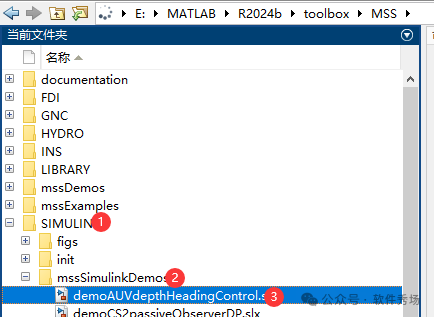 This will pop up these
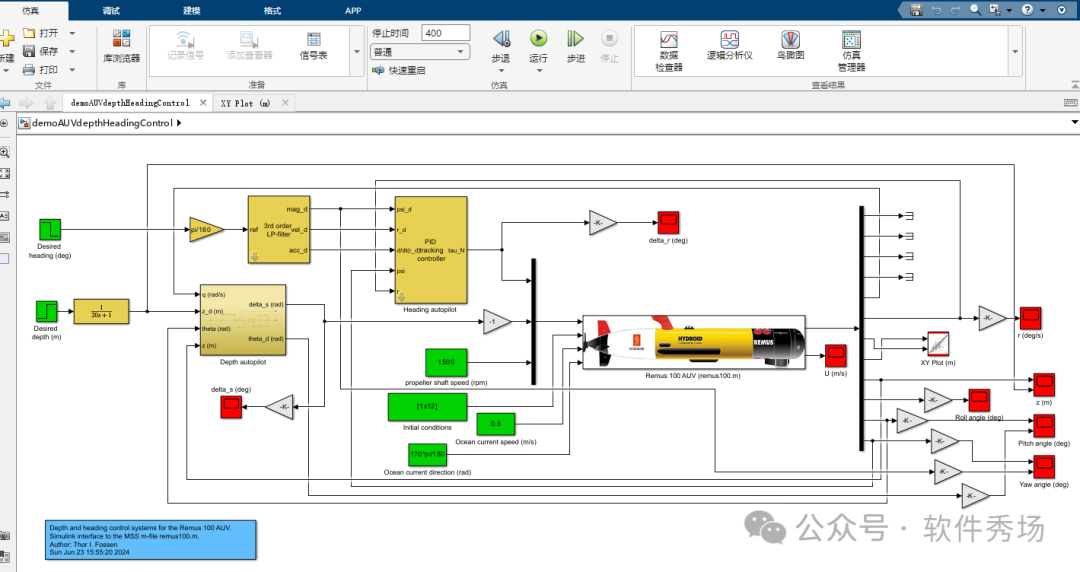 Of course, you may encounter some warnings or version compatibility issues,
 Find the menu bar, presets, and then set it according to the image below.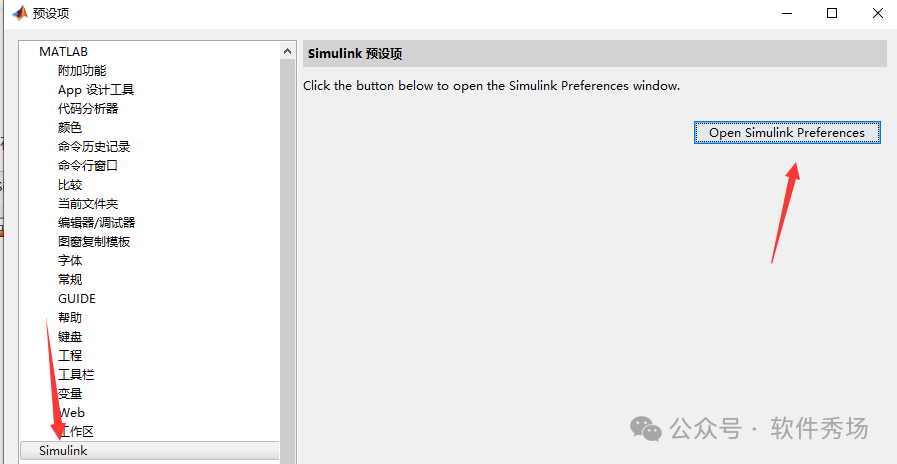
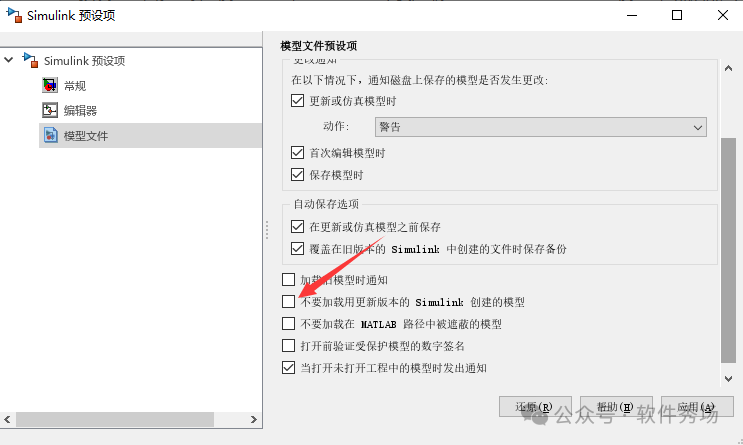
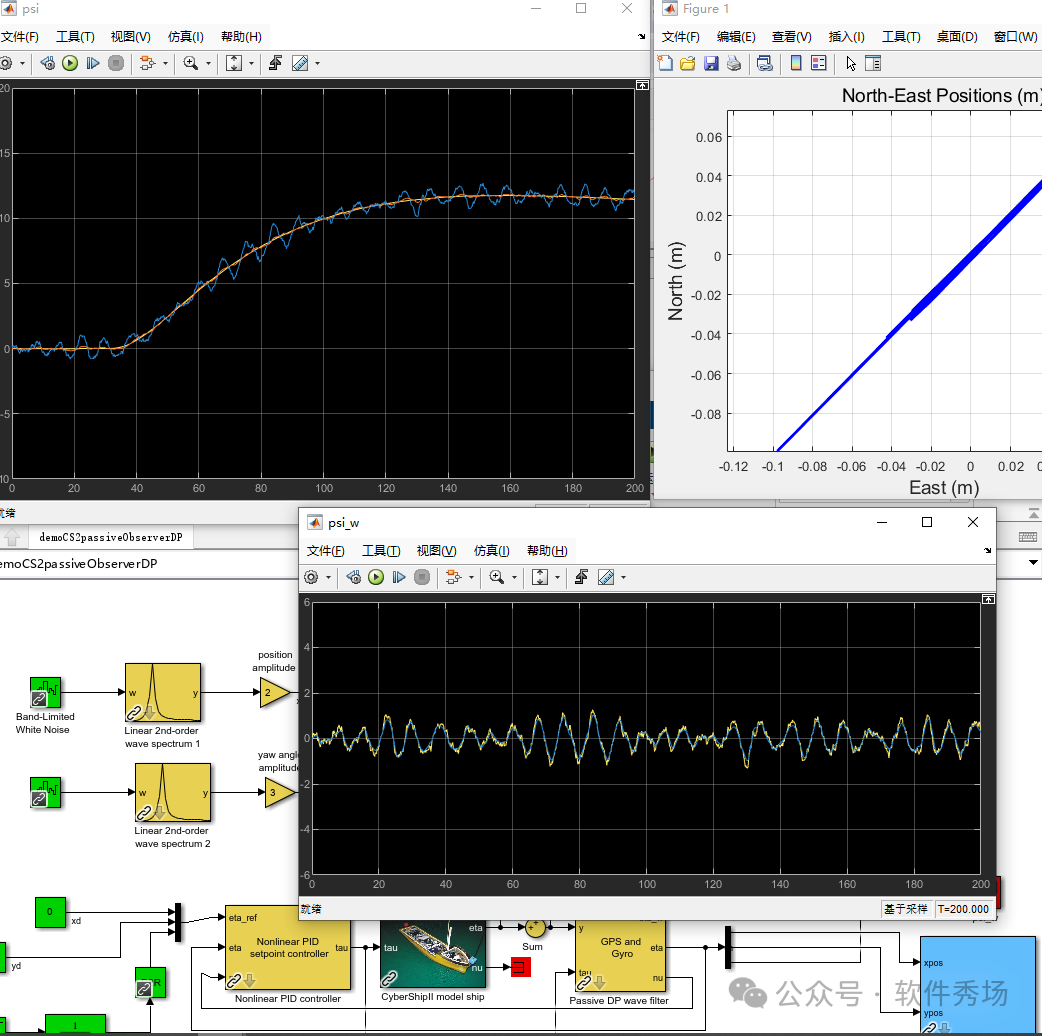 Alright, that’s it for now; try to use this library version 2024 or above.