Installing an Open Source Virtualization Platform on ARM Servers (With Images)

Installing an Open Source Virtualization Platform on ARM Servers (With Images)

1. Background

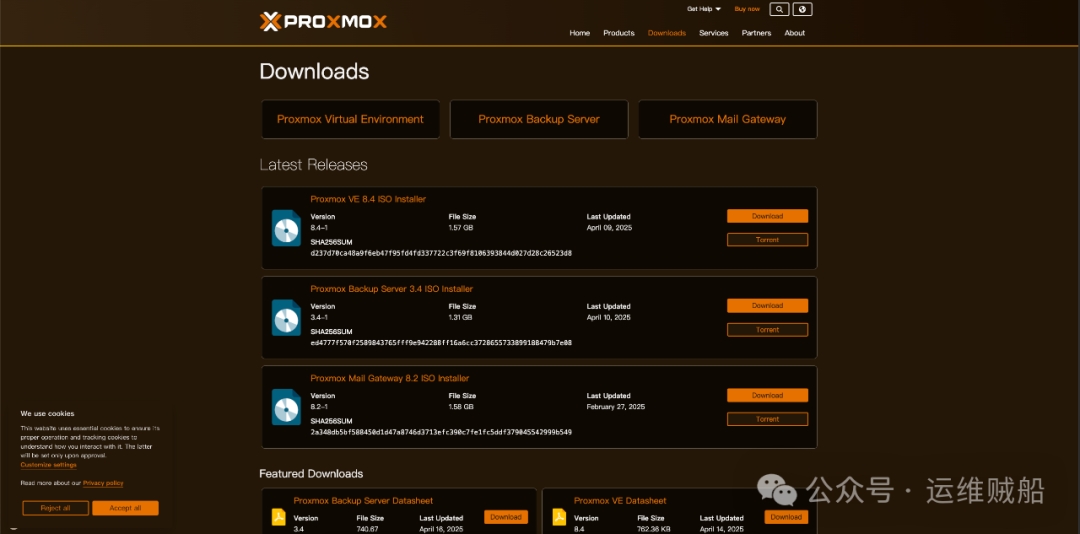
Recently, I have been researching virtualization software for ARM servers, but I found that there are basically no free virtualization platforms available in the ARM ecosystem. However, I recently discovered a virtualization platform software called Proxmox VE, and on its GitHub open-source project, I found an ISO image file that supports ARM CPUs (it seems that due to it being a test version, there is no entry on the official website; I will provide the download link at the end of the article).

There is no entry for the ARM version on the Proxmox VE platform:
Installing an Open Source Virtualization Platform on ARM Servers (With Images)

2. Description

I previously tested an ARM version of the Proxmox VE ISO file, version 8.2, but it is no longer available on the platform and has been replaced by the PXVIRT project.

3. PVE

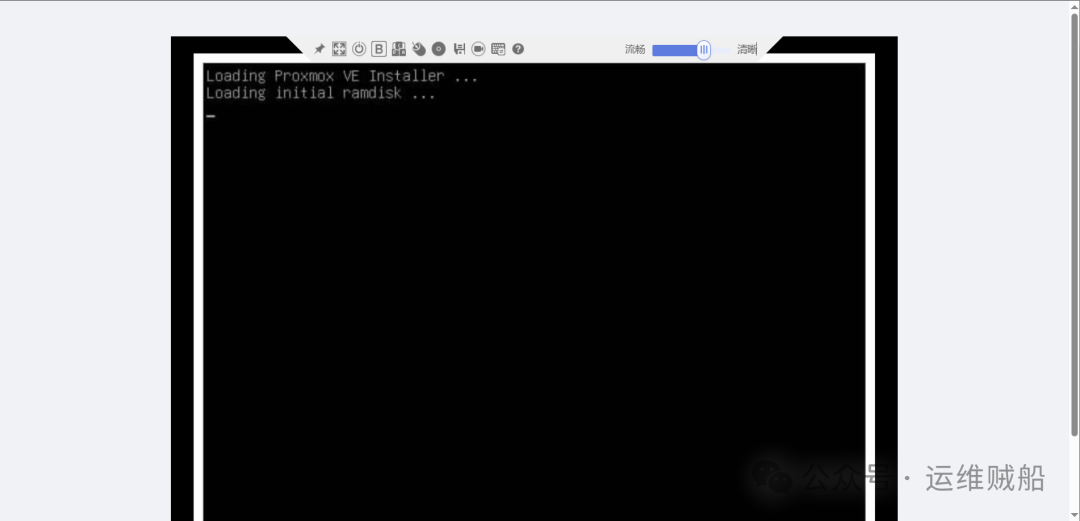
For the PVE installation process, I first used the server’s built-in iBMC manager to remotely install by mounting the ISO image file (to avoid going to the server room).
Installing an Open Source Virtualization Platform on ARM Servers (With Images)

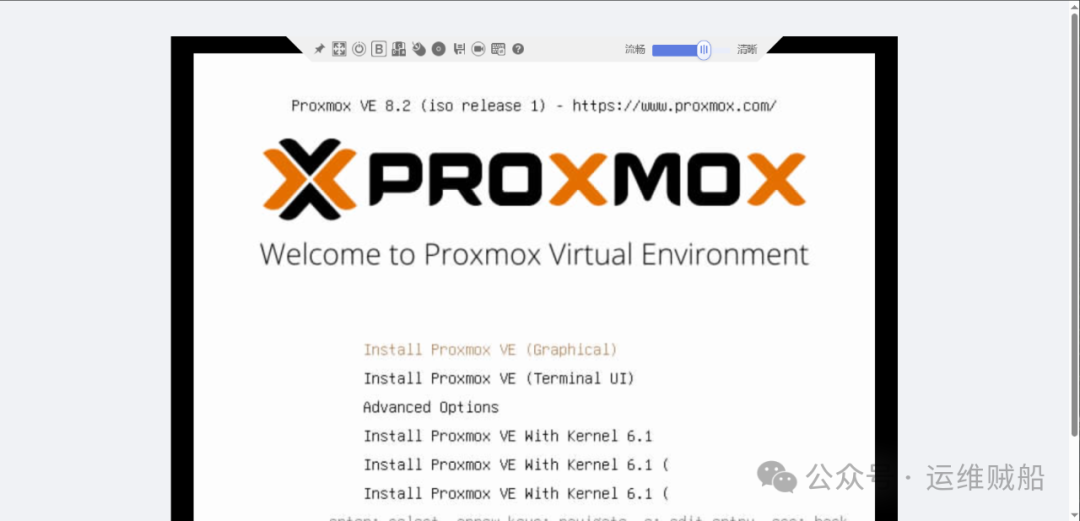
Select the first option to install using the graphical interface.
Installing an Open Source Virtualization Platform on ARM Servers (With Images)

Installing an Open Source Virtualization Platform on ARM Servers (With Images)

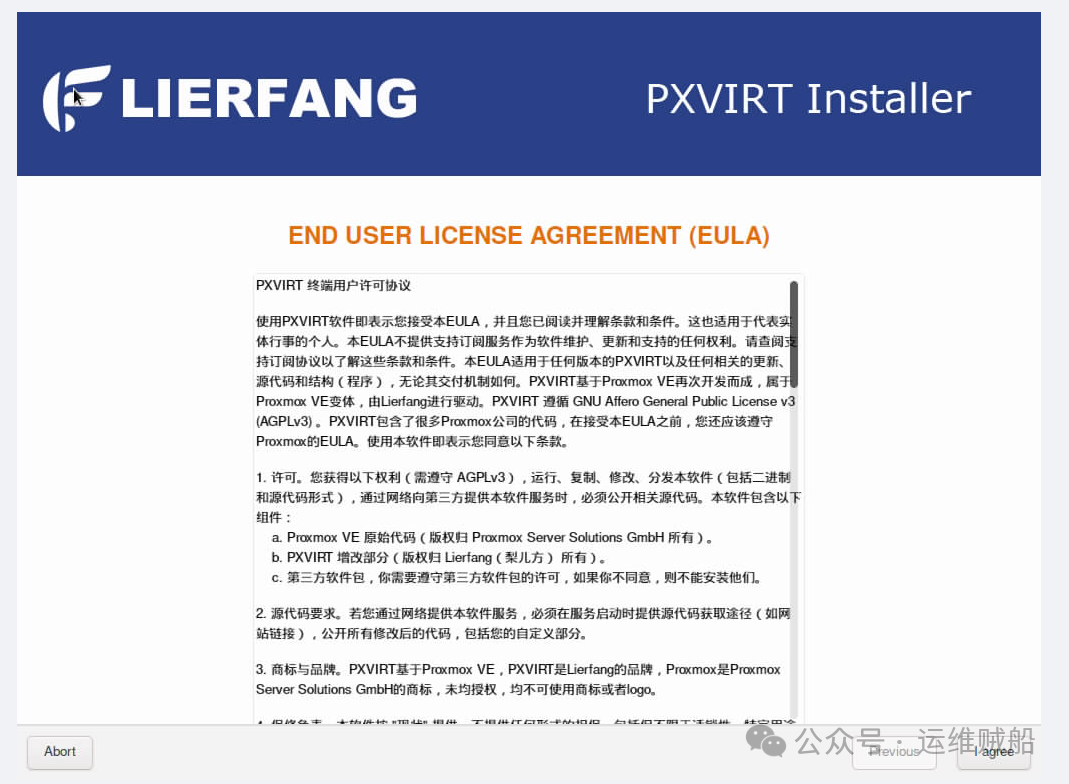
Click “I agree” to accept the agreement and proceed to the next step.

Installing an Open Source Virtualization Platform on ARM Servers (With Images)

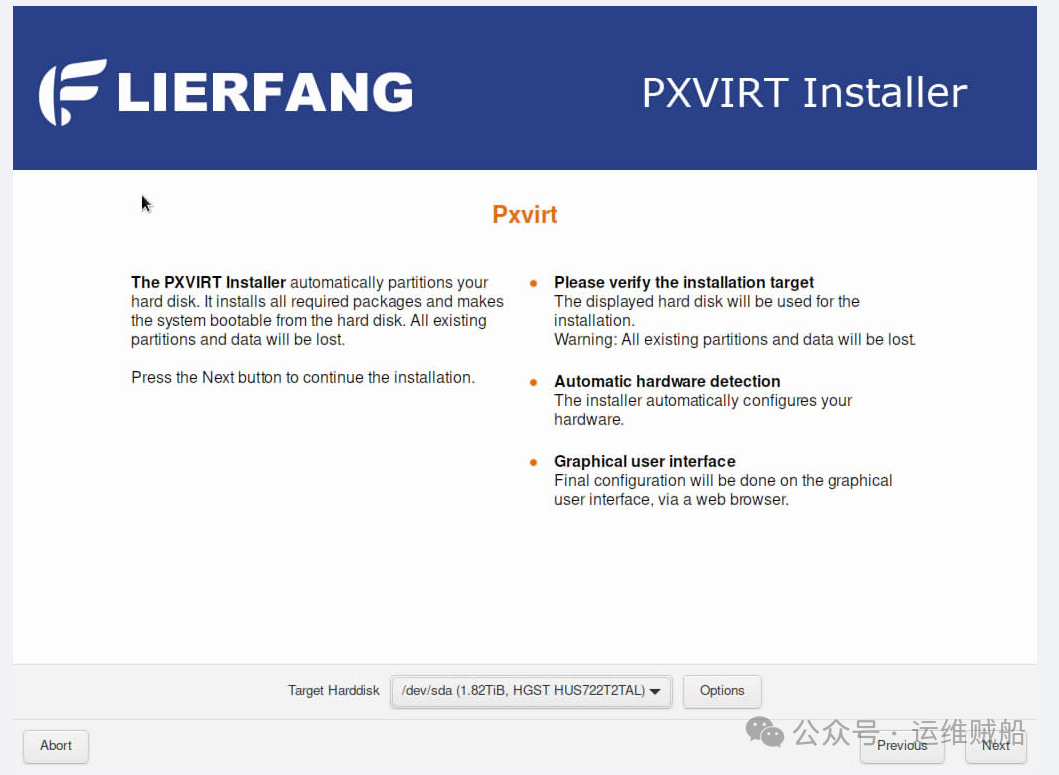
Select the hard drive for installation.

Installing an Open Source Virtualization Platform on ARM Servers (With Images)

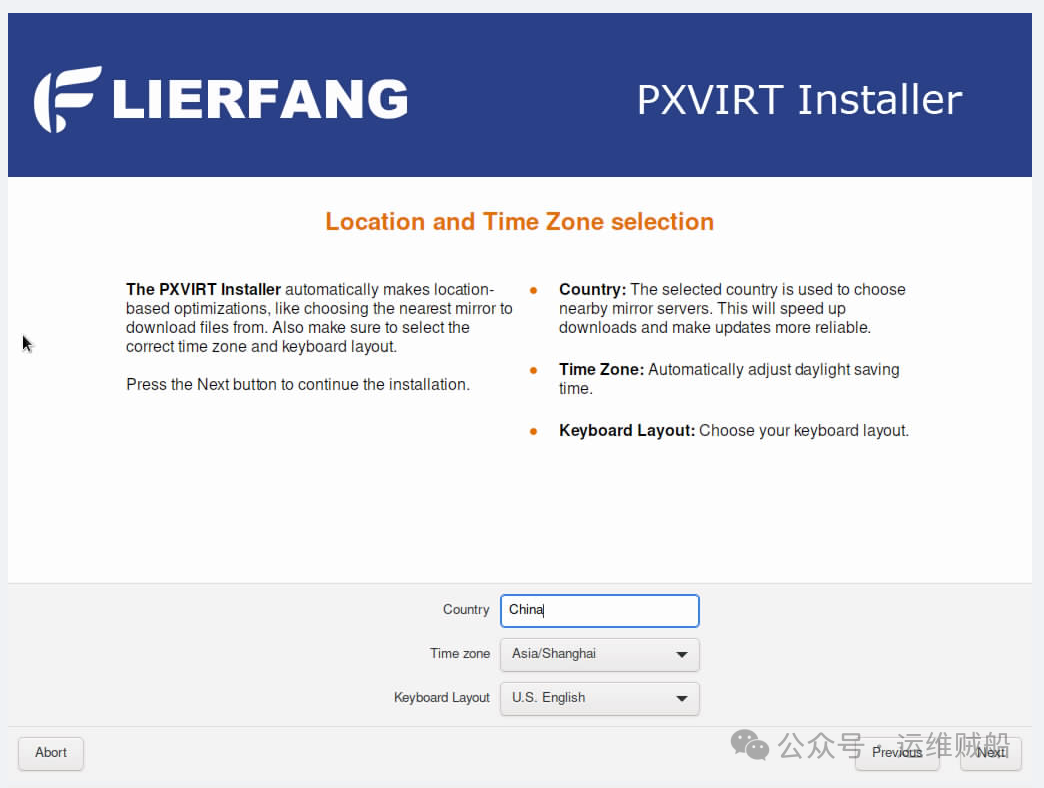
Select the country and time zone.

Installing an Open Source Virtualization Platform on ARM Servers (With Images)

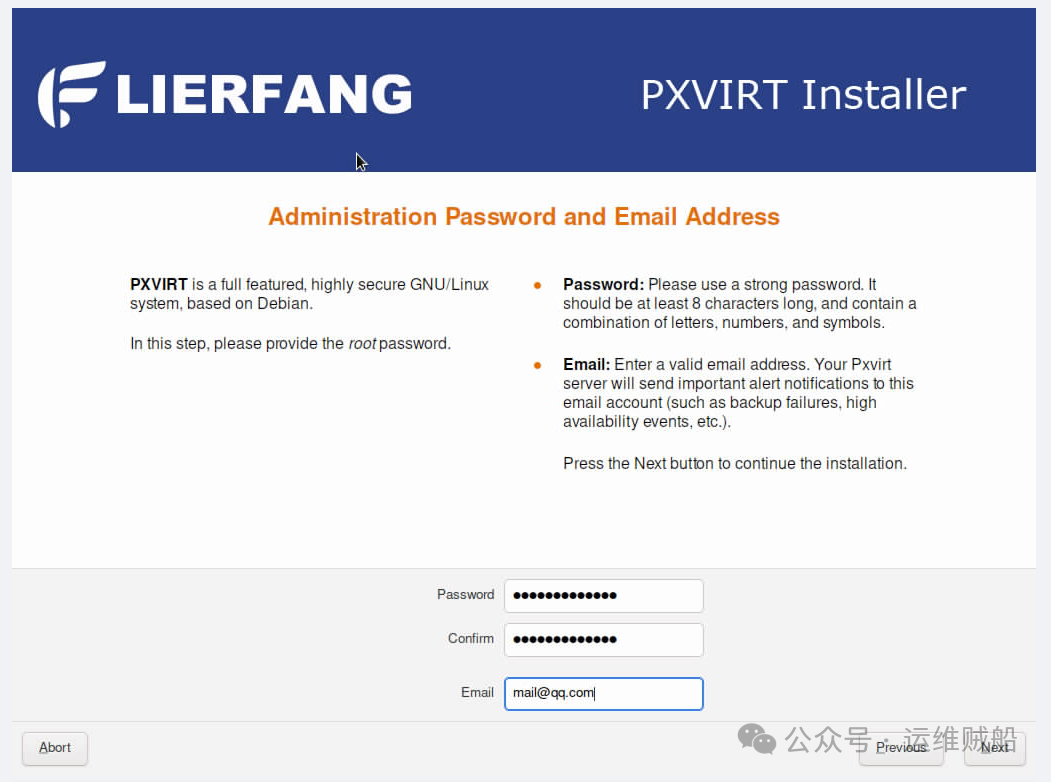
Enter the management platform password.

Installing an Open Source Virtualization Platform on ARM Servers (With Images)

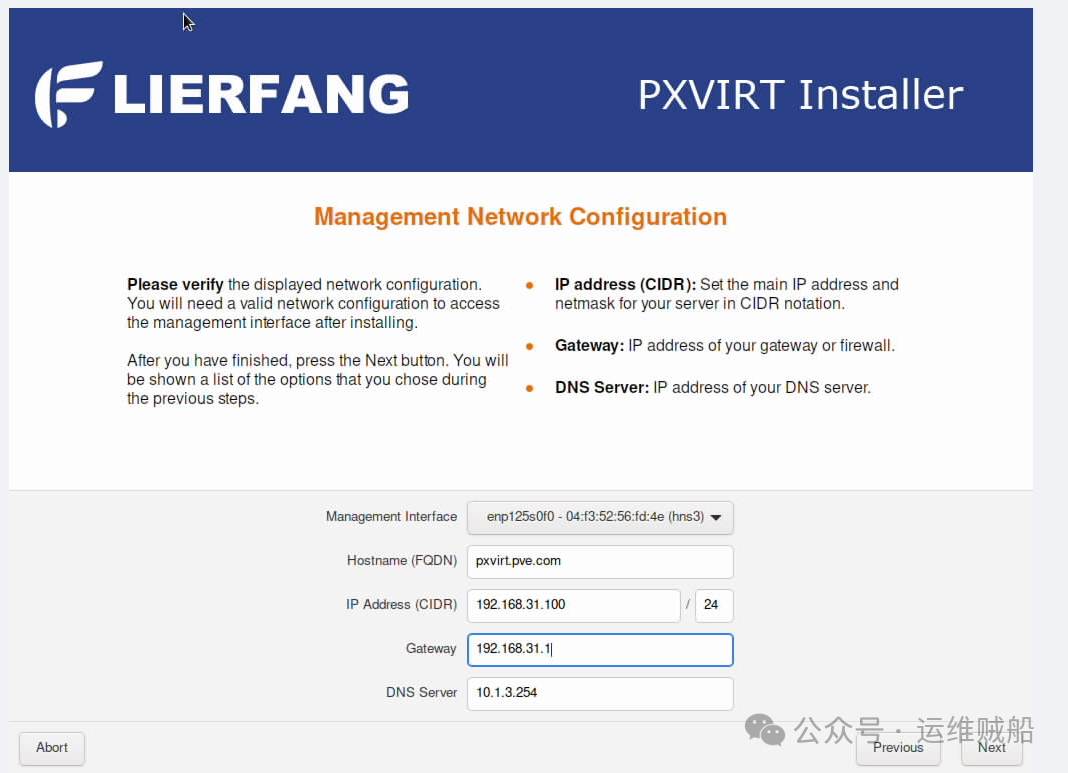
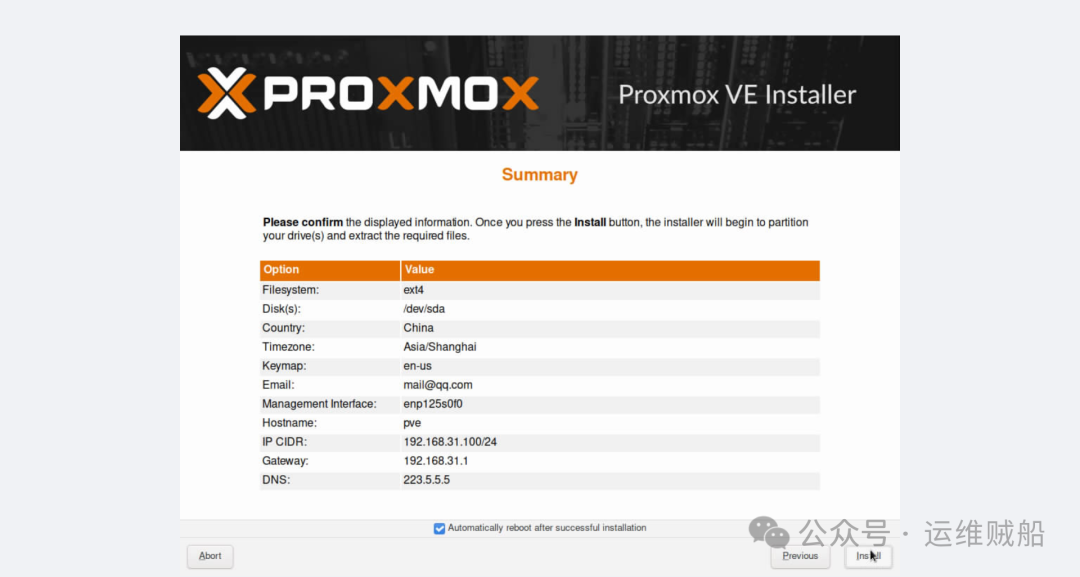
Specify the management network card and enter the management address:

Installing an Open Source Virtualization Platform on ARM Servers (With Images)

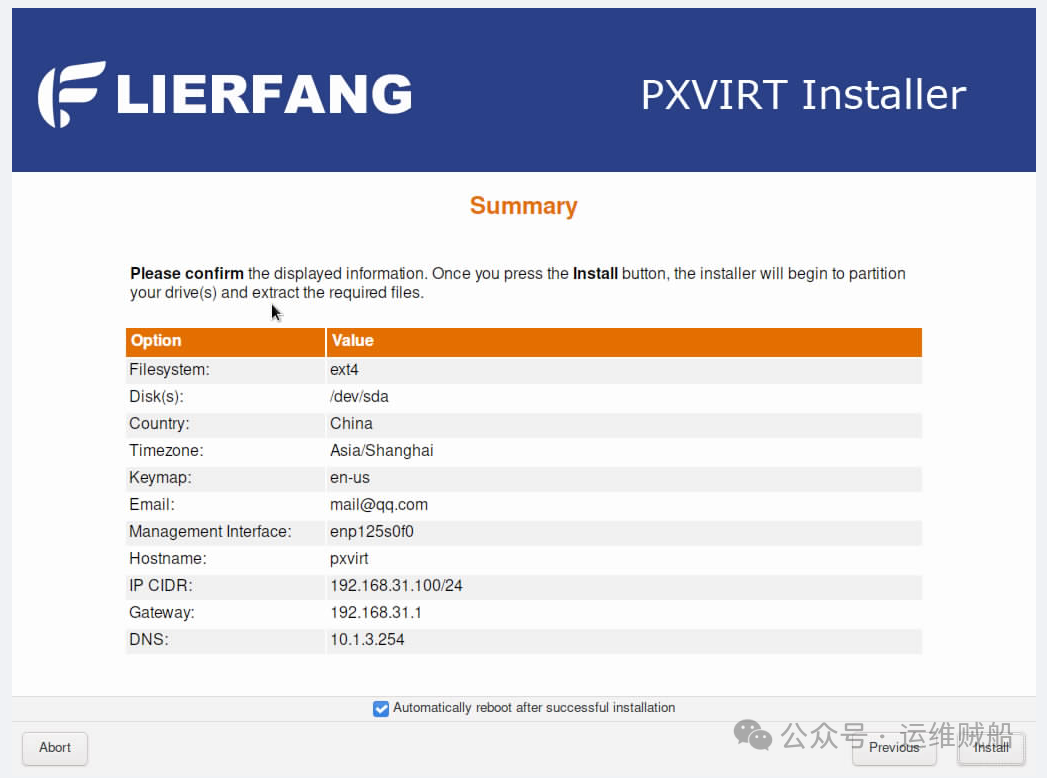
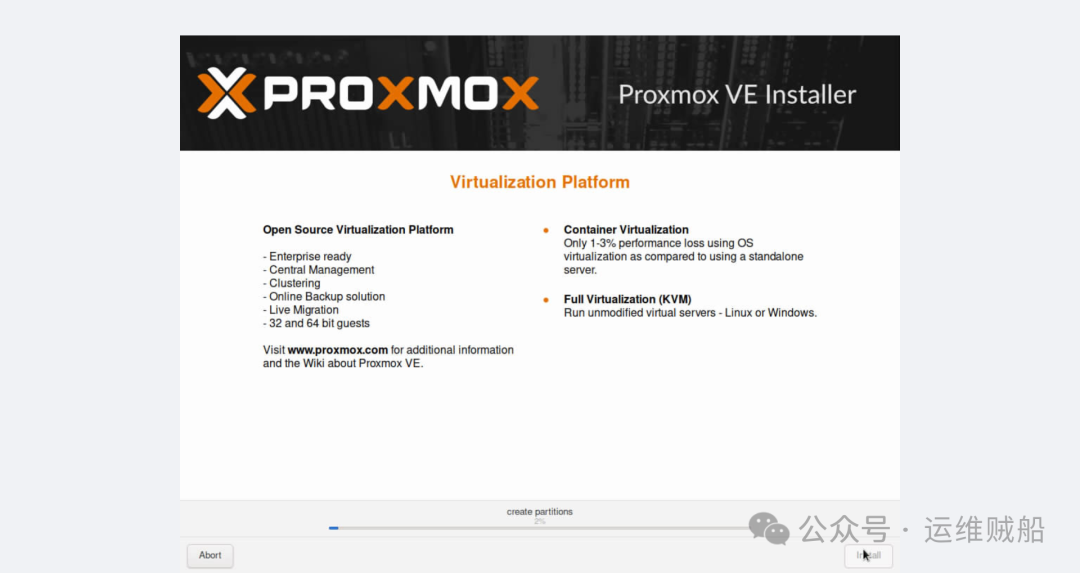
Click Install for fully automated installation.
Installing an Open Source Virtualization Platform on ARM Servers (With Images)

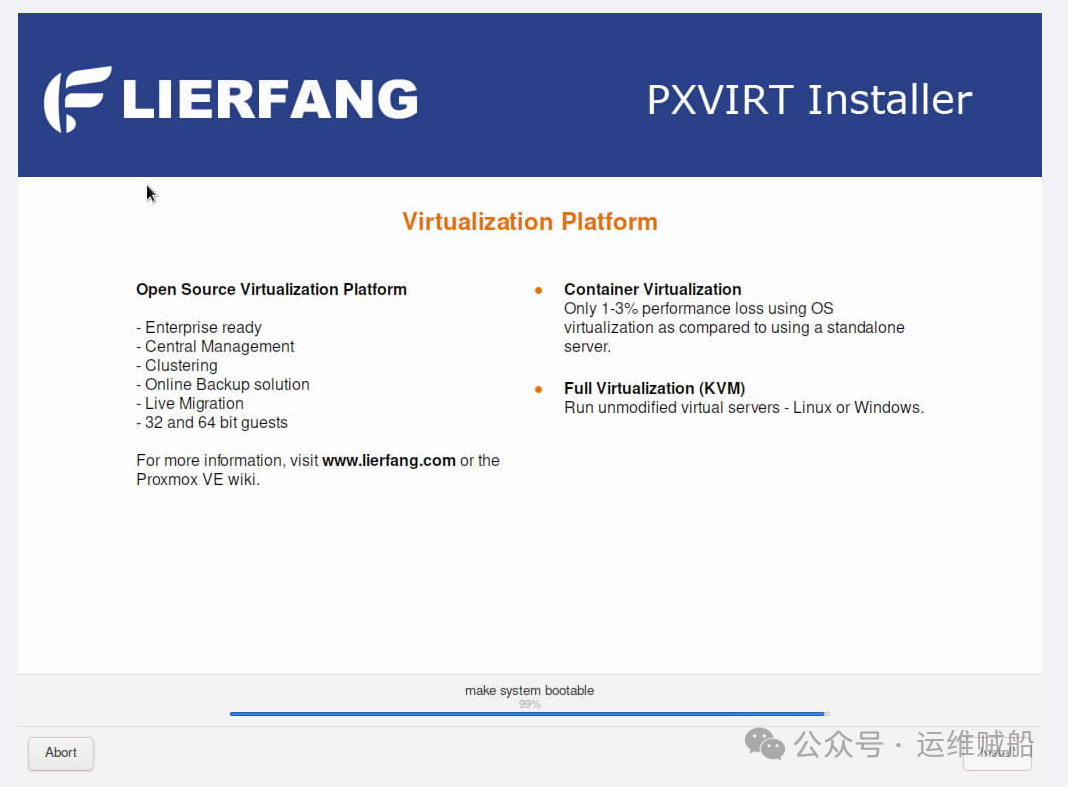
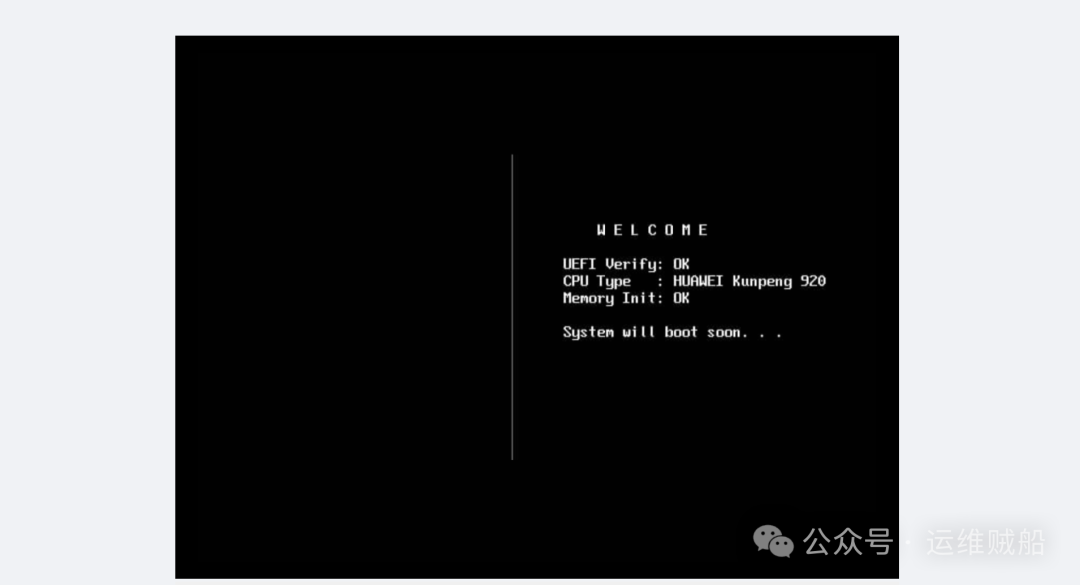
After the installation is complete, click Restart (if you check the auto-restart option, the system will restart automatically).
Installing an Open Source Virtualization Platform on ARM Servers (With Images)

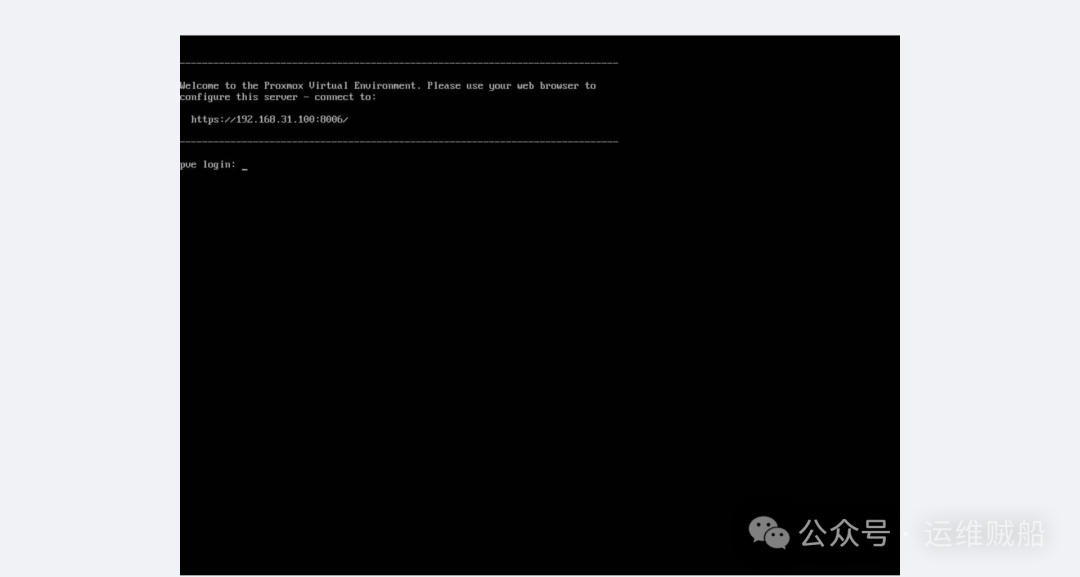
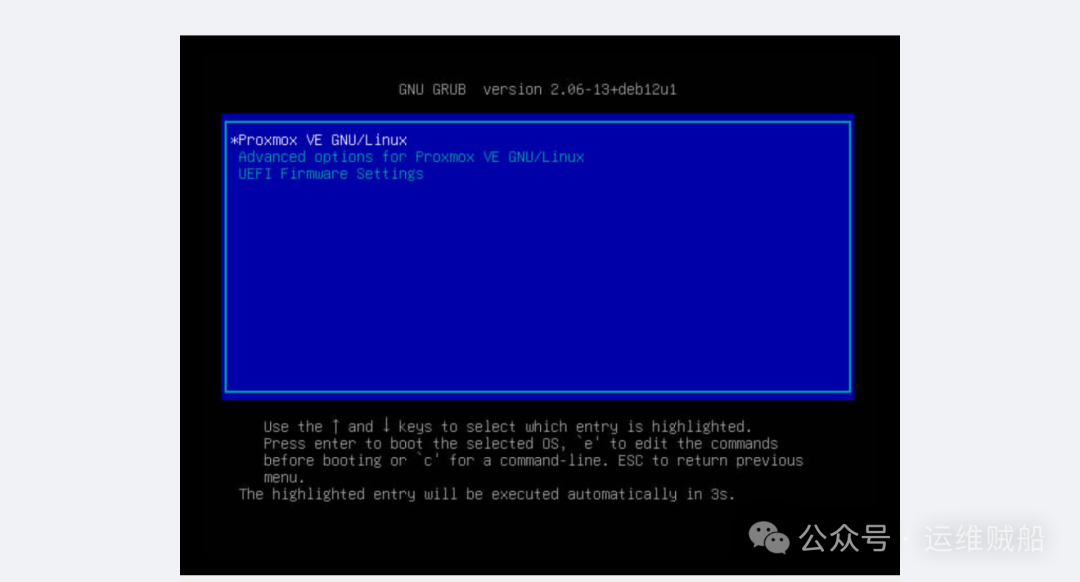
The system will automatically log in and guide you.
Installing an Open Source Virtualization Platform on ARM Servers (With Images)

Enter the management interface.

Installing an Open Source Virtualization Platform on ARM Servers (With Images)

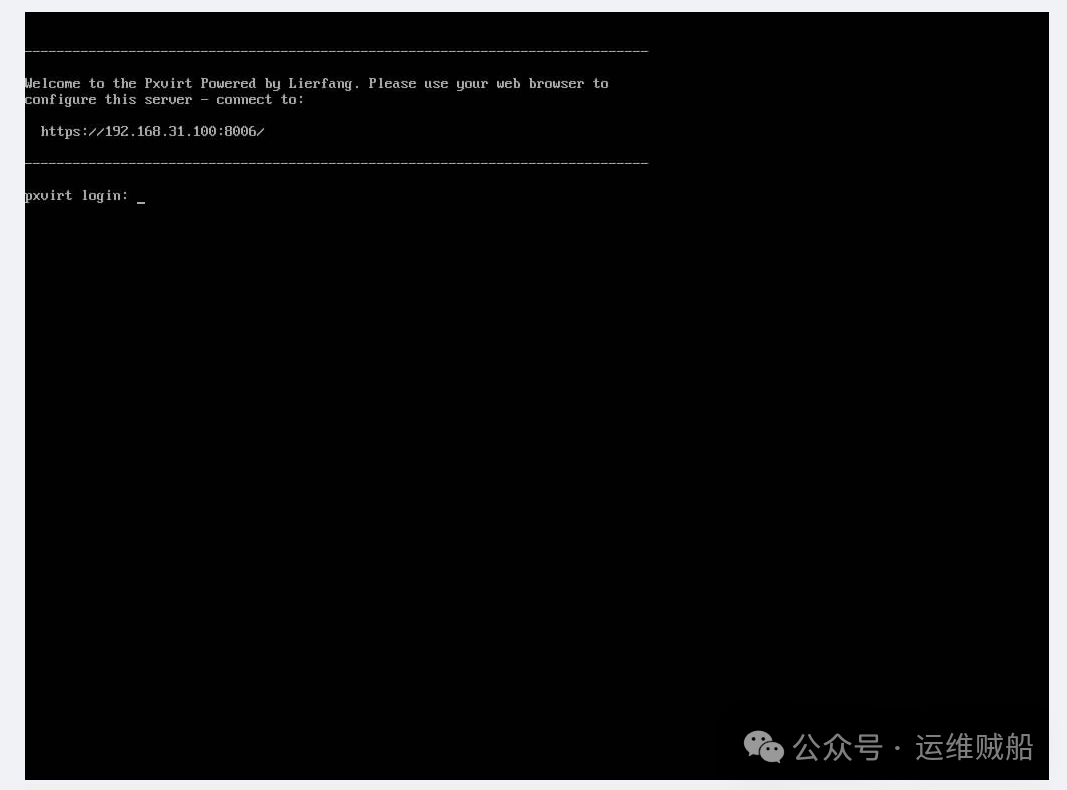
Use the address on the management interface to access the virtualization platform through a browser.
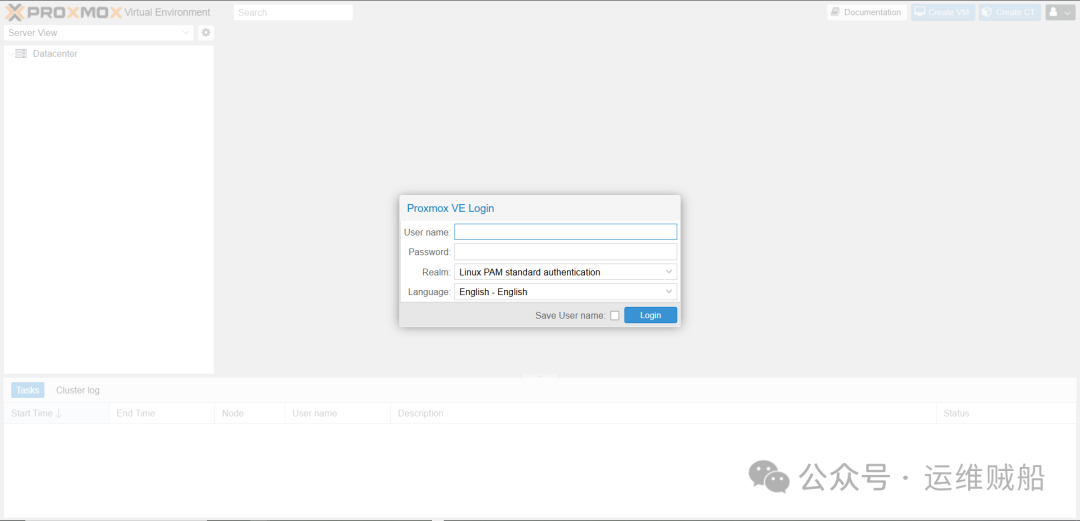
Installing an Open Source Virtualization Platform on ARM Servers (With Images)

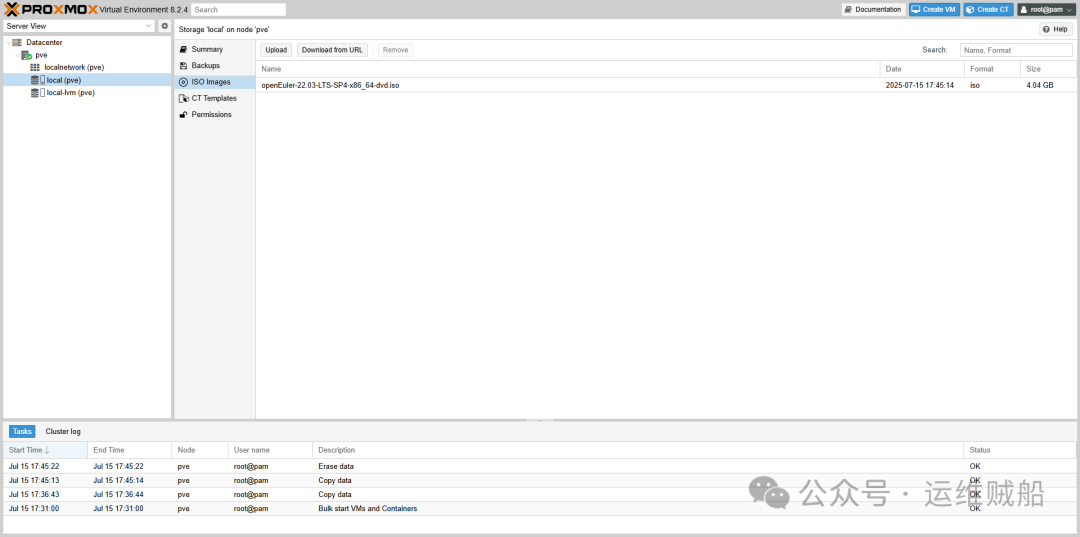
The management interface style is as follows:
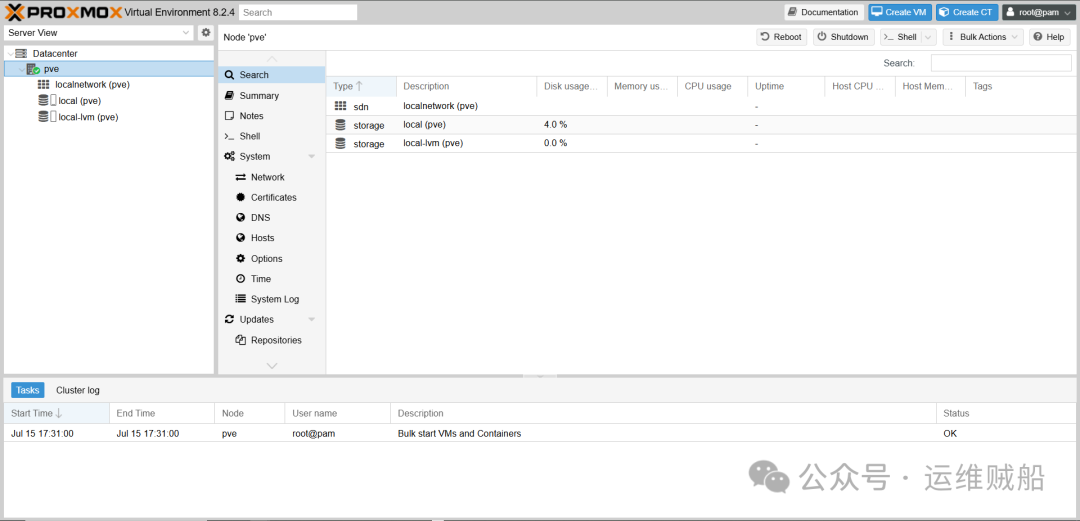
Installing an Open Source Virtualization Platform on ARM Servers (With Images)

4. PXVIRT

Due to the announcement regarding the original ISO download address, the original project has been frozen, and the project now points to the Pxvirt project. Therefore, download the ISO installation from the pointed address.
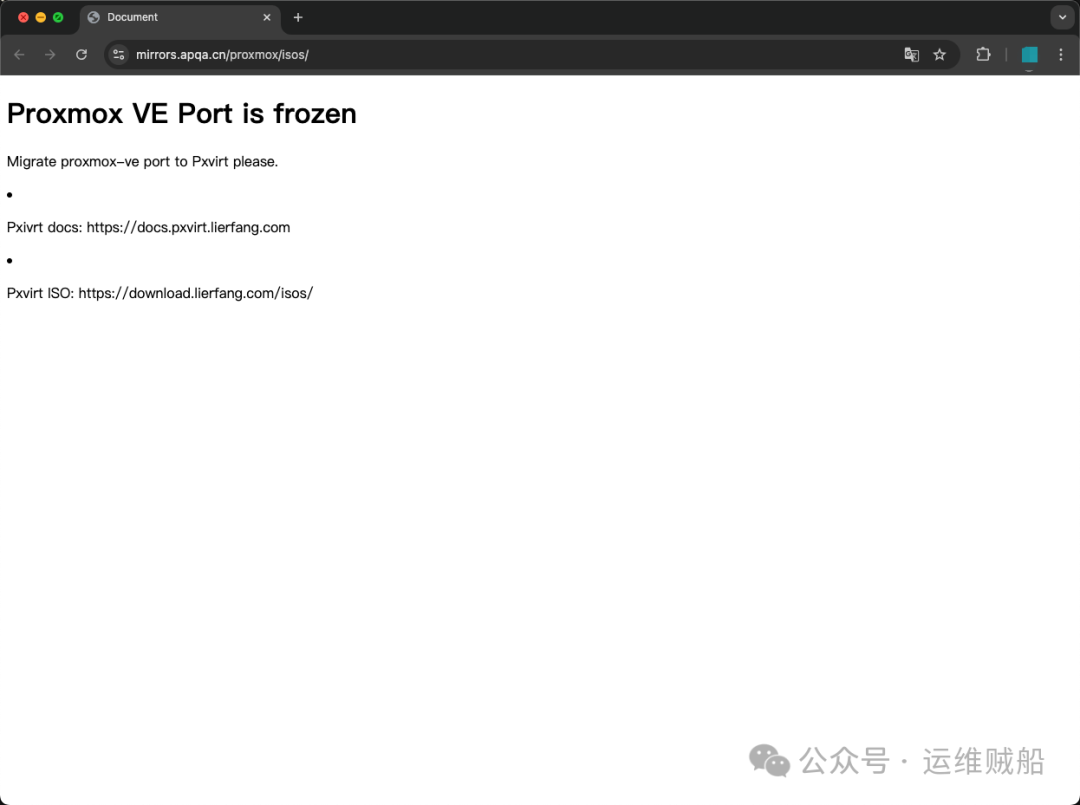
Installing an Open Source Virtualization Platform on ARM Servers (With Images)

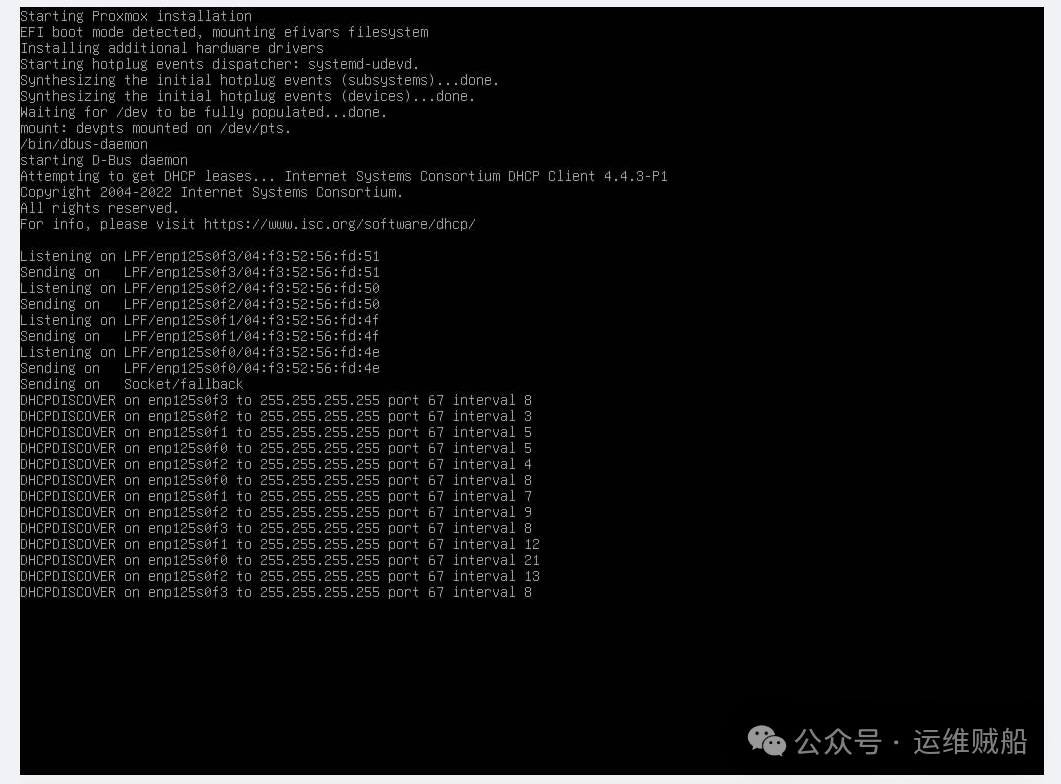
The installation process is exactly the same as Proxmox VE; the following installation only shows the process.
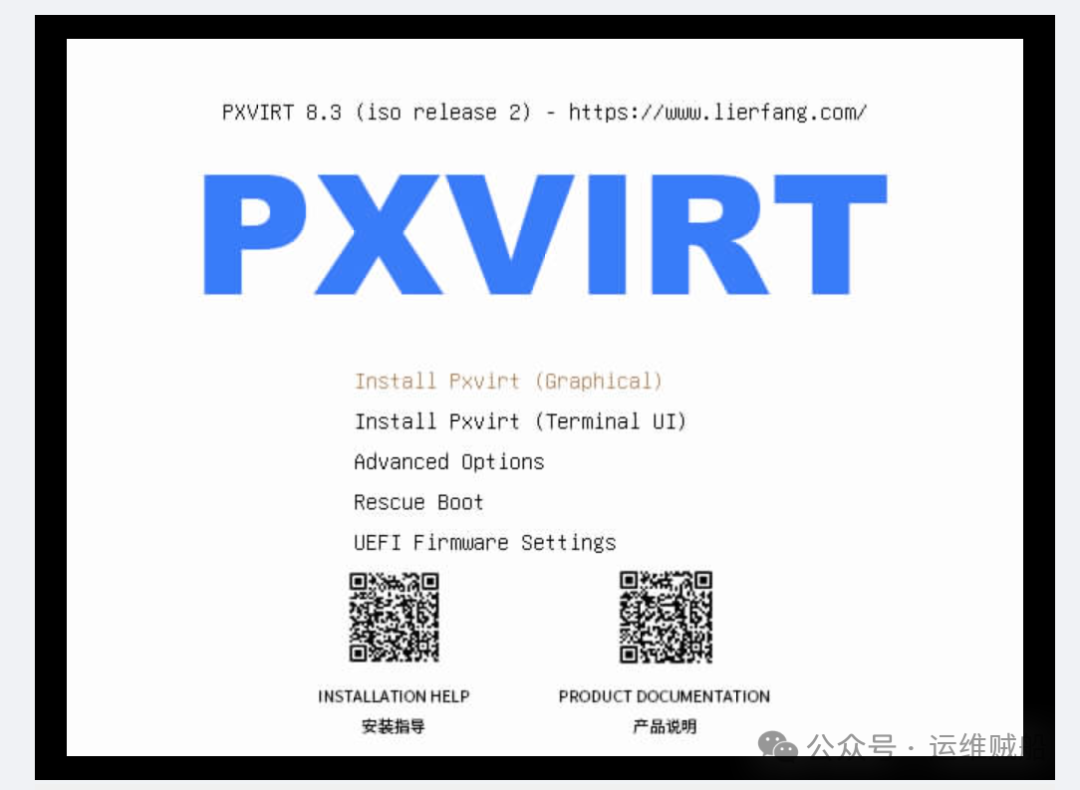
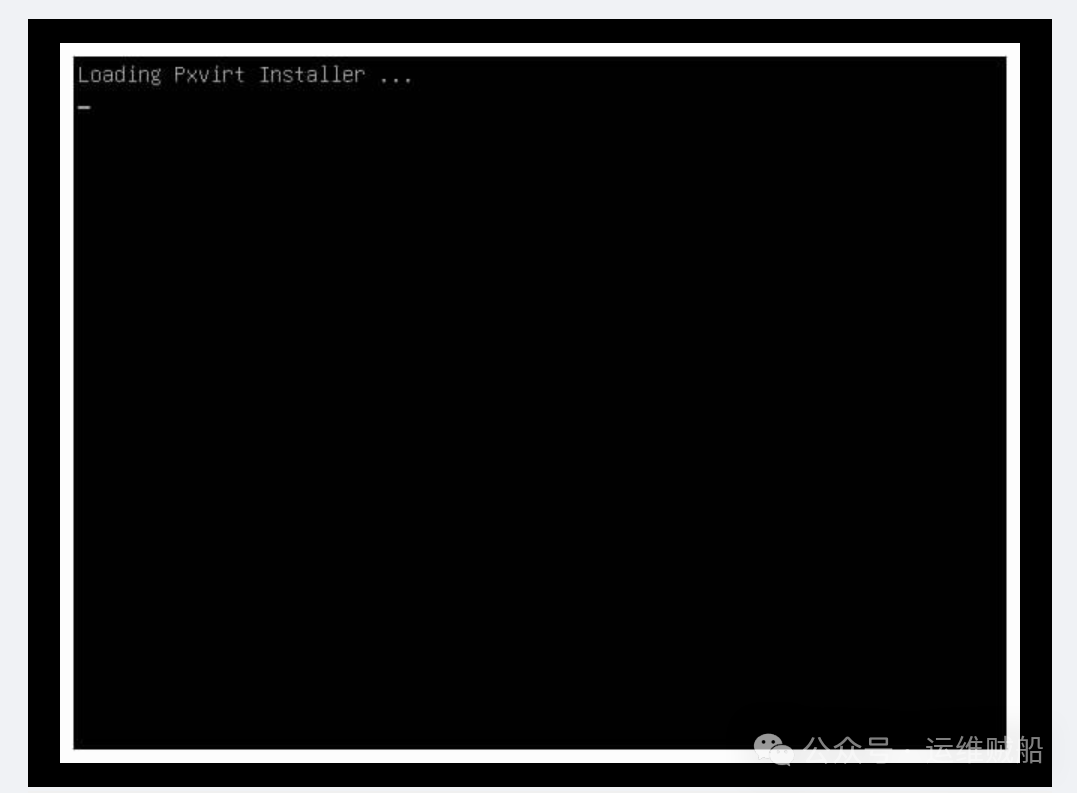
Installing an Open Source Virtualization Platform on ARM Servers (With Images)

Installing an Open Source Virtualization Platform on ARM Servers (With Images)

Installing an Open Source Virtualization Platform on ARM Servers (With Images)

Installing an Open Source Virtualization Platform on ARM Servers (With Images)

Installing an Open Source Virtualization Platform on ARM Servers (With Images)

Installing an Open Source Virtualization Platform on ARM Servers (With Images)

Installing an Open Source Virtualization Platform on ARM Servers (With Images)

Installing an Open Source Virtualization Platform on ARM Servers (With Images)

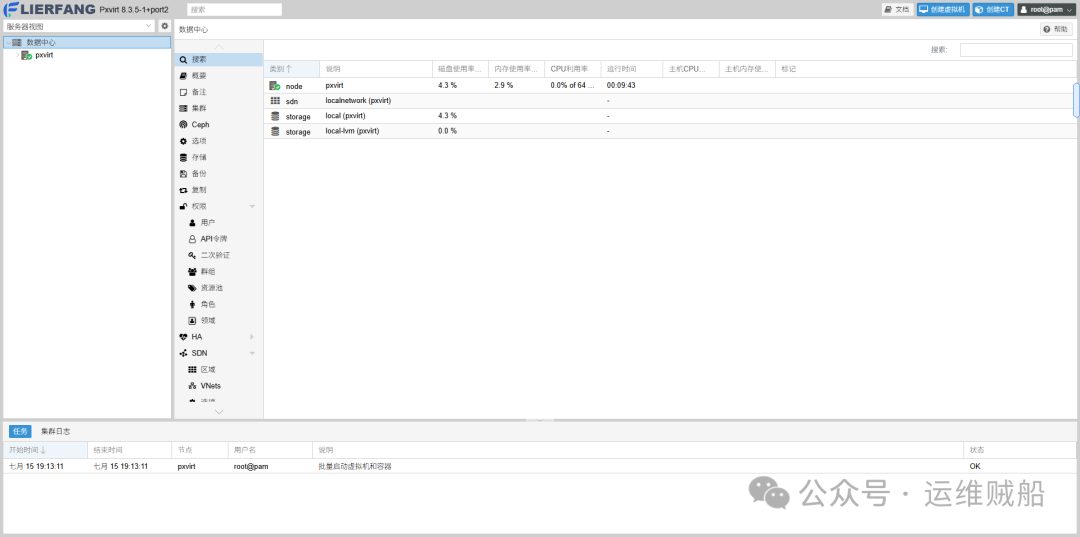
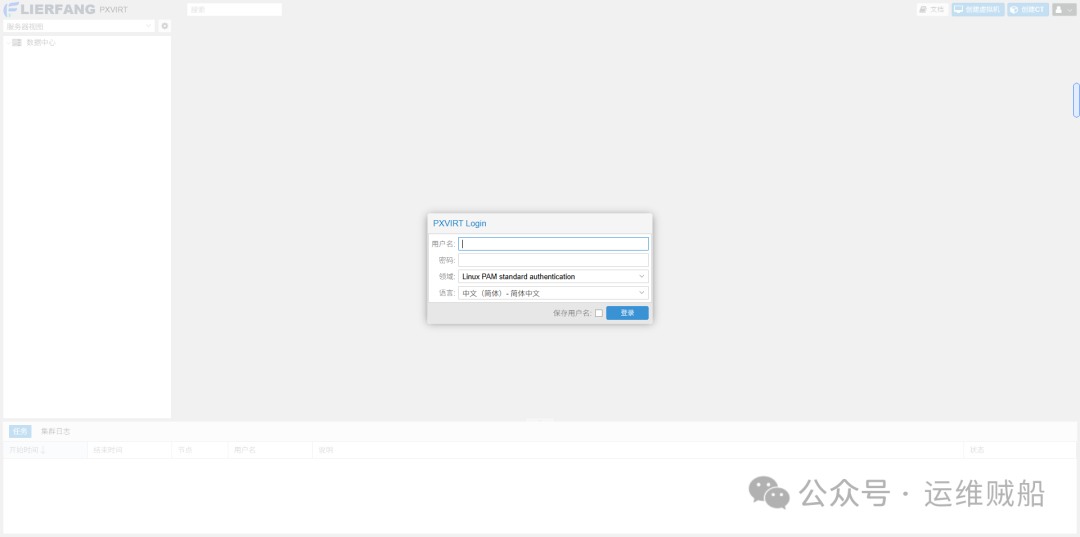
At this point, you can log in to the platform via the local area network.
Installing an Open Source Virtualization Platform on ARM Servers (With Images)

5. Conclusion

Currently, I have installed virtualization platform software on the Kunpeng 920 ARM CPU, and after basic testing, there are still some instabilities. I will continue to verify the compatibility and stability of the operating system on the PXVIRT project and present the verification results. Interested friends can test the effects together.

ISO download link:

https://download.lierfang.com/isos/

Leave a Comment