Concurrent programming in C++ is a frequent topic, especially in multi-threaded environments. How to correctly use <span>std::condition_variable</span> for thread synchronization is always a key focus for developers.
Today, we will discuss a very easily overlooked yet extremely deadly pitfall—the order of <span>notify()</span> and <span>unlock()</span>.
📚 The C++ Knowledge Base is now live on ima! The current content covered by the knowledge base is shown in the image below👇👇👇
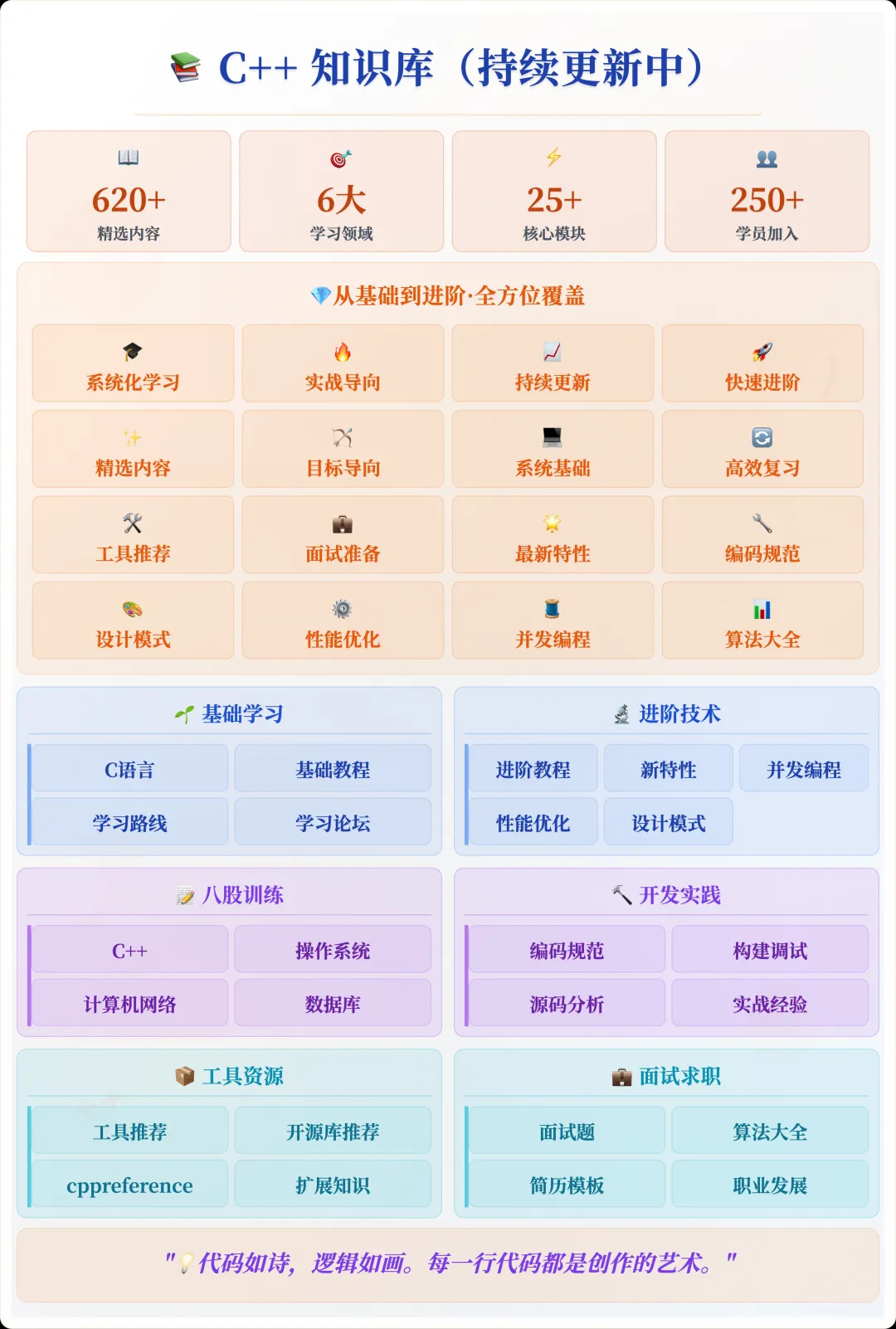
📌 Students interested in the knowledge base can add the assistant vx (cppmiao24) with the note 【Knowledge Base】 or click 👉 C++ Knowledge Base (tap to jump) to view the complete introduction to the knowledge base~
1. Why Should We Pay Attention to This Issue?
First, <span>std::condition_variable</span> is a tool provided by the C++ standard library for inter-thread communication. It allows threads to “wait” and “notify” when certain conditions are met. You may have used <span>std::mutex</span> to protect shared data, and perhaps you have used <span>notify_one()</span> or <span>notify_all()</span> to wake up waiting threads, but in actual use, the order of calling <span>notify()</span> and <span>unlock()</span> is very critical.
Why is this so important? Because an incorrect calling order can lead to deadlocks or data inconsistency issues, and may even make you feel like the program crashes “randomly”.
2. The Correct Order of notify() and unlock()
In concurrent programming, the use of <span>std::condition_variable</span> needs to be combined with <span>std::mutex</span>, and the correct operation order is:
- Unlock (unlock) first, then notify
This order is not intuitive, and many beginners or developers tend to overlook it. Why is this the order? Let’s analyze it step by step.
3. Code Example: Issues Caused by Incorrect Order
To better understand this issue, let’s first look at an incorrect code example:
#include <iostream>
#include <thread>
#include <mutex>
#include <condition_variable>

std::mutex mtx;
std::condition_variable cv;
bool ready = false;

void print_id(int id) {
    std::unique_lock<std::mutex> lck(mtx);
    cv.notify_one();  // Error! Notify first, then unlock
    while (!ready) cv.wait(lck);
    std::cout << "Thread " << id << '\n';
}

void go() {
    std::unique_lock<std::mutex> lck(mtx);
    ready = true;
    std::cout << "Notifying all threads...\n";
    cv.notify_all();
}

int main() {
    std::thread threads[10];
    for (int i = 0; i < 10; ++i)
        threads[i] = std::thread(print_id, i);

    std::this_thread::sleep_for(std::chrono::seconds(1));  // Ensure all threads are in waiting state
    go();

    for (auto& th : threads) th.join();
    return 0;
}
Error Analysis
In this code, <span>notify_one()</span> is placed before <span>unlock()</span>. This order causes the thread to still hold the mutex (<span>std::mutex</span>) when <span>notify_one()</span> is called, and the lock is not released in time. This leads to a common synchronization problem: even if <span>notify_one()</span> is called, the waiting thread cannot continue execution because it cannot acquire the lock.
The Core Issue:<span>notify()</span><span> will only wake up the waiting thread after unlocking, allowing it to successfully acquire the lock and continue execution. Conversely, if </span><code><span>notify()</span> is called prematurely, the thread cannot unlock, and the wake-up signal will be ignored, causing the program to hang.
4. Implementation of the Correct Order
The corrected code is as follows:
void print_id(int id) {
    std::unique_lock<std::mutex> lck(mtx);
    while (!ready) cv.wait(lck);
    std::cout << "Thread " << id << '\n';
}

void go() {
    std::unique_lock<std::mutex> lck(mtx);
    ready = true;
    cv.notify_all();  // Correct: unlock first, then notify
}

int main() {
    std::thread threads[10];
    for (int i = 0; i < 10; ++i)
        threads[i] = std::thread(print_id, i);

    std::this_thread::sleep_for(std::chrono::seconds(1));
    go();

    for (auto& th : threads) th.join();
    return 0;
}
Correct Analysis
In this version of the code, we ensure that the <span>notify_all()</span> call occurs after the lock has been released. The waiting threads can correctly acquire the lock and start executing. This is the behavior we want to see: threads are awakened and continue execution when conditions are met.
5. Why Unlock Before Notify?
To avoid deadlock issues, <span>std::condition_variable</span> requires that threads must release the lock while waiting. Otherwise, the notifying thread will keep waiting, causing the program to hang. In production environments, this potential deadlock issue can lead to hard-to-debug errors.
The Standard Working Pattern is to first let the thread enter the waiting state, then release the lock, and finally notify other threads to continue execution. The benefit of this approach is that no thread blocks others while holding the lock, and each thread can timely acquire shared resources and continue running.
6. Conclusion
Understanding and mastering the correct order of <span>notify()</span> and <span>unlock()</span> is crucial for writing efficient and robust concurrent programs. In our daily development, we often overlook these seemingly simple details, but it is these details that determine the stability and maintainability of concurrent programs.
I hope this article helps you better understand the use of <span>std::condition_variable</span> in concurrent programming and avoid deadlocks or other concurrency issues caused by incorrect order.
C++ Project Practical Training Camp
A 1v1 project practical training camp designed for students preparing for campus recruitment and job changes, providing tailored training plans, daily code reviews by mentors, resume optimization, and mock interviews with high-intensity standards from major companies. It has been operating for 10 months and has helped many students secure offers from major companies!
If you want to know more about the training camp, you can contact the assistant (vx: cppmiao24).
Recommended Reading:
How to Elegantly Transform a Line of “Messy Code” into a C++11 Level Artifact? You’ll Understand After Reading!
Explosive! This Feature of C++20 Has All C++ Programmers Excited!
Still Using Pointers to Return Multiple Values? This C++ Artifact Can Do It in One Line!