 Regular data backups are crucial for both servers and local computers.Despite significant technological advancements, people still tend to rely on tried-and-true old backup methods to protect their data from potential loss.Operating systems have become increasingly better at preventing catastrophic system crashes that lead to data loss. However, since data loss is inevitable, businesses and regular users need to ensure maximum data security through regular backups.Here are 8 applications that are best suited for businesses and regular users to back up their system files.
Best Enterprise Backup Solutions for Linux
These enterprise-grade backup applications are ideal for small, medium, and large businesses.
1. Bacula
Bacula is an open-source backup tool based on Linux that provides an interactive user interface. This application is suitable for enterprise-level tasks involving large amounts of data. It can synchronize data from different networks, and the data scheduler is a convenient product for end-users. Ultimately, the scheduler automates the entire data backup process.As an end-user, all you need to do is set the backup frequency, and Bacula will take care of the rest on the server. It comes with various interfaces for administrators to easily interact with the platform. Some other convenient features that Bacula offers include TLS authentication, duplicate job control, and virtual backups.First, update your system using APT:
linuxmi@linuxmi /home/linuxmi/www.linuxmi.com ⚡ sudo apt-get update -y
Then, install the MySQL server:
linuxmi@linuxmi /home/linuxmi/www.linuxmi.com ⚡ sudo apt-get install mysql-server
Finally, install the Bacula package using APT:
linuxmi@linuxmi /home/linuxmi/www.linuxmi.com ⚡ sudo apt-get install bacula -y
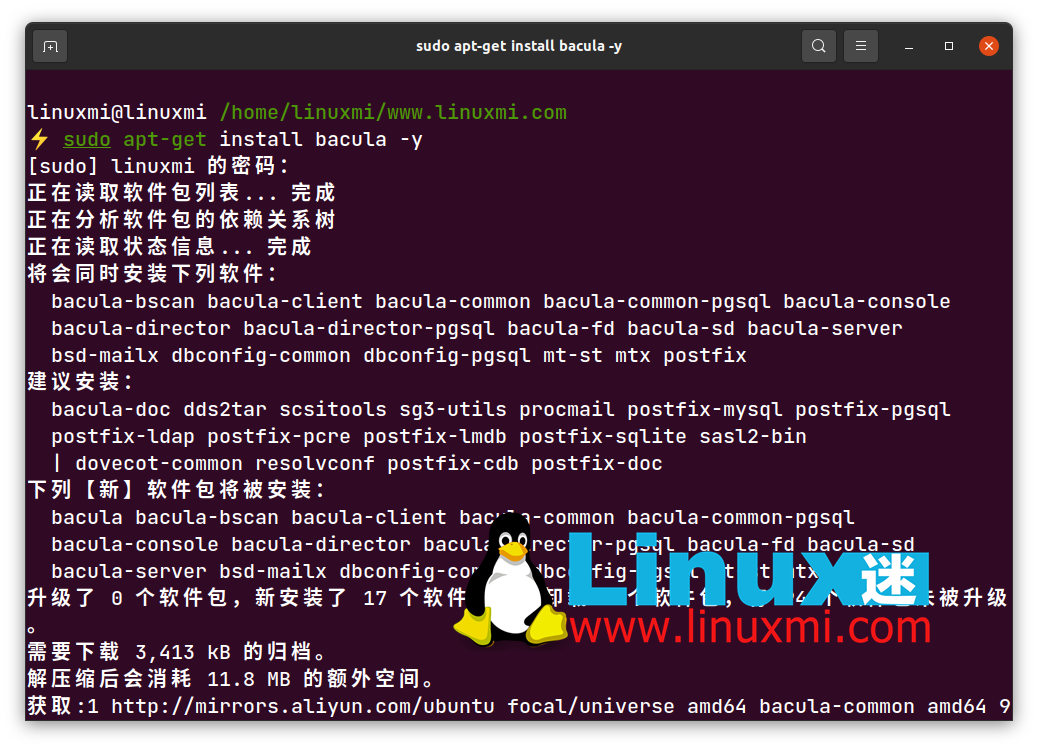 You need to configure the directories before you can start using Bacula to save files.
2. UrBackup
UrBackup is another open-source server backup tool that supports Windows, macOS, and Linux. This application is a perfect choice for server backups as it uses a combination of image and file backups to ensure data security and quick recovery.The web interface of UrBackup displays all essential information such as client status, recent activities, and valuable statistics. It provides backup support through CD and USB drives. This application sends backup reports to administrators and ensures an efficient, seamless data backup process.If a backup hangs for a specific period, the software sends an email notification to the administrator. Quick recovery and multi-platform support make it a suitable application for businesses.Before installing UrBackup, update the system’s repository list.
linuxmi@linuxmi /home/linuxmi/www.linuxmi.com ⚡ sudo apt-get update -y
Then, add the official UrBackup repository to your system.
linuxmi@linuxmi /home/linuxmi/www.linuxmi.com ⚡ sudo add-apt-repository ppa:uroni/urbackup
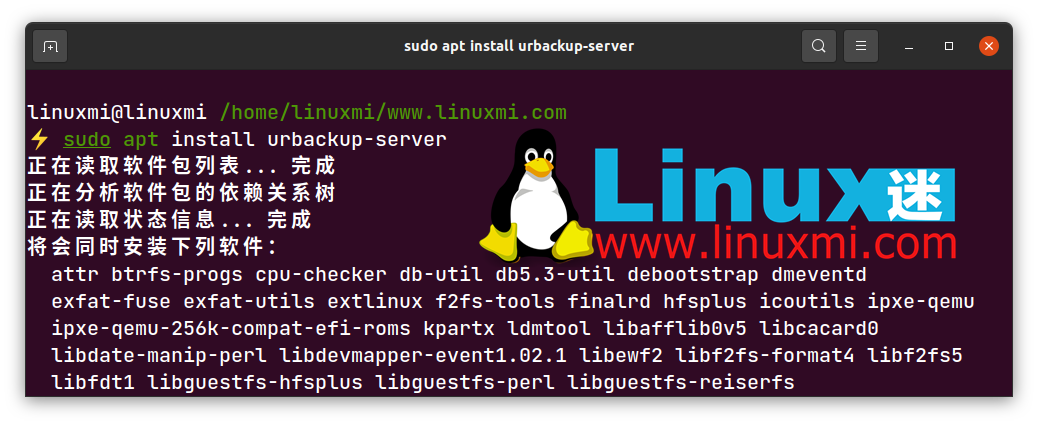
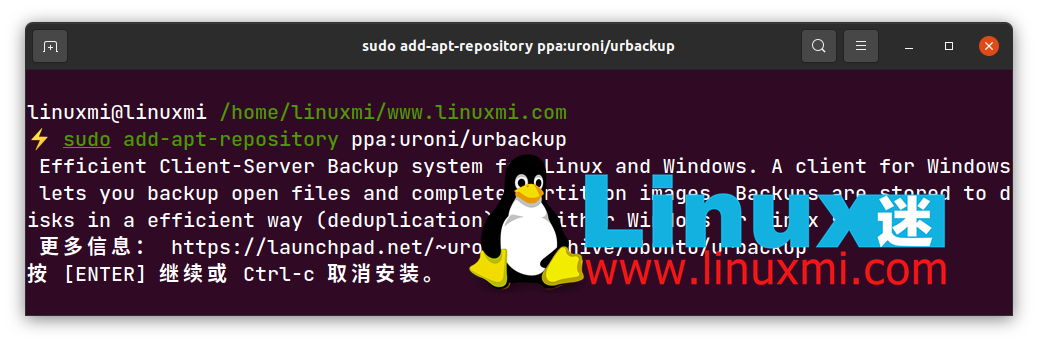 Finally, install the urbackup-server package as follows:
linuxmi@linuxmi /home/linuxmi/www.linuxmi.com ⚡ sudo apt install urbackup-server
3. Clonezilla
Clonezilla is a free and popular data backup tool that features partial cloning, image partitioning, and UDPcast among other convenient functionalities. You can back up data to local drives, SSH servers, SAMBA servers, NFS servers, or even existing primary partitions (though this is not recommended).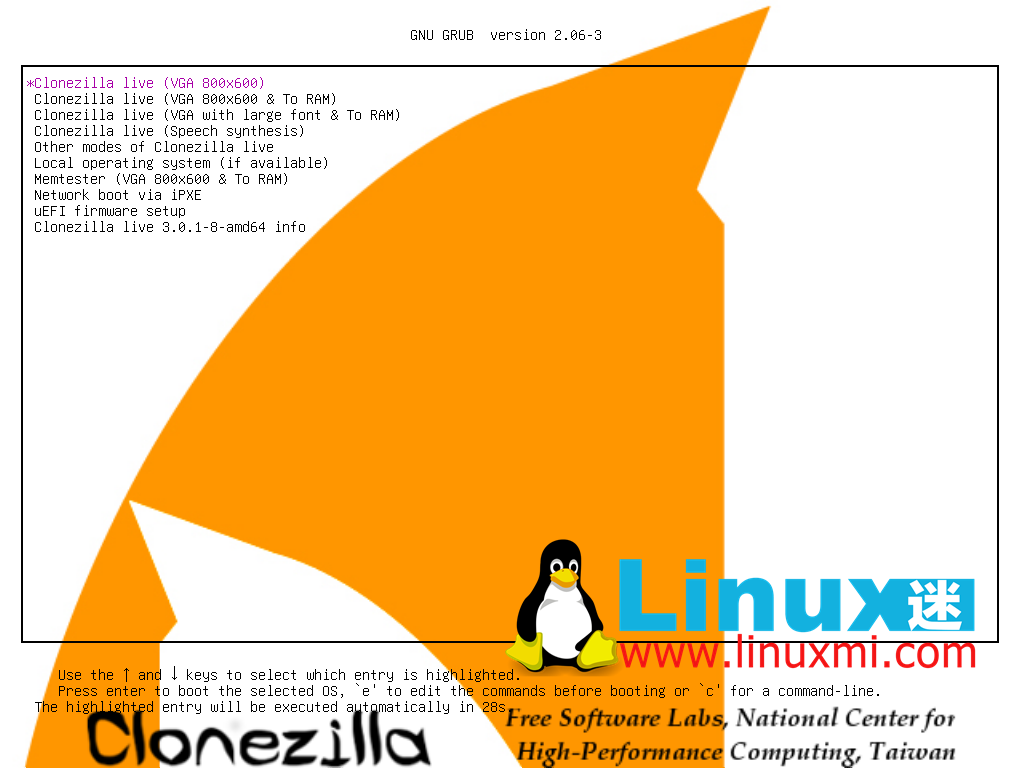 Clonezilla associates its functionalities with DBRL (Diskless Boot Remote Linux), which benefits client computers by providing a diskless environment. The application has two versions:
- Clonezilla SE
-
Clonezilla Live
The former version offers enterprise-centric features, while the latter is specifically designed for single machines.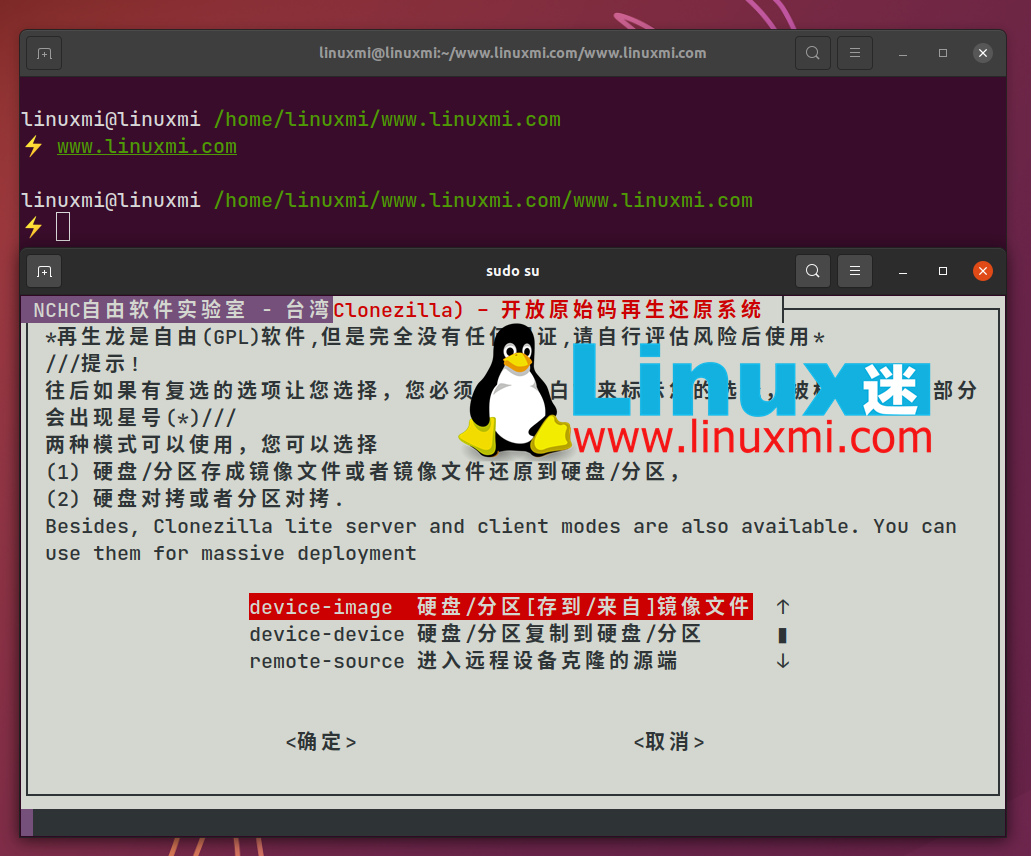 To install, use APT to update the system’s repository list.
linuxmi@linuxmi /home/linuxmi/www.linuxmi.com ⚡ sudo apt-get update -y
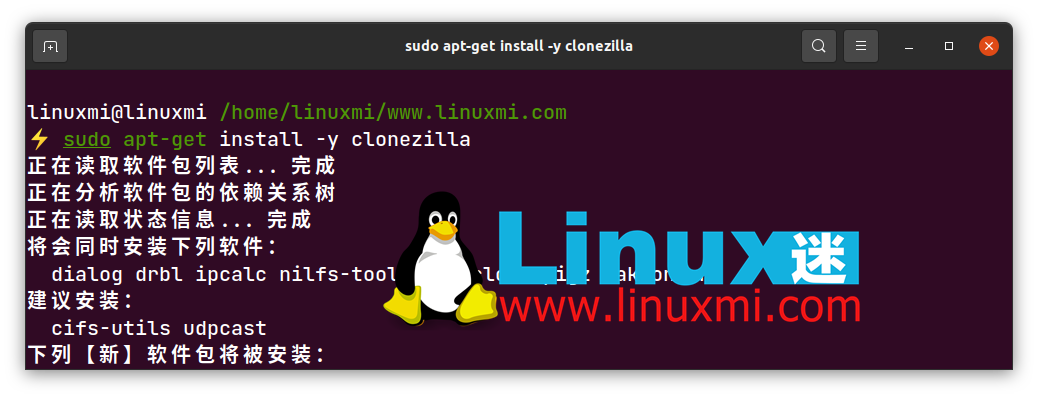
Then, install Clonezilla as follows:
linuxmi@linuxmi /home/linuxmi/www.linuxmi.com ⚡ sudo apt-get install -y clonezilla
4. Rsync
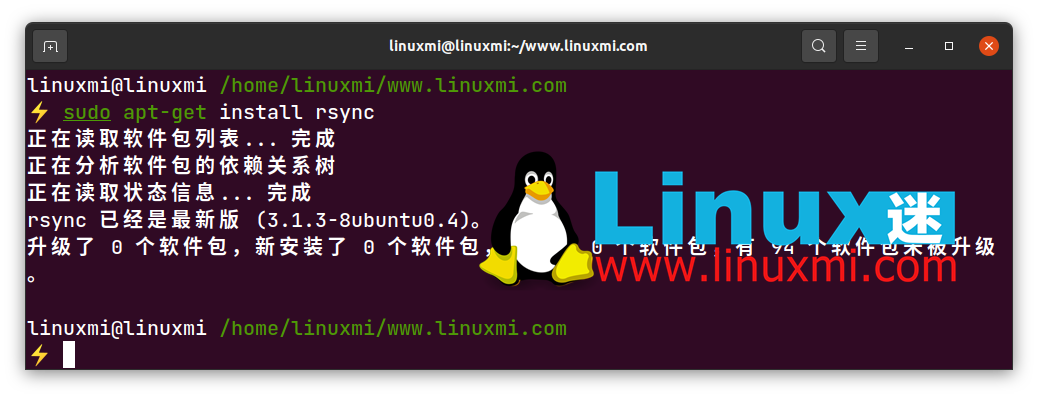
Rsync is a CLI-driven, Linux-based backup tool that remains one of the top contenders for enterprise-level tasks. It offers advanced features such as incremental backups, options to update entire directory trees, file system support for local and remote backups, and file permission retention.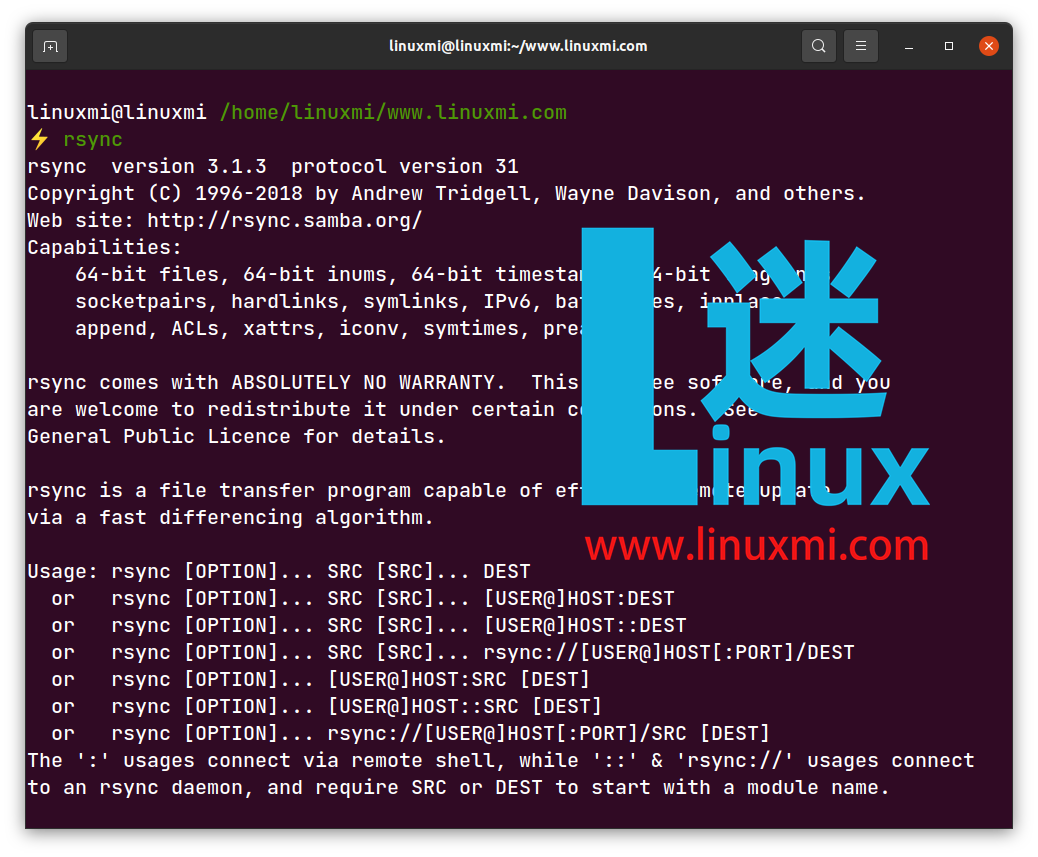 You can also use the graphical user interface Grsync; however, automating backups using scripts in the command-line version is easier. You can use the rsync backup tool to synchronize two servers.Type the following command to install rsync on Debian-based systems:
linuxmi@linuxmi /home/linuxmi/www.linuxmi.com ⚡ sudo apt-get install rsync
Backup Tools for Regular Linux Users
5. Déjà Dup
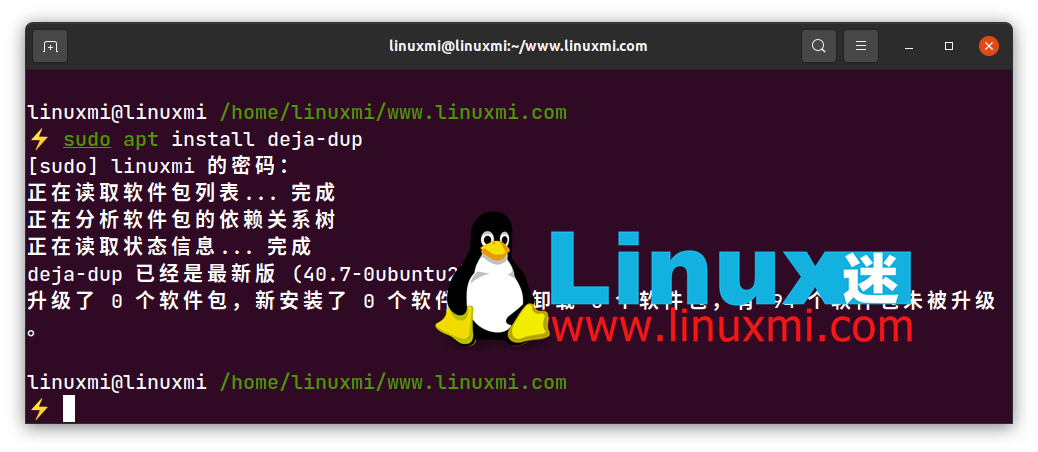
Déjà Dup is a simple Linux-based backup tool that provides all the necessary features for regular computers. It offers encrypted, off-site, and scheduled backup facilities, using Duplicity as the backend.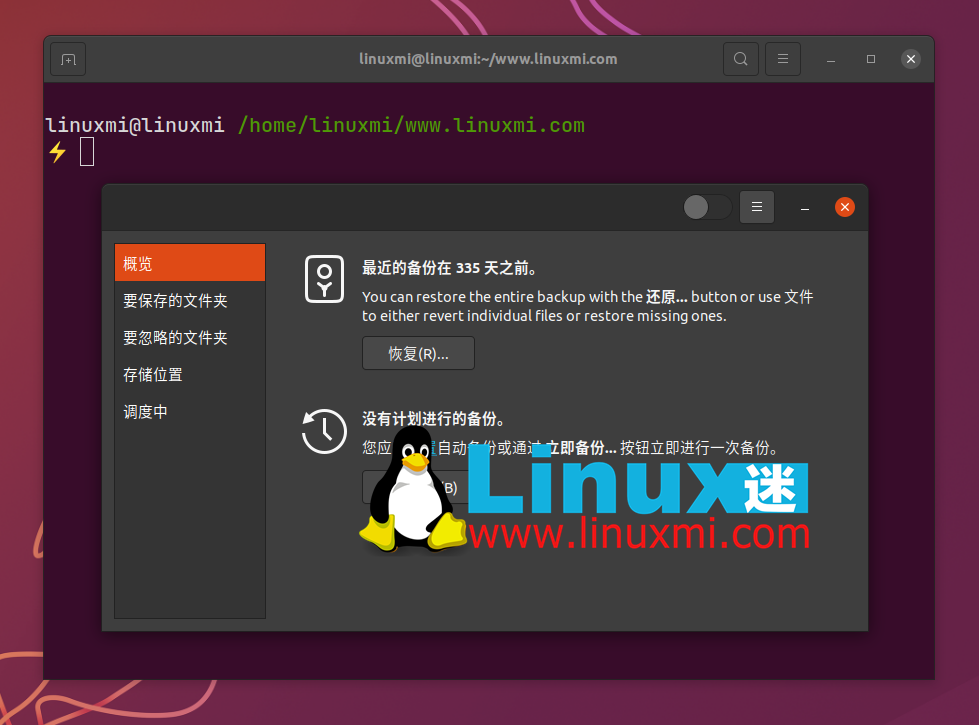 It comes with support for local, remote, and cloud backup storage services, compatible with Google Drive and Nextcloud.Déjà Dup supports data encryption and compression for efficient backups. You can easily set the backup frequency, and the application will automatically perform backups at scheduled intervals. The best part about Déjà Dup is that it can easily integrate into the GNOME desktop environment.To install Déjà Dup, update the system’s resource list and then download the package using APT.
linuxmi@linuxmi /home/linuxmi/www.linuxmi.com ⚡ sudo apt install deja-dup
6. Back In Time
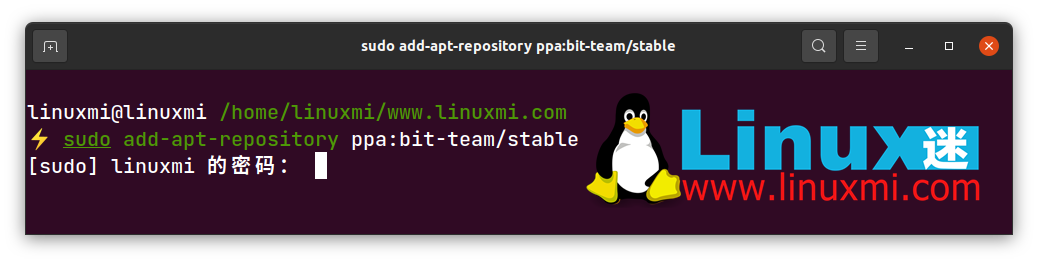
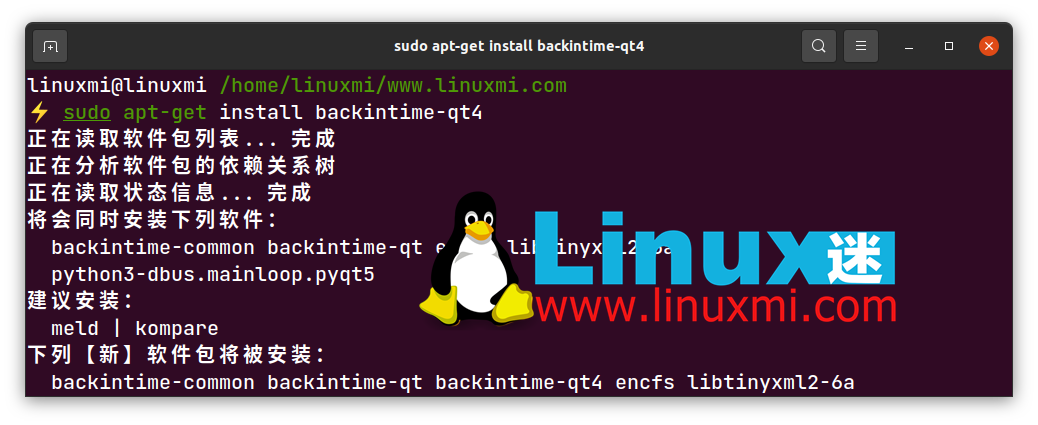
Back In Time is a backup utility based on rsync; it can run on GNOME and KDE-based desktops. It is written in Python3 and stores backups in plain text.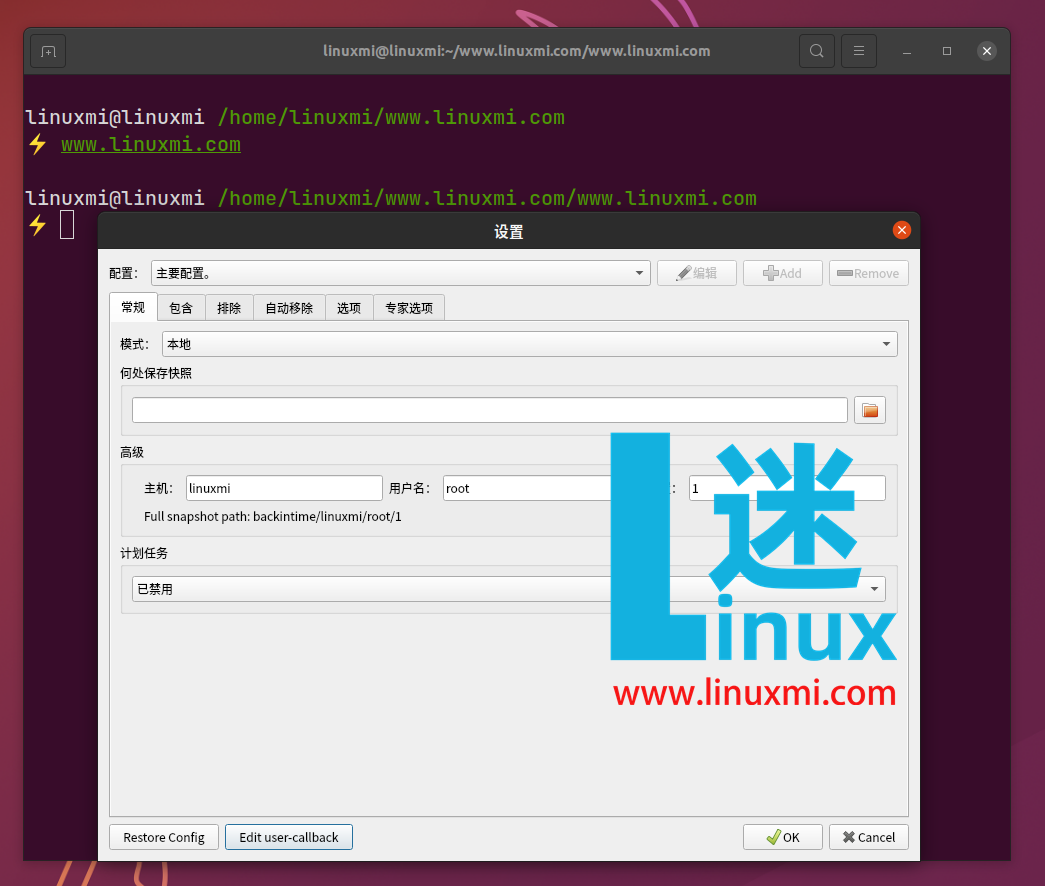 This application caters to the needs of regular Linux-based computers for backup files. It works by taking snapshots of directories and then backing them up directly. You can configure the storage location to save the backup snapshots. The application also supports automatic backups through its convenient backup scheduler.To install Back In Time, you must add the PPA repository, update the system, and finally install Back In Time via the terminal.
linuxmi@linuxmi /home/linuxmi/www.linuxmi.com ⚡ sudo add-apt-repository ppa:bit-team/stable
linuxmi@linuxmi /home/linuxmi/www.linuxmi.com⚡ sudo apt-get update
linuxmi@linuxmi /home/linuxmi/www.linuxmi.com⚡ sudo apt-get install backintime-qt4
7. Timeshift
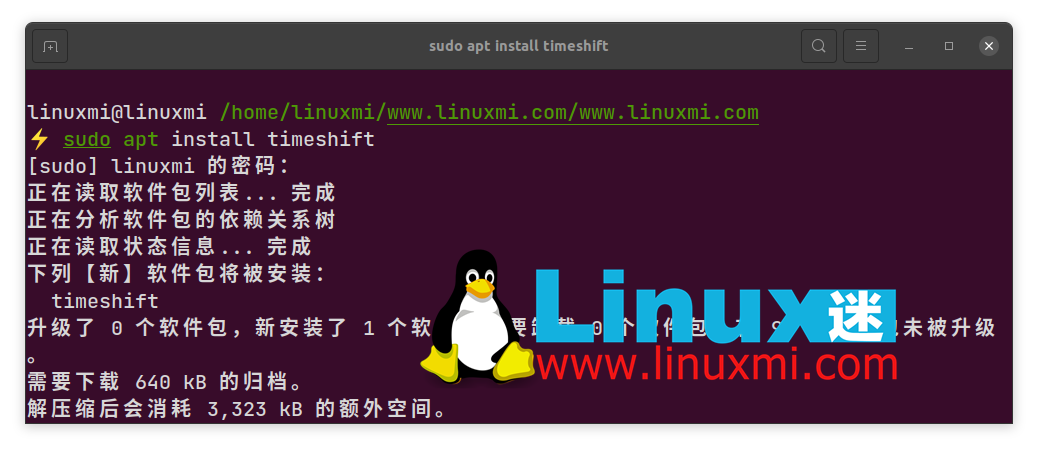
Timeshift is primarily used for backing up the entire operating system, including every file on the system. Similar to Back In Time, Timeshift also takes snapshots of directories and then backs them up using rsync or Btrfs in the backend.Timeshift is perfect for regular users who want to back up their entire system. The functionality of Timeshift is very similar to the Windows System Restore and Mac’s Time Machine tools. You can use the system backup to restore your computer to the same state it was in when the backup was made.Issue the following command to install Timeshift on Debian-based distributions (like Ubuntu):
linuxmi@linuxmi /home/linuxmi/www.linuxmi.com/www.linuxmi.com ⚡ sudo apt install timeshift
8. Amanda
Amanda is an open-source backup tool that can easily run on Linux, Unix, and GNU-based systems. You can easily back up data from different network sources to a single server. It comes with a quick installer that makes the installation process seamless. It features an intelligent backup scheduler that suggests the best backup frequency for your configuration.The backup fault tolerance feature is very useful as it can synchronize initiated backups and avoid damaging the entire backup during network interruptions. Amanda comes with extensive platform protection to prevent any malicious data from harming your server.
-End-
If you have read this far, it indicates that you enjoy the articles from this public account. Feel free to pin (star) this public account Linux Technology Enthusiast, so you can receive notifications promptly~

In this public account Linux Technology Enthusiast, reply with: Linux, to receive 2TB of learning materials!
Recommended Reading
1. 35 Practical Examples of the find Command in Linux
2. The Essential "Network Port List" for Operations and Maintenance, this one is enough
3. Linux Learning Guide (Collection Edition)
4. A 20,000-word systematic summary to help you achieve freedom with Linux commands