Installing Cell Ranger and Setting Up the System Environment on Linux
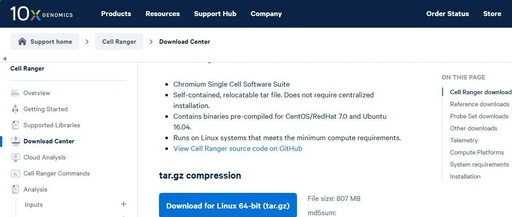
Installing Cell Ranger and Setting Up the System Environment on Linux

Cell Ranger is a suite of tools developed by 10x Genomics for analyzing single-cell and spatial transcriptomics sequencing data, primarily used for processing and analyzing single-cell RNA sequencing (scRNA-seq) and spatial transcriptomics data obtained from the 10x Genomics Chromium platform. In a virtual machine running CentOS 7 on VMware Workstation (Linux system), download Cell Ranger … Read more


Detailed Tutorial for Installing Linux (Easy to Follow)

Detailed Tutorial for Installing Linux (Easy to Follow)

Table of Contents 1. Ubuntu Image 2. Preparation for Virtual Machine Installation 3. Installation of the Virtual Machine Conclusion 1. Ubuntu Image Download link: Ubuntu 14.04.6 LTS (Trusty Tahr) Place the downloaded image file in a unified directory, as shown below: This is the image we just downloaded. For our experiments, we will use the … Read more

How to Choose the Right ISO Image for Linux Installation (CentOS Example)

How to Choose the Right ISO Image for Linux Installation (CentOS Example)

When installing a Linux system, selecting the appropriate ISO image is crucial, as it directly affects the user experience and performance after installation. Today, we will take CentOS 7 as an example to explore the characteristics and suitable scenarios of different types of ISO images such as Minimal, DVD, KDE, LiveCD, GnomeLive, Everything, and NetInstall, … Read more

Becoming a Pro: Linux Software Installation Guide No. 27 – Setting Up a Private Docker Registry

Becoming a Pro: Linux Software Installation Guide No. 27 - Setting Up a Private Docker Registry

Installation 1. Pull the private registry image docker pull registry 2. Start the private registry container docker run -di –name=registry -p 5000:5000 registry 3. Check Open a browser and enter the address http://ip:5000/v2/_catalog. You should see `{“repositories”:[]}` indicating that the private registry has been successfully set up and is currently empty. 4. Configure the Docker … Read more