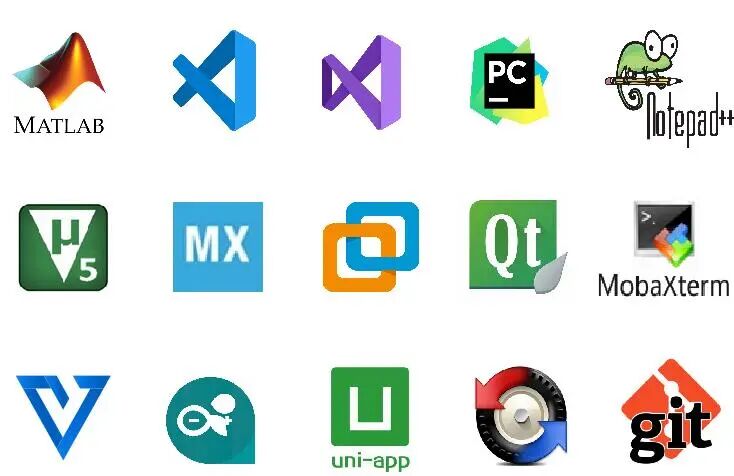
As the saying goes: To do a good job, one must first sharpen their tools.As a qualified embedded engineer, you may encounter and handle various strange problems in your daily work. At this time, a highly adaptable tool can greatly improve work efficiency.Based on personal usage and objective feedback from fans, I recommend several commonly used software tools for embedded development, as shown in the image below:
1
Visual Studio Code
VS Code is a lightweight code editor developed by Microsoft that is cross-platform. It supports syntax highlighting, auto-completion, refactoring, and definition viewing, and it has built-in command line tools and Git version control.Users can personalize settings by changing themes and keyboard shortcuts, and can also install extensions from the extension marketplace to expand the software’s functionality.
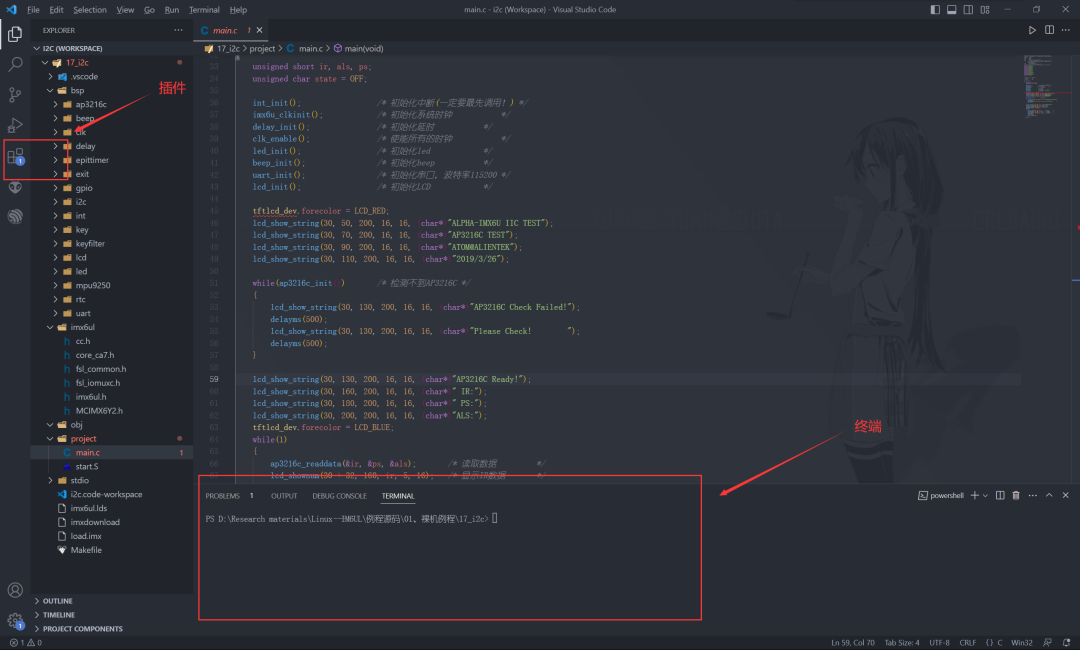
Visual Studio Code is particularly powerful in its versatility, allowing it to integrate with various compilers and tools for various embedded development tasks!For example, I often use it for Linux drivers, STM32, and ESP8266/32 (Espressif has a dedicated plugin platform)!Among its many features, the numerous plugins for Visual Studio Code are a major highlight! Here are a few plugins I recommend:
| Plugin | Functionality |
|---|---|
| C/C++ | This is definitely a must-have |
| C/C++ Snippets | C/C++ reusable code snippets |
| C/C++ Advanced Lint | C/C++ static analysis |
| Code Runner | Run code |
| Include AutoComplete | Automatic header file inclusion |
| Rainbow Brackets | Rainbow brackets, helpful for reading code |
| One Dark Pro | VSCode theme |
| GBKtoUTF8 | Convert GBK to UTF8 |
| ARM | Support for ARM assembly syntax highlighting |
| Chinese(Simplified) | Chinese environment |
| vscode-icons | VSCode icon plugin, mainly for folder icons in the resource explorer |
| compareit | Comparison plugin, can be used to compare differences between two files. |
| DeviceTree | Device tree syntax plugin |
| TabNine | An AI auto-completion plugin, highly recommended, those who use it know! |
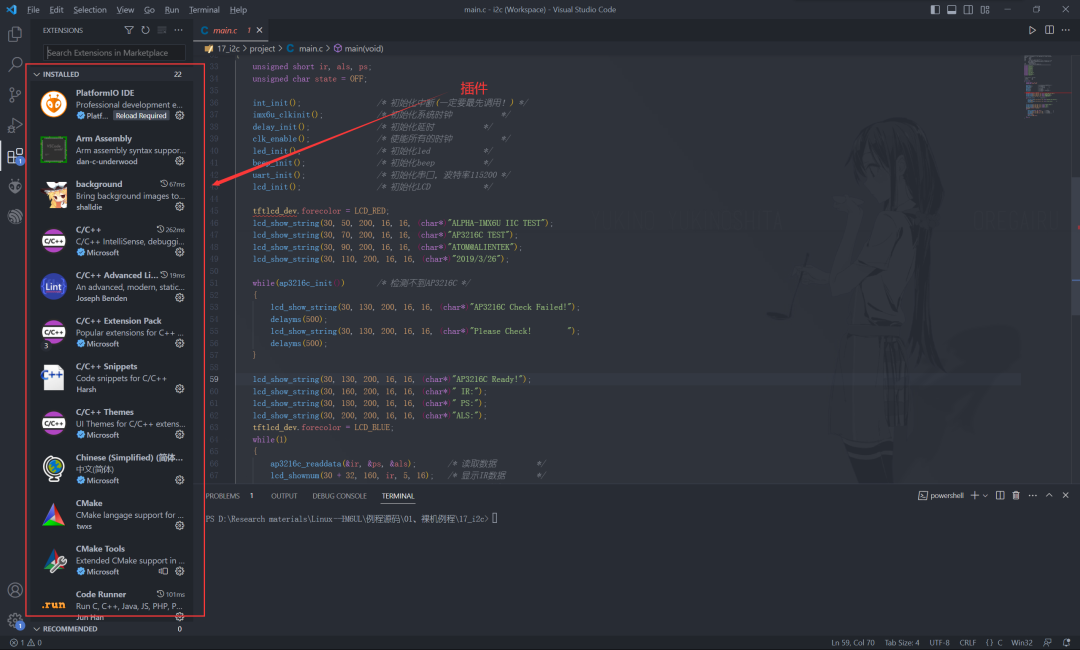
Note: When developing embedded systems on Ubuntu, VSCode should be our first choice.
2
Notepad++
Notepad++ is a free and open-source text editor for Windows. It is powerful, supports syntax highlighting, multi-window synchronized editing, multiple languages, and various programming languages, and can load a rich set of plugins.Notepad++ also has a complete Chinese interface and UTF8 technology, suitable for writing computer program code and creating plain text documentation.
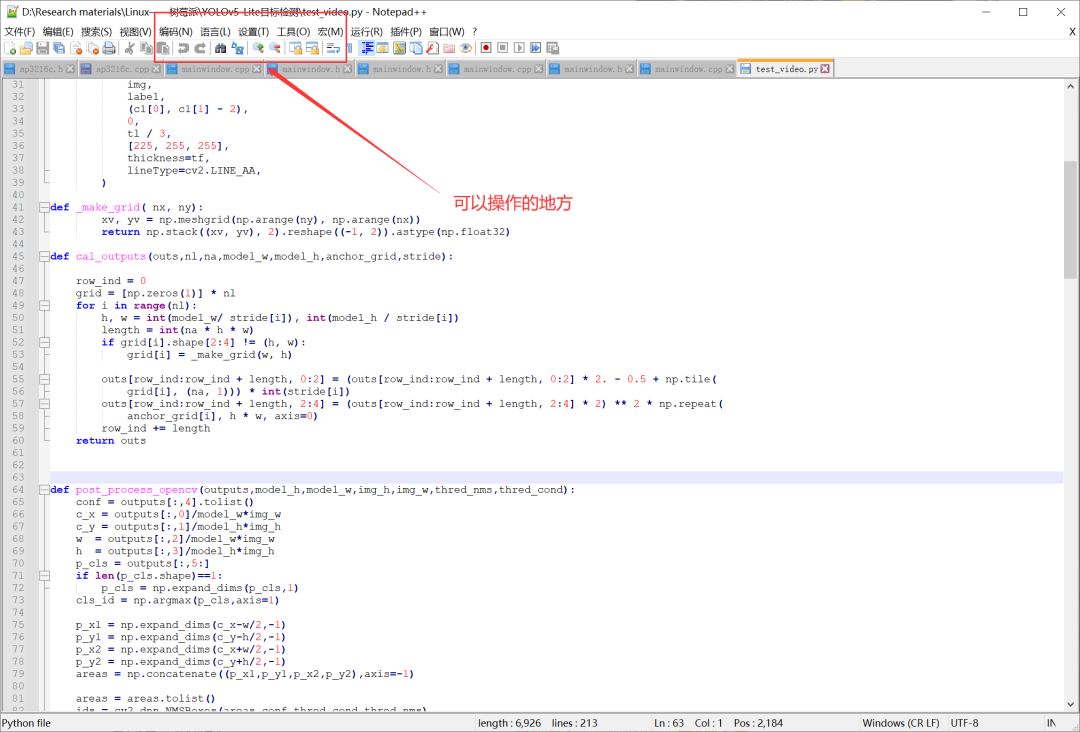
Users can extend Notepad++’s functionality by installing plugins, such as code folding, code hints, document formatting, and document preview. Additionally, Notepad++ supports custom macros, which can help users quickly execute repetitive tasks or batch modify text.In summary, Notepad++ is a feature-rich, easy-to-use text editor with good extensibility, suitable for writing various types of text and code.
3
Visual Studio
Unlike VSCode, Visual Studio is an IDE that we can install for emergencies, such as verifying C programs or developing C# programs.Some simulators related to embedded systems are also based on Visual Studio, and I often use Visual Studio for validating CUDA code or C++ code in research work!
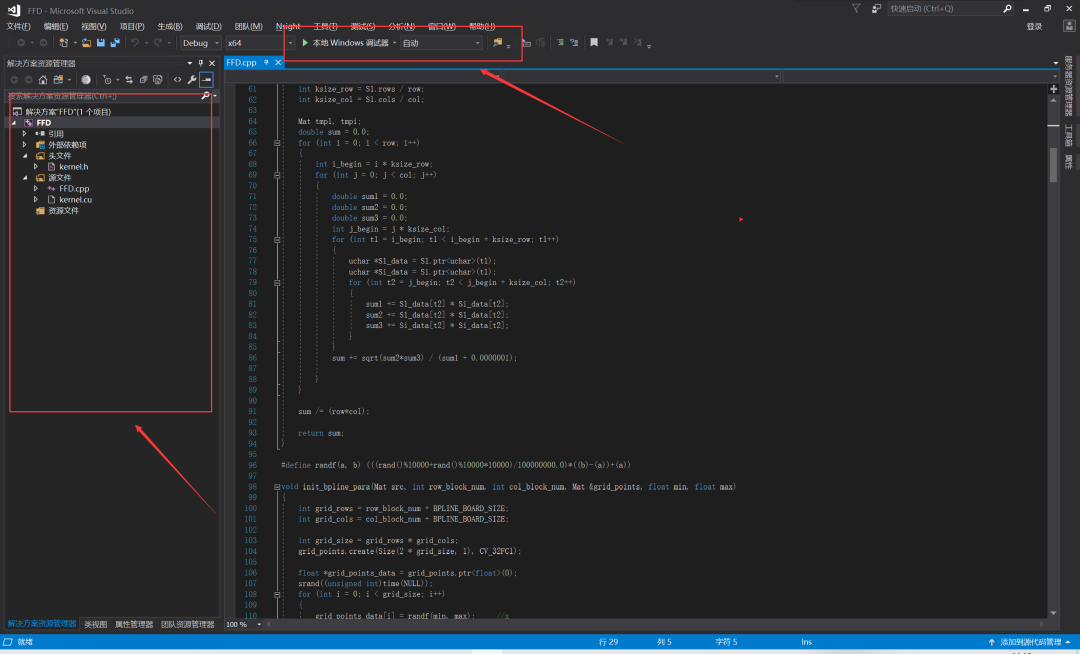
In addition to standard features, Visual Studio also provides a rich set of extensions and plugins to meet the needs of different fields. For example, users can install C++ extensions to support C++ programming or install Entity Framework extensions for data access.
4
Keil uVision
Keil uVision is an integrated development environment (IDE) developed by Keil for embedded system development and debugging.Keil uVision is based onC language and other programming languages, supporting various microcontrollers and processors, includingSTM32, AVR, PIC etc.
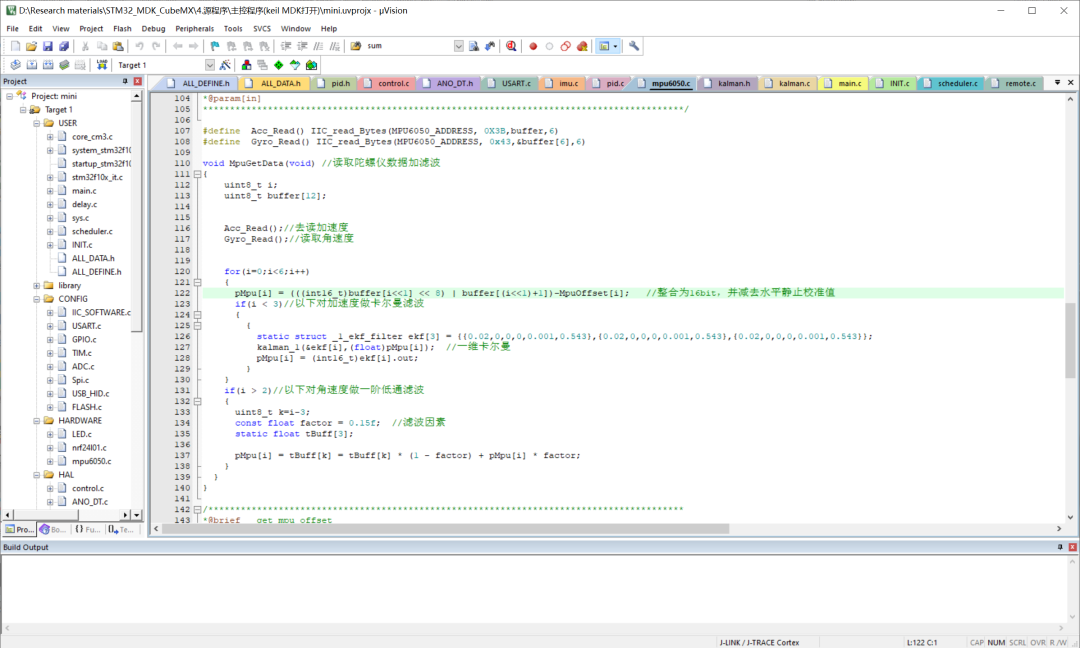
I believe that most embedded engineers are familiar with the interface mentioned above. The IDE we use most often for STM32 development is this one.Of course, everyone has always criticized the UI of Keil uVision for being too ugly! MDK6 is also about to be released, and from what I understand, it seems that the UI design has not improved much, and MDK6 appears to be more of a collection!
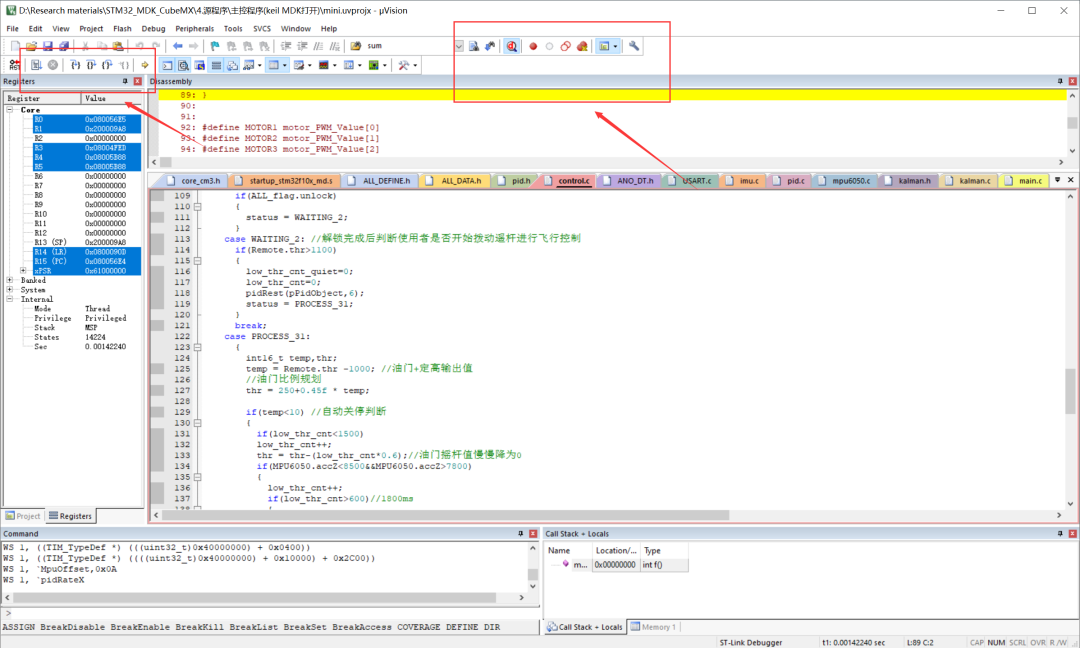
The main functions of Keil uVision include code editing, compiling, debugging and simulation, etc. Among them, the code editor supports syntax highlighting, code folding, and auto-completion, which can help developers quickly write code.The compilation function can compile source code into executable files or libraries for running on target devices.The debugging function can help developers debug and test code, including step execution, breakpoint setting, variable monitoring, and more.The simulation function can simulate the operating environment of the target device to test the correctness and reliability of the code.
5
STM32CubeMX
STM32CubeMX is a graphical tool developed by STMicroelectronics for configuring and initializing STM32 microcontrollers and generating C code.
It provides an intuitive visual interface that helps developers quickly configure and set up various peripherals, pins, and clocks of the microcontroller.
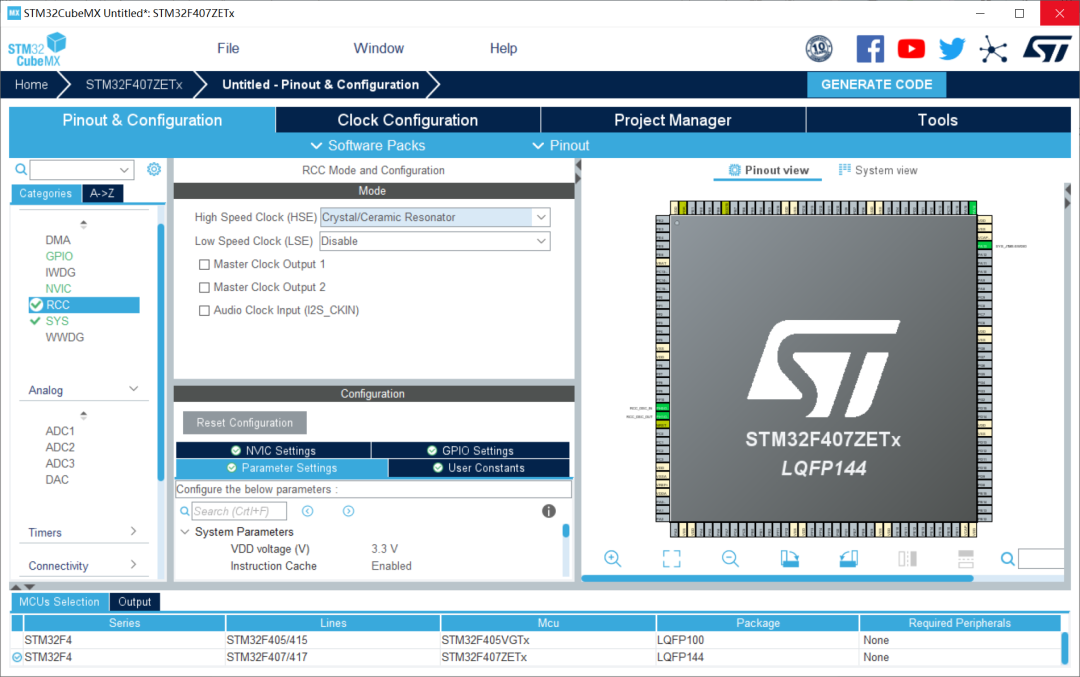
STM32CubeMX can directly generate HAL library configuration programs for STM32, greatly facilitating individual developers’ use of STM32 series development boards.Those familiar with me should know that many of my projects use the HAL library for teaching. The benefits of learning the HAL library are many; first, STMicroelectronics has stopped maintaining the standard libraries for many development boards.Secondly, FreeRTOS and other RTOS provide direct API functions for the HAL library, making development and porting easier!
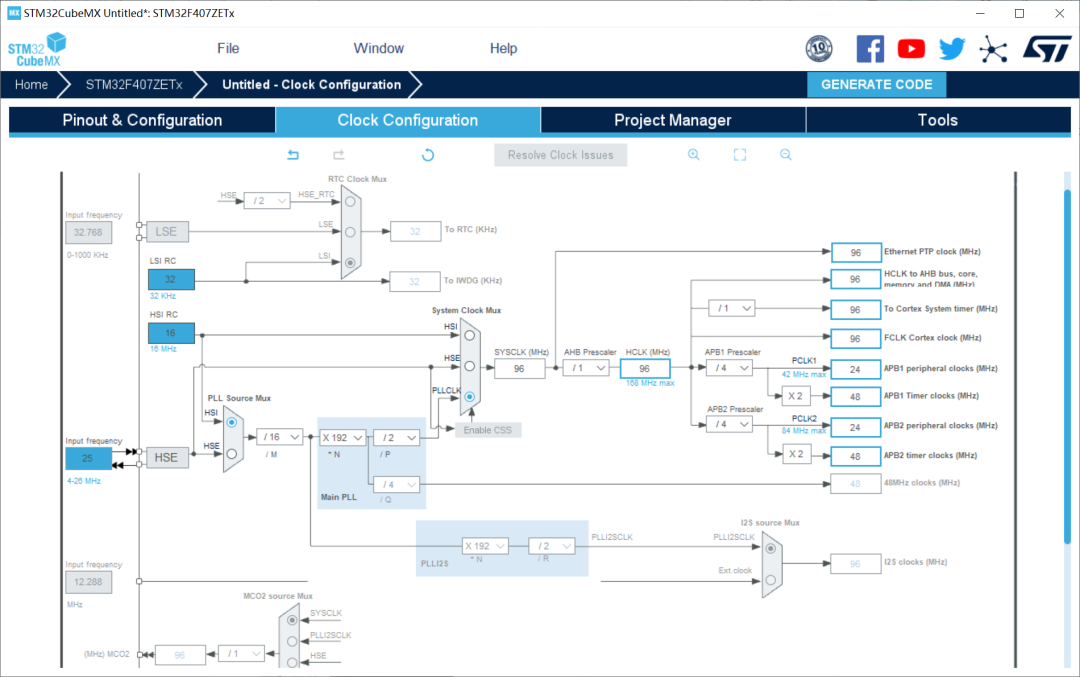
HAL libraries represent the future trend of low code volume and high encapsulation.However, the HAL library also has many drawbacks, such as low code efficiency and code redundancy!
6
VMware Workstation
VMware Workstation is a powerful virtualization software that can simulate multiple operating systems and application environments on a single computer.
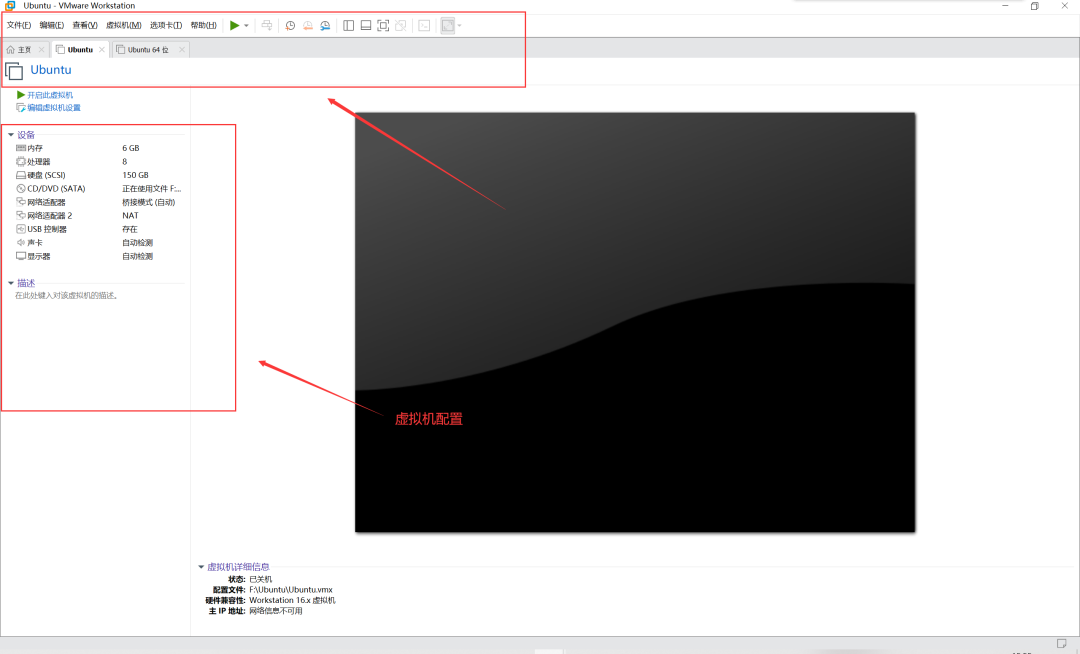
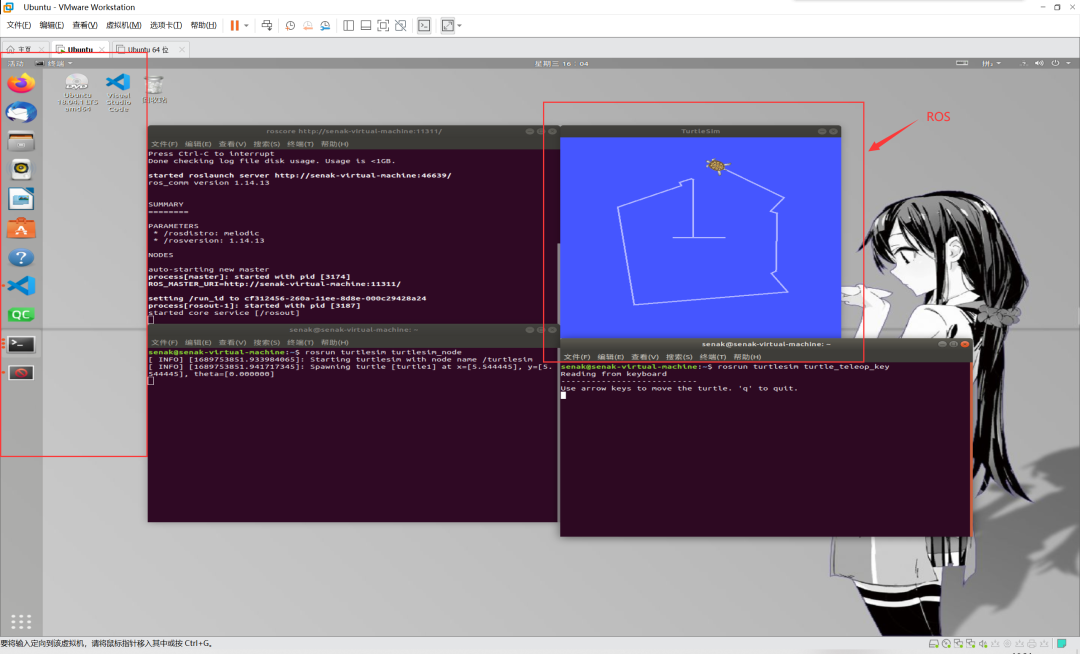
Embedded engineering often requires cross-compilation work, that is, compiling code for the x86 architecture to run on ARM architecture. This operation often needs to be done in a Linux environment!Considering everyone’s office needs, most engineers still use Windows as their daily operating system.Therefore, VMware Workstation greatly facilitates our daily development work!Of course, tools like ROS also rely on Ubuntu running under VMware Workstation..
7
QT Creator
Qt Creator is a cross-platform integrated development environment (IDE) specifically for developing C++ applications based on the Qt framework.It is a free and open-source tool provided by the Qt Company, suitable for operating systems such as Windows, Linux, and macOS.
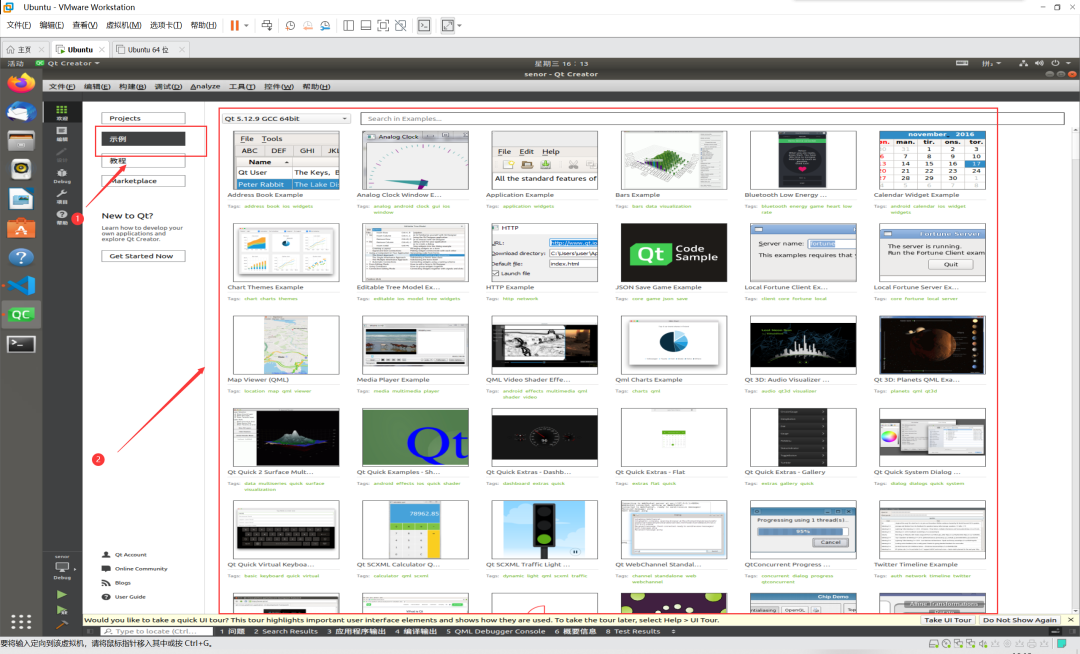
QT can be considered a significant branch among embedded engineers, belonging to the development of embedded application layers. There are many UI development platforms similar to QT!However, QT is currently one of the most common and mature options! Readers with a decent C++ foundation can consider developing in this area, as the salary prospects are quite good!
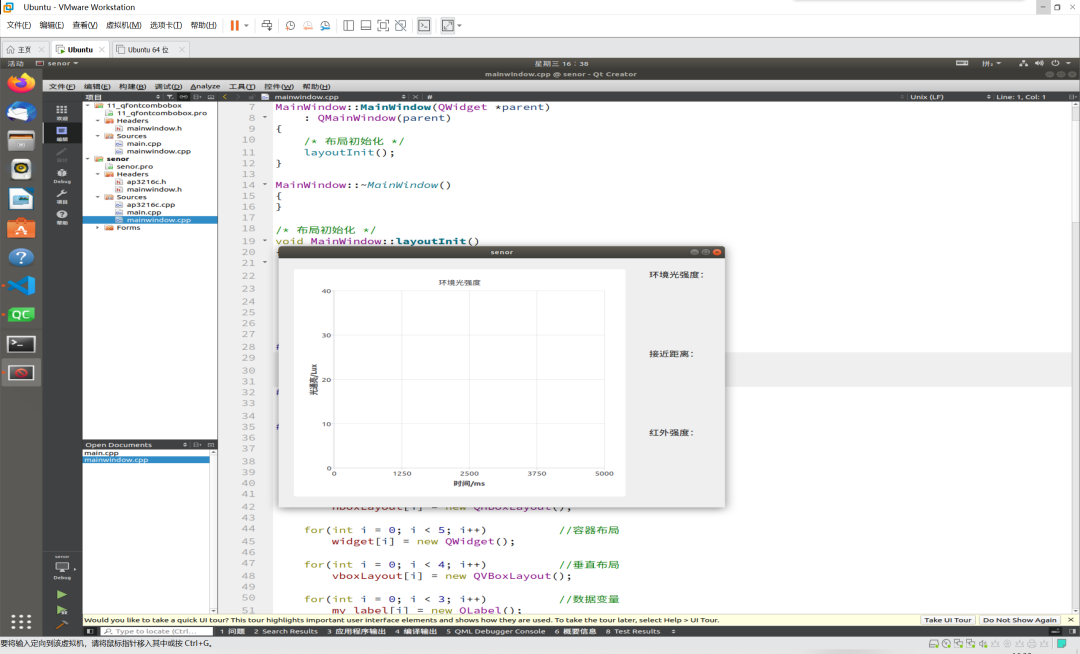
Of course, QT can also be used for simple C++ introductory learning simulations!
8
MobaXterm
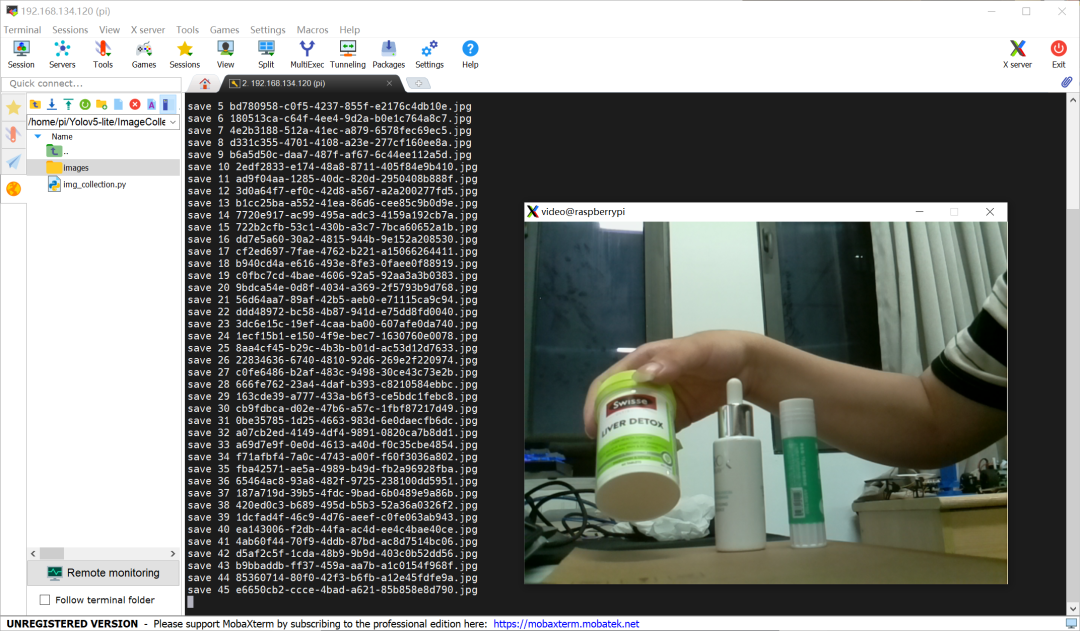
MobaXterm is a powerful remote terminal emulator suitable for Windows and Linux operating systems.It provides an integrated remote terminal and X server, allowing connections to various types of remote hosts, includingSSH, FTP, Telnet etc. The key is that it is free.When communicating via serial or SSH protocols, the terminal platform allows for copy-pasting, which is incredibly convenient! Therefore, I would call MobaXterm the ultimate serial debugging assistant!
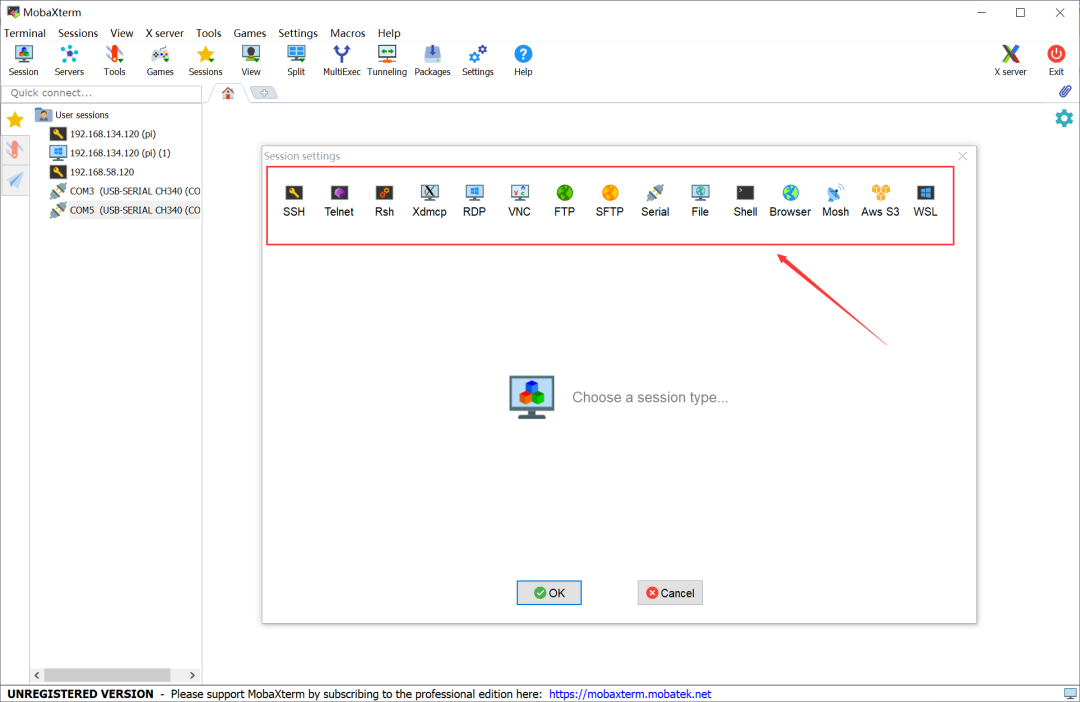
Currently, I primarily debug on the Linux system, using advanced boards like Raspberry Pi 4B and Jetson Nano as terminal control and debugging tools, and the experience is truly excellent!Compared to the paid SecureCRT, it is truly a treasure software!
9
Vofa+
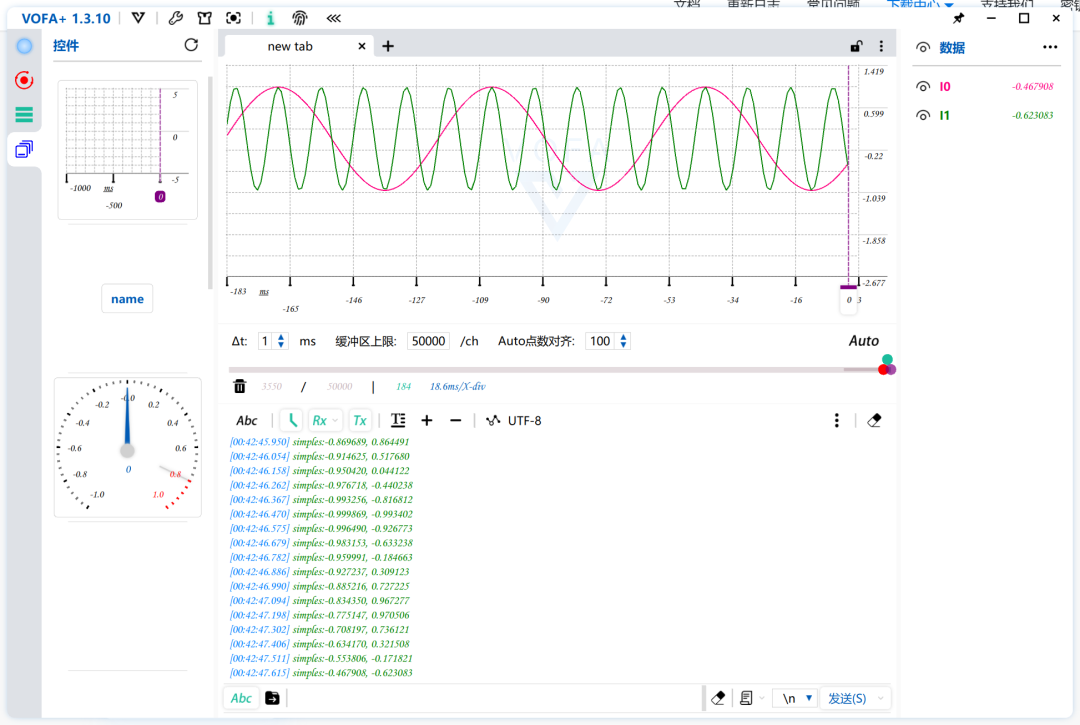
VOFA+ is an intuitive, flexible, and powerful plugin-driven high-freedom upper computer that can be seen in fields dealing with electricity, such as automation, embedded systems, IoT, and robotics.The name VOFA+ comes from: Volt, Ohm, Farad, Ampere, which are the basic units in the electrical field, named after their inventors—four giants in the field of electronic physics. Their initials together form the name VOFA+.

Vofa+ is simply a software that supports digital animation, allowing for an intuitive understanding of real-time data changes. It is also free, and its rich plugins will assist embedded engineers in their actual debugging needs!
10
Arduino IDE
Arduino IDE is an integrated development environment (IDE) that supports Arduino boards. It is a simple and easy-to-use tool that helps developers write, edit, upload, and debug interactive electronic products based on Arduino.Today, Arduino IDE has fully adapted to the development needs of ESP8266/32, providing rich usage examples and Arduino library functions!
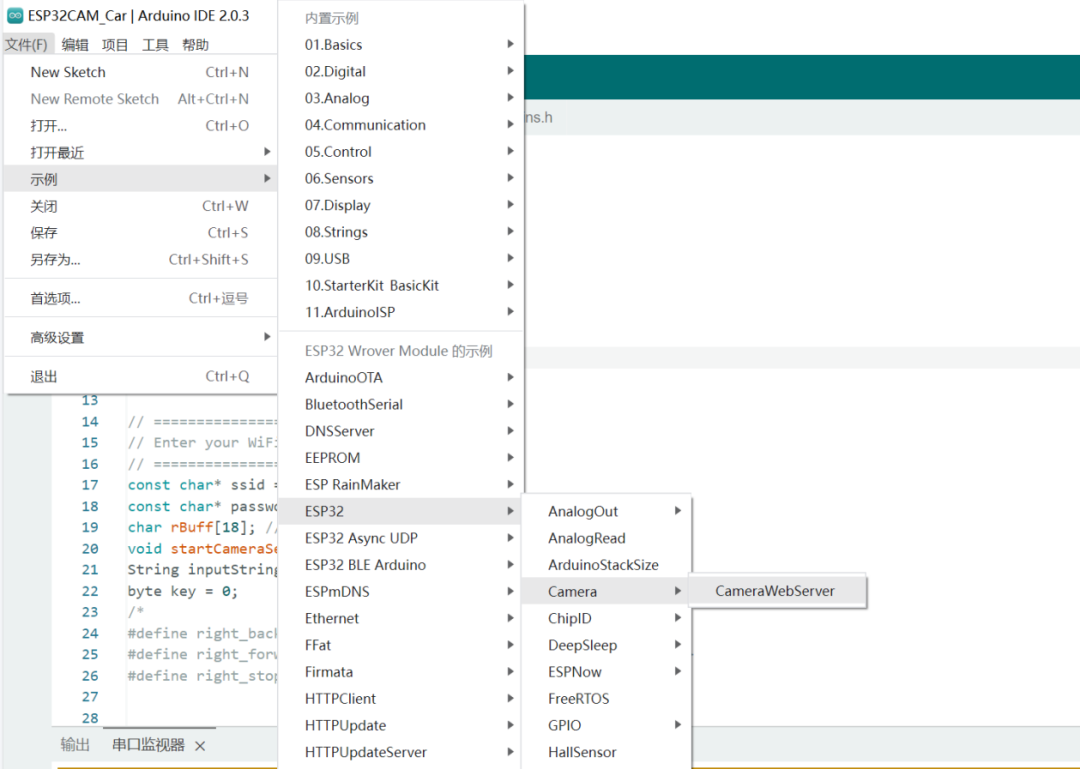
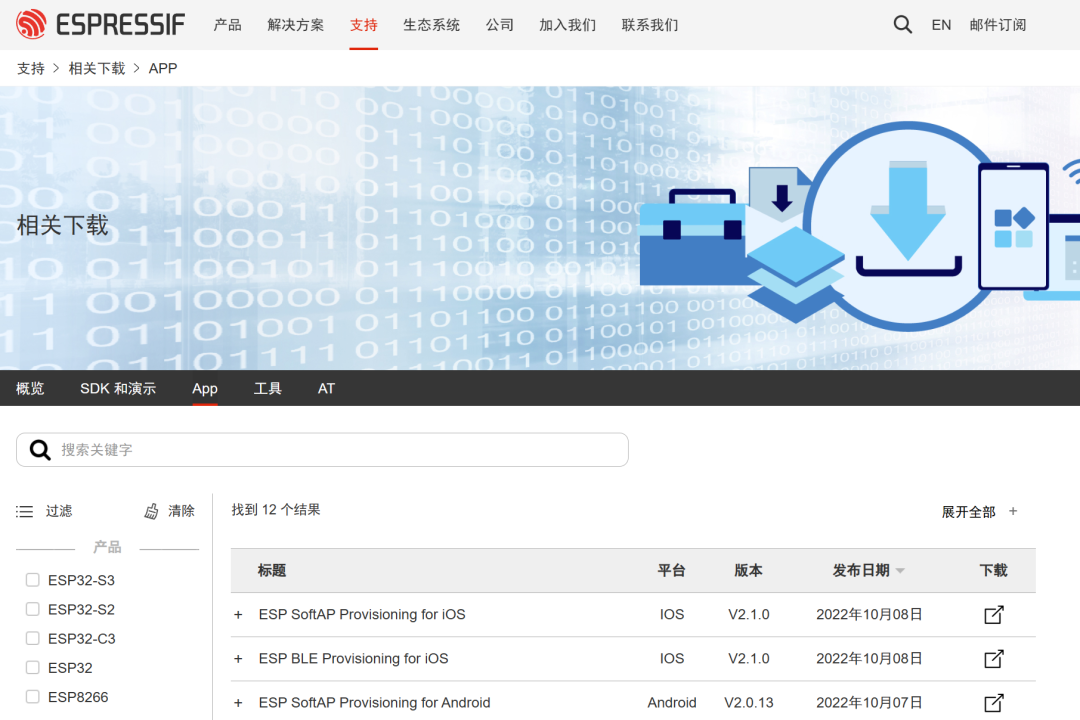
Some engineers may think that ESP series development boards are just toys or at most for IoT projects, but that is not the case!According to my discussions with colleagues from many domestic and foreign universities such as MIT and NJUST, many universities have changed their traditional STM32 teaching to ESP32 teaching!At the same time, Espressif is even excellent in lightweight edge computing! Times are changing, and I believe Espressif’s ESP32 series will shine in the future!
11
Logic
Logic is a tool for modeling and analyzing digital logic circuits, helping users design and verify various digital circuits, including combinational logic circuits, sequential logic circuits, and state machines.
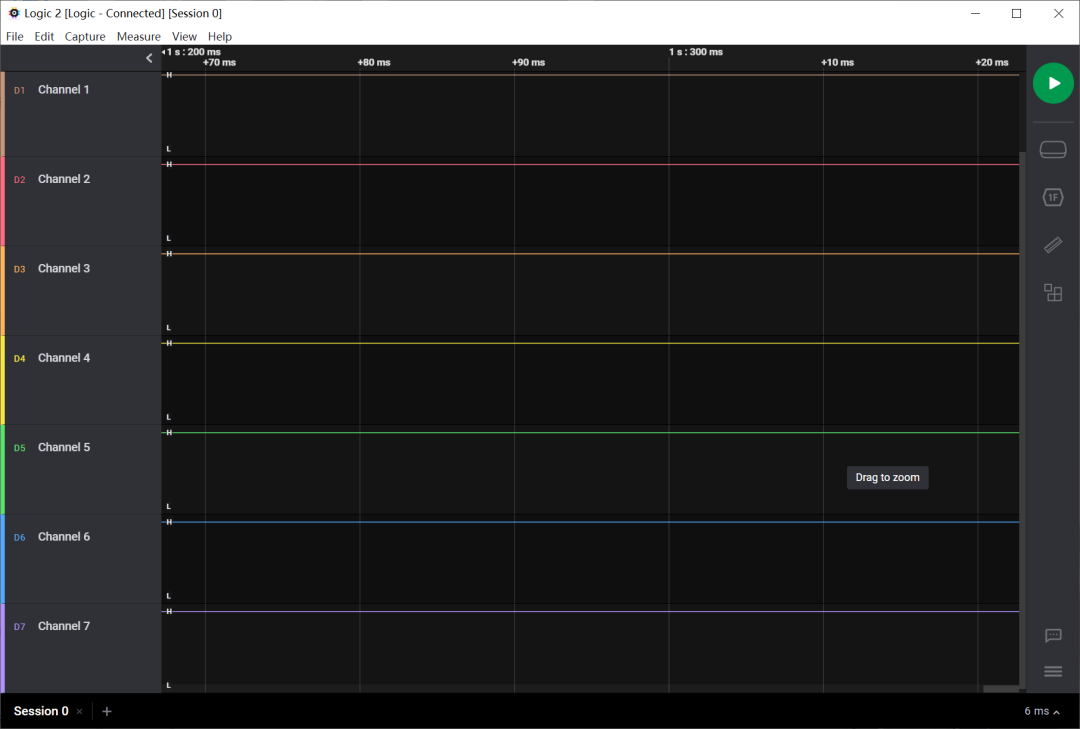
Logic analyzers are very common testing tools in embedded engineering, and there are many types of logic analyzers. However, Logic is both visually appealing and functionally robust! Unfortunately, it is quite expensive, but fortunately, there is the mysterious power of the East!
12
uniapp
uniapp is a framework for developing cross-platform front-end applications based on Vue.js that allows developers to use a single codebase to publish to multiple platforms, including iOS, Android, and Web (responsive).It supports various mini-programs and quick applications, enabling developers to respond more flexibly to different application scenarios.
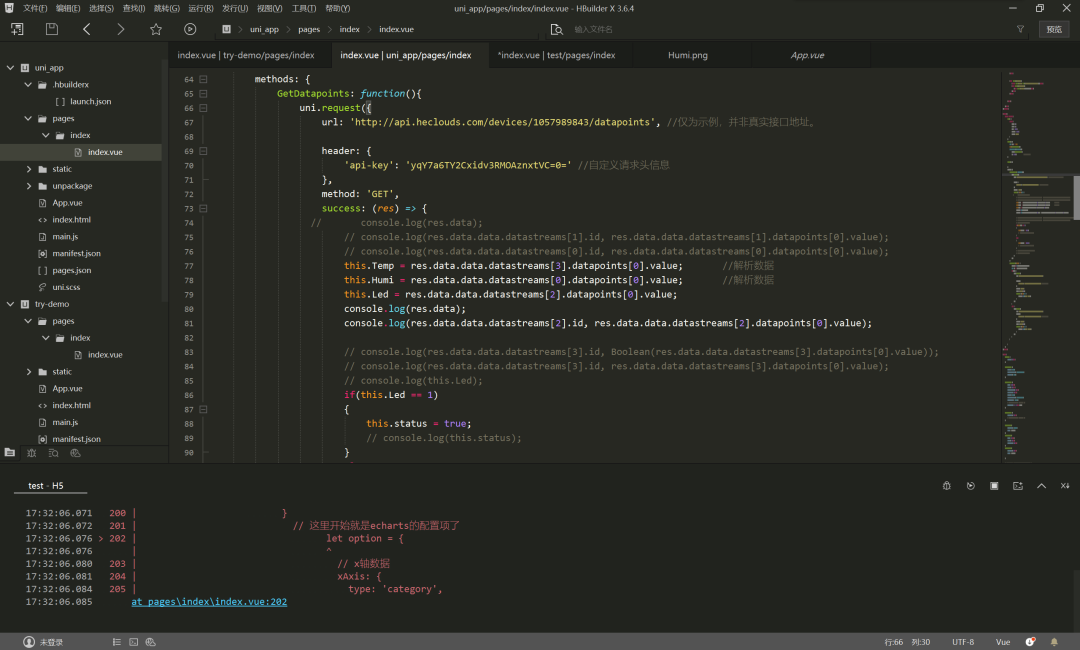
The advantages of uniapp include:Having its own community, rich components, and low development difficulty, allowing non-professional APP developers to quickly get started in developing their own APPs!
13
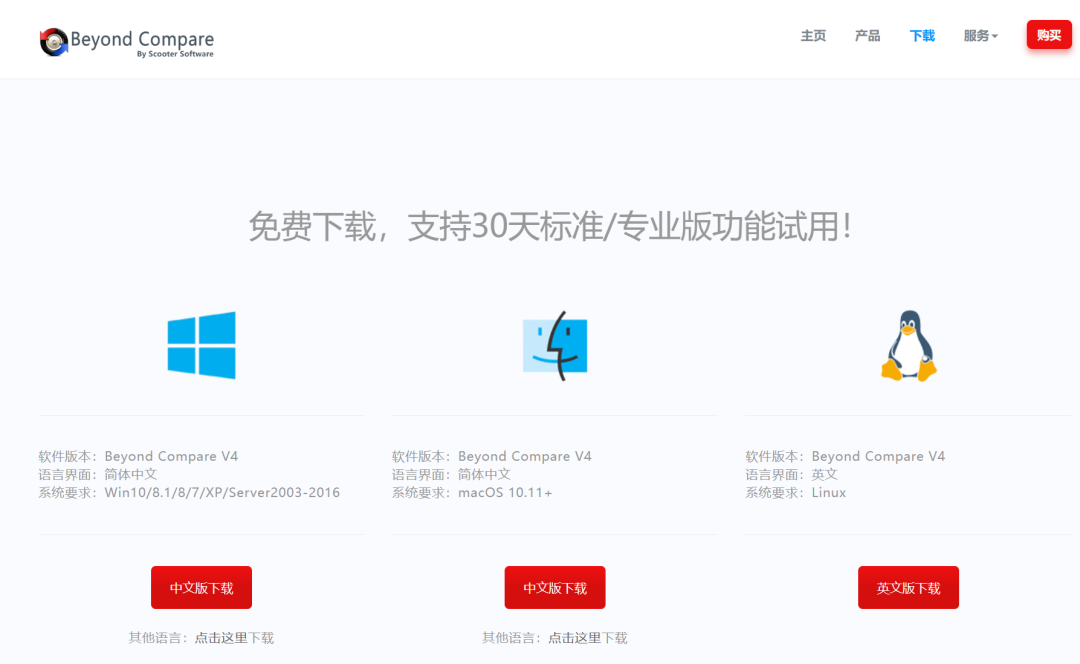
Beyond Compare
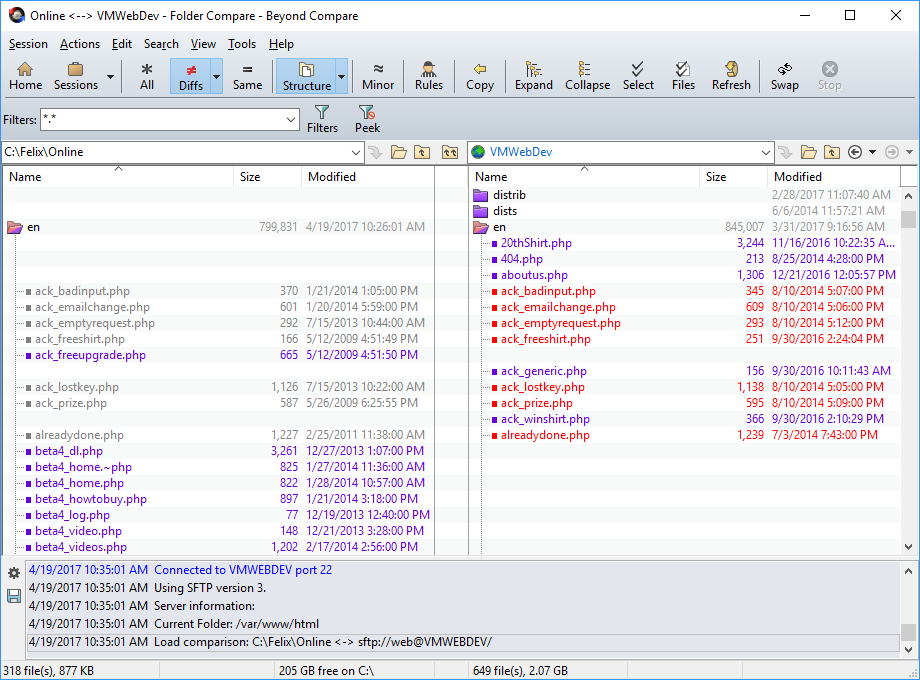
Beyond Compare is a comprehensive comparison tool that can be used to compare text, folders, files, etc., helping users quickly and accurately find differences and similarities.It supports various comparison methods, including text comparison, folder comparison, and file comparison, and can be used to manage original files, keep folders synchronized, compare program output results, and check the accuracy of burned CD backups.
Linux driver engineers often need to use Beyond Compare to compare old driver codes when learning new development board drivers.This way, they can quickly identify what has changed, and these areas will be the focus of future development!
14
Git
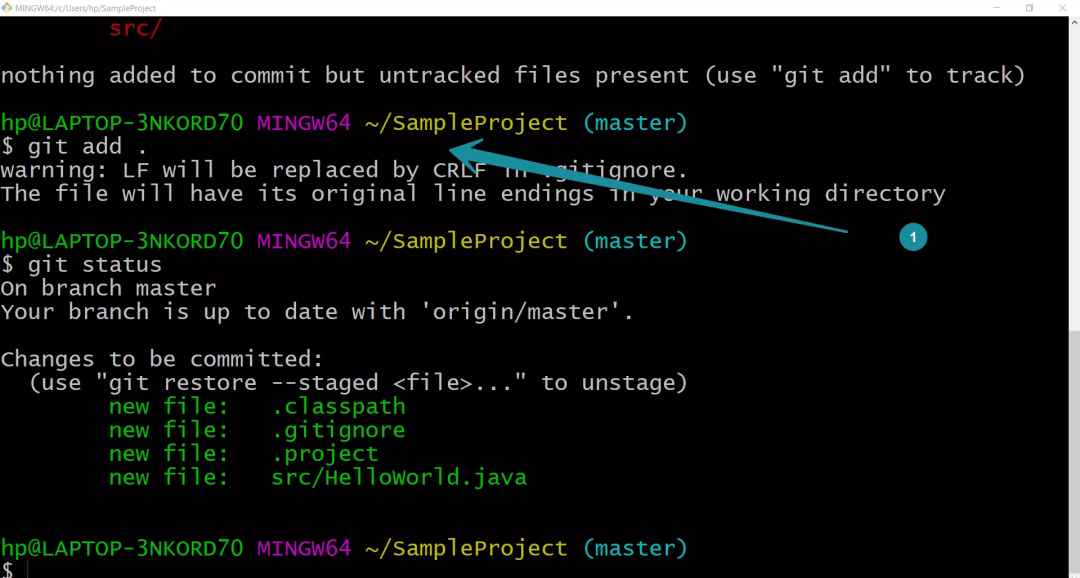
Git is a distributed version control system used to track and manage changes in projects. It was initiated and developed by Linus Torvalds in 2005 and has now become an open-source project widely used.With Git, developers can store the version history of a project locally and synchronize it with a remote repository to share and collaborate with other team members.It also provides many commands and tools, such as **<span><span><span>git init</span></span></span>、<span><span><span>git add</span></span></span>、<span><span><span>git commit</span></span></span>、<span><span><span>git push</span></span></span>** and **<span><span><span>git pull</span></span></span>** etc., making it easy for developers to manage their code repositories.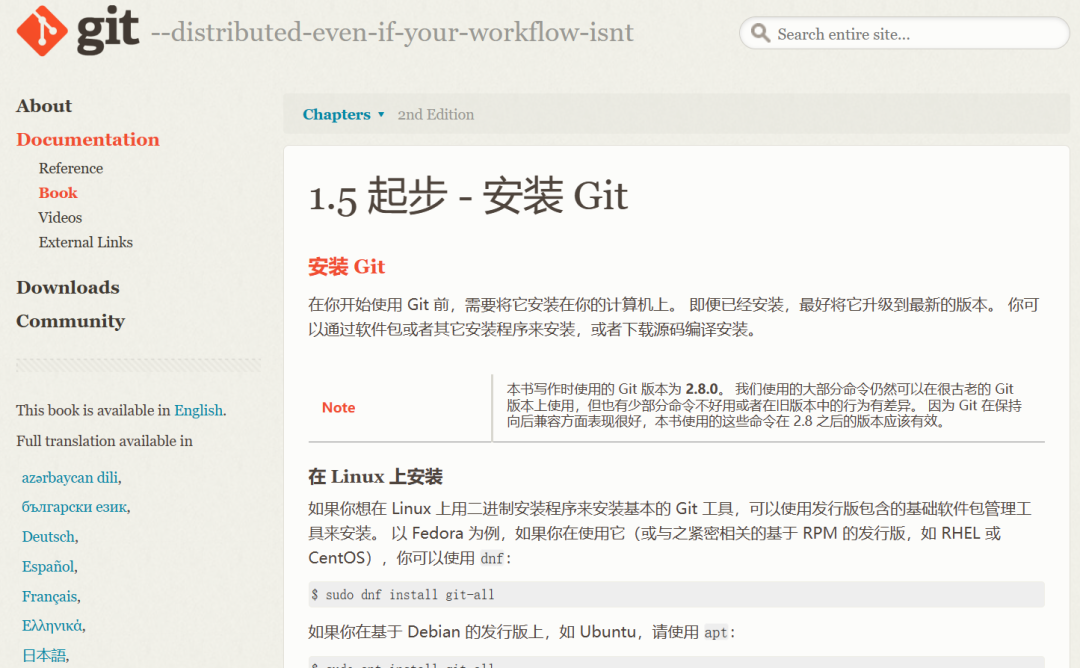 In summary, Git is a powerful tool that helps developers manage and collaborate more effectively while providing better flexibility and scalability.
15
Tracealyzer
Tracealyzer is a tool for real-time tracking and analysis of embedded systems. It is developed by MathWorks and aims to help developers better understand and optimize the performance of their embedded systems.Tracealyzer provides in-depth analysis of embedded systems by tracking runtime behavior and events in real-time. It can help developers identify performance bottlenecks, debug issues, and optimize system performance.
Key features of Tracealyzer include::
-
Real-time tracking: Tracealyzer can track the runtime behavior of the system in real-time, including task execution, interrupts, timers, and events.
-
Performance analysis: Tracealyzer can analyze system performance metrics such as response time, latency, and throughput. It can help developers identify performance bottlenecks and optimization opportunities.
-
Debugging and troubleshooting: Tracealyzer can capture errors and exceptions in the system and provide detailed information and stack traces to help developers debug and resolve issues.
-
Visual reports: Tracealyzer generates detailed visual reports, including timelines of tasks and events, performance metric charts, and stack traces. These reports can help developers better understand system behavior and formulate optimization strategies.
-
Cross-platform support: Tracealyzer supports various embedded platforms, including embedded devices based on Windows, Linux, and real-time operating systems.
16
PyCharm
PyCharm is an integrated development environment (IDE) specifically for developing Python applications. It is a powerful tool that provides many features and functionalities to help developers improve efficiency and create high-quality Python code.
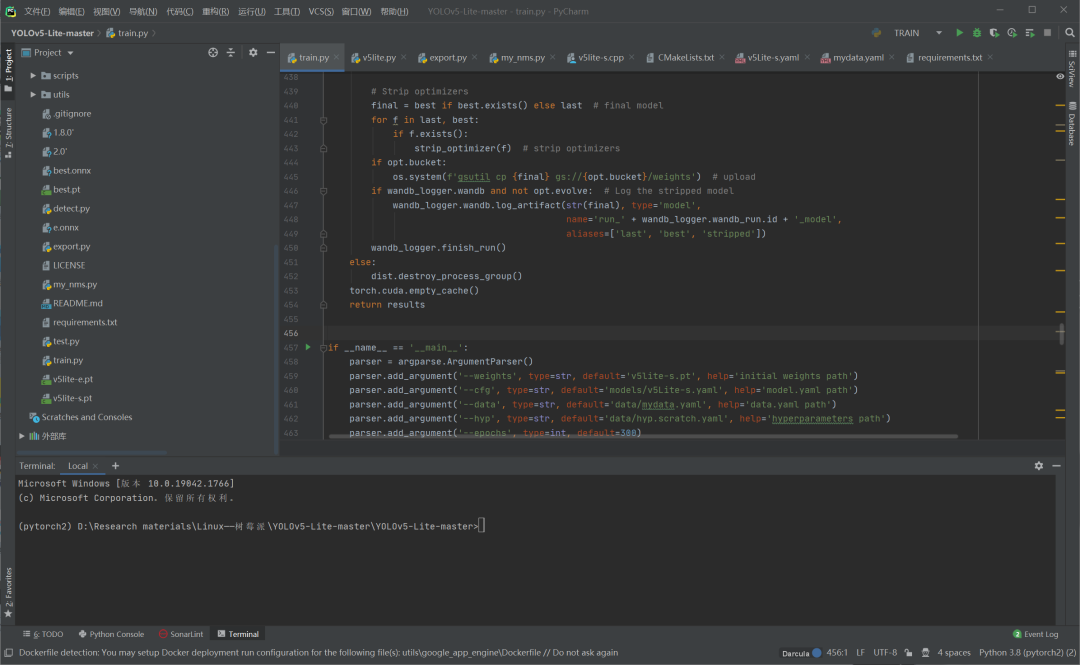
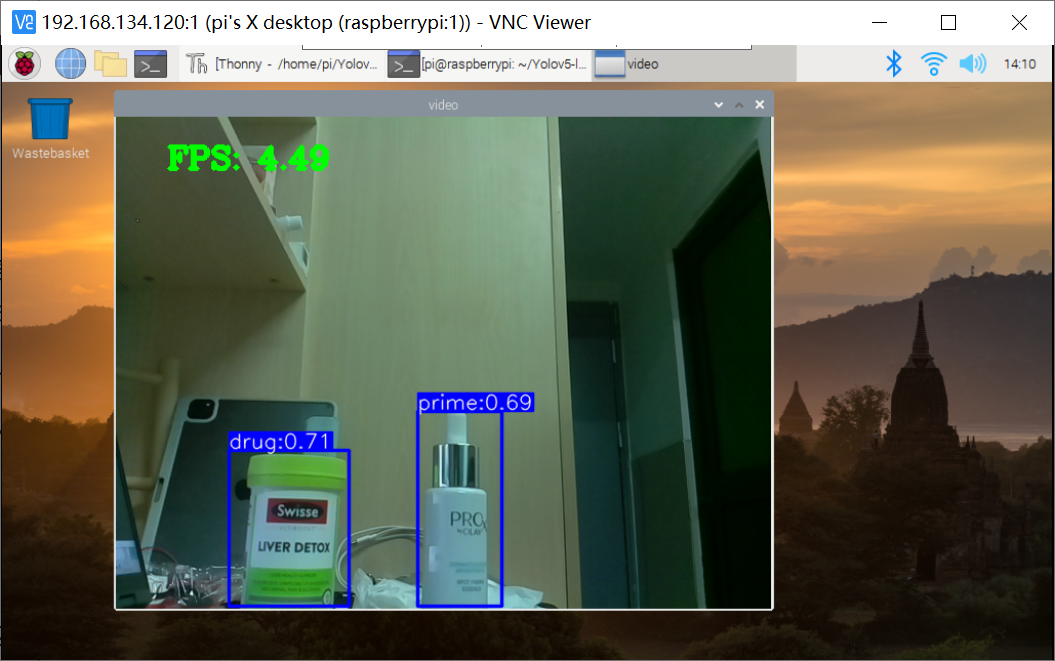
Today, the popular AI technologies, such as object detection and natural language recognition, often require training of neural networks using Python .This often requires the use of Python IDEs, and PyCharm is currently a very mainstream AI development platform! Embedded AI engineers often need to train network models in PyCharm before deploying them on AI boards!
17
Matlab
Matlab is a programming language and interactive environment for mathematical computation and engineering applications. It is developed by MathWorks and is widely used as a scientific computing language and tool in various fields, such as science, engineering, finance, etc.Many engineers may think that Matlab is only a research tool for simulation! In fact, we can convert Matlab’s .m language programs into C language to run advanced control algorithms on MCUs!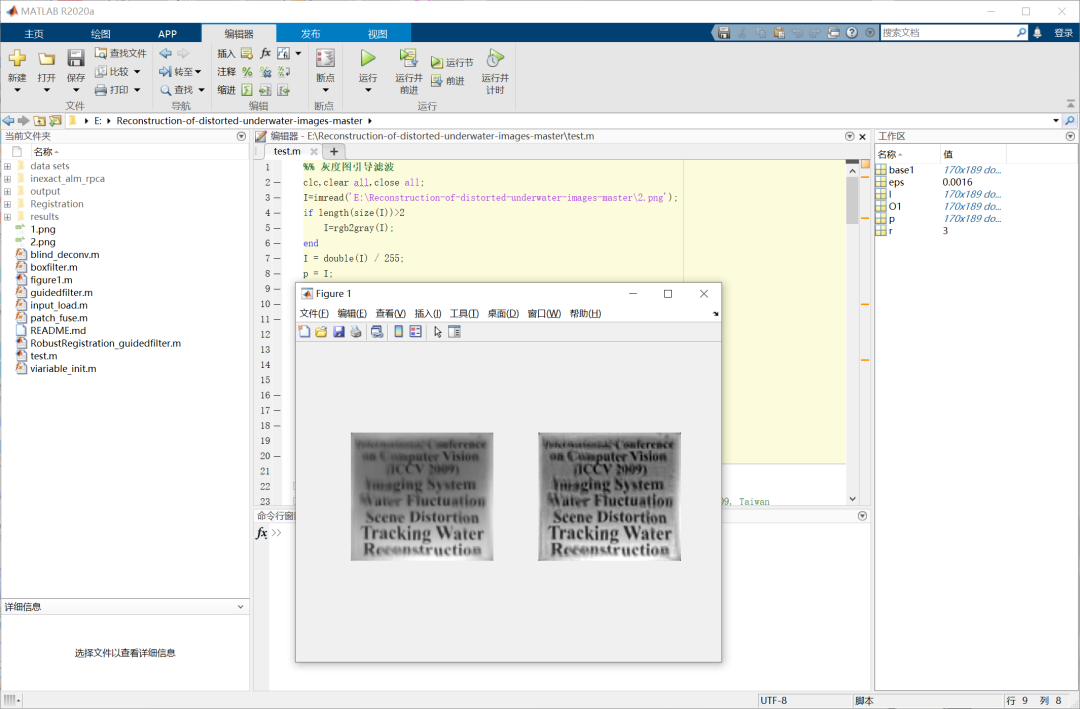 Including image filtering algorithms can also be simulated in Matlab, and then the corresponding C language can be written for porting implementation!

Some screenshots of electronic books
【Complete Set of Hardware Learning Materials】