[Name]:Proteus 8.6
[Size]:249.27MB
[Language]: Simplified Chinese
[Applicable Systems]:Windows 7, Windows 8, Windows 10, Windows 11
[Introduction]:Proteus is an embedded system simulation development software that integrates schematic design, microcontroller programming, system simulation, and PCB design, achieving a complete design from concept to product. Its processor models support 8051, HC11, PIC10/12/16/18/24/30/DsPIC33, AVR, ARM, 8086, and MSP430, helping users simulate circuit operations and design circuits, widely used in education and industrial design.
[64/32-bit Download Link]:
https://pan.baidu.com/s/1B29i74wVn5bsWXVHUKfZjw?pwd=jyvc
Password:jyvc
If you encounter installation issues or need remote installation, please contact:Customer Service
InstallationSteps
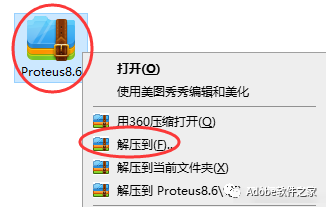
1. Right-click the downloaded installation package and select Extract.
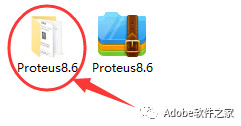
2. After extraction, you will get an installation folder; open it.
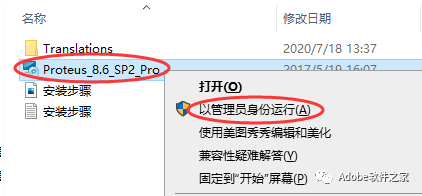
3. Right-click on Proteus_8.6_SP2_Pro and select Run as Administrator.
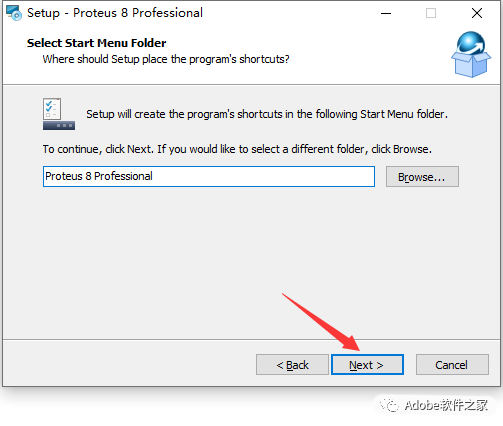
4. Click Browse… to select the installation location (remember this installation location, as you will need to find it later), then click Next.
5. Click Next.
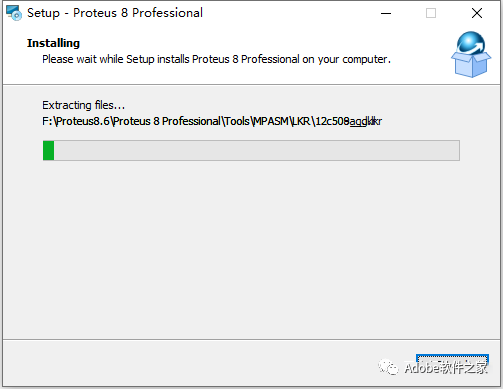
6. Installation in progress.
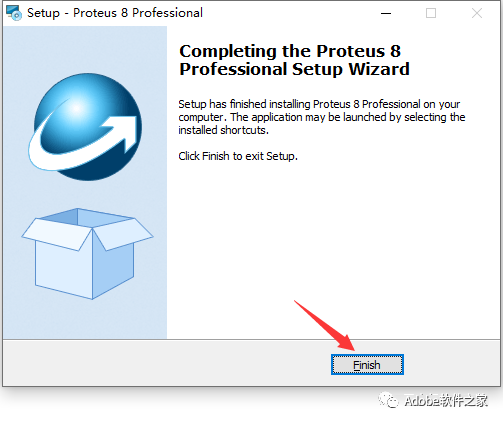
7. Installation complete, click Finish.
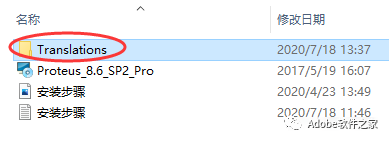
8. Go back to the extracted installation folder, copy the Translations folder
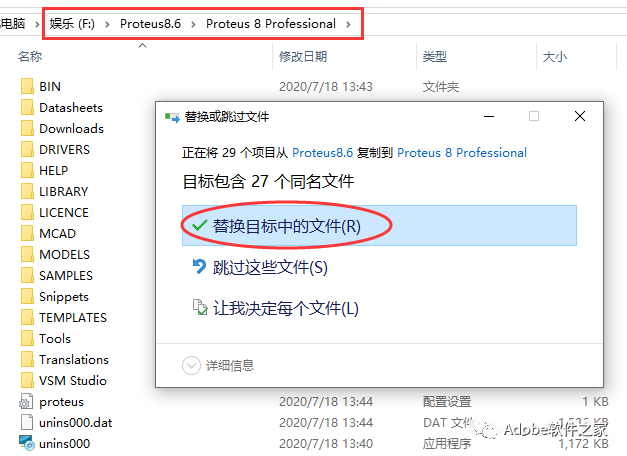
9. Paste it into the software installation directory (the installation location you remembered in step 4), and choose to replace.
10. Find the software on your desktop, and open it.
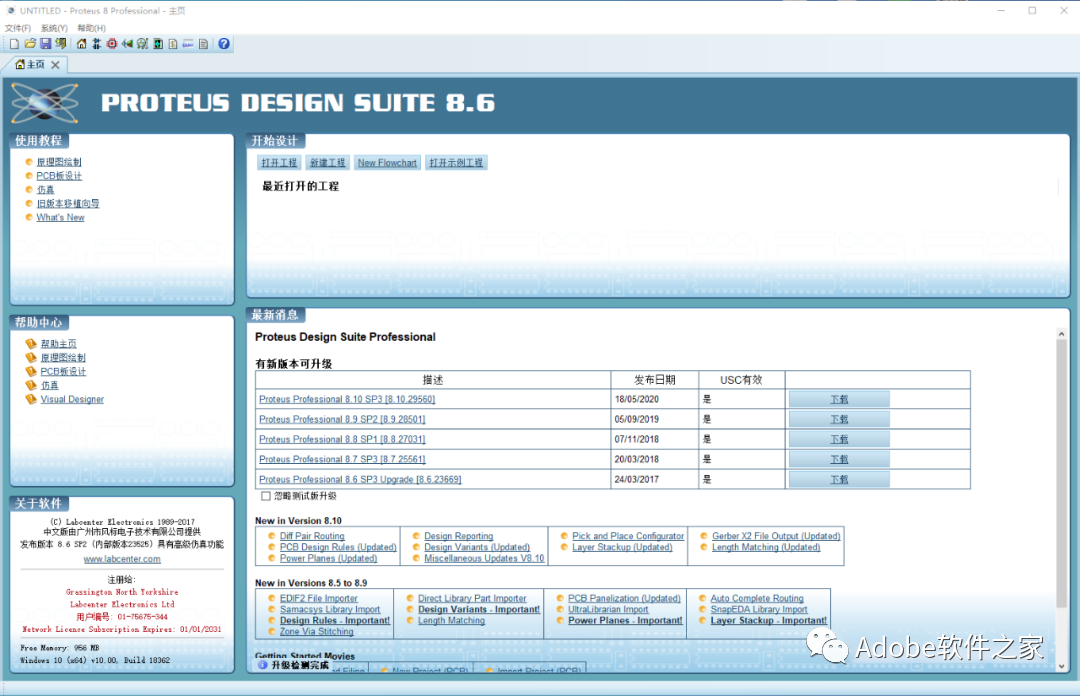
11. Ok, installation completed.


 Long press the QR code to follow us.
Software Installation
Public account focused on software installation
 Because of your sharing, likes, and views, your friends will also install it!