
Click the blue text to follow Software Installation Home
Understanding the Software
Multisim is a Windows-based simulation tool launched by National Instruments (NI) for the design of board-level analog/digital circuits. It includes graphical input for circuit schematics and hardware description language input methods, with rich simulation analysis capabilities. Through Multisim and virtual instrumentation technology, PCB design engineers and electronics educators can complete a comprehensive design process from theory to schematic capture, simulation, and then to prototype design and testing.
Main Features
Build simulation circuits
Simulation circuit environment
Multi MCU (Microcontroller simulation)
FPGA, PLD, CPLD simulations
Modules for communication system analysis and design
Automatic routing module
PCB design module: Intuitive, 32-layer boards, fast automatic routing, forced vectors, and density histograms
Download Link
Multisim 14.0 – 64 & 32-bit download link: Link:
https://pan.baidu.com/s/1oSX4ecCH3gHYf2-QwzAEjg
Extraction code: 8888
Software size: 685.51M
Installation platform: Windows
Download tutorial: Click to view the download tutorial
Warm Tips:
1. Exit any antivirus software on your computer before extracting the package, otherwise it may intercept the activation file.
2. Temporarily disable Defender on Windows 10/11 systems.
3. All content shared by us comes from the internet. It is for technical exchange, learning, and testing purposes only and must not be used for commercial purposes.
Installation Steps
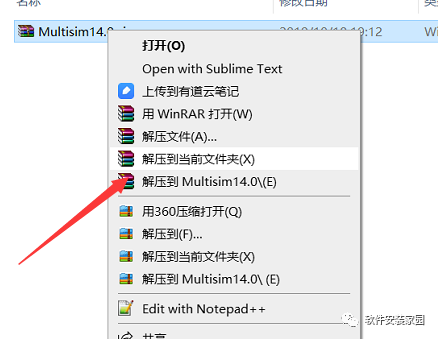
Step 1: After downloading the software, right-click to extract
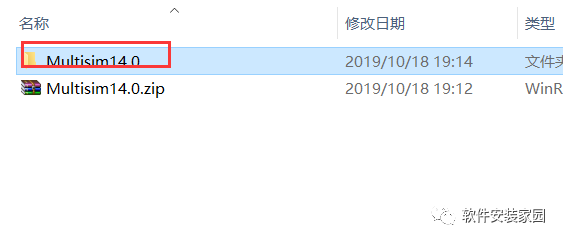
Step 2: Open the extracted Multisim 14.0 folder
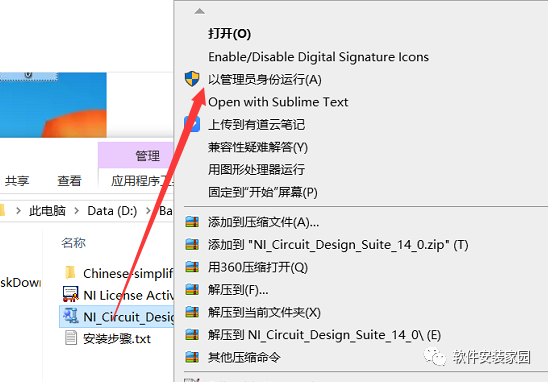
Step 3: Select NI_Circuit_Design_Suite_14_0.exe and right-click to run as administrator
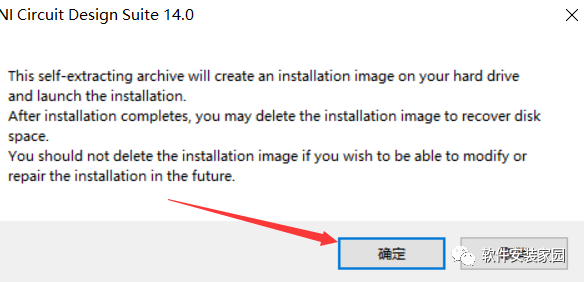
Step 4: Confirm
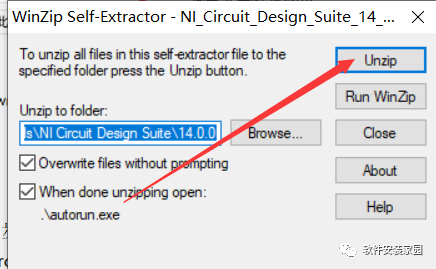
Step 5: Click Unzip
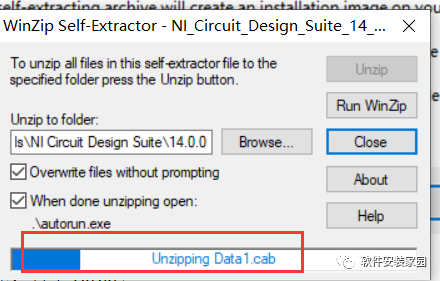
Wait for completion
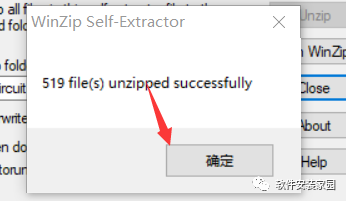
Step 6: Confirm
Step 7: Confirm
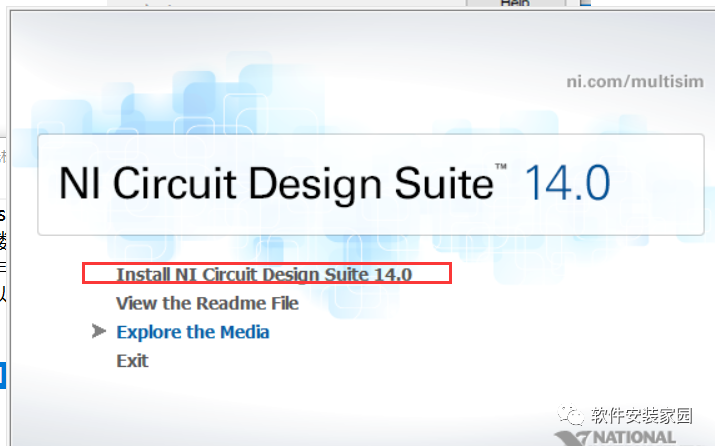
Step 8: Click Install NI Circuit Design Suite 14.0
Step 9: Customize the input and click Next
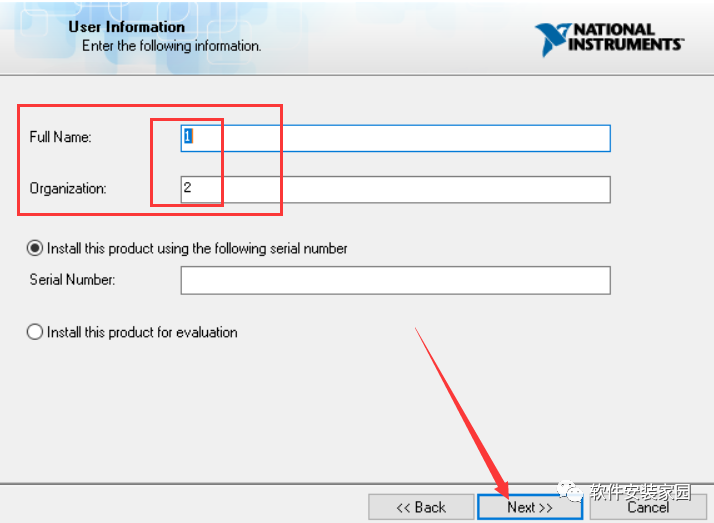
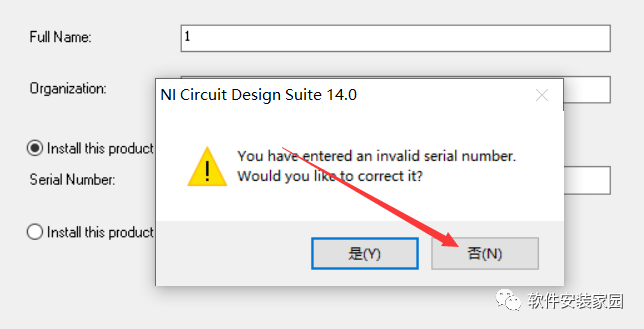
Step 10: Click No
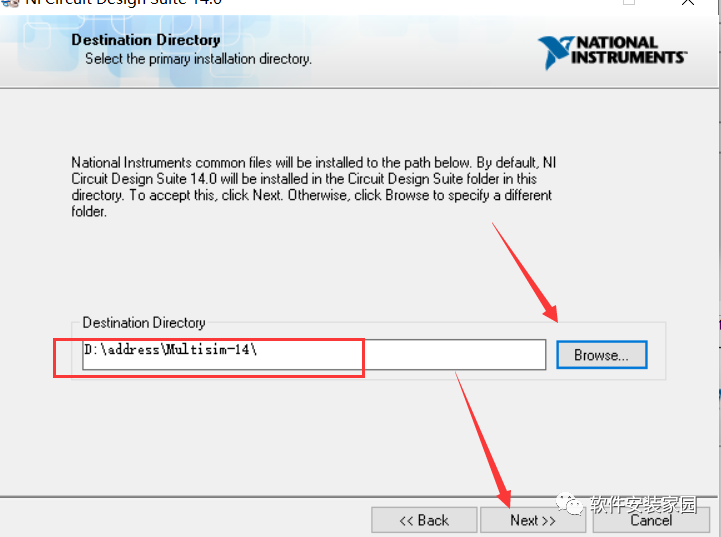
Step 11: Click Browse… to modify the installation path. It is recommended to install on a disk other than C. The author installs it on D. Click Next
Step 12: Click Next
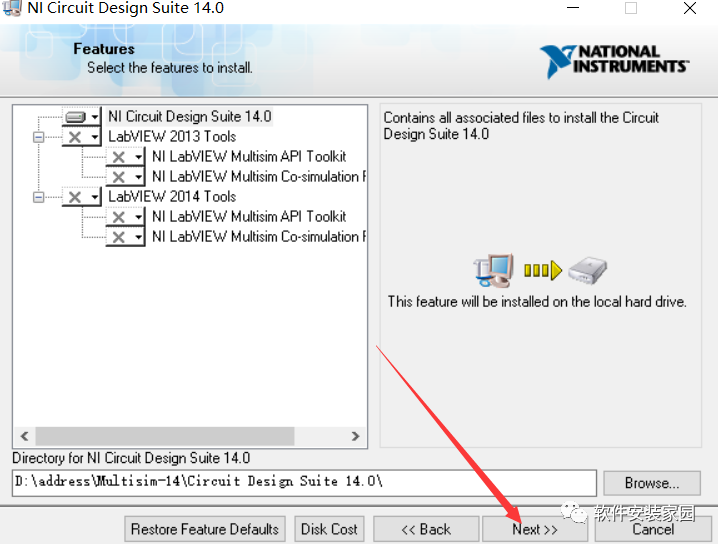
Step 13: Click Next
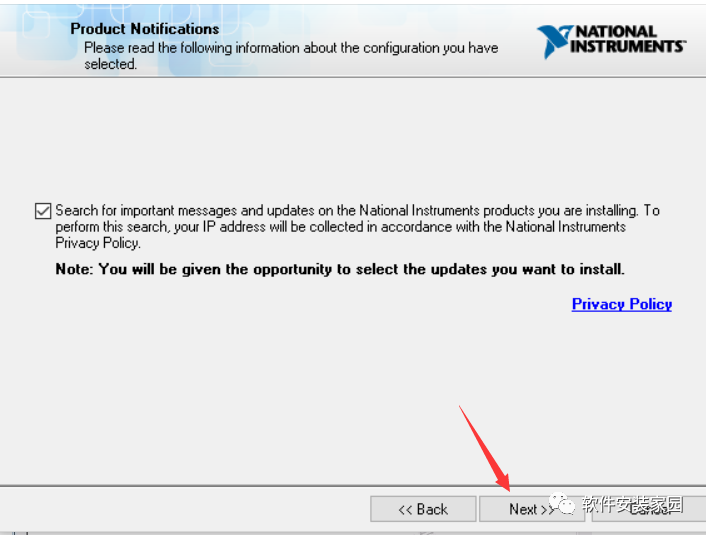
Wait for installation
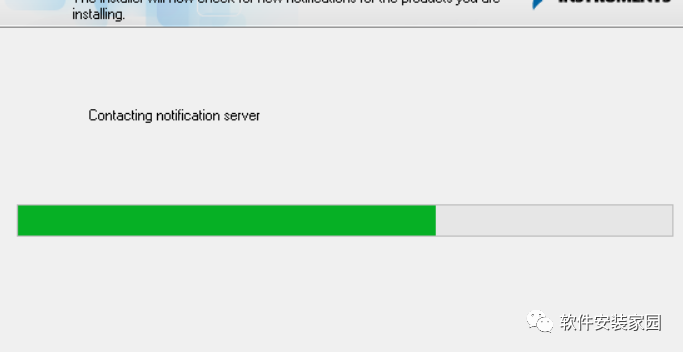
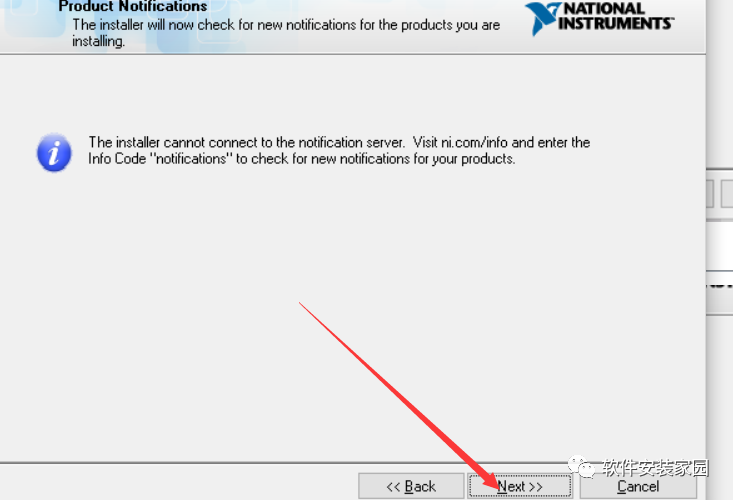
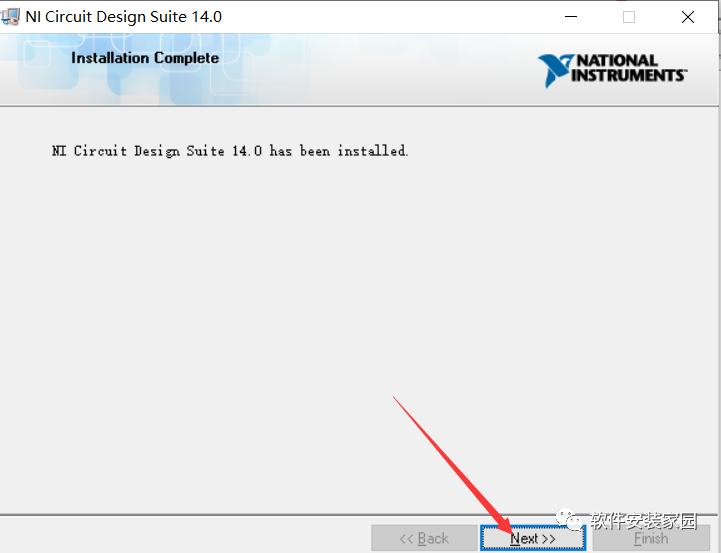
Step 14: Click Next
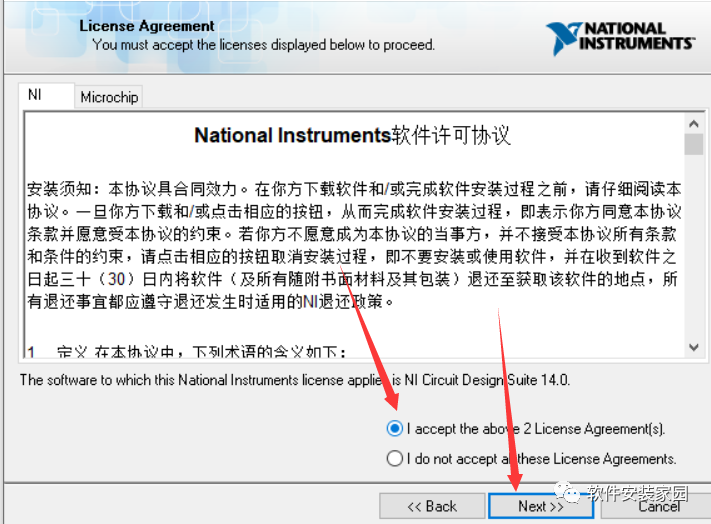
Step 15: Agree to the agreement and click Next
Step 16: Click Next
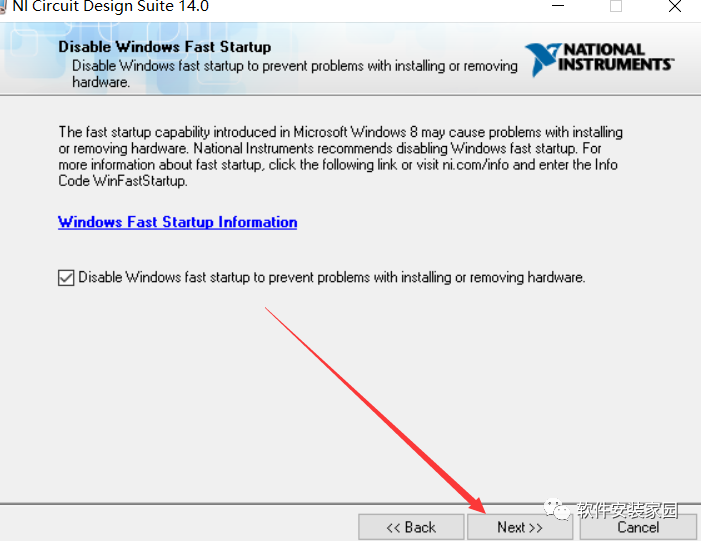
Step 17: Click Next
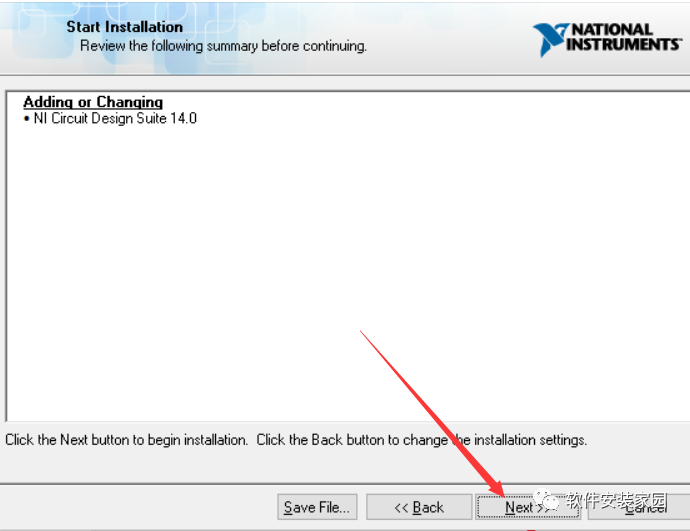
Step 18: Click Next
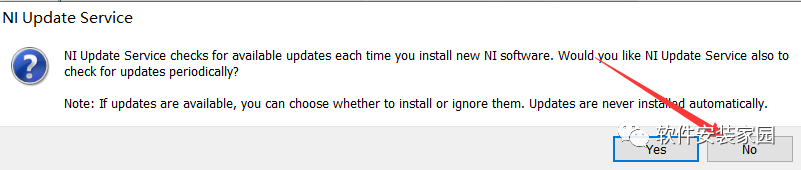
Step 19: Click NO
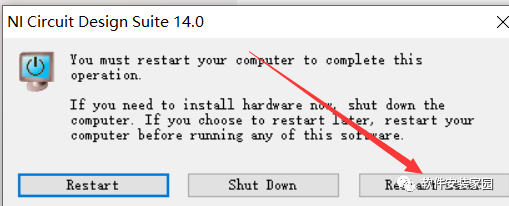
 Step 20: Click Restart Later
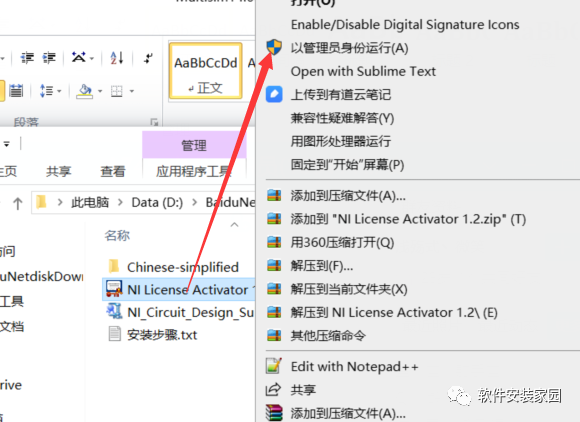
Step 21: In the previously extracted folder, select NILicense Activator 1.2.exe and right-click to run as administrator
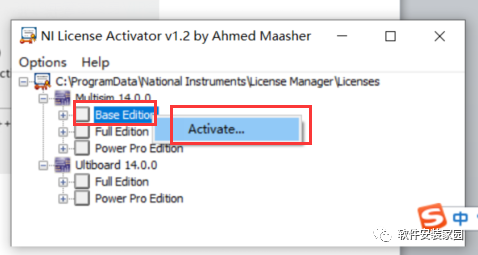
Step 22: Right-click Base Edition and click Activate
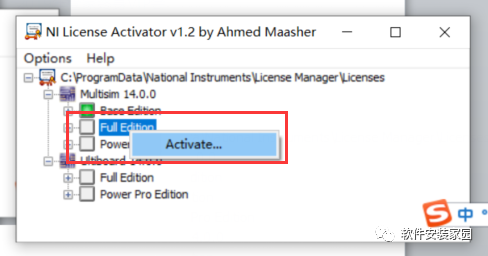
Step 23: Right-click Full Edition and click Activate
Step 24: Right-click Power Pro Edition and click Activate
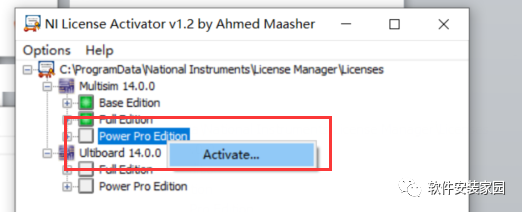
Step 25: Right-click Full Edition and left-click Activate.
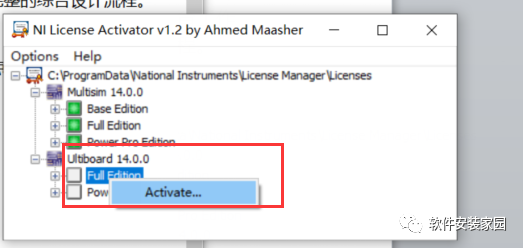
Step 26: Right-click Power Pro Edition and left-click Activate
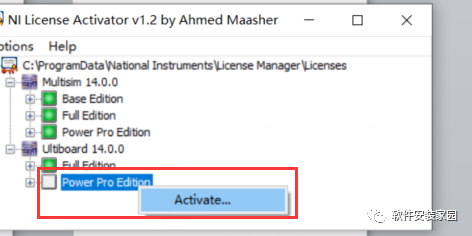
Step 27: Once these five are green, click close
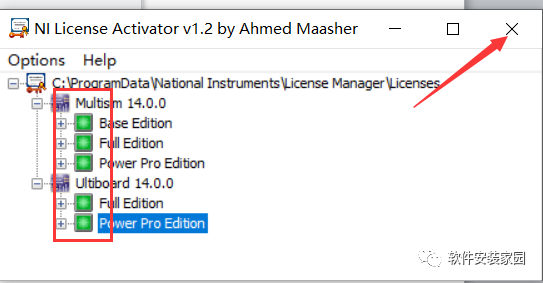
Step 28: Copy the folder
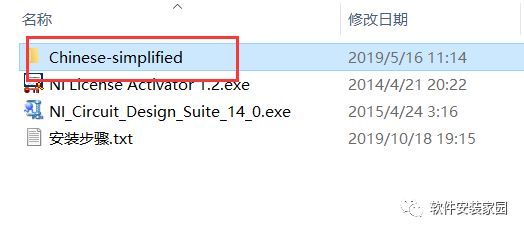
Step 29: Open the software from the start menu and drag it to create a shortcut on the desktop
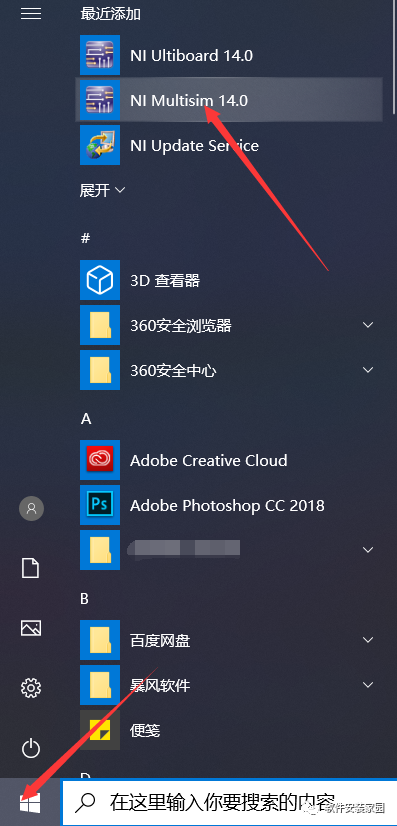
Create desktop shortcut
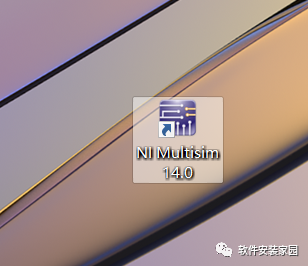
Step 30: Right-click the software on the desktop and open file location
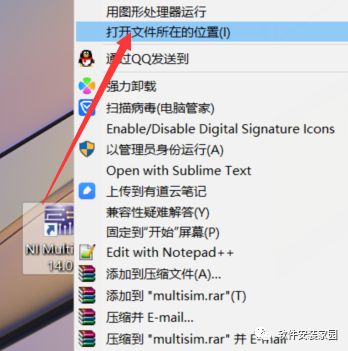
Step 31: Find the stringfiles folder and double-click to open
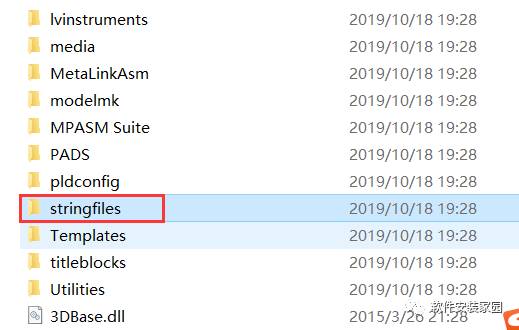
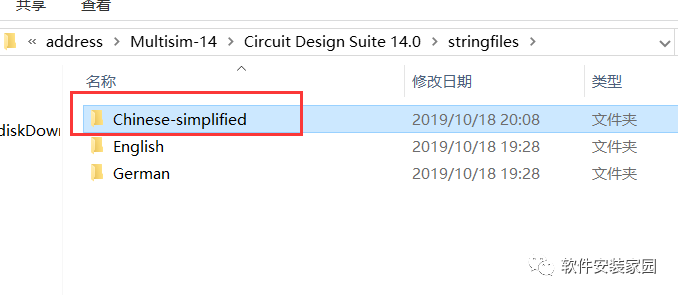
Step 32: Paste the previously copied Chinese-simplified folder
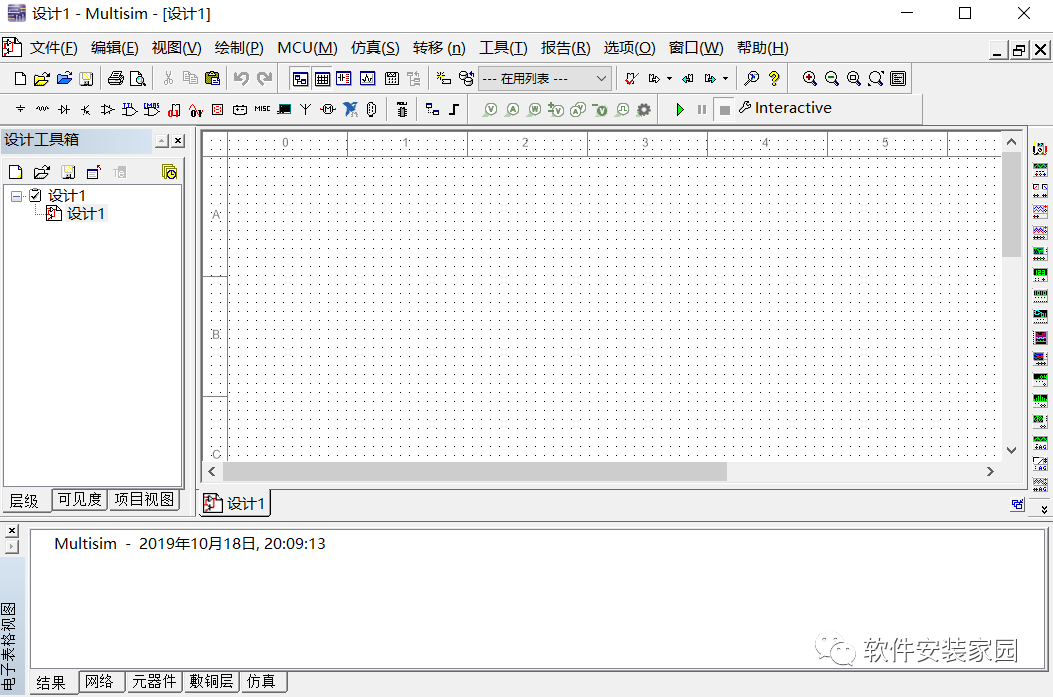
Step 33: Double-click to open the software on the desktop. The software installation is complete.
Follow the Software Installation Home public account
Free software installation packages and tutorials are provided

Long press the QR code to follow Software Installation Home