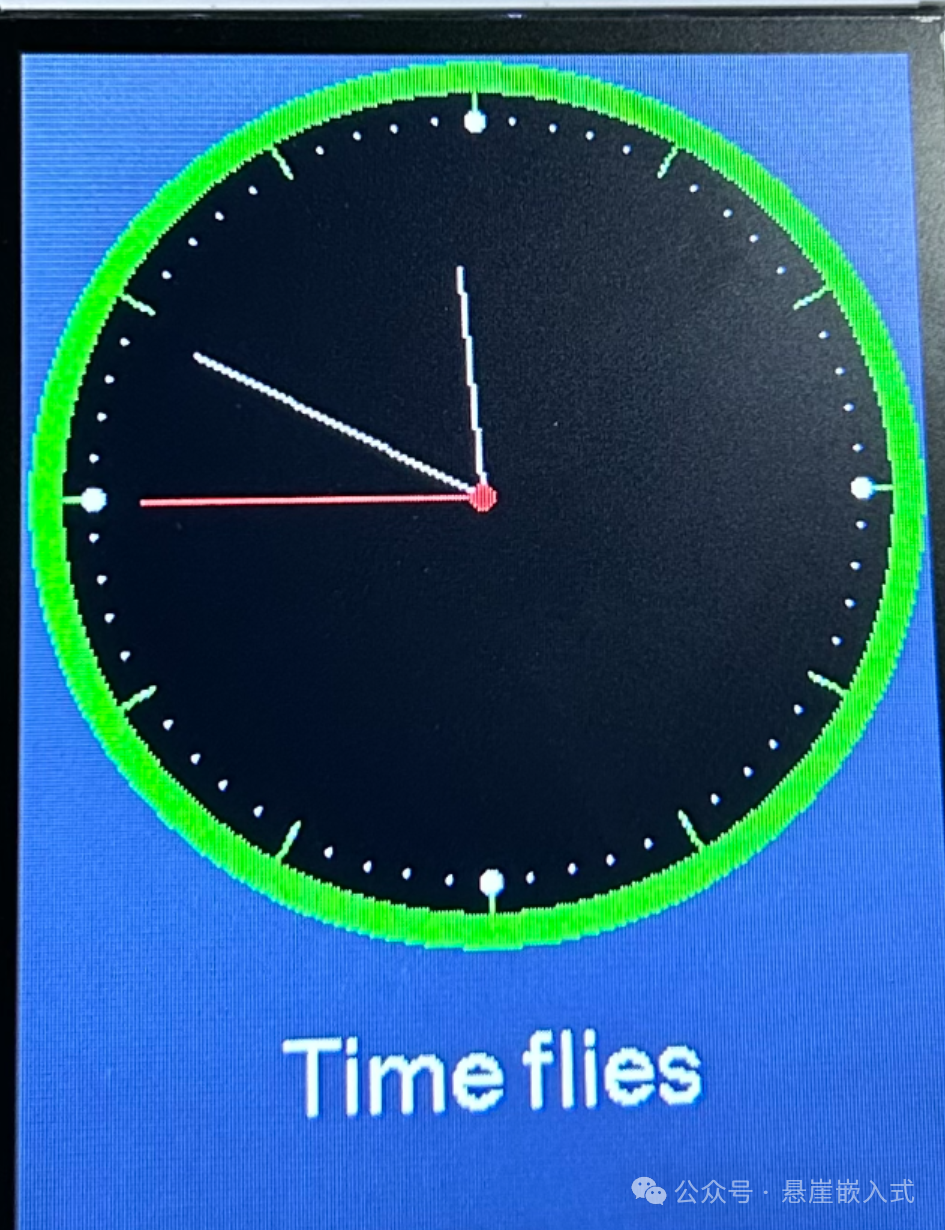
⚔️ First, let’s see the effect
⚔️ Install the TFT_eSPI Library
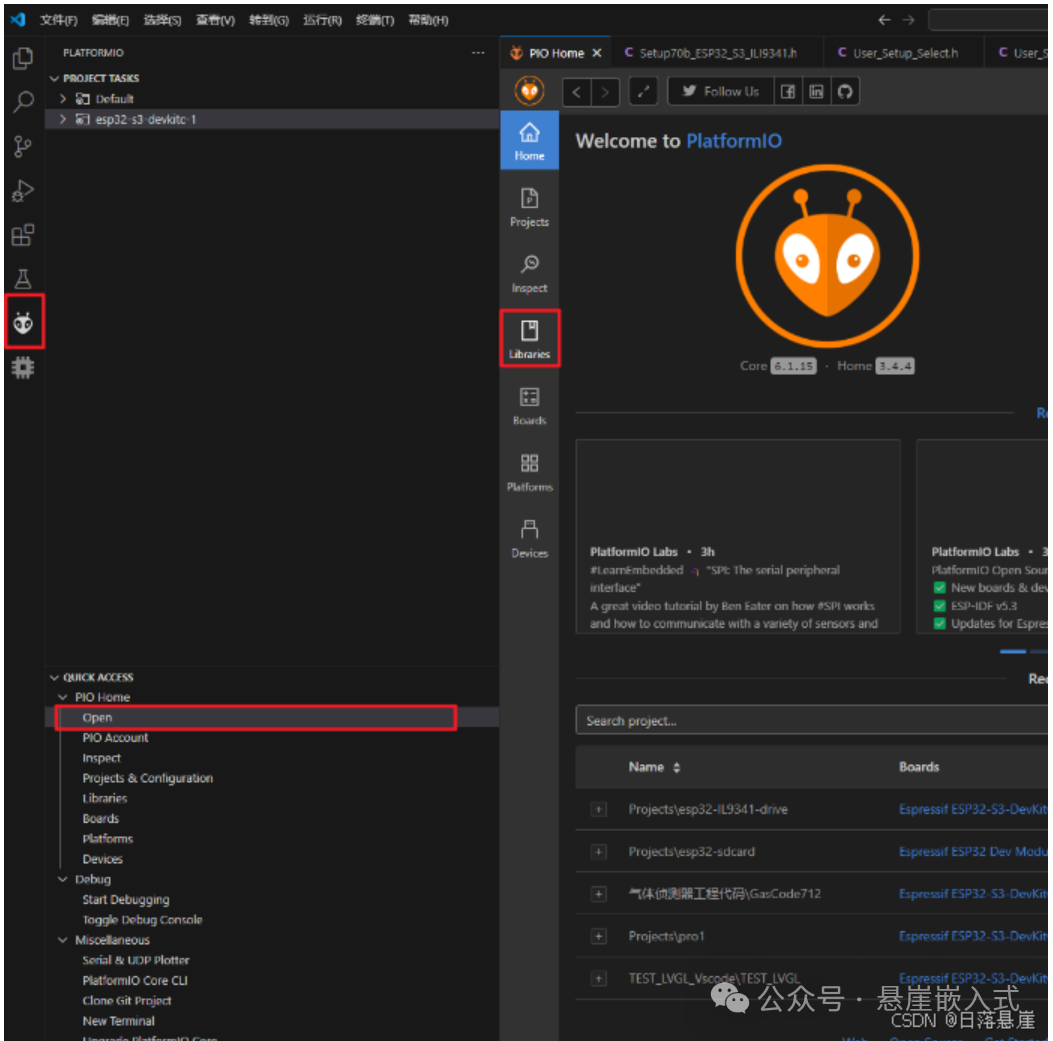
Step 1: Click on the ant icon on the right
Step 2: Click on Open in English
Step 3: Click on Libraries in English
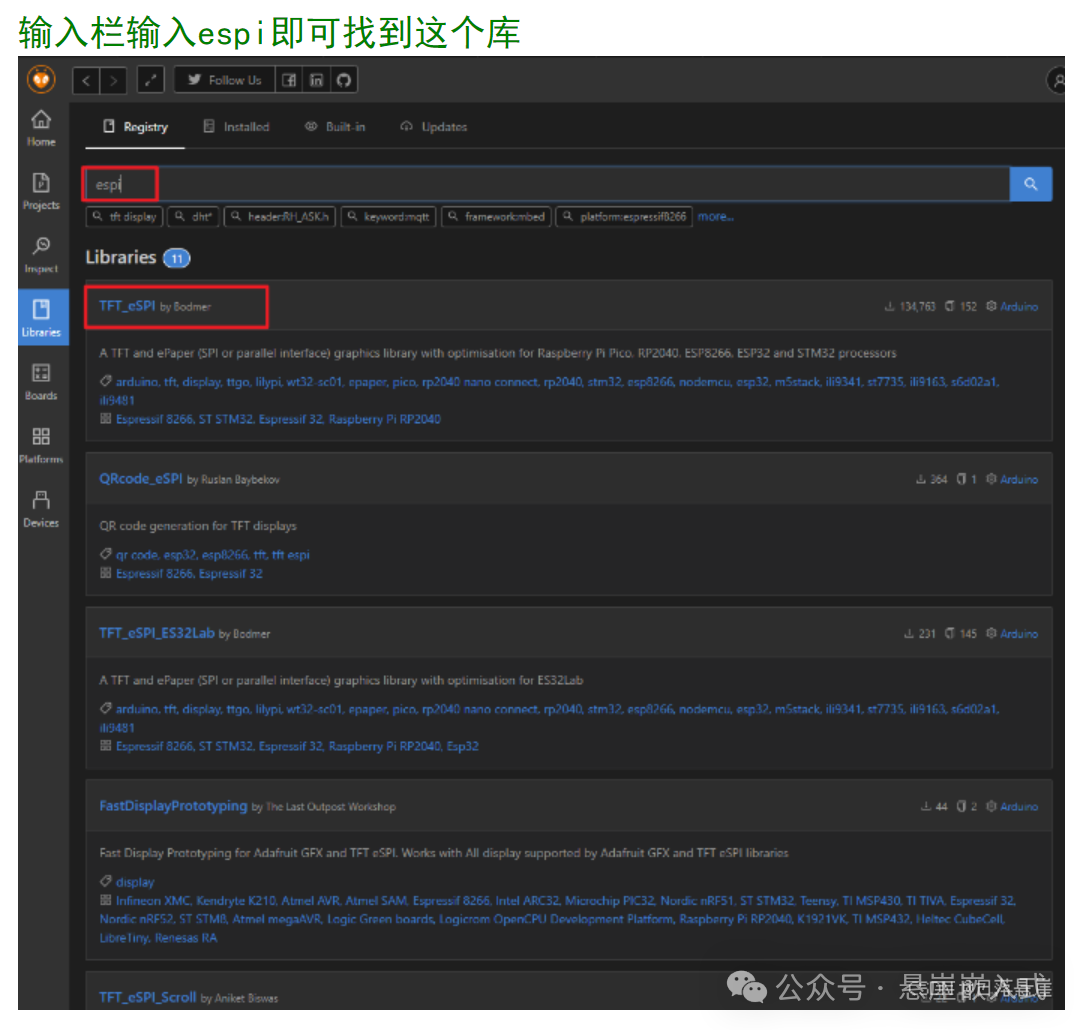
Click on TFT_eSPI in English to go to the next interface
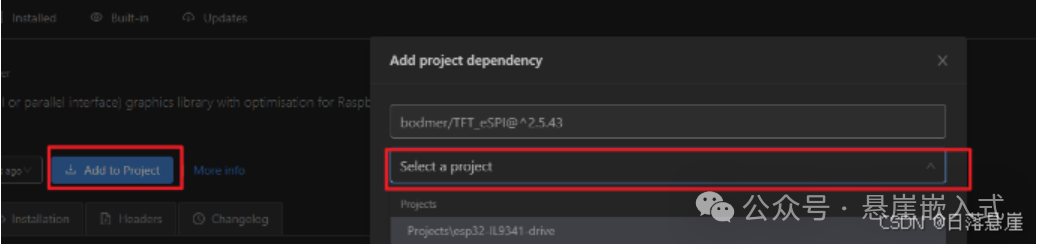
Step 1: Click on Add to Project
Step 2: Click on select a project to choose the project
Step 3: Click on add in the bottom right corner
⚔️ Modify Configuration
Configuration Step 1
Open the corresponding display header file at .pio\libdeps\esp32-s3-devkitc-1\TFT_eSPI
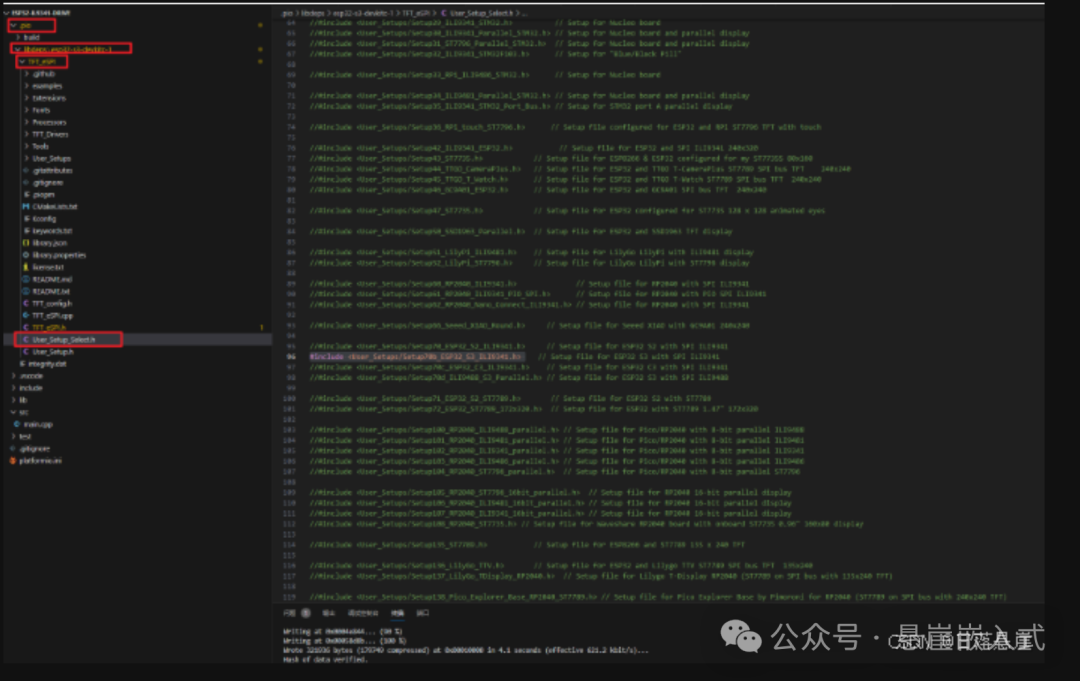
Configuration Step 2
Modify the pin numbers in .pio\libdeps\esp32-s3-devkitc-1\TFT_eSPI\User_Setups according to your actual hardware connections. If it is a development board, you can use the default parameters.
Use the demo for testing; here we take the clock demo as an example.
Navigate to this path to find the demo code
.pio\libdeps\esp32-s3-devkitc-1\TFT_eSPI\examples\320 x 240\TFT_ClockCopy all the code from the clock demo to the main function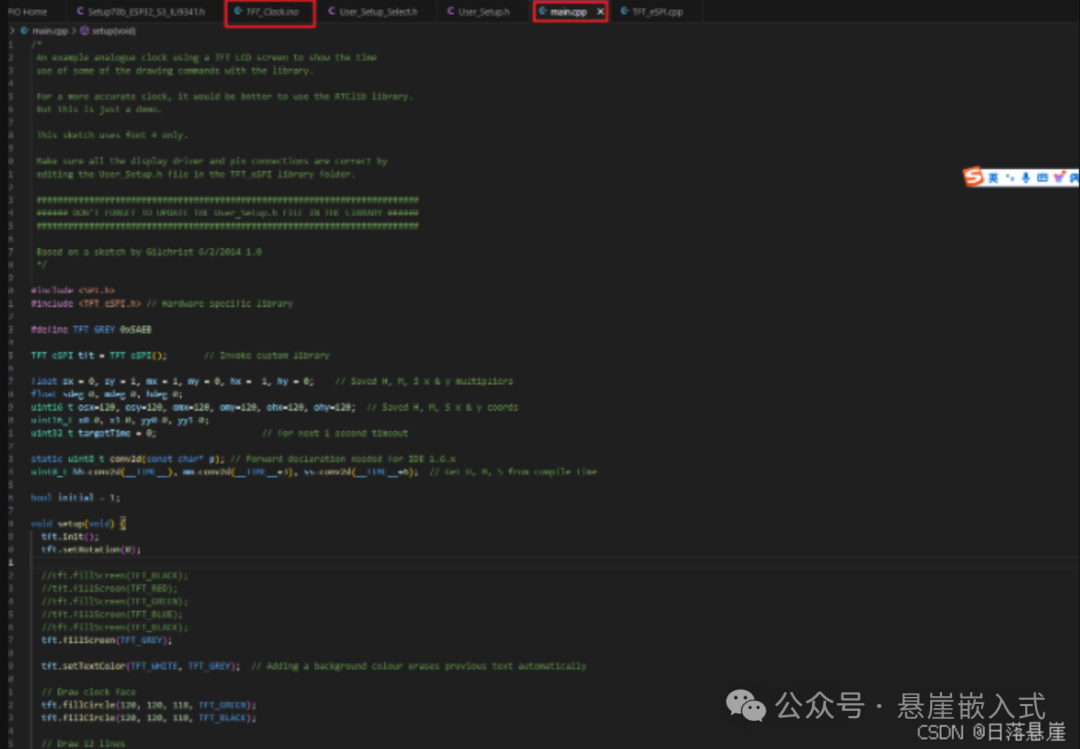
⚔️ Finally, compile and download