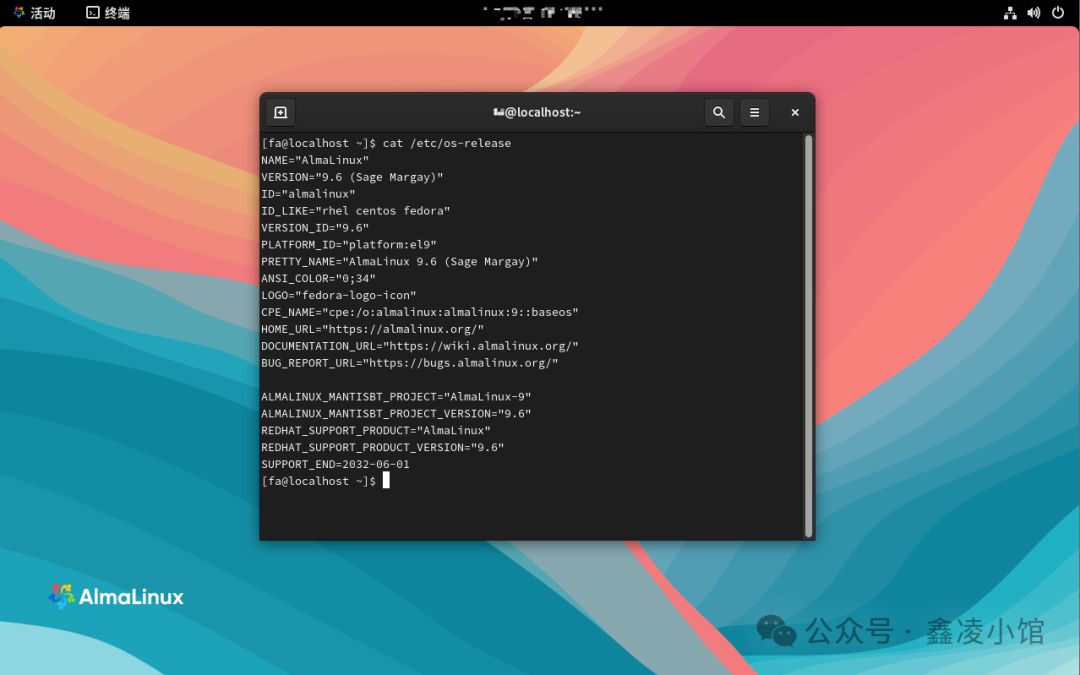
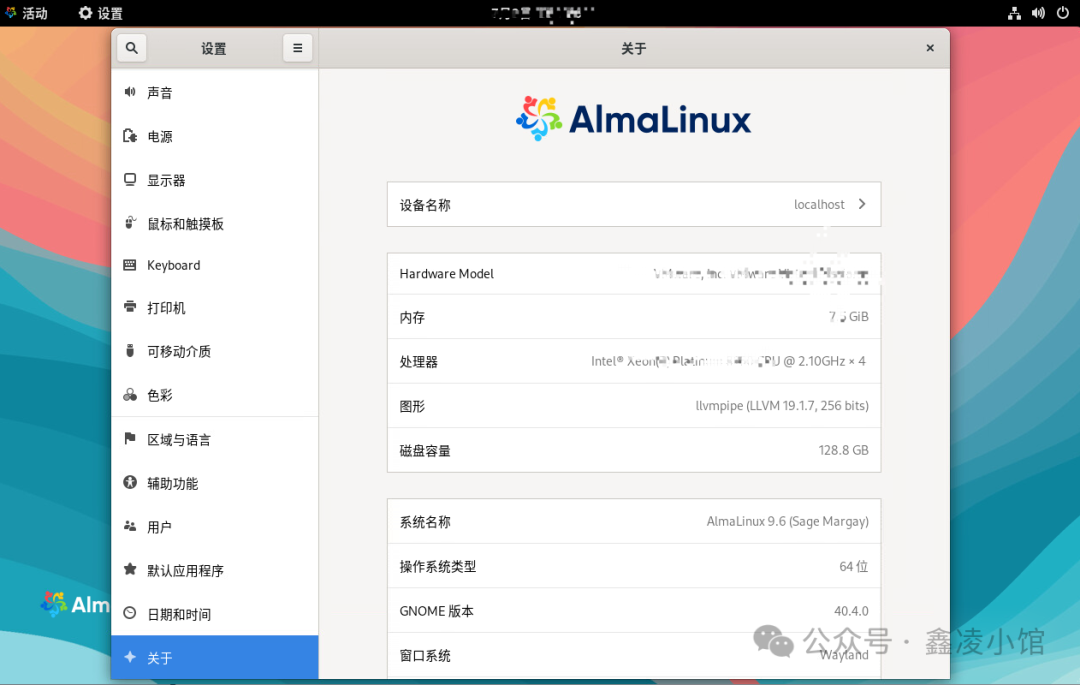
AlmaLinux is the preferred alternative following the discontinuation of CentOS maintenance. With its enterprise-level stability, open-source free strategy, and active community, it has become a popular choice for servers, cloud platforms, and containerized deployments.AlmaLinux is fully compatible with Red Hat Enterprise Linux (RHEL), ensuring that RHEL/CentOS applications can be migrated seamlessly without modification.The following is a demonstration of installing AlmaLinux 9.6;1. Download the system image from the site;2. Create a system boot image;3. Enter the system installation;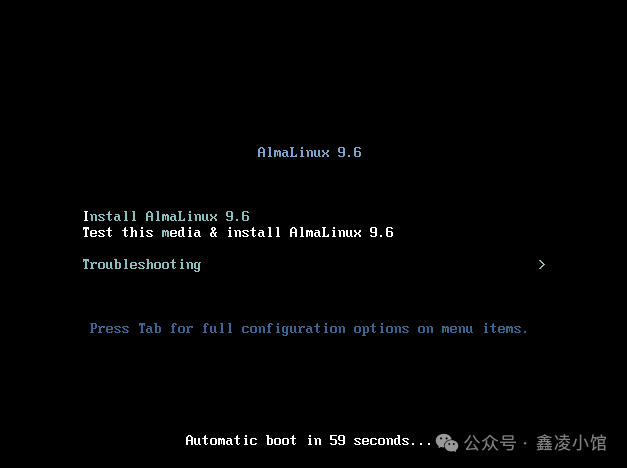 Load the image file;
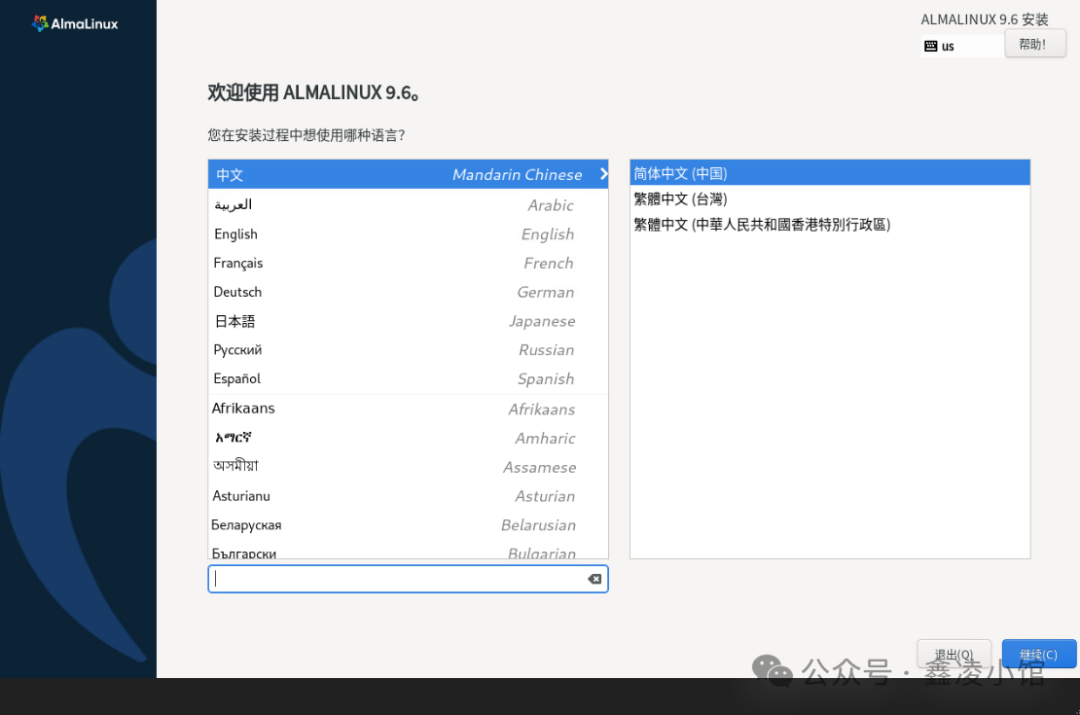
 Select the system language;
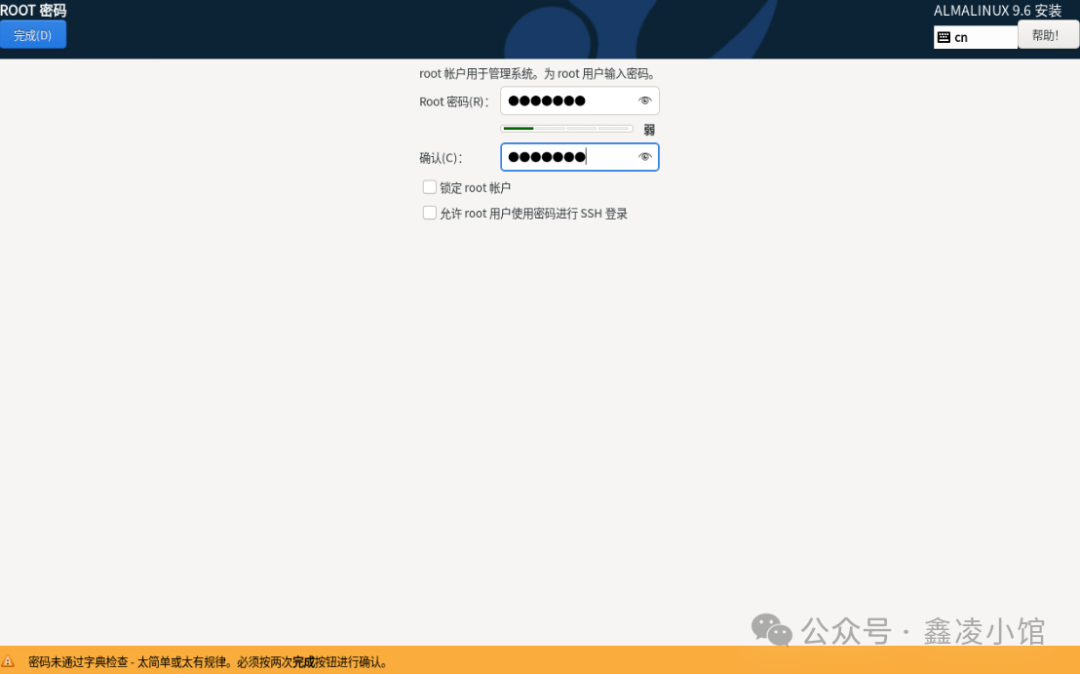
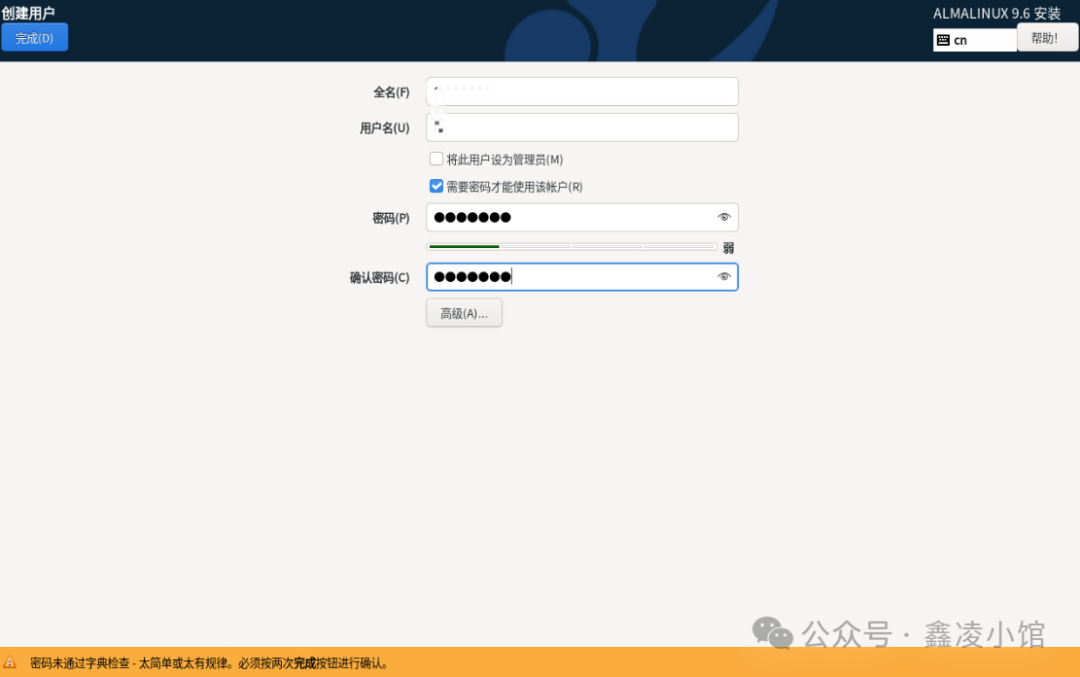
 Select the installation target location, root account, and other information;

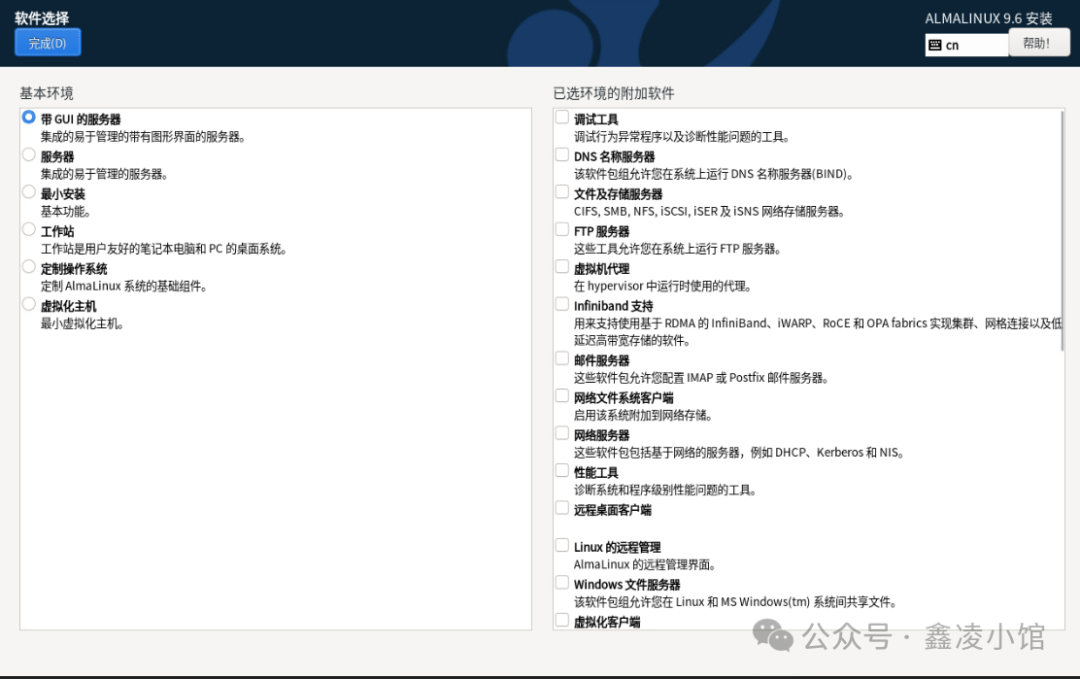
 The default selection is “Server with GUI”;
 Start installation;
 Reboot after installation;
 After rebooting, enter the user password to access the system;
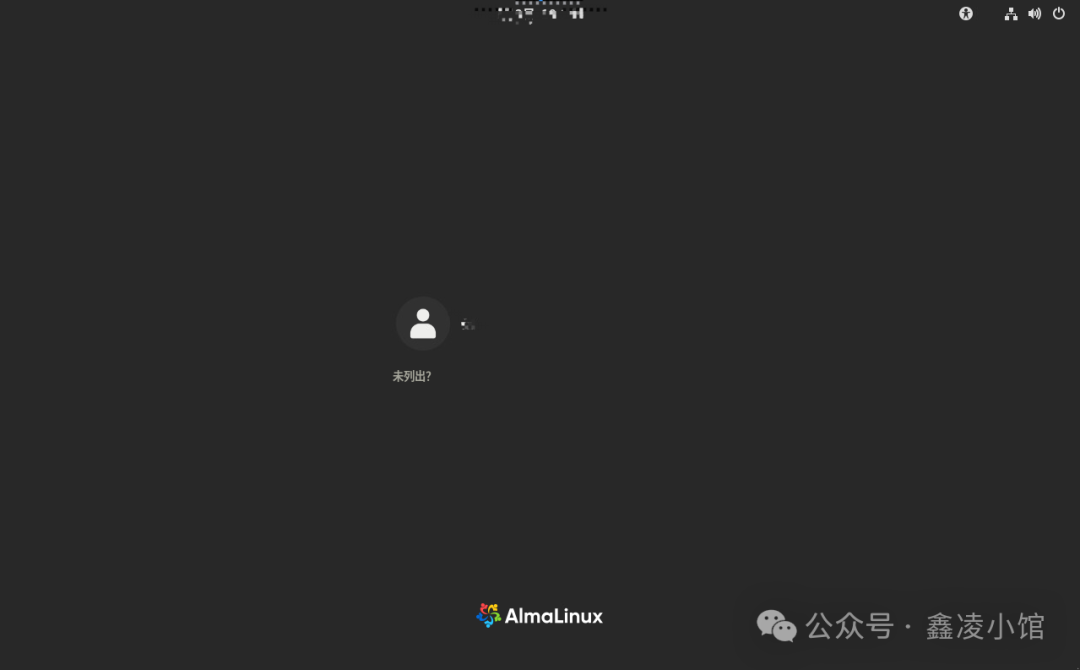 Welcome;
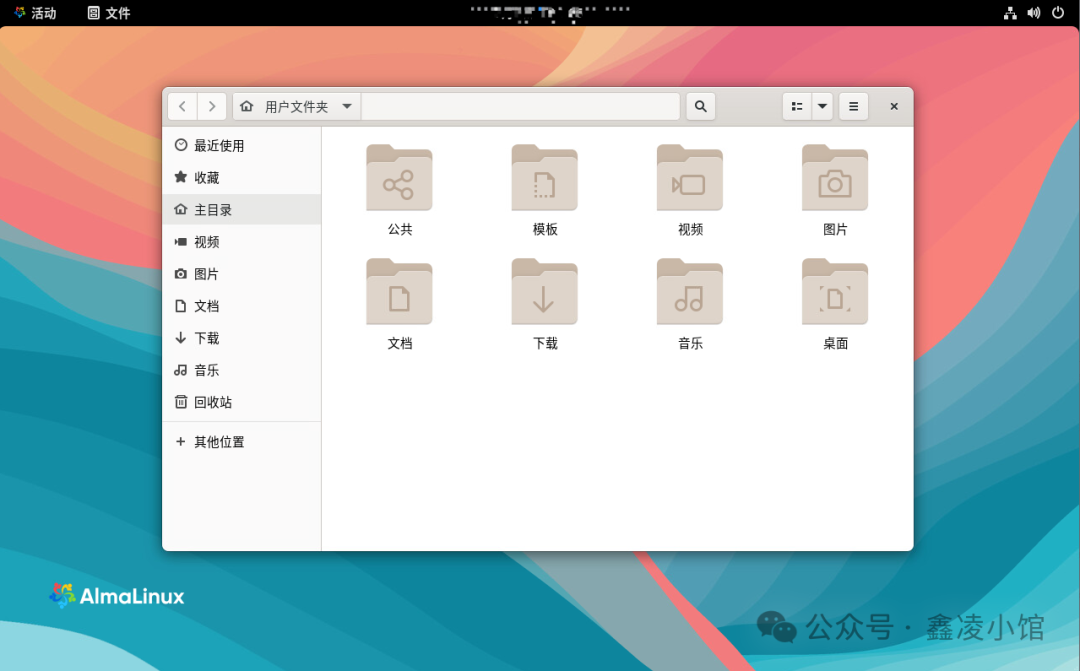 System and version information;