This article provides the download, installation, and localization of Proteus 8.6.
1. Software Installation
1. Right-click to open.
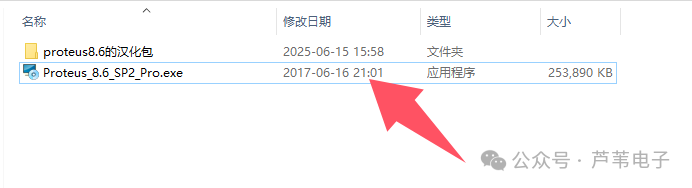
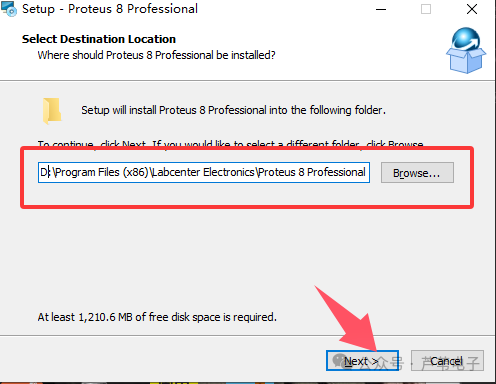
2. Select the installation path. If you do not want to install on the C drive, it is recommended to change C to D directly, then click Next.
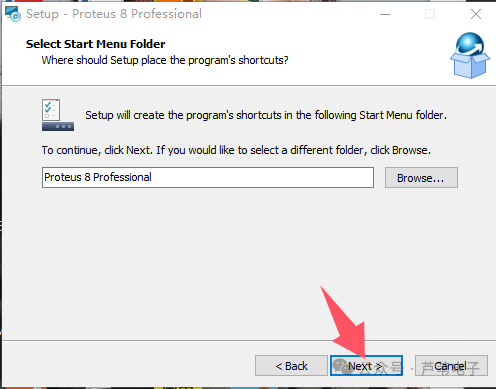
3. Click Next.
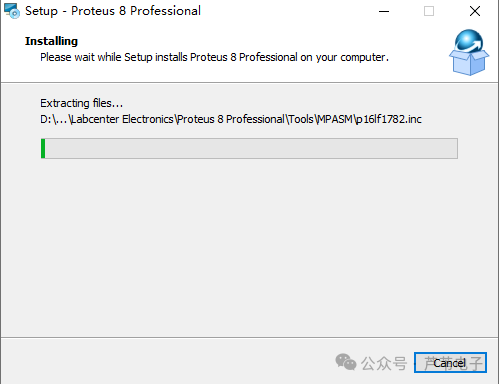
4. Installation in progress.
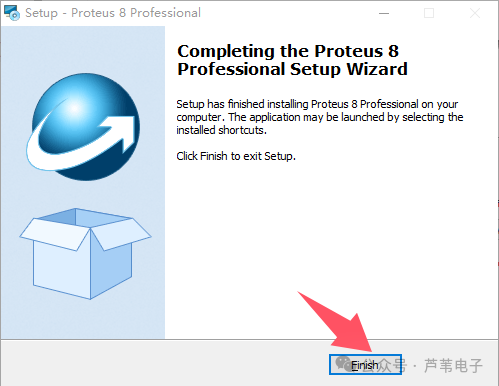
5. Click finish.
2. Software Localization
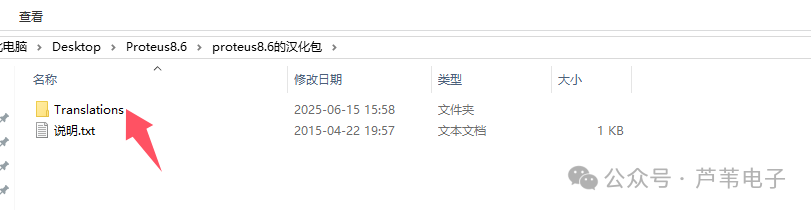
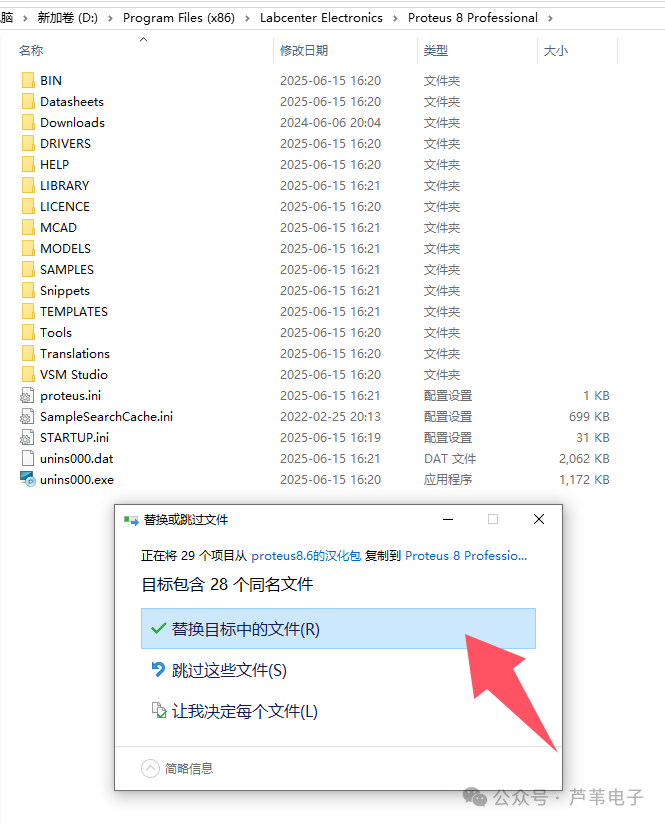
Copy the Translations folder from the Proteus 8.6 localization package to the installation directory of Proteus 8.6, and overwrite the files with the same name.
3. Software Download
Follow the WeChat public account below and reply with ‘protues’ to download.