Below is my summary, feel free to add:
1. Module Download
1.1 First, let me introduce the official mirror download address:https://pypi.org/
After entering, simply search for the package name.
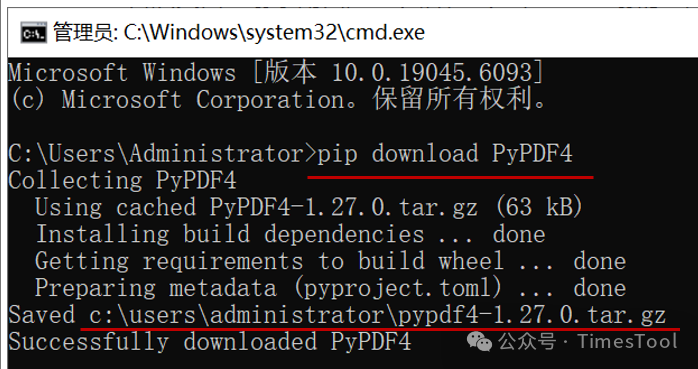
1.2 Downloading with pip
Find a computer with internet access, and in cmd type pip download PyPDF4
2. Module Installation
Python offline packages come in two formats: compressed packages and whl format.
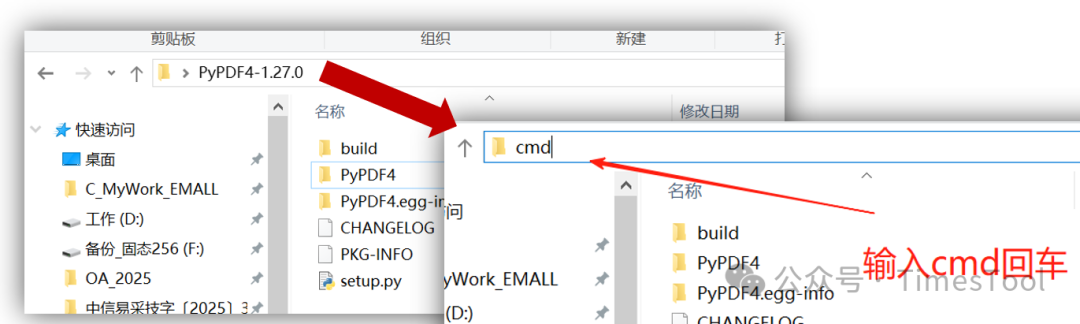
Regardless of the installation type, you need to first locate this folder.
2.1 Installing whl format
In cmd, type pip install pandas.whl to install.
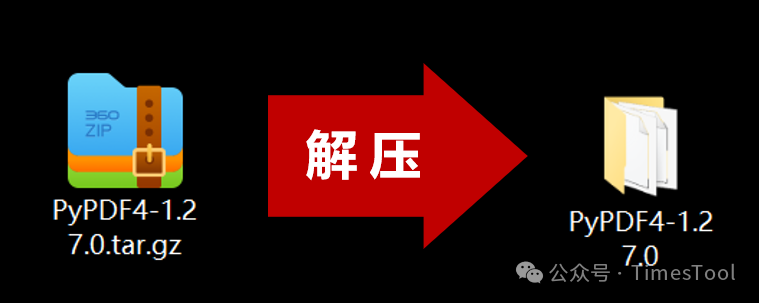
2.2 Installing compressed package format
 Type pip install . to install.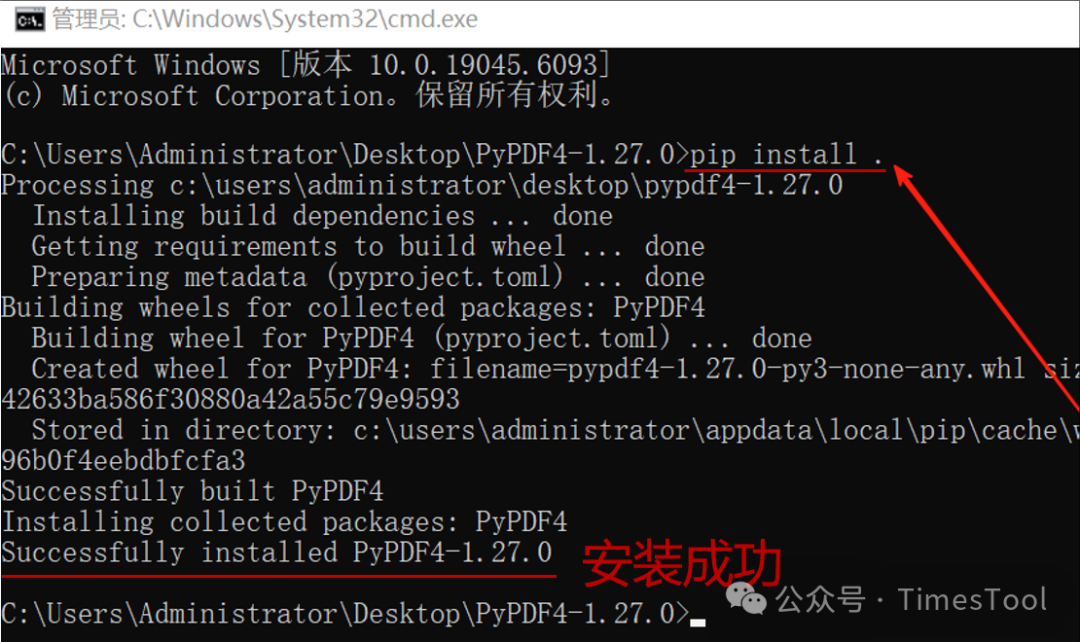
—————————————————