1. Familiarizing with the Keyboard1. Download Kingsoft Typing Tutorhttps://www.51dzt.com, click on [Free Download] on the page, open the file after downloading, and follow the prompts to click Next to complete the software installation.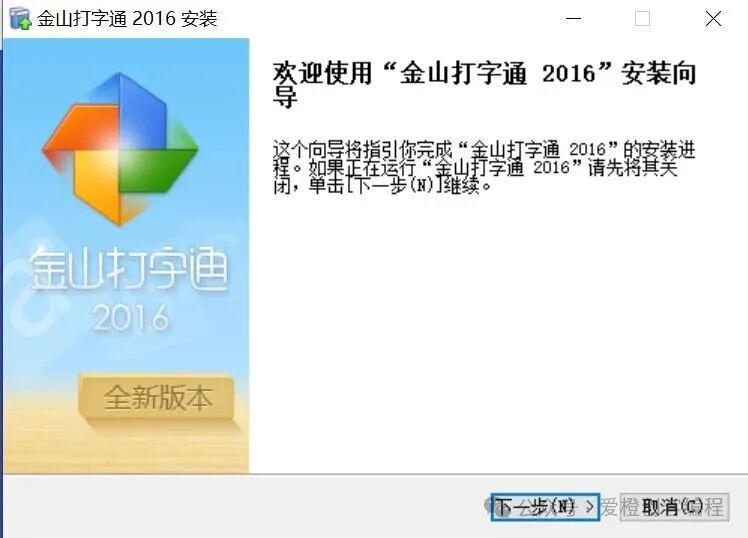 2. Open Kingsoft Typing Tutor software, set a nickname, and select Free Mode.
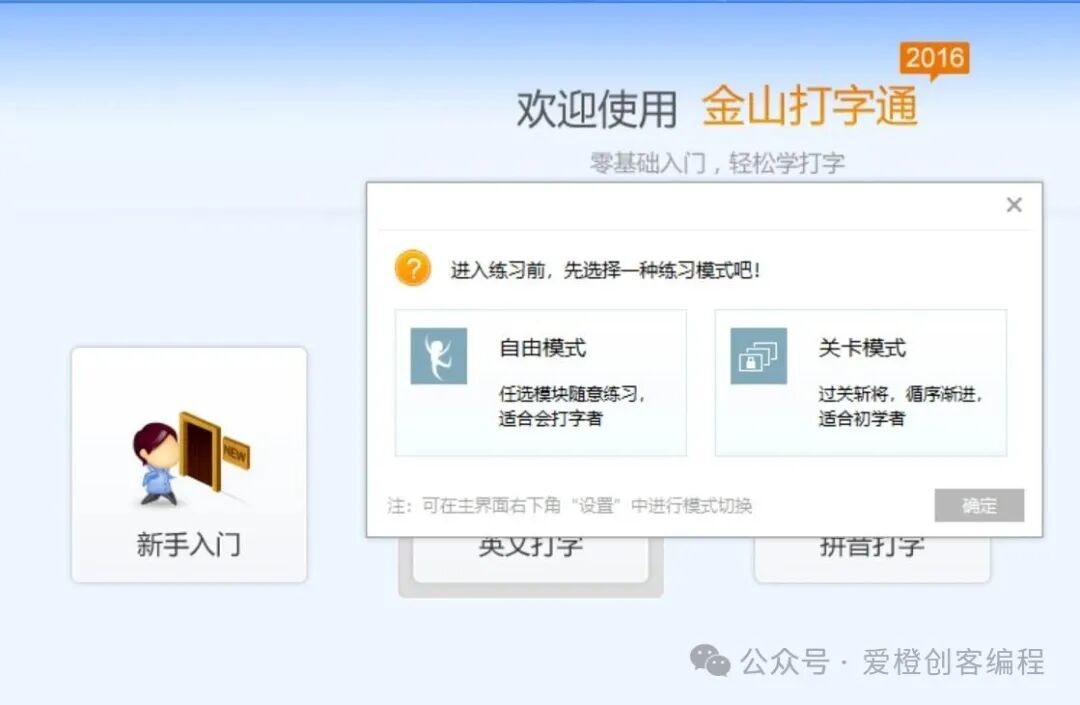 3. In the beginner’s section, first familiarize yourself with the content in [Typing Knowledge], especially the 8 reference keys and finger assignments.
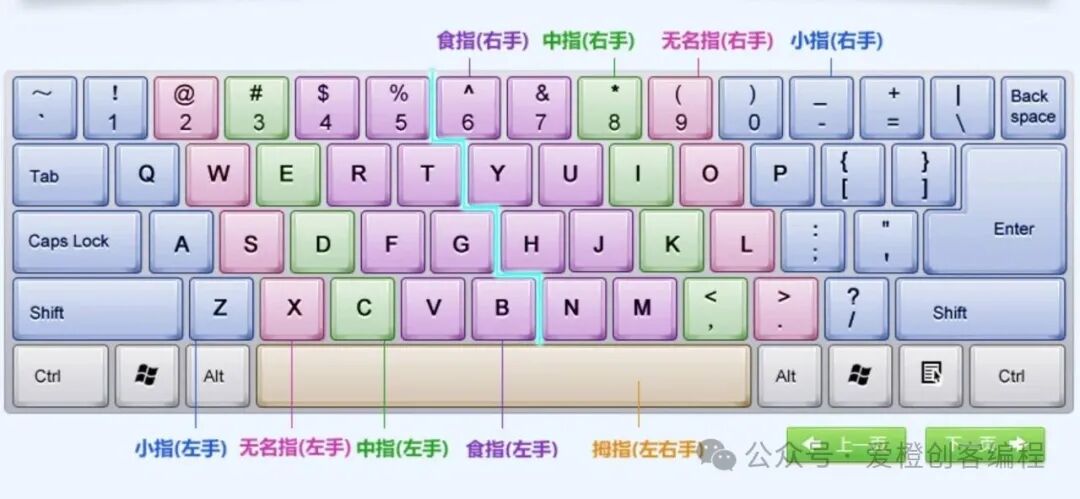 4. Train sequentially on letter keys, number keys, and symbol keys.5. Practice finger positioning for 20 minutes daily, and persist for half a month.2. Installation of DevC++ Software1. Download the software
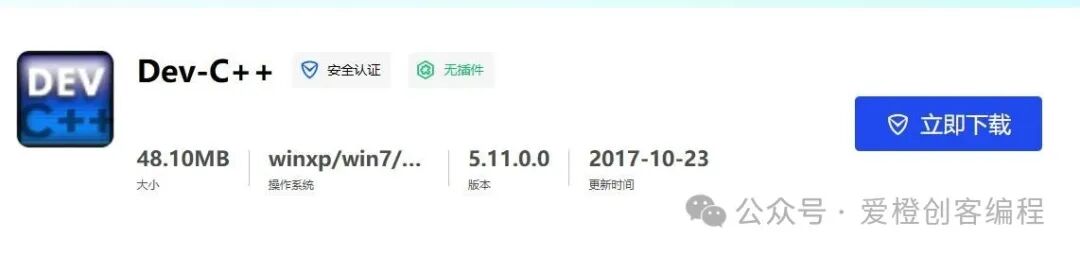
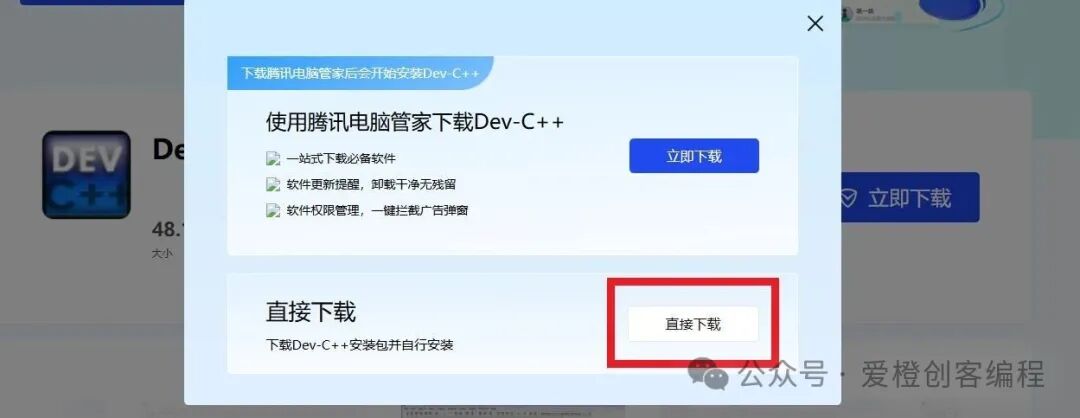
https://pc.qq.com/detail/16/detail_163136.html, click [Download Now] and select [Normal Download]. Directly search to avoid websites with ads and bundled software, or download from official sites.
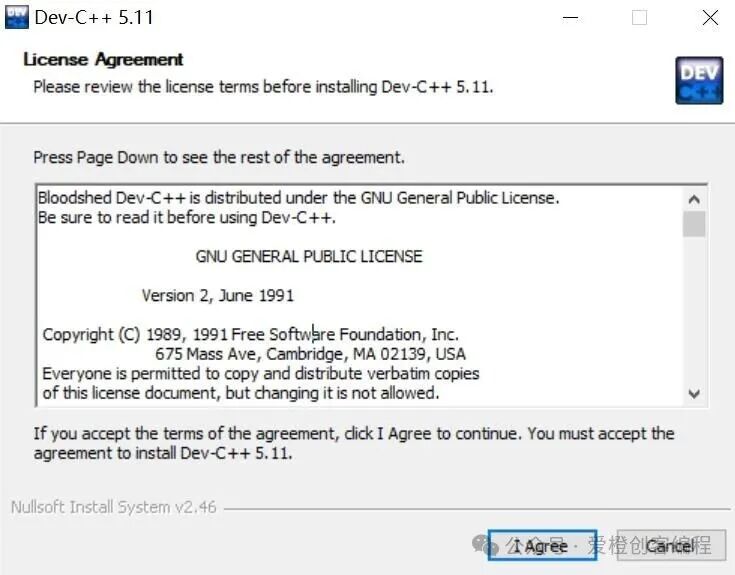
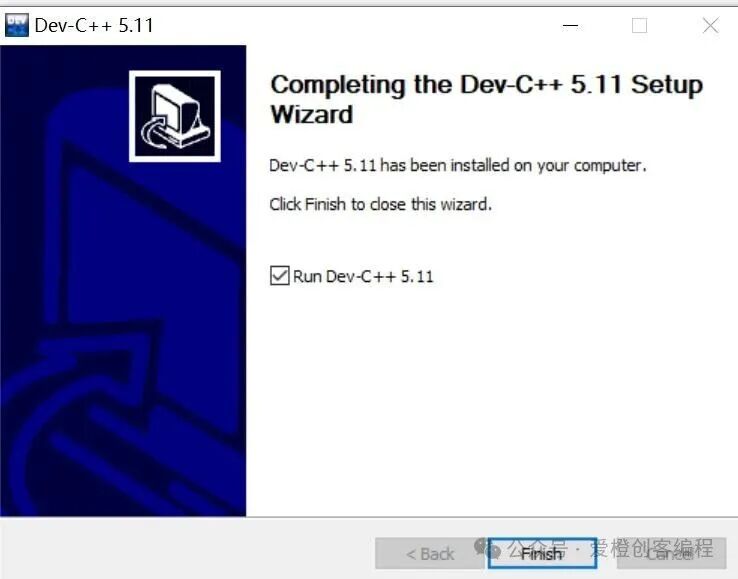
2. Software installation, select English by default, choose [I Agree] -> [Next] -> [Install]
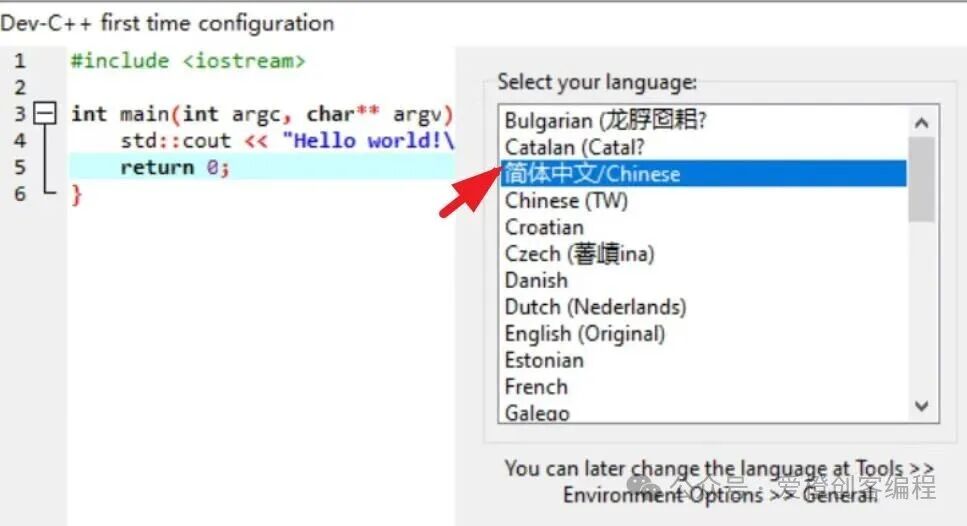
3. On the first startup, select [Simplified Chinese]
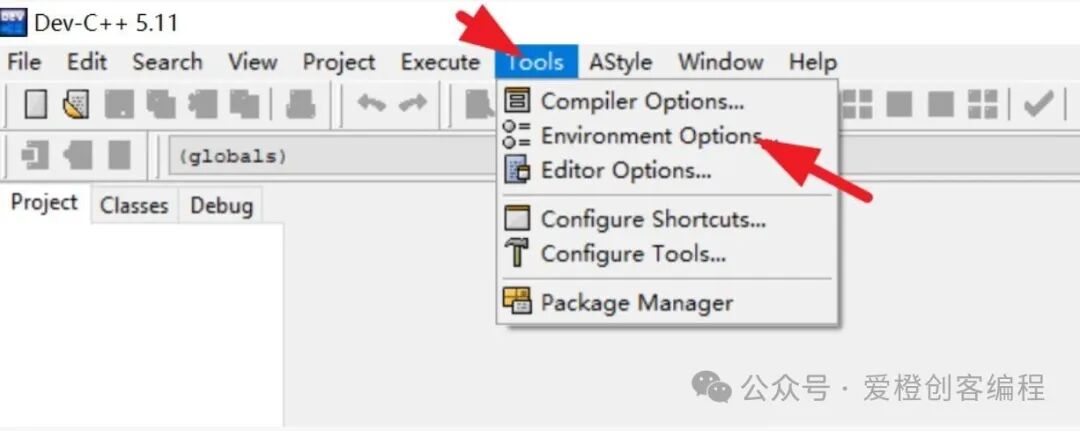
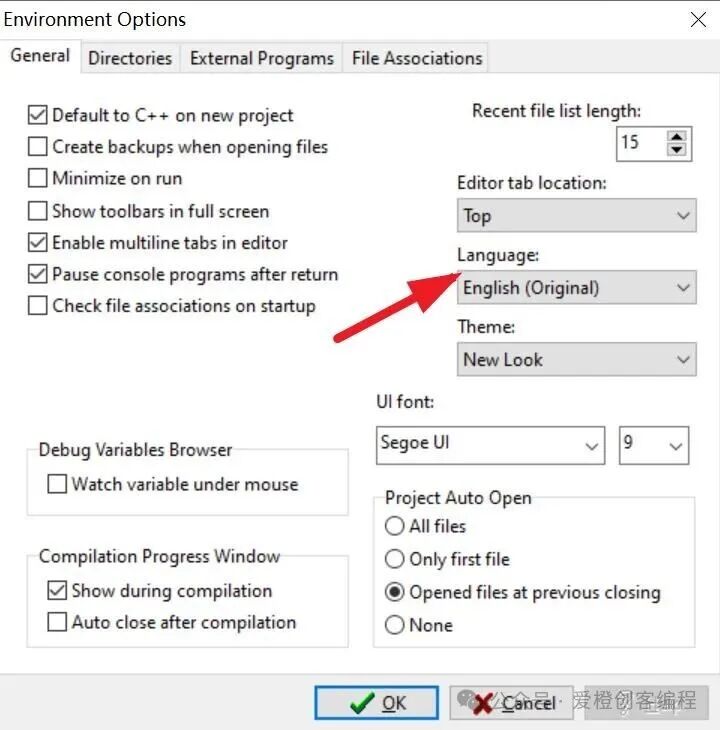
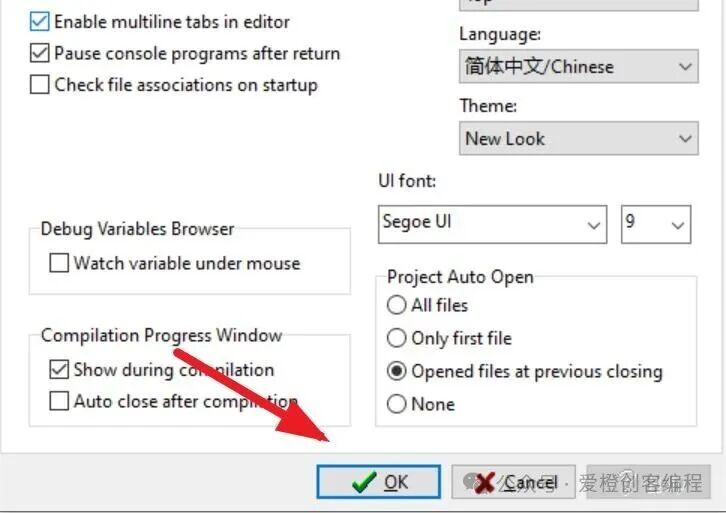
4. If not set correctly, it will still be in English. Find [Tools] in the menu bar, select the second option [Environment Options…], and choose [Simplified Chinese] under [Language], then click [OK] below.
3. Setting the [Default Source]
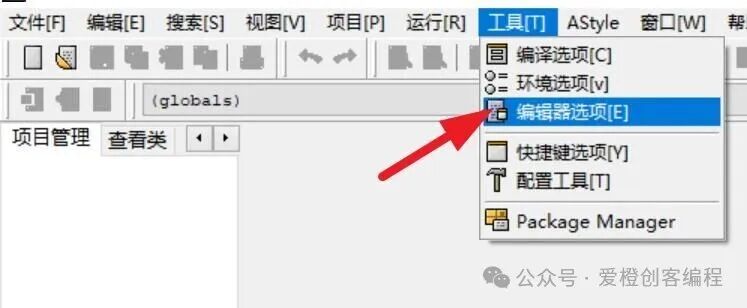
1. In the menu bar, [Tools] -> [Editor Options] -> [Editor Properties].
2. In the editor properties, click on the fourth option [Code], then click [Default Source].
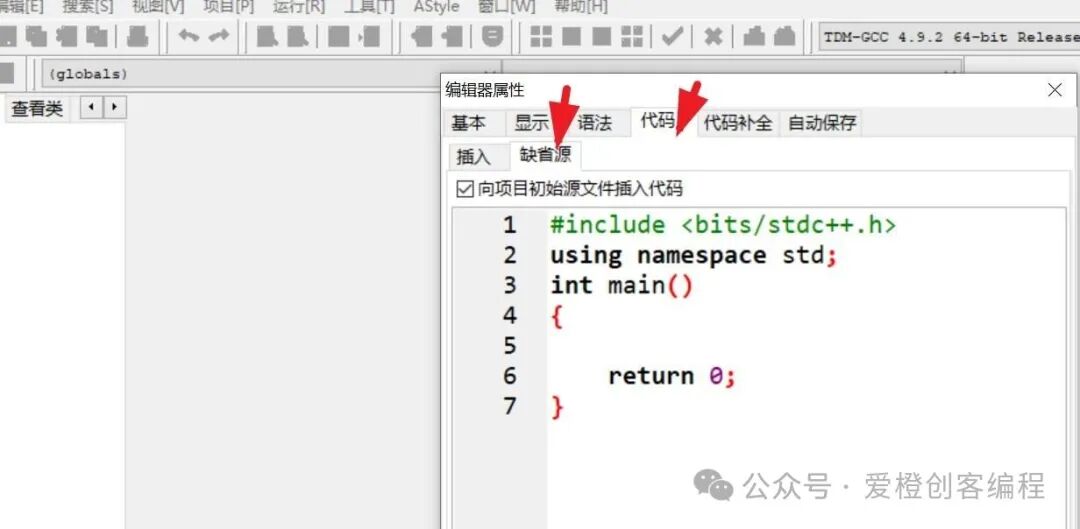
3. Input the code and check [Insert code into the project’s initial source file], then click [OK]. Note that punctuation should be in English.
#include <iostream>
using namespace std;
int main()
{
return 0;
}
4. The First Program
1. In the upper left corner, create a new file, select [Source Code]

2. In the middle blank area, input cout<<“Hello World!”;
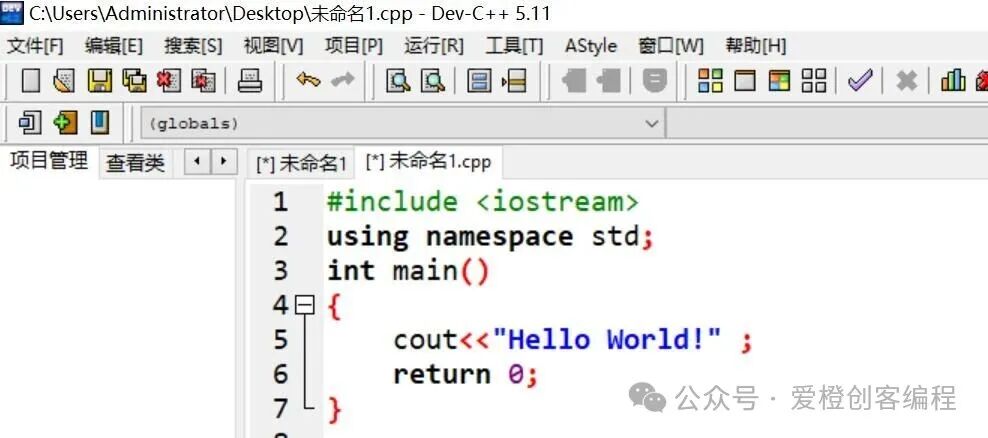
3. Compile with F9, run with F10, and compile and run with F11.
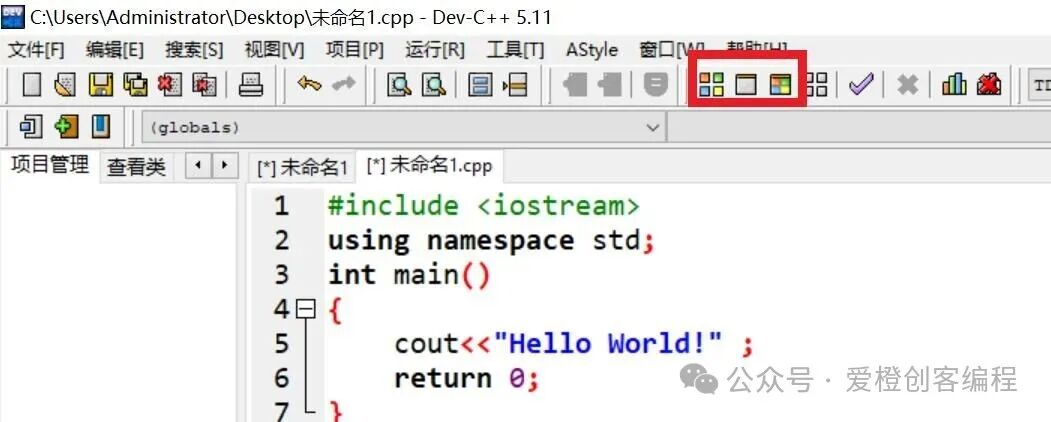
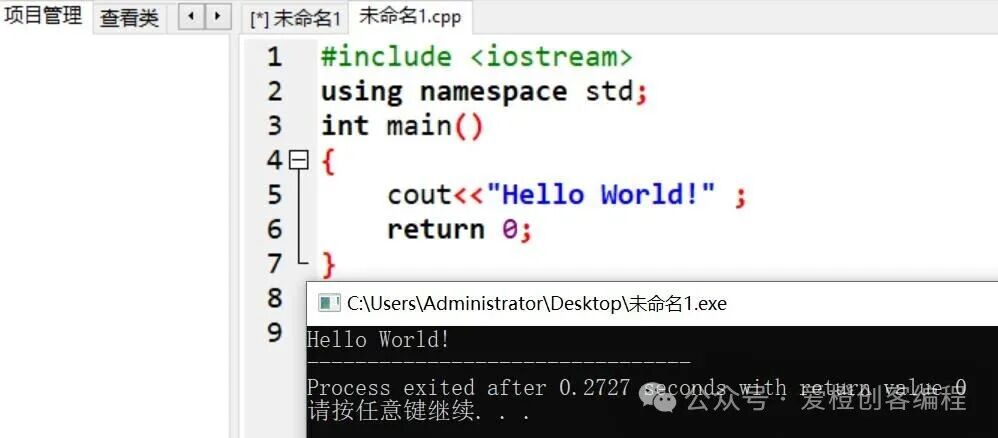
4. Compile and run.
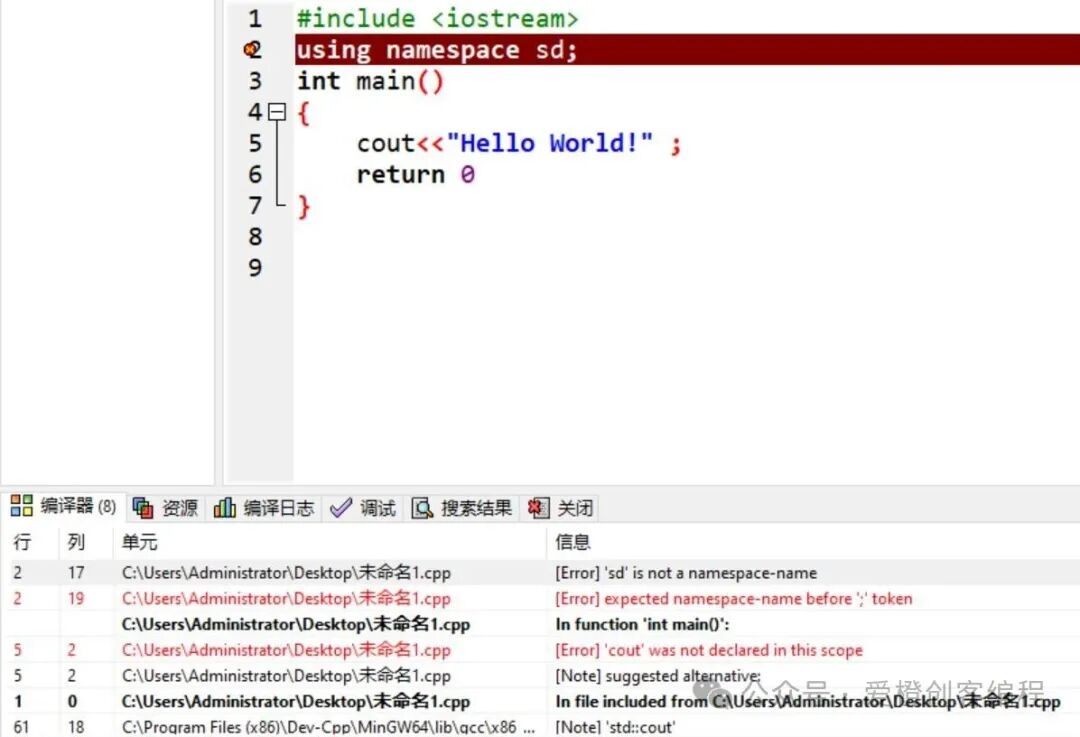
5. Compilation errors.
Beginners often encounter compilation errors; modify the code according to the prompts.
Common errors:
(1) Misspelled words (2) Punctuation written in Chinese (3) Missing semicolon at the end of a statement (4) Missing one side of parentheses (5) Undefined variable names, function names, etc., spelling, naming, declaration errors (6) Data type mismatch (7) Incorrect header files (8) Previous run window not closed…
6. Change font size, [Tools] -> [Editor Properties] -> [Display]. You can also hold down the [Ctrl] key while scrolling the mouse wheel up to zoom in, and down to zoom out.
5. Suggestions
Those with good mathematical thinking, a willingness to think, courage to challenge, resilience to difficulties, strong learning ability, and self-discipline are more suitable for learning C++. If you lack patience, are unwilling to delve into details, do not want to invest time, have severe difficulty aversion, and cannot persist when faced with challenges, you are not suitable for programming. If you cannot keep up with your studies, do not consider learning this. C++ programming is not suitable for everyone; it is not a mandatory option but can be a valuable addition, depending on your situation.