What can you do with an old phone gathering dust in your drawer besides turning it into a planter? The coolest digital eco-friendly project of 2025 is to transform it into a home security guard, personal cloud storage, retro gaming console, or even the brain of a smart home! With zero cost, low barriers, and squeezing out the last drop of performance—follow this hardcore guide to give your electronic buddy a new cyber life!
Solution 1: 24-Hour Home Surveillance Guard (Zero Cost Version)
Core Equipment: Idle phone + Free APP (Recommended: Alfred | TinyCam Monitor) + Old phone stand/chargerApplicable Scenarios: Home security, pet/elderly monitoring, baby monitoringSuper Detailed Tutorial:
-
Monitoring Side (Old Phone):
-
Clear the background, turn on airplane mode (to save power + prevent interference), and connect to WiFi.
-
Install the monitoring APP (like Alfred) and select the “Camera” mode.
-
Fix the phone’s position (aimed at the monitoring area), plug it into power (must have continuous power supply!).
-
Turn off auto-lock and set the screen brightness to the lowest (to prevent screen burn-in + save power).
Viewing Side (Current Phone):
-
Motion detection alarm: Automatically push notifications and record when the image changes.
-
Two-way voice call: Remote shouting to deter thieves or comfort pets.
-
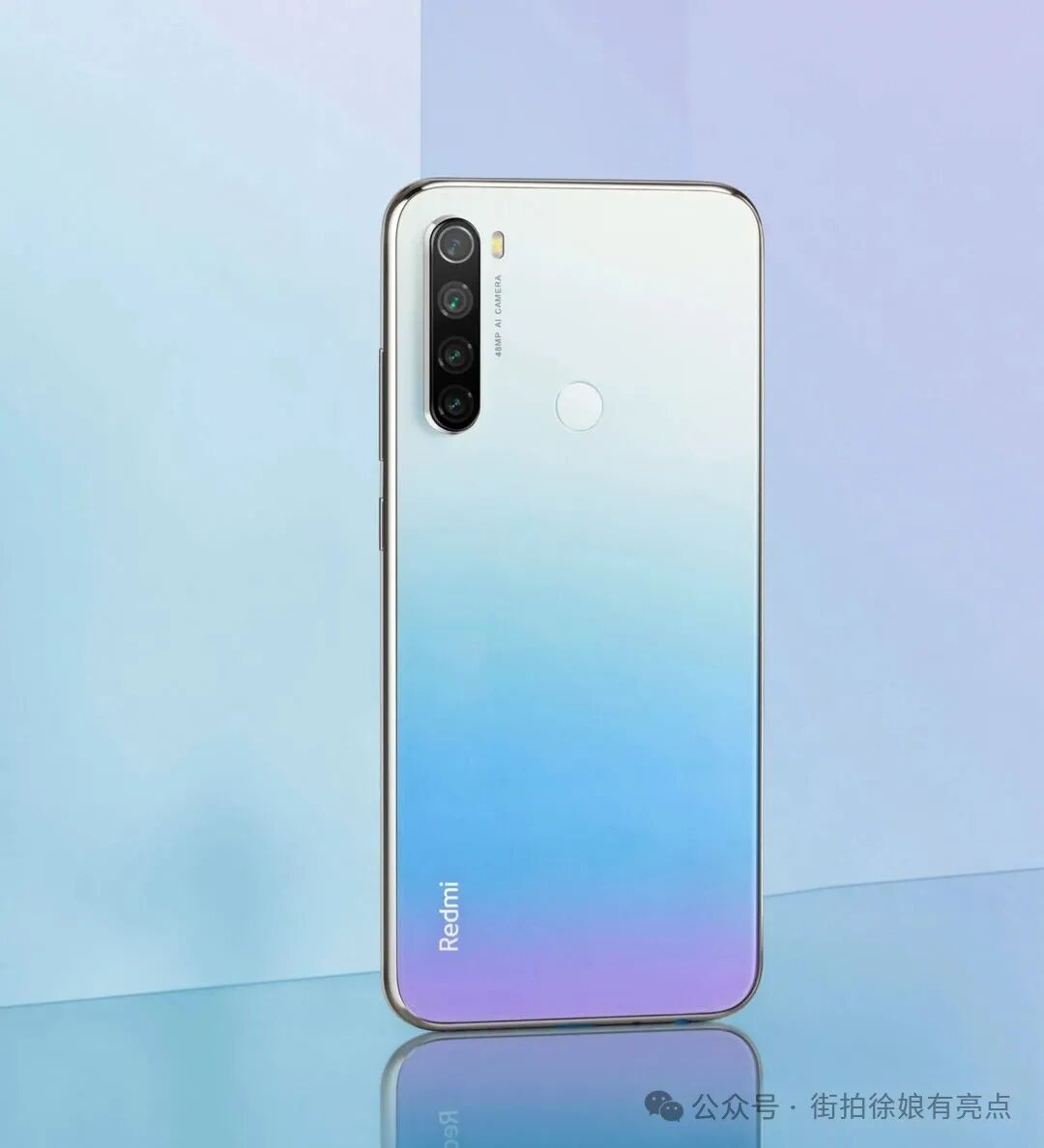
Night vision mode: Old phone flashlight stays on for illumination (increases power consumption, use with caution). Effect Test: A Redmi Note 8 (1080P lens) transformed into a balcony monitor, clear image on cloudy days, sensitive motion detection, and the best part is it’s free!
-
Install the same APP (like Alfred) and select the “Viewer” mode.
-
Log in with the same account (or scan to pair) to view the monitoring screen in real-time!
-
Advanced Features:
-
Motion detection alarm: Automatically push notifications and record when the image changes.
-
Two-way voice call: Remote shouting to deter thieves or comfort pets.
-
Night vision mode: Old phone flashlight stays on for illumination (increases power consumption, use with caution). Effect Test: A Redmi Note 8 (1080P lens) transformed into a balcony monitor, clear image on cloudy days, sensitive motion detection, and the best part is it’s free!
Solution 2: Personal Lightweight NAS/Download Server (Beginner Friendly)
Core Equipment: Old phone (Android) + Magic APP (Recommended: FolderSync Pro / For LAN use “ES File Explorer + Remote Management”) + USB hub (optional)Applicable Scenarios: File transfer between phone/computer, offline movie downloads, photo backupsStep-by-Step Operation:
-
File Sharing Hub:
-
Clear memory on the old phone, insert a large-capacity SD card (or use built-in storage).
-
Install ES File Explorer, enable “Remote Management” feature (equivalent to FTP server).
-
Note the displayed FTP address (e.g., ftp://192.168.x.x:3721).
-
Use a file manager on your computer/current phone (Windows Explorer, iOS’s FE file manager) to input the address and directly access the old phone’s files for drag-and-drop transfer!
Offline Download Machine:
-
Install a versatile download tool ADM Pro or 1DM+.
-
Copy magnet links/BT seeds/direct links to the APP, and the old phone will download 24/7.
-
After downloading, retrieve the files via FTP or ES remote management.
Automatic Backup Center (Advanced):
-
Install FolderSync Pro, set it to automatically sync the current phone’s photo album/specified folders to the old phone’s storage via FTP/SMB protocol.Advantages: No need to deal with complex NAS systems, the old phone runs low power 24/7!
Solution 3: Retro Open-Source Handheld (Feels Great to Play)
Core Equipment: Old phone (with a good screen) + Bluetooth controller * (Recommended: 8BitDo Lite/N1S) * + Emulator APPCore APP: RetroArch (all-in-one core library) or Standalone Emulator (PPSSPP/Drastic/My Boy!)Retro Classics: PS1, PSP, NDS, GBA, SFC, MD…Quick Setup:
-
Clear the background on the old phone, turn off notifications, and enable airplane mode to save power.
-
Install RetroArch or the target platform emulator (like Drastic for NDS).
-
Download game ROMs (.iso/.nds/.gba, etc.) and store them in the phone’s folder.
-
Pair the Bluetooth controller (recommended physical buttons, touch screen experience is less satisfying).
-
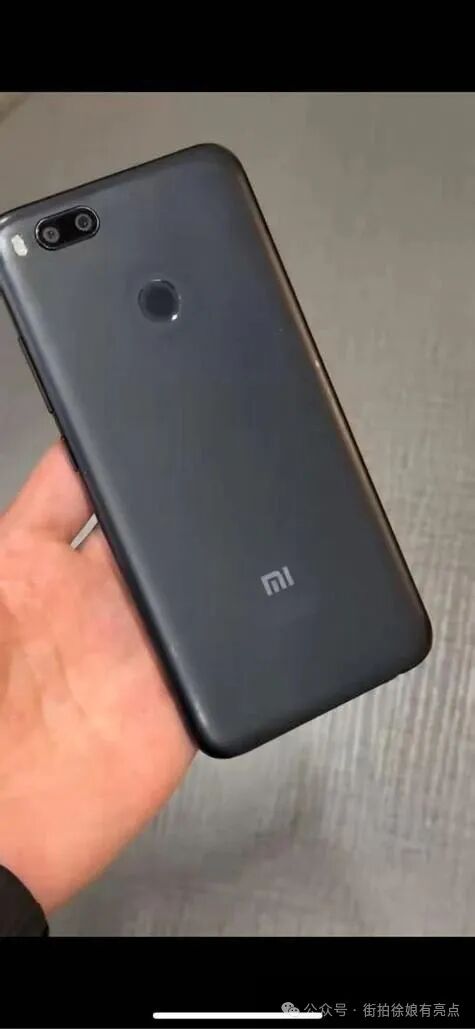
Open the emulator, load the ROM, and start playing!Performance Test: An old Snapdragon 625 device (like Xiaomi 5X) runs PSP’s “Monster Hunter P3” and NDS’s “Phoenix Wright” smoothly; Snapdragon 835 and above can play some PS2 games (AetherSX2 emulator)! Bonus Gear: A phone clamp controller stand (10 yuan with free shipping) instantly transforms it into a handheld console!
Solution 4: Smart Home Voice Control Center (No Disassembly Required)
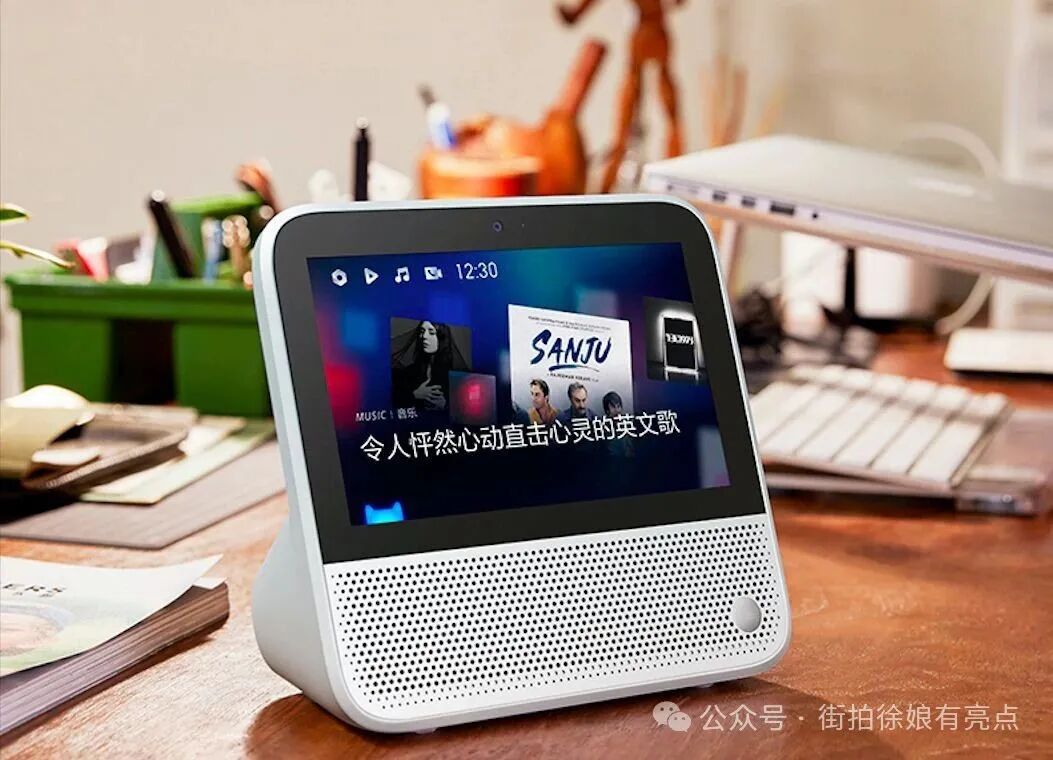
Core Equipment: Old phone (supports voice wake-up) + Smart Home Platform APP (Mi Home/Home Assistant/Tmall Genie)Applicable Scenarios: Fixed location voice control for lights, air conditioning, vacuum cleaners, etc.Lazy Configuration:
-
Fix the old phone in place (like bedside or living room coffee table).
-
Install the smart home platform APP (like Mi Home), log in to bind devices.
-
Enable “Voice Wake-Up” and “Lock Screen Always On” permissions.
-
In lock screen mode, directly shout “Xiao Ai, turn on the air conditioning” / “Tmall Genie, clean the living room”!Advanced Play:
-
Install Home Assistant, use the old phone’s sensors (light sensor, distance sensor) to achieve automation: automatically turn on the lights when the ambient light dims, turn off the air conditioning when no one is in the room.
-
Use MacroDroid to set up automated tasks: when the old phone connects to home WiFi, it automatically sends commands to Xiao Ai to execute scenes (like “I’m home”).
⚠️ Ultimate Safety Tips (Must Read!)
-
Continuous Power Supply = Safety First!
-
Avoid using aging or swollen batteries! Be sure to remove the battery and run it directly on power (requires some technical skills), or ensure the battery is healthy and placed in a ventilated area.
-
Disable fast chargers, use a 5V1A regular charger to reduce heat.
Privacy Protection:
-
For monitoring purposes: set a strong password, log out of the account when remote access is disabled.
-
For file servers: set an access password, use only within the home network, do not expose to the public network!
-
Restore factory settings before reuse to completely erase private data!
Heat Dissipation to Prevent Burn:
-
Avoid direct sunlight, do not cover or wrap.
-
During long periods of high load (like downloading or monitoring), stick a small heat sink or USB fan on the back.
Don’t let your old phone end up in an electronic waste dump! A single transformation saves thousands on surveillance cameras, NAS, gaming consoles, and smart speakers, while giving technology warmth and new life. When it lights up again, becoming the “electronic organ” that protects your life—this is the most romantic environmental declaration of the cyber age. Get to work, and let every chip fight until the last second of retirement!