As the school season approaches, a suitable laptop is an essential piece of equipment for college life. However, with a plethora of models available, how can one balance aesthetics, performance, and portability while perfectly meeting professional needs? Don’t worry! This guide will help you avoid pitfalls by considering factors such as gender preferences, professional scenarios, and gaming needs, ensuring you choose wisely without overspending!
💻 1. Determine the Type: A Comparison of the Four Major Laptop Categories
Based on usage scenarios, laptops can be divided into four categories. Choose according to your needs:
| Type | Weight/Thickness | Performance | Battery Life | Target Audience |
|---|---|---|---|---|
| Ultrabook 🌸 | 1.2~1.5kg, <15mm | Smooth for daily office tasks + PS/PR editing | 8~12 hours | Humanities students, commuters, aesthetics-focused users |
| Gaming Laptop 🎮 | 2.3~3kg, >25mm | Handles AAA games/modeling/rendering effortlessly | 3~5 hours | STEM/design majors, gaming enthusiasts |
| All-Purpose Laptop ⚖️ | 1.8~2.2kg, about 20mm | Moderate gaming + professional software compatibility | 5~7 hours | Design/media students, versatile users |
| Desktop 🖥️ | Main unit + monitor, not portable | Performance ceiling, flexible upgrades | Requires continuous power supply | Fixed dormitory users, budget-conscious individuals |
For example:
- Female preferences: Ultrabook (e.g., Huawei MateBook X Pro✨) — metal body, narrow bezel screen, Sakura pink/Glacier blue color scheme, perfect for library photos! Alternatively, choose the mature and professional ThinkPad X1 Carbon with a carbon fiber body and a sleek black business look.
- Male essentials: Gaming laptop (e.g., Lenovo Legion R9000P🔥) — RGB keyboard + mecha-style design, but adds 2kg of “gym equipment” to your backpack…
🎨 2. Aesthetics Matter: Different Aesthetic Preferences for Genders
Female focus:
- Color: Morandi color palette (light gray, pale gold), macaroon pink💗;
- Material: Aluminum alloy body (anti-fingerprint + delicate touch);
- Details: Ultra-narrow bezel screen (screen-to-body ratio ≥90%), backlit keyboard (white soft light looks more premium)
- Others: Of course, mature and intellectual females may also choose more professional models like ThinkPad X1 Carbon, X13, or X1 Nano.
Male focus:
- Design: Carbon fiber texture, embossed logo, dazzling lighting effects (e.g., ROG Zephyrus G14’s Nebula display + RGB light strip);
- Performance visibility: Cooling vents with a tech feel, replaceable mechanical keyboard switches
If gaming is a priority, consider: Lenovo Legion, Dell Alienware, or ASUS ROG series; for graphic design, opt for ThinkPad P16/P17/P1 models.
📚 3. Choose Configuration Based on Major: Don’t Let Your Laptop Hold You Back!
-
Humanities (Chinese, Finance, etc.):
- Recommendation: Ultrabook (i5/R5 + 16GB RAM + 512GB SSD)
- Reason: Handles literature processing and PPT creation effortlessly, fits in a canvas bag at 1.3kg for easy portability.
STEM (Computer Science, Mechanical Engineering, etc.):
- Recommendation: Gaming laptop (i7/R7 + RTX 4060 + 16GB + 1TB SSD)
- Reason: Running code and CAD modeling requires a powerful GPU; RTX 4060 is three times faster than integrated graphics!
Design (Film, Architecture, etc.)
- Recommendation: All-purpose laptop/gaming laptop (i7/R7 + RTX 4070/ATX 4000/5000 + 32GB/64GB + 2K high color gamut screen)
- Reason: Pr rendering requires large memory, 100% sRGB color gamut avoids color deviation! An external monitor is even better.
🎮 4. For Gamers: Enjoy Gaming While Being Budget-Conscious!
- Light gaming (LOL, Genshin Impact): All-purpose laptop is sufficient (e.g., RTX 3050 GPU + 120Hz screen)
- Heavy AAA gamers (Cyberpunk, Elden Ring): Go for a high-performance GPU (RTX 4060 and above) + high refresh rate screen (144Hz and above)
Important Notes: Don’t buy “low-spec high-price” stripped-down versions! Look for “high-performance GPUs” (power release ≥140W),“direct connection to discrete graphics” technology (20% increase in gaming frame rates).
🛡️ 5. Pitfall Guide: The Top 5 Common Traps for Freshmen!
- Offline store price gouging: Selling low-spec at high prices, second-hand sold as new!
- “Scholar machine” IQ tax: So-called “study-specific” is actually low-performance electronic waste! Look fori5/R5 minimum + 16GB RAM as the baseline
- Ignoring cooling and noise: Gaming laptops can sound like helicopters when under load💨! Choose brands with good cooling performance, but generally, laptops struggle to control heat during gaming, so it’s best to have an external cooling pad or fan.
。
- Insufficient ports: Ultrabooks often cut down on ports, so have a docking station (USB + HDMI + SD card slot all-in-one)
- No after-sales support: Repairs for second-tier brands are difficult! First-tier brands (ThinkPad/Lenovo/Dell/HP) have wider coverage for national warranty points.
💡 6. Ultimate Advice: Your Selection Formula!
Laptop Type = Professional Needs × 70% + Gaming Needs × 20% + Aesthetic Preferences × 10%For example: Design major + occasional AAA gaming + aesthetics-focused female = Lenovo Legion (2.5K Nebula display + RTX 4070 + Moonlight White color) 🌟
The new semester is like a new laptop — it should have top performance, great aesthetics, and be lightweight. Choosing the right equipment will ensure you start your four years of college on the right foot! 🚀 (Note: The above recommendations are based on mainstream models in 2025; it’s advisable to refer to the latest reviews before purchasing~)
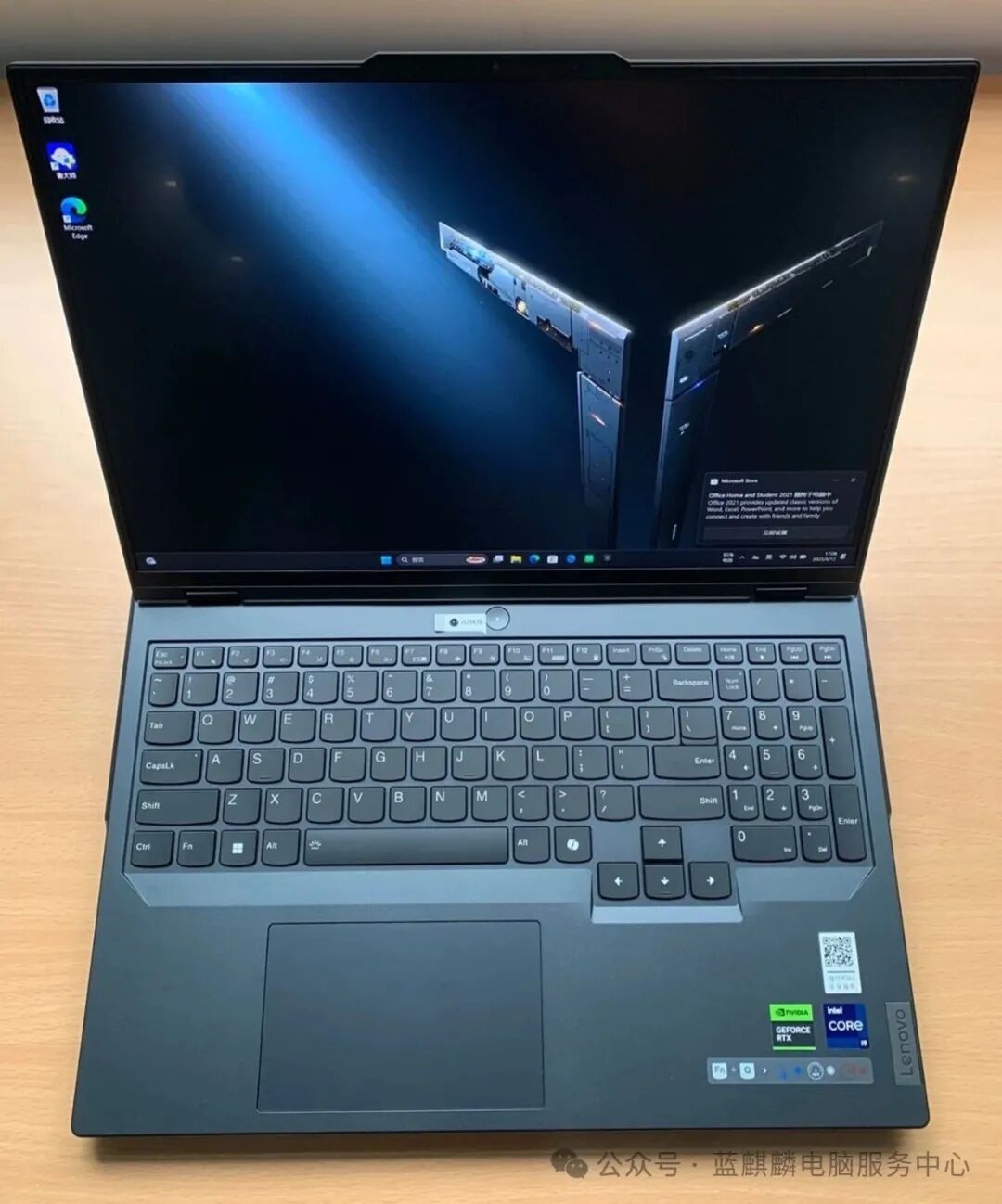
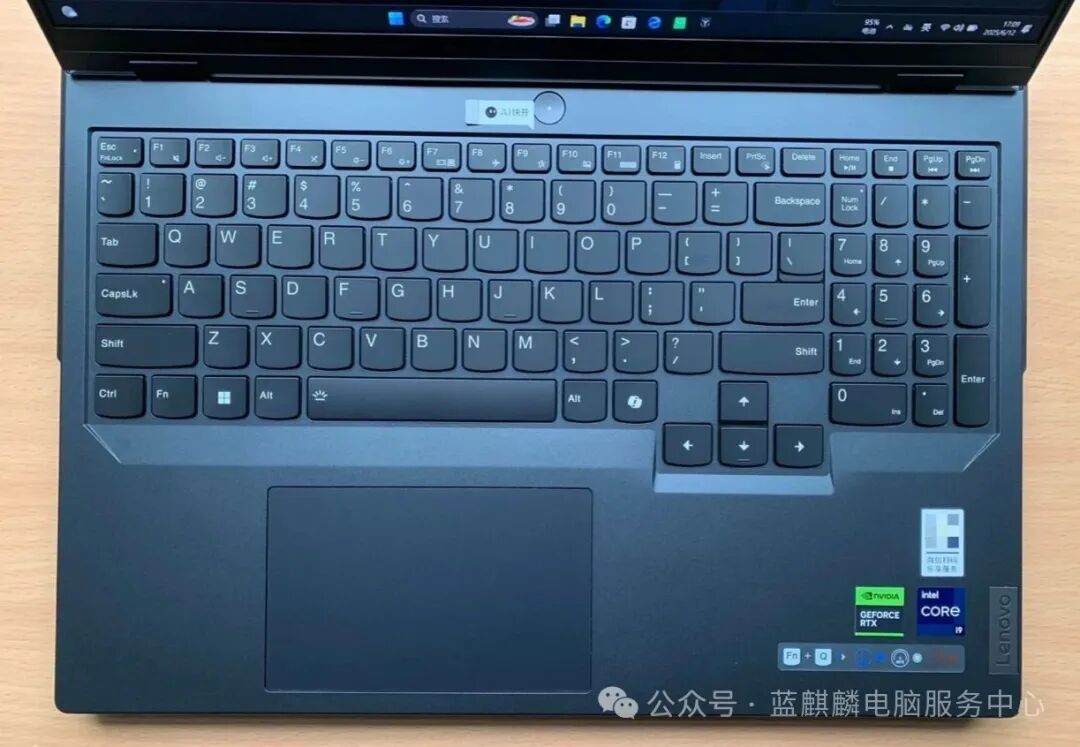
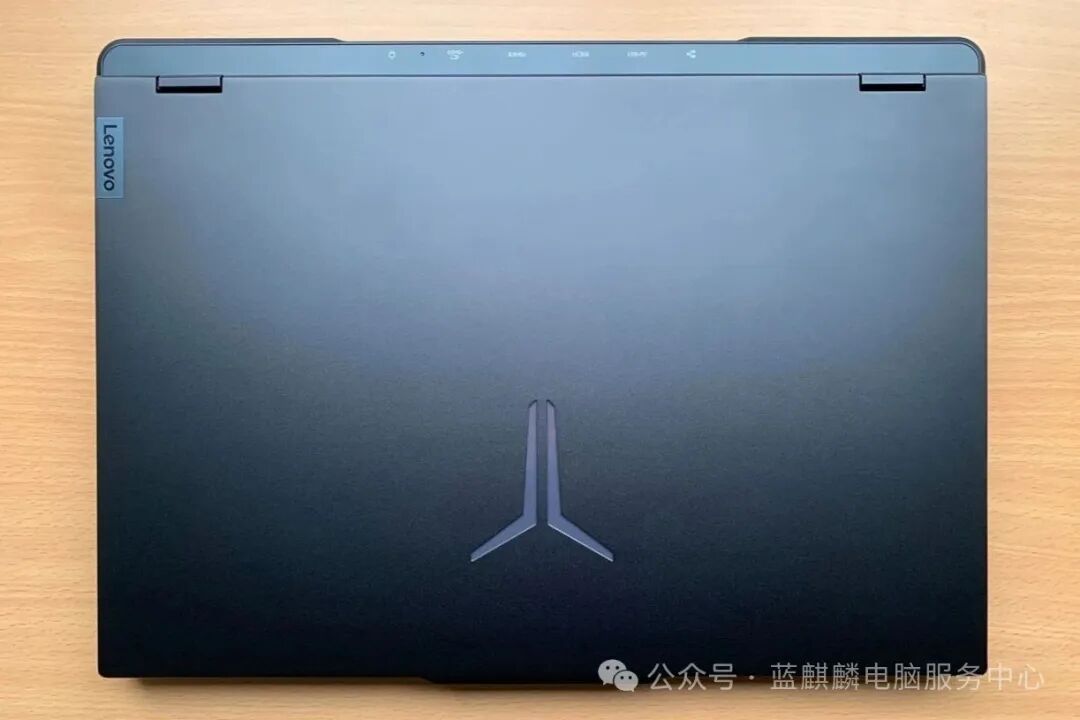
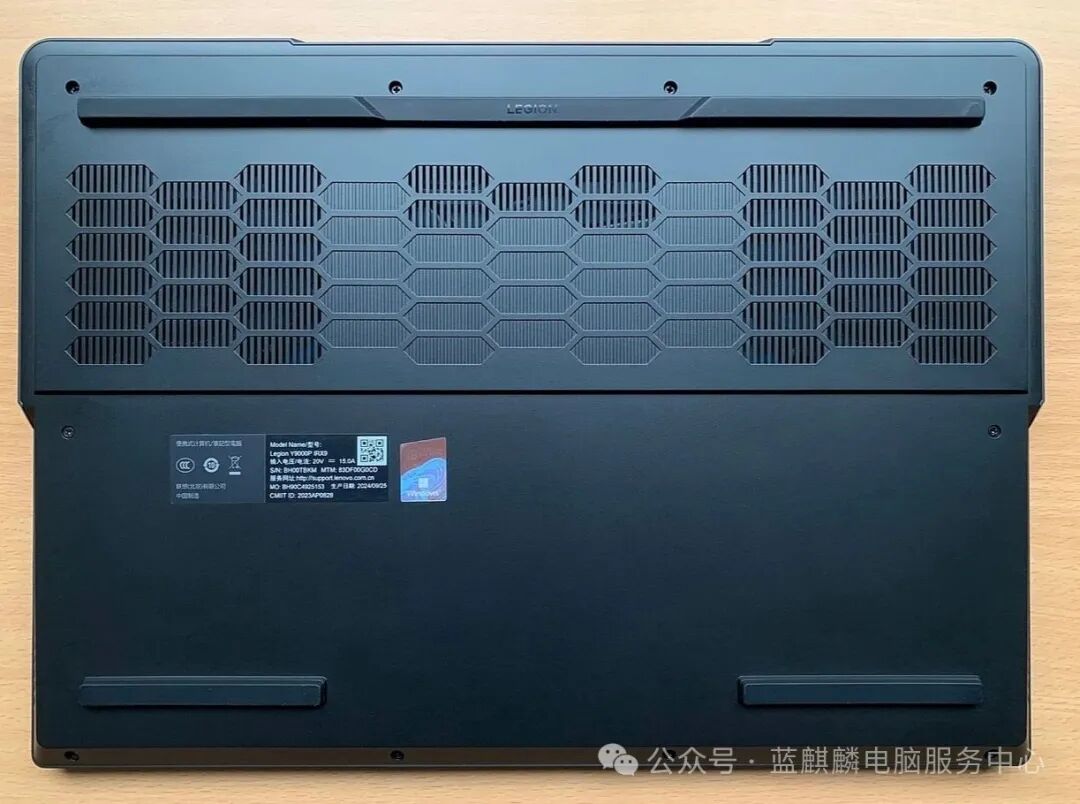
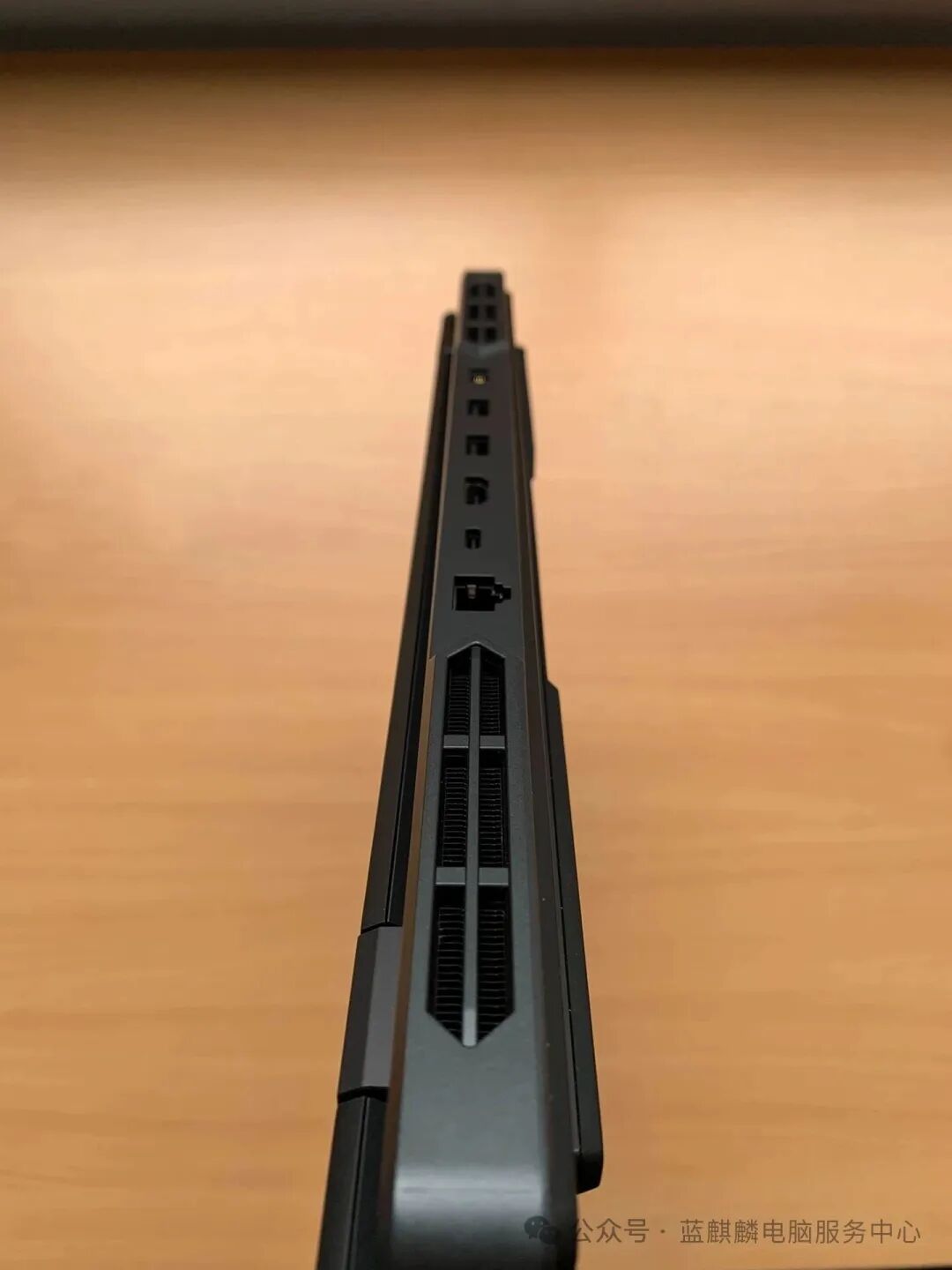
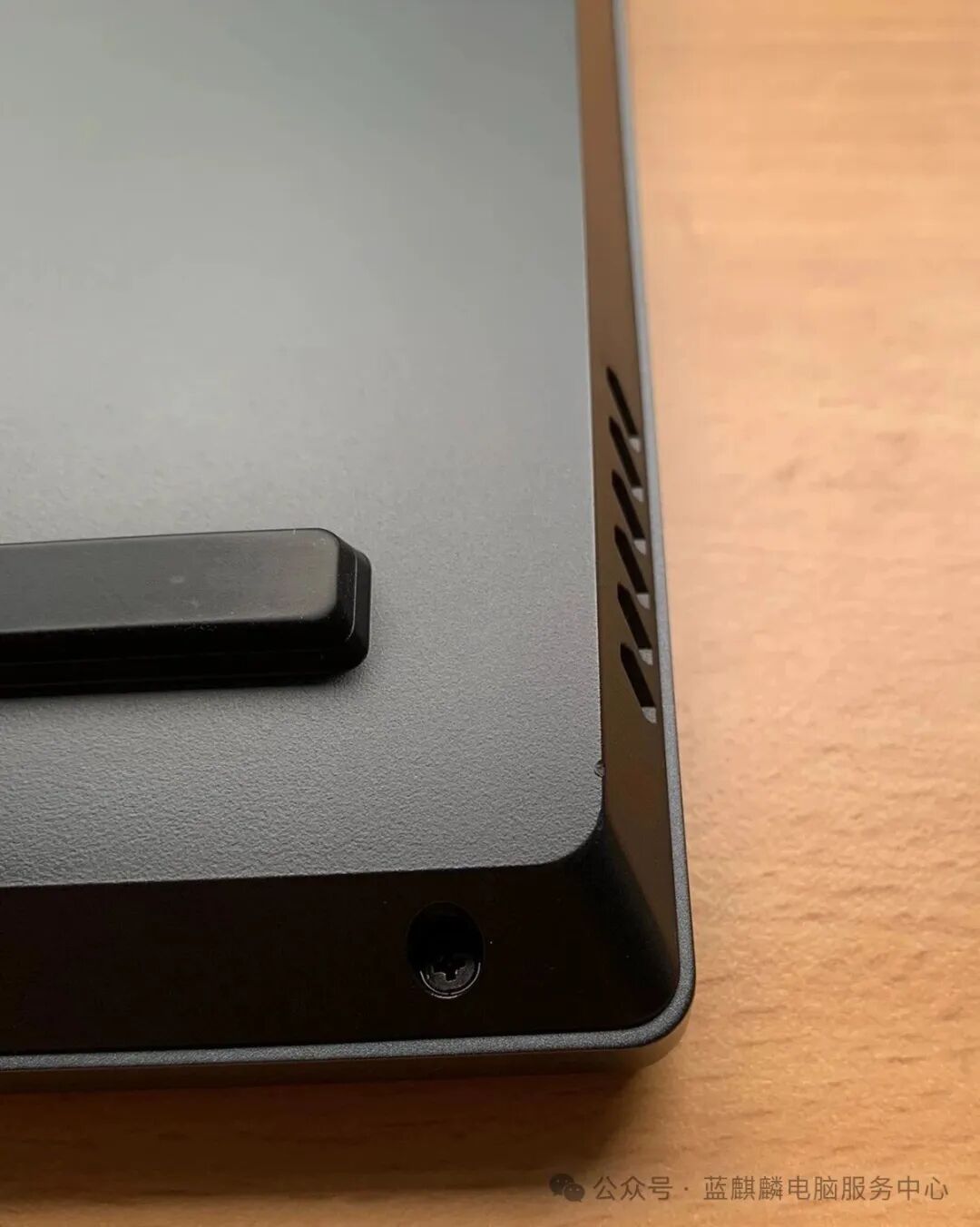
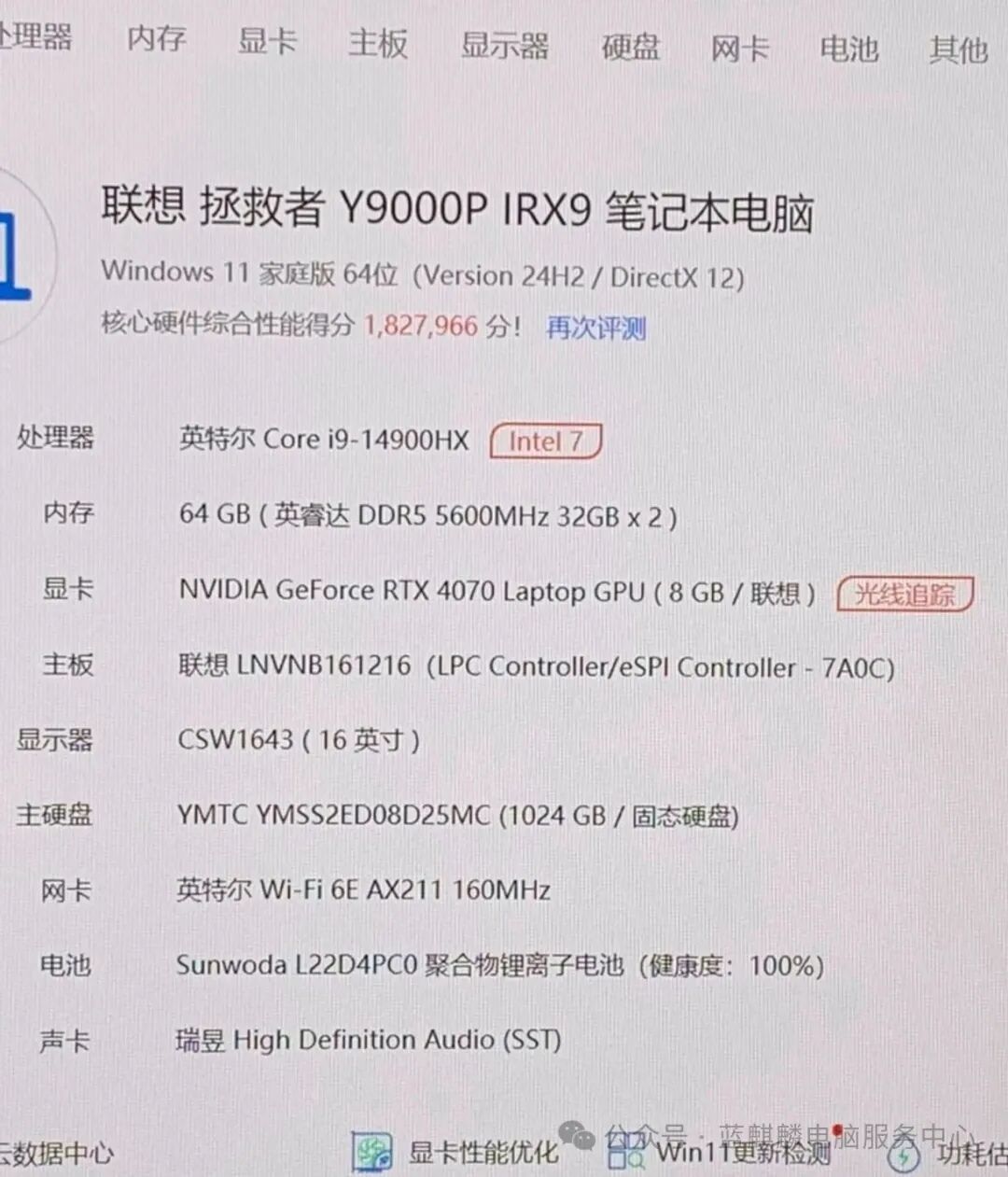
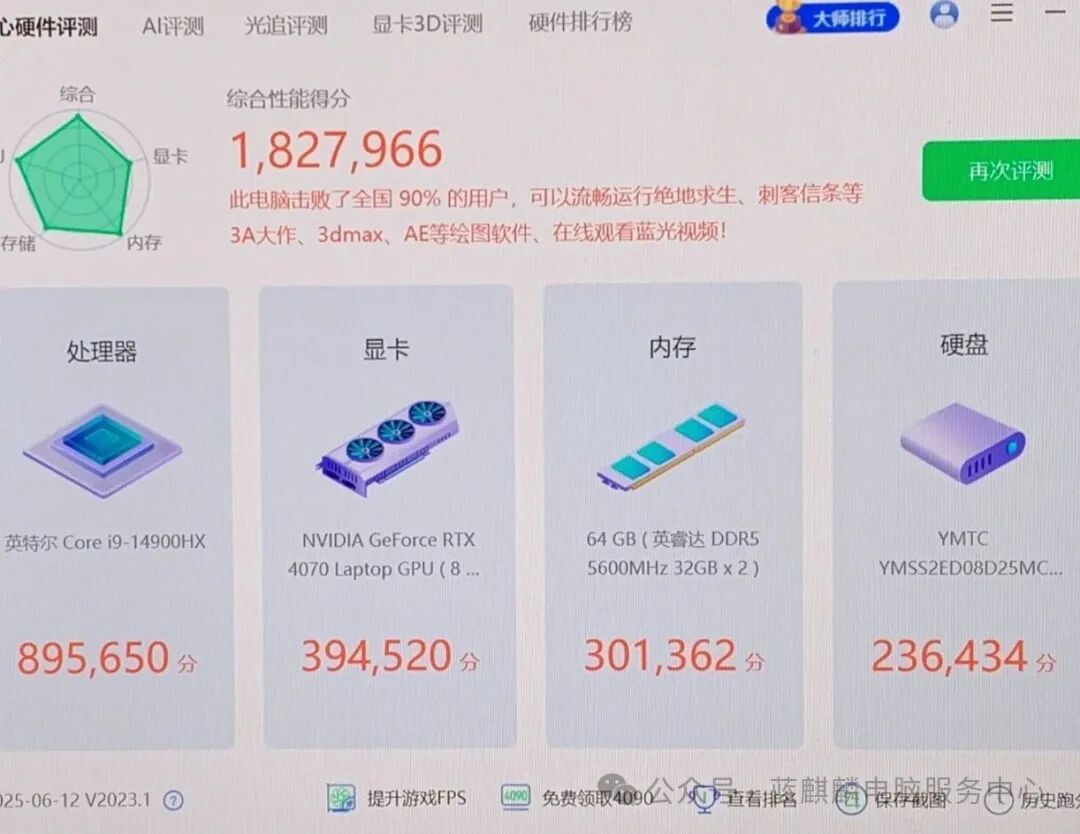
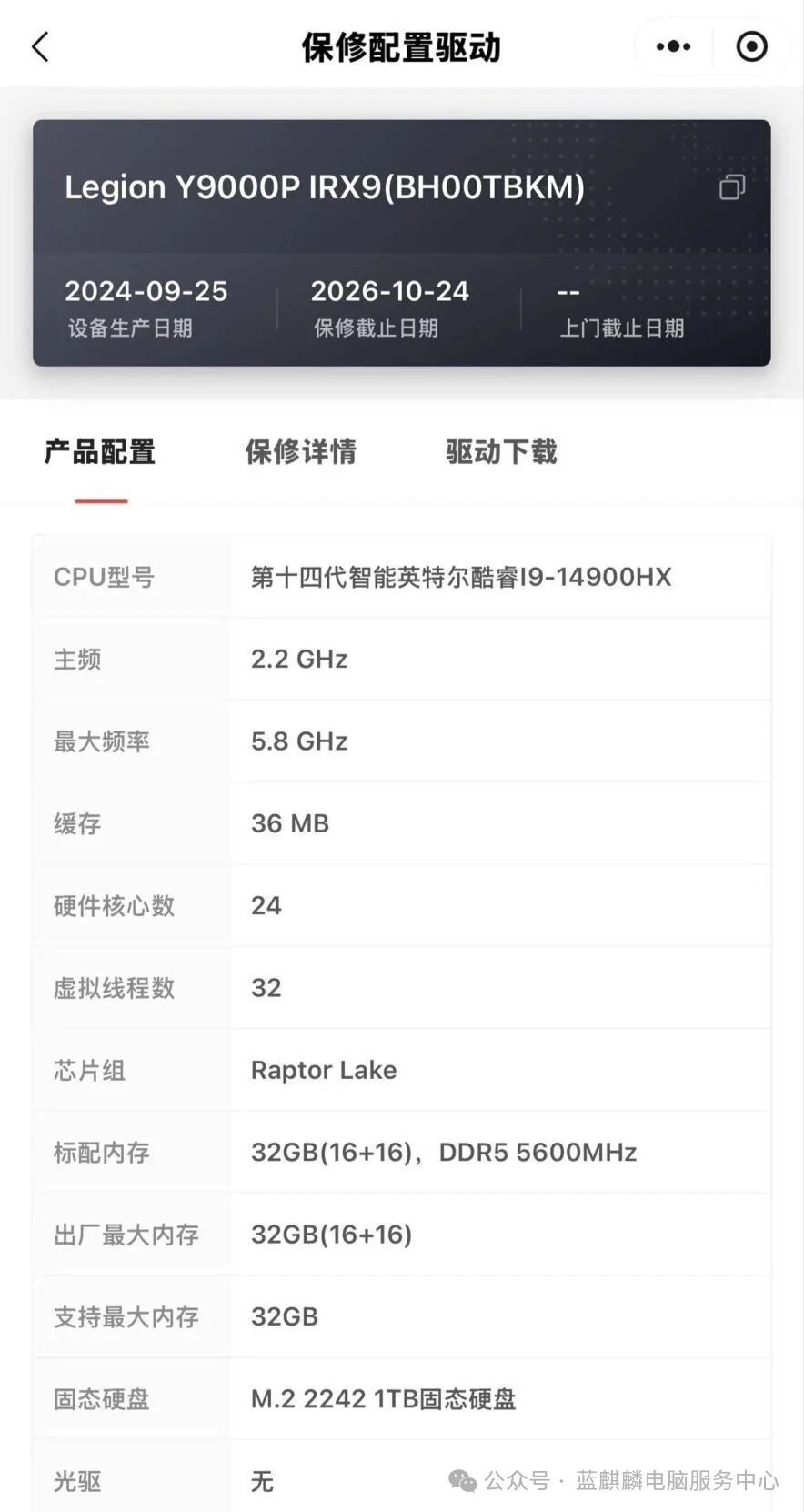
Today’s recommended model Lenovo Legion Y9000P meets all requirements for gaming/design/study; it may be a bit heavy for females if not used for gaming or design.Configuration: i9-14900HX processor/RTX 4070 discrete graphics/64GB RAM + 1TB SSD, battery life 169 hours/16-inch 2K 240Hz high refresh rate screen/battery health 100% / office not claimedCondition: Except for a small flaw in image 6, there are no bumps or scratches, in excellent condition, actual machine photosWarranty: Warranty until October 24, 2026Accessories: Original charger ×1Price: 9899 yuan