Running certain educational games on the Steam Deck may trigger C++ RUNTIME errors.
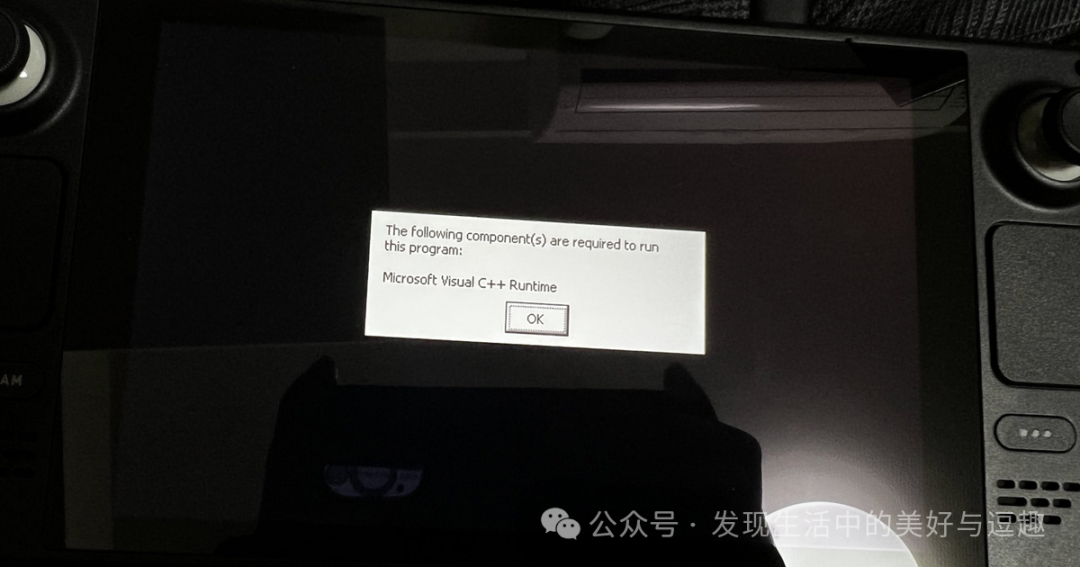
This is usually caused by the absence of the Microsoft C++ runtime library.
There are many tutorials online that can help resolve this issue by following their steps.
I have summarized the most convenient tutorial as follows:
Download the installation files for the runtime library from this URL: “https://learn.microsoft.com/zh-cn/cpp/windows/latest-supported-vc-redist?view=msvc-170”. Download both x86 and x64 versions.
Select the power option in the bottom left corner of the SD and choose desktop mode. Then copy these two files to the desktop of the SD or to a path you find suitable (for easy access).
Next, add a non-Steam game in the library, selecting these two files (one at a time).
Run these two files sequentially with the default compatibility layer.
Then use the small wine program to find the compatibility layer ID for these two files and remember it.
Next, insert this code: “STEAM_COMPAT_DATA_PATH=/Home/share/Steam/steamapps/compatdata*******%command%” (replace **** with the ID) into the launch options of the game you want to run. Generally, using the x64 ID is sufficient; if it doesn’t work, add a space, paste the above code, and then add the x86 ID.
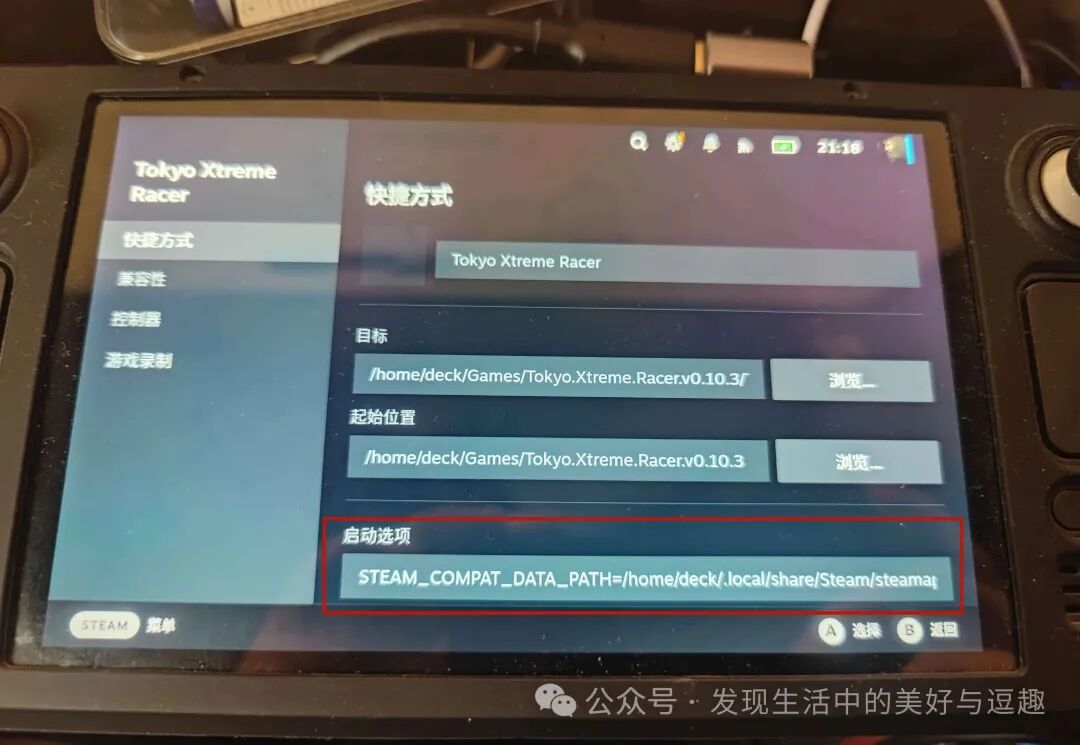
Generally, this should resolve the issue, and the game should run normally. If any future games require this runtime library, you can add this code to the game’s launch options.
However, recently when running the game “Capital Highway”, I still encountered C++ runtime errors. Initially, I thought it was due to an incorrect compatibility layer selection, and I tried several layers without success, still facing C++ errors.
I searched online for solutions, and while some mentioned similar situations, they did not provide solutions.
Eventually, I figured it out myself. If there are friends who encounter similar startup errors and haven’t resolved them, you can try this method to see if it helps.
If you have already installed the C++ runtime library and still encounter C++ errors when launching certain newly installed games, it is likely because the previously installed library is an older version. You need to download the latest version of the runtime library installation file from Microsoft’s official website.
All installation processes and steps are the same as mentioned above. In fact, if this is your first installation, I recommend downloading the latest version of the runtime library installation file from Microsoft’s official website. Files from unofficial sources may not be the latest and could lead to startup errors in games.
After going through this, I have summarized two thoughts:
1. For those who do not want to tinker, playing the official version is the most worry-free option. After all, you have paid for it, and SteamOS will automatically help you integrate and download the necessary plugins to launch the game.
2. For plugins like this runtime library, it is advisable to download from the official website whenever possible. Do not take shortcuts by downloading from shared tutorial links, as the tutorial may be outdated, and by the time you see it, a new version may have been released, causing new games to fail to run.
I am just a gaming novice who enjoys tinkering. If anyone knows my above solutions or has better methods, please do not mock me; I am just sharing my experiences.
Finally, I recommend an accessory for the SD. The original case that comes with the SD undoubtedly protects the console well, being thick and sturdy. However, it is also too bulky, making it difficult to fit into a backpack without taking up too much space.
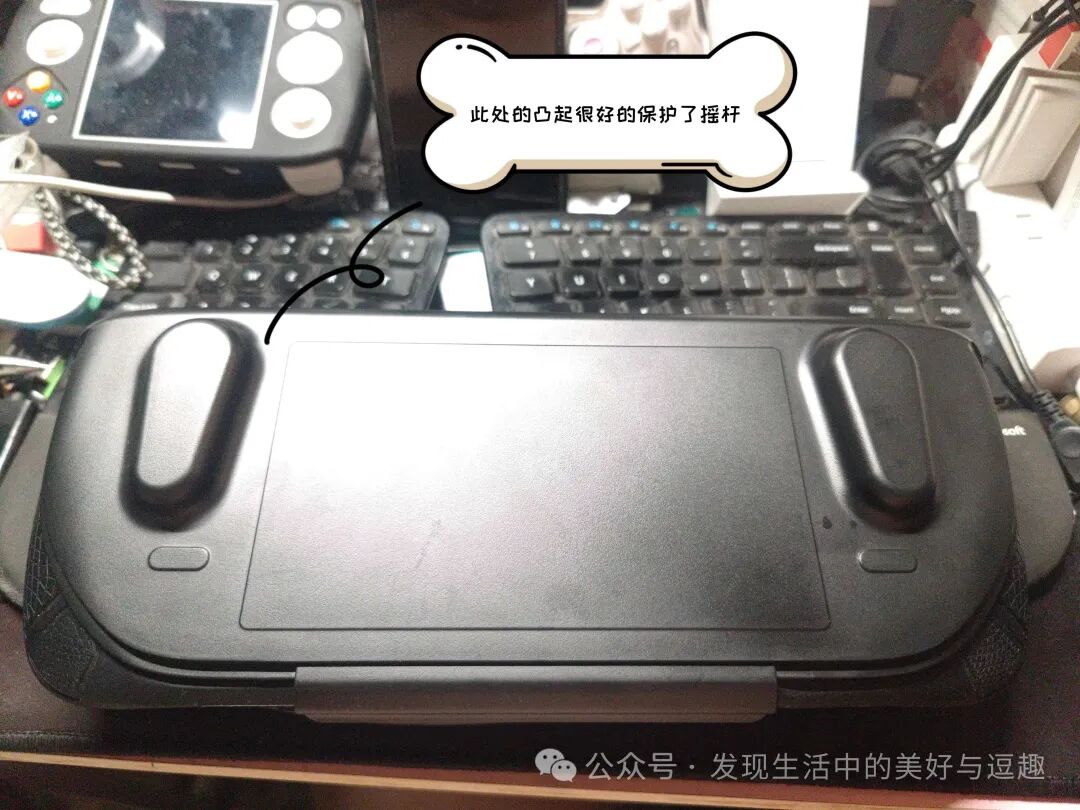
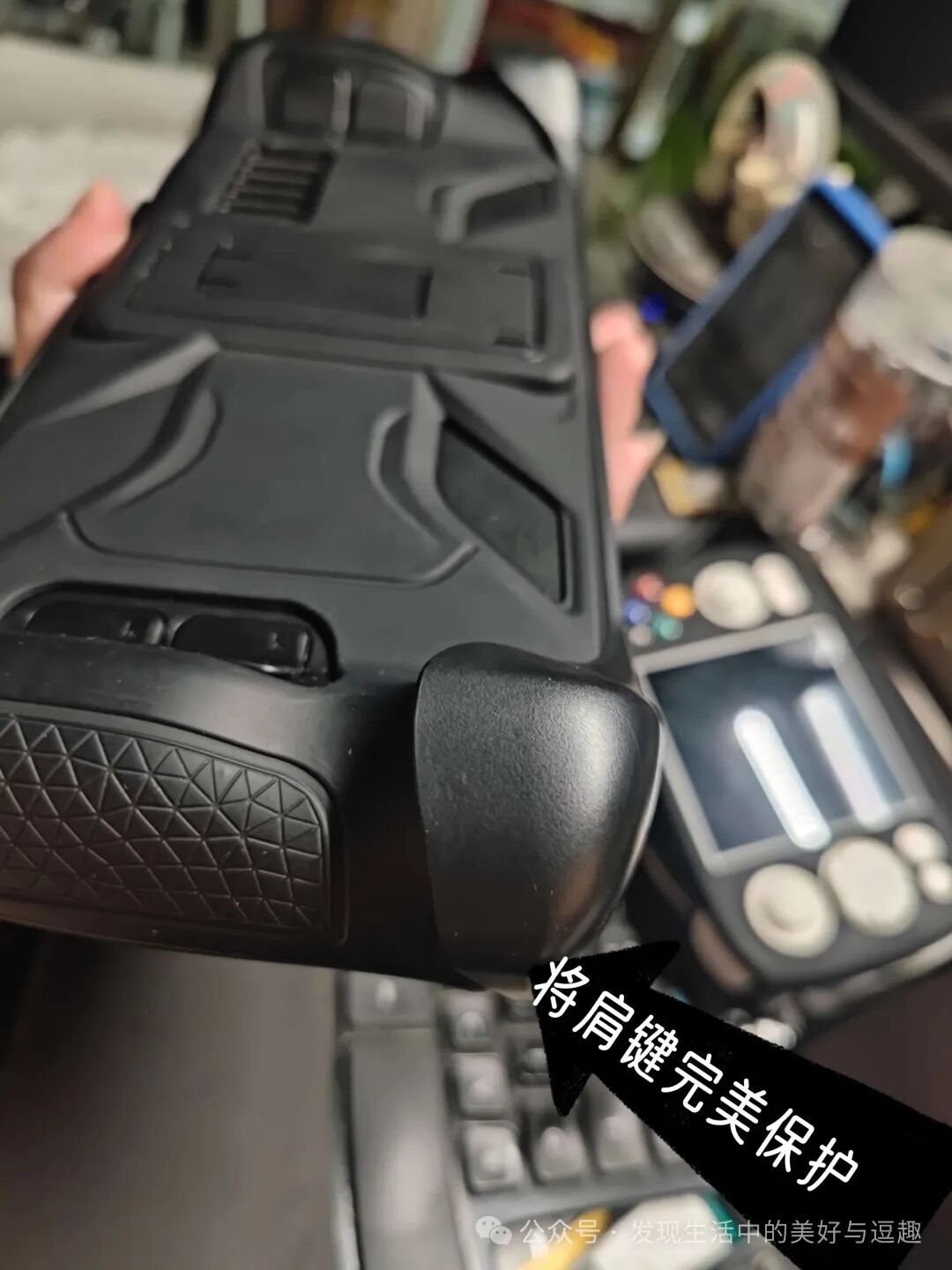
There are protective cases available online that come with a cover, which can snugly protect the console. Additionally, there is a long protrusion at the joystick area that protects the joystick and prevents damage during installation and removal.
Moreover, this protective shell is very thin once installed, reducing the space occupied in the bag compared to the original case, which I find very practical.

Please open in the WeChat client
Please open in the WeChat client