
Introduction
Recently, the National Internet Emergency Center (CNCERT) issued a risk warning regarding the BlackMoon variant of the HTTPBot botnet. The China Mobile Smart Home Operations Center promptly captured this significant security incident and collaborated with the Cybersecurity Center to initiate an emergency response. After investigating and analyzing the China Mobile network, it was determined that over 10,000 users were infected by this HTTPBot botnet.
What are the actual dangers of this security incident for users? Let’s explore together~
Note: The image is AI-generated
First, Understand: What is this “HTTPBot” Creature?
In August 2024, the cybersecurity community was suddenly abuzz with the emergence of a new botnet called HTTPBot. It is noteworthy that 90% of botnets target Linux and smart devices, while HTTPBot specifically targets Windows as its “electronic assassin,” making it a rather “non-mainstream” operation in the hacker community.
Why does it specifically target Windows? This is related to our usage habits. Windows computers, often used for work or streaming, typically have valuable assets like WeChat, online banking, and gaming accounts. Hackers have discovered that Windows users often neglect system updates (for example, they frequently dismiss update prompts). HTTPBot exploits this by disguising itself as “free PS” or “game cheats” to infiltrate computers. Once successful, it secretly contacts the hacker’s “command center,” reporting its location daily using normal internet protocols (HTTP) and waiting for destructive commands.
6 Warning Signs
Indicating that a botnet may have “sneaked into your home”
|
Abnormal Phenomenon |
Simple Explanation |
Example |
|
Computer suddenly running at “snail speed” |
The botnet is secretly “mining” or transmitting data in the background, consuming a large amount of CPU and memory |
Even with only a few applications open, the mouse takes forever to respond |
|
Traffic mysteriously “exploding” |
The botnet is secretly using WiFi at night to “send files” to hackers |
At the end of the month, the bill shows that data usage is double the usual amount |
|
Pop-up Ads “bombarding” you |
The botnet is “working for” hackers by pushing ads to earn commissions |
While browsing, unknown pop-ups suddenly appear, and they reappear after being closed |
|
Unknown Programs “self-starting” |
The botnet has secretly “settled in” your computer |
After booting, some unfamiliar and blurry icon software appears |
|
Browser Homepage has been “hijacked” |
The botnet forces you to visit websites designated by hackers |
Opening the browser leads to a “certain navigation website” that cannot be changed |
|
Device “talking to itself” |
The botnet is “secretly communicating” with hacker servers |
At night, the computer’s fan suddenly spins wildly, the screen is off, but the network signal light is flashing |
Step-by-Step Guide to “Shut the Door on the Dog”
Four Steps to Strengthen Your Home Network Security
Install a “Smart Security Door” on Your Computer: Antivirus Software + System Updates as Double Protection
-
Use the Right Antivirus Software: Use antivirus software like “360 Security Guard” or “Huorong Security” and perform a “full scan” at least once a week.
-
Timely Apply System Patches:Don’t dismiss frequent “update prompts”; hackers love to exploit vulnerabilities in outdated systems to deploy botnets.
Reject “Street Vendors of the Internet”: Three Principles for Safety
-
Do not click on unknown links:If you receive suspicious text messages, don’t be a “curious baby” and click on them.
-
Do not download unknown software:Only download from official websites; most “green, no-install versions” from free sites are likely to contain malware.
-
Do not plug in unknown USB drives:Don’t rush to plug in USB drives given by others; scan them with antivirus software first.
Add Multiple Locks to Your Network: Router + WiFi Settings to Prevent Unauthorized Access
-
Change the Default Password of Your Router:Change the default username and password found on the back of your router.
-
Hide Your WiFi Name:In the router settings, check “Hide Network Name” so that others cannot see your home WiFi name when searching.
-
Regularly “Kick Out” Unauthorized Users:Open the router’s backend “Device Management” to check for unknown devices; if suspicious users are found, directly “blacklist” them.
Learn Some “Emergency Escape Techniques”: Don’t Panic if You Get Infected!
-
Disconnect the Internet to “Cut Off Communication”:If you notice abnormal behavior on your computer, first unplug the network cable to prevent the botnet from “reporting back” to hackers.
-
Reset the System to “Start Over”:If you can’t clean it up, you can try using Windows’ built-in “Reset this PC” feature.
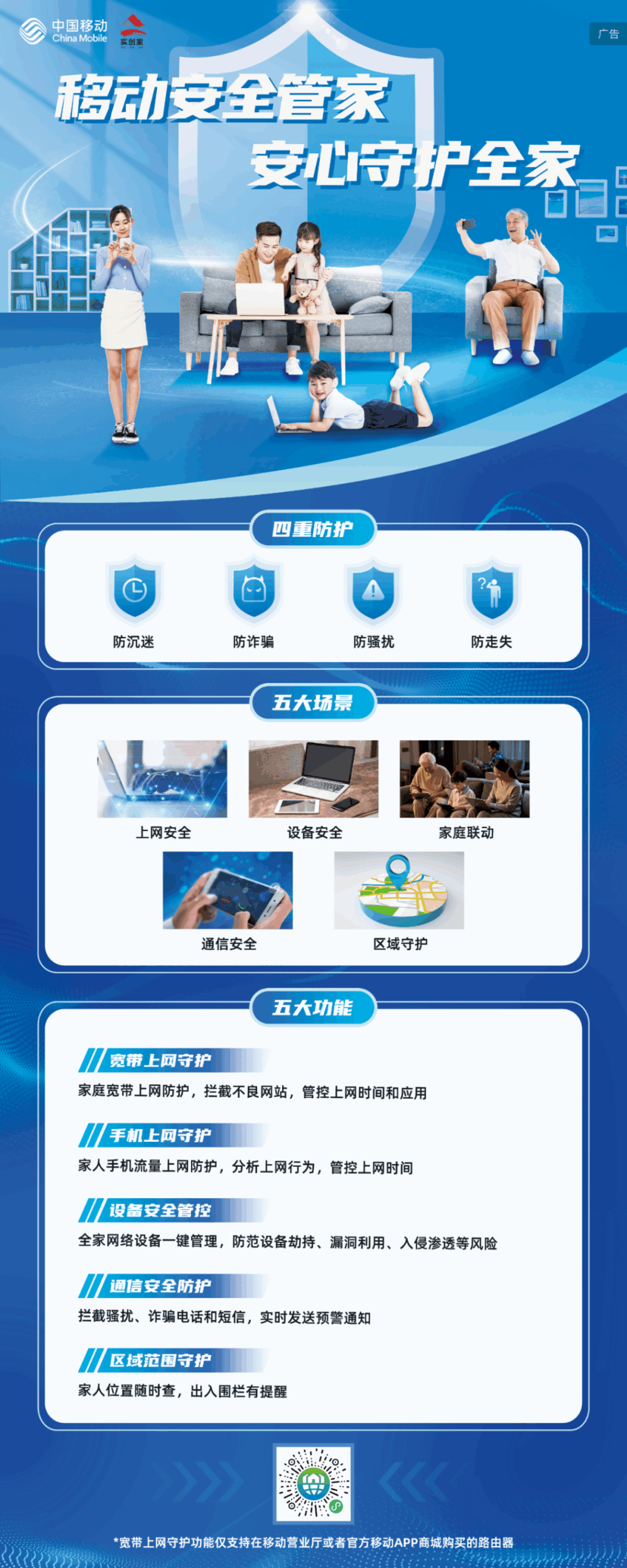
China Mobile has launched a new security protection product aimed at individuals, the elderly, children, and families—Mobile Security Guardian. It offers eight major functions, including high-frequency anti-harassment, AI scam call reminders, mobile internet protection, broadband internet protection, family fraud prevention, regional protection, essential smart reminders, and family smart insurance. Notably, the mobile internet protection and broadband internet protection features allow for monitoring internet safety reports, historical internet data, and risk notifications for accessing risky websites or apps, helping you easily safeguard your family’s network security!
(Note: The broadband internet protection feature is only available to users who subscribe to China Mobile’s family Wi-Fi service or China Mobile’s Love Home Optical Network service)
Editor: Gao Zhifang
Review: Jiao Shanshan
Final Review: Chen Shouchao
END
Editor:Guan Qi
Reviewer:Lin Feng,Liu Xuanjun, ZhangJing
Content Source:Internet
Copyright belongs to the original author. If there is any infringement, please contact for deletion.
Scan to add the enterprise WeChat for data and phone bill benefits👇