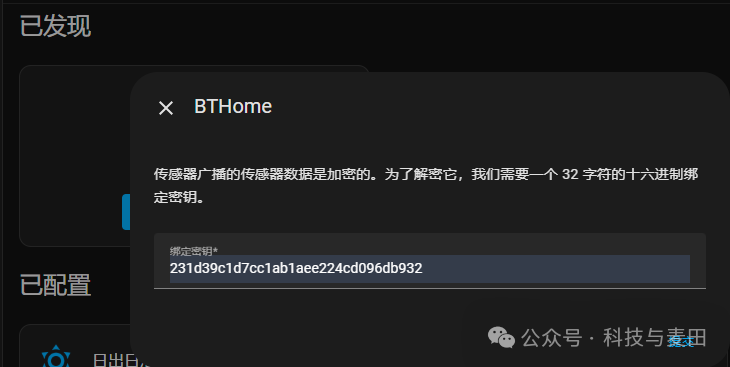
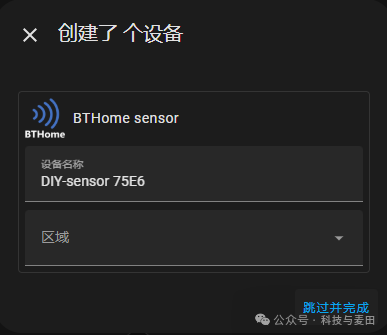
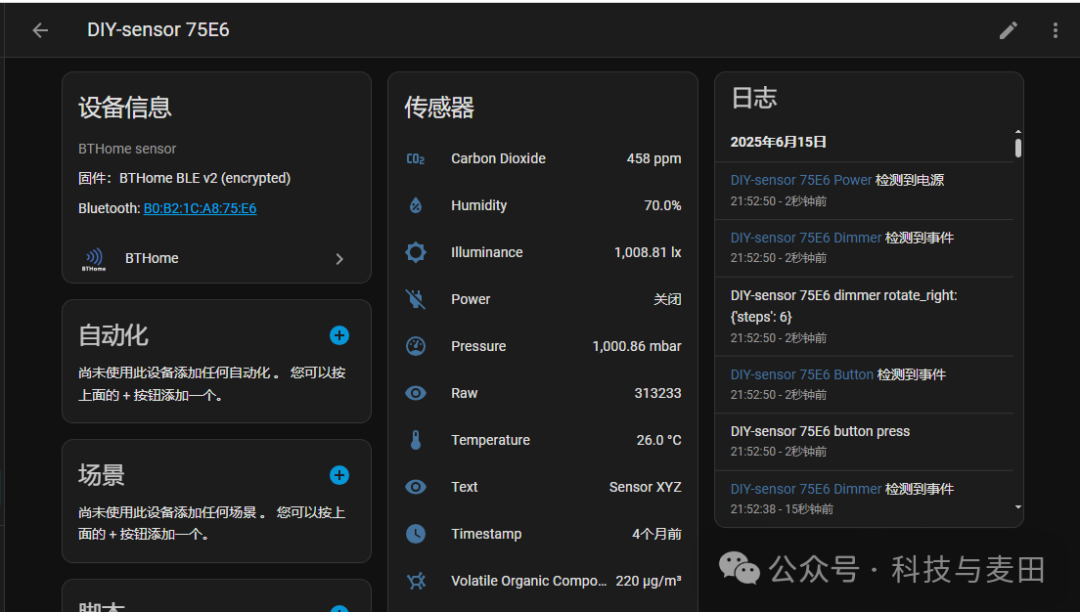
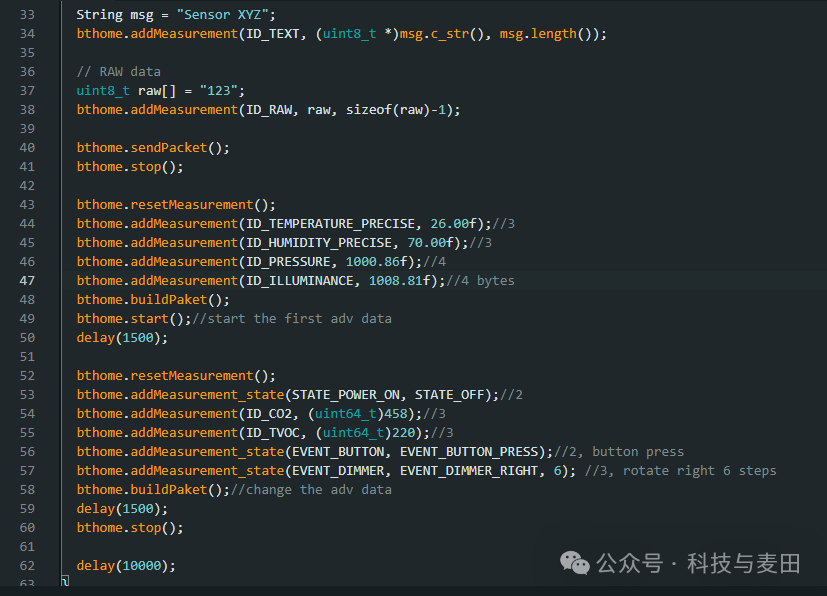
Issues with Bluetooth Devices: Currently, most Bluetooth devices are designed to work with smartphone applications and broadcast their data in proprietary formats. However, using these Bluetooth devices in your HomeAssistant home automation platform requires support for each proprietary format, making it difficult to use!Problems Addressed by BTHome: A set of open, standardized BLE communication protocol specifications has been designed for battery-powered smart home sensor devices, simplifying device compatibility with receivers and achieving ultra-low power consumption, plug-and-play!How BTHome Works in HomeAssistant:① Device Broadcasting: For example: A temperature and humidity sensor activates its Bluetooth module every minute, constructing a broadcast packet containing a service UUID (0xFCD2), device information, temperature value (object ID 0x45)/humidity value (object ID 0x4C), and other standard data structures, then sends it out. ② Receiver Monitoring: The smart home hub continuously scans for nearby BLE broadcasts. ③ Identification and Parsing: When the smart home hub scans and finds a broadcast packet with a service UUID of 0xFCD2, it recognizes it as a BTHome device. It parses the data object IDs in the broadcast packet according to the protocol specifications, knowing that 0x45 represents temperature and 0x4C represents humidity, extracting the specific values. ④ Data Storage: After extracting temperature and humidity data, the smart home hub stores it in a database and automatically creates the corresponding temperature and humidity sensor entity.BTHome Application Practice: ① Receiver: Identifies and parses the BTHome broadcast data packets sent by the device, which is the BTHome integration. Of course, you can also develop a mobile app based on the BTHome protocol specifications to identify devices. ② Device: Broadcasts BTHome formatted data structure packets. Today, we will use someone else’s BTHome protocol library to test the ESP32 broadcasting BTHome data packets recognized by the BTHome integrated device, as it is simple and convenient. Of course, you do not have to use the existing BTHome protocol library; you can also customize the broadcast BTHome data packets according to the protocol specifications!Test Code:
// Your test code hereResults: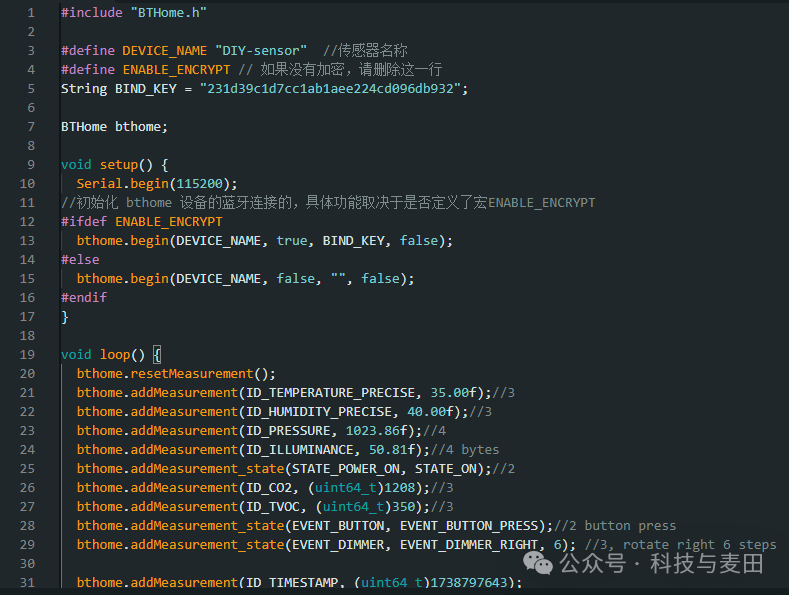
 Results: