1. Installation
Rustup is the official version management tool for Rust. Installing rustup will automatically install Rust (it will also install Cargo, which is Rust’s build system and package manager, very important), so we only need to install rustup.
① Official installation address
https://rustup.rs/#
② For Mac or Linux systems
curl –proto ‘=https’ –tlsv1.2 -sSf https://sh.rustup.rs | sh
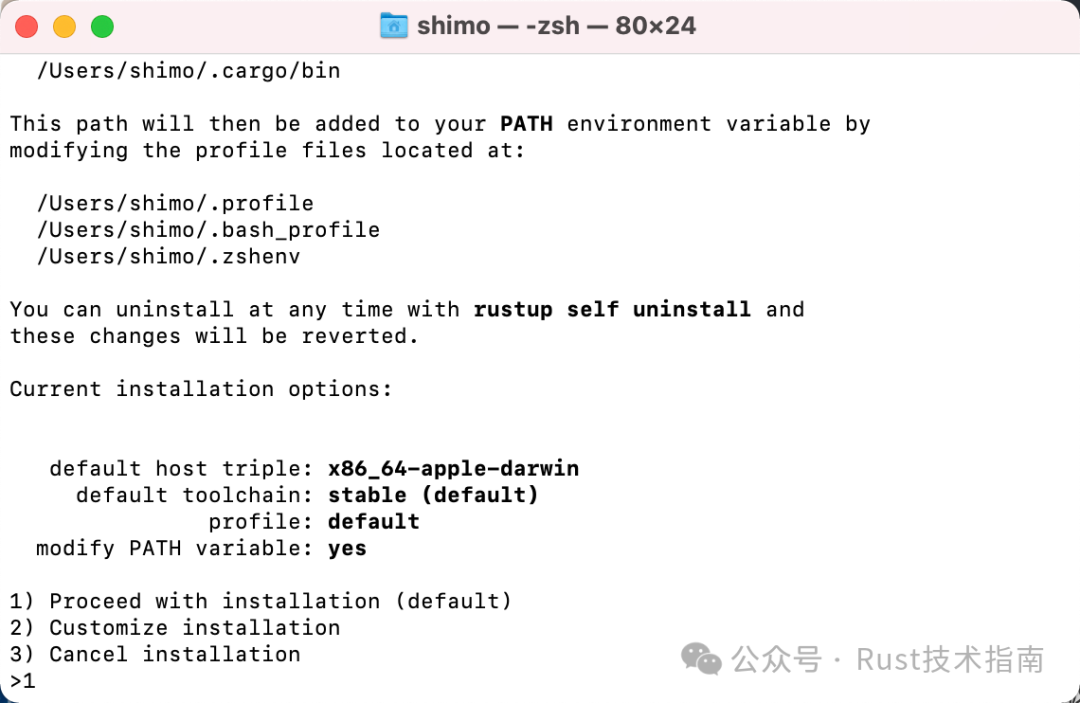
During the installation process, the following interface will pop up; just select 1:
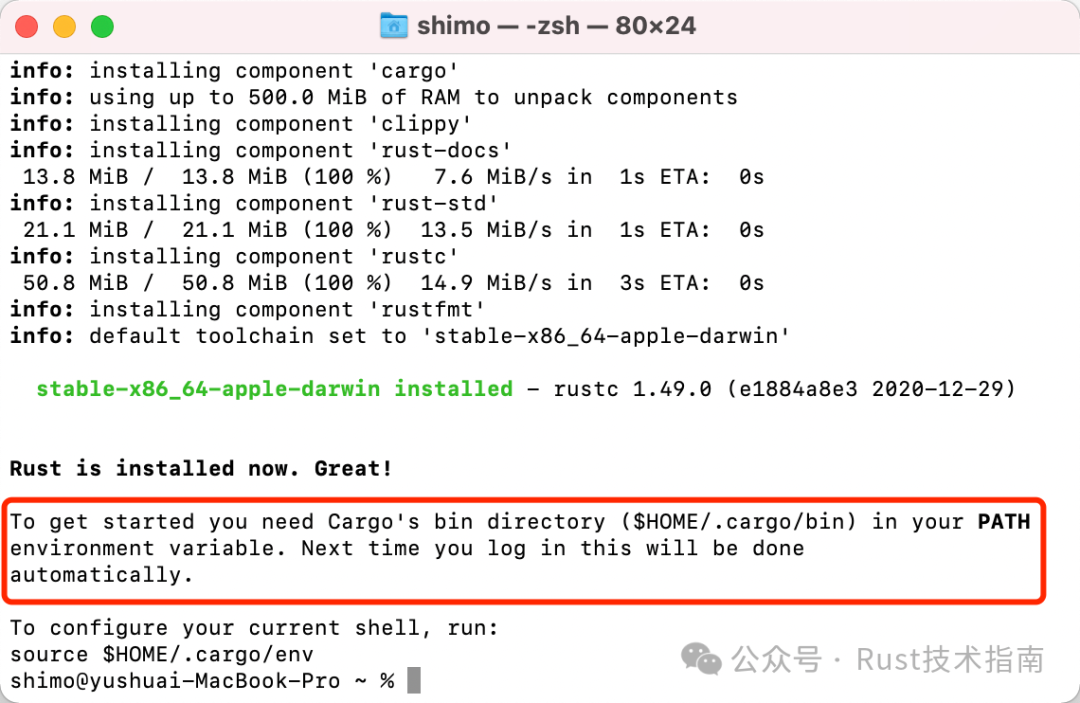
After installation, since environment variables have been configured during the installation process, you need to make the environment variable configuration effective:
source ~/.cargo/env
③ For Windows systems
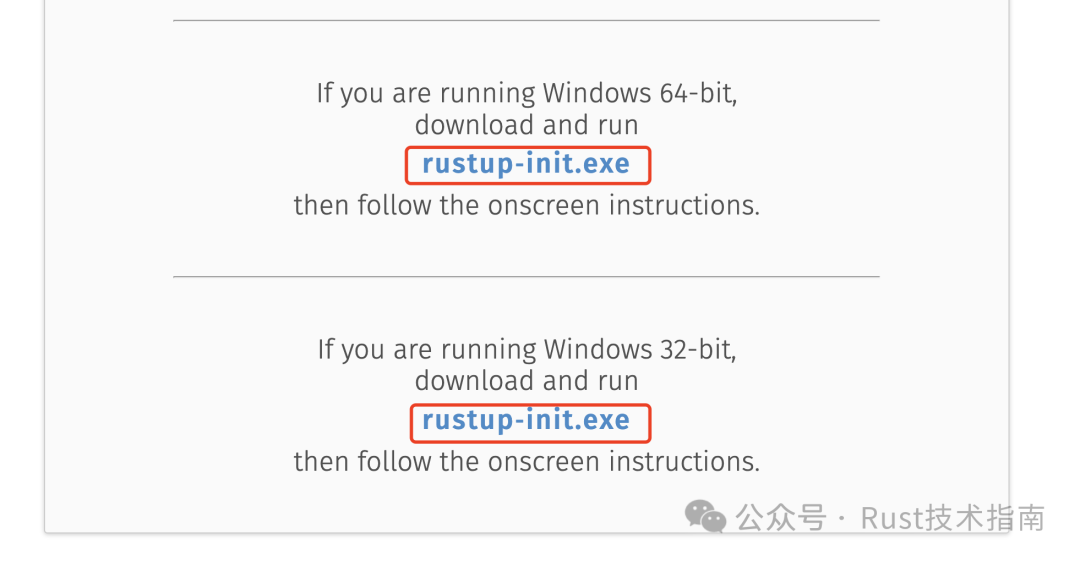
We just need to download the installation package rustup-init.exe from the above website and install it.
④ Cloud Experience
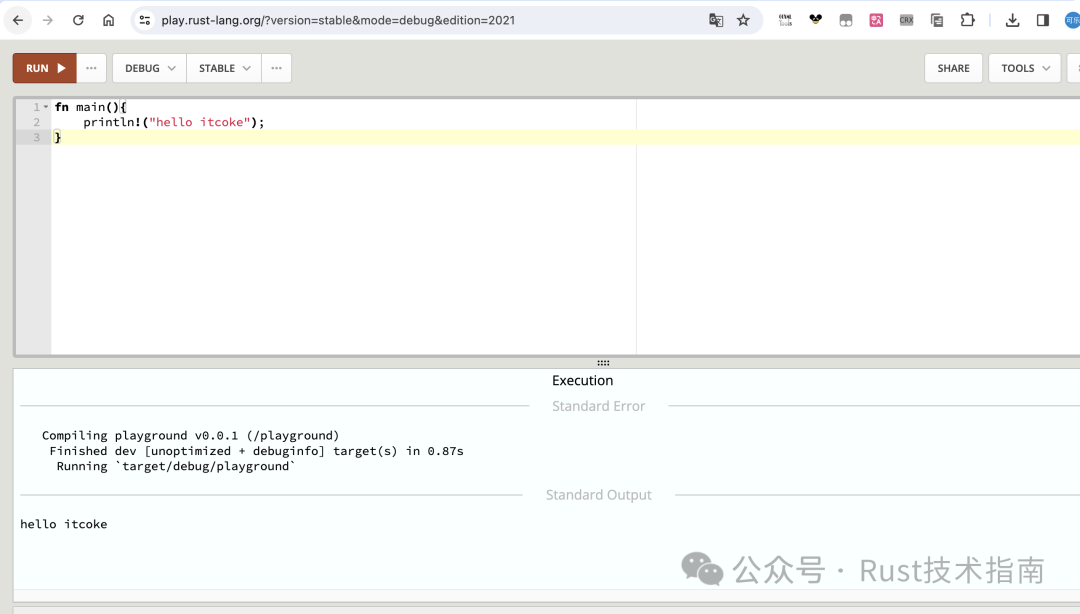
If you do not want to install Rust locally, or if there are issues with local installation, but you still want to learn and experience Rust coding, you can directly visit this website:
https://play.rust-lang.org/
This is an online playground provided by the official Rust language.
2. Verify Installation
Execute the following command:
rustc --version

The information displayed by the command is: rustc [version number] (commit hash commit time)
3. Update
After installation, execute the following command to update to the latest version:
rustup update
rustup update stable
4. Uninstall
Execute the following command to uninstall both Rust and rustup:
rustup self uninstall
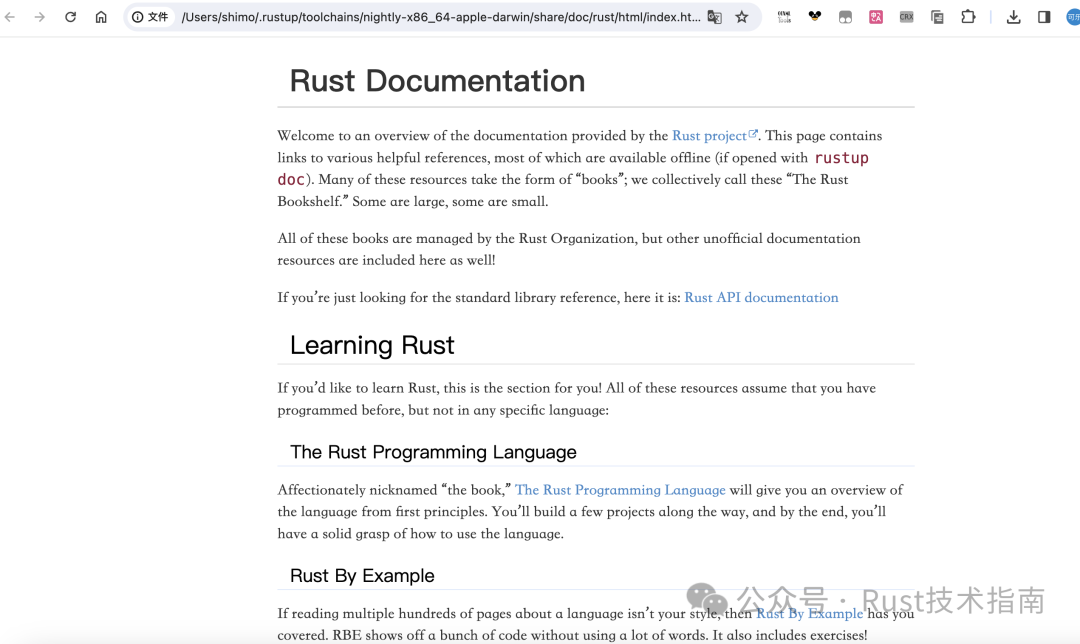
5. View Local Documentation
rustup doc
6. rustc and rustup
The rustc compiler is responsible for converting the source code we write in Rust into executable files or libraries. It is equivalent to gcc/g++ in C++.
rustup is a tool for installing and managing the Rust toolchain, including <span>rustc</span>. For example, it is used to install and update Rust.
7. Code Editor
Regarding code editors, many people prefer using VS Code, which is a powerful editor. To develop Rust in VS Code, you need to install the rust-analyzer plugin to enable features like auto-completion. A dedicated tutorial on how to develop Rust projects using VS Code will be released later.
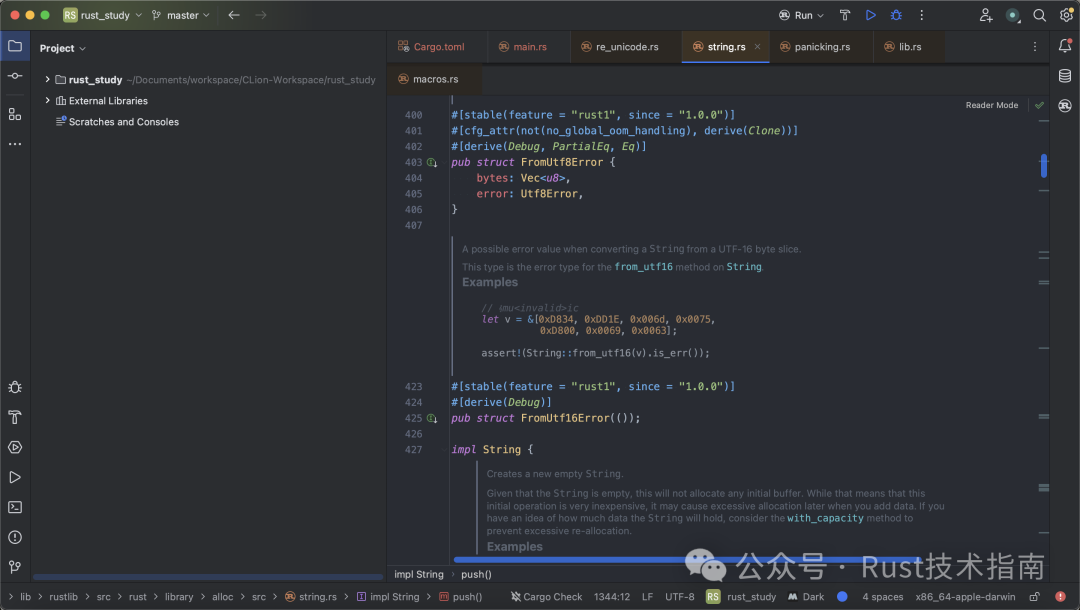
As a Java programmer, I am more familiar with products from JetBrains, previously using Clion, and recently they launched a dedicated IDE for Rust: RustRover.
My experience with it has been quite good, and it is particularly easy for Java programmers to get started. You can check out the code effects.