When developing C++ desktop applications, the choice of GUI framework almost determines the development experience and subsequent maintenance costs of the project. For the past decade, Qt and wxWidgets have been mainstream, but in recent years, lightweight and modern solutions have begun to enter the developers’ field of vision, such as Dear ImGui and Elements.
Recently, I prototyped with Qt, Dear ImGui, and Elements in a cross-platform tool project, gaining a more intuitive understanding of their advantages, usage thresholds, and applicable scenarios. Here, I summarize my experiences in hopes of helping others who are also making similar choices.
📚 The C++ Knowledge Base is now live on ima! The current content covered by the knowledge base is shown in the image below👇👇👇
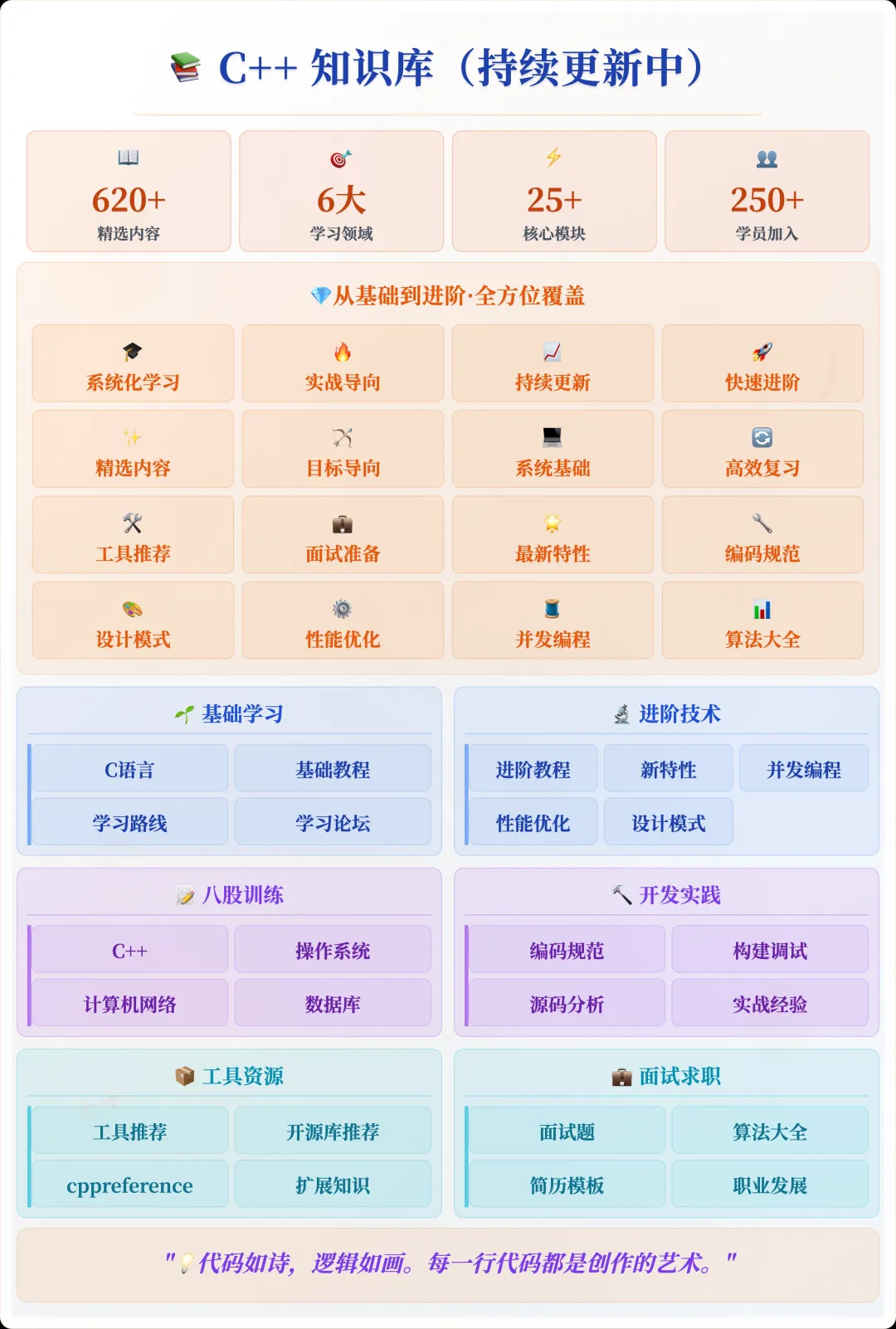
📌 Interested in the knowledge base? You can add the assistant vx (cppmiao24) with the note 【Knowledge Base】 or click 👉 C++ Knowledge Base (tap to jump) to view the complete introduction to the knowledge base~
1. Qt: The Most Comprehensive, but Also the Heaviest
Qt is a well-established C++ GUI framework that supports Windows, Linux, and macOS. It has a complete ecosystem, with modules for UI design, networking, databases, OpenGL, and more.
Advantages:
- Wide coverage of functionalities, capable of implementing almost any desktop feature.
- High maturity in cross-platform support, with relatively few pitfalls.
- QML provides a more flexible way to build UIs.
Disadvantages:
- Steep learning curve, especially in understanding signal-slot mechanisms and mixed development with QML.
- Configuration of the build system (qmake / CMake) is relatively complex.
- The size of dynamic libraries is large, making it unsuitable for applications that require minimal distribution.
A minimal Qt window example code:
#include <QApplication>
#include <QPushButton>

int main(int argc, char *argv[]) {
    QApplication app(argc, argv);
    QPushButton button("Hello, Qt!");
    button.resize(200, 60);
    button.show();
    return app.exec();
}
If you are developing enterprise-level tools that require complex UI controls or prioritize cross-platform stability, Qt remains the top choice.
2. Dear ImGui: Fast, Lightweight, but Not Aesthetically Focused
Dear ImGui is not a traditional UI framework but an Immediate Mode GUI library. Its characteristics include being lightweight and easy to integrate, making it very suitable for game development tools, debugging panels, and prototype validation.
Advantages:
- Simple integration, directly embedded into the existing rendering loop.
- UI code and logic are tightly coupled, allowing for rapid development iterations.
- Almost no external dependencies, making compilation and deployment lightweight.
Disadvantages:
- Not designed for aesthetically pleasing product interfaces; the visual style is quite “programmer-like”.
- Lacks a standard window control system, requiring custom assembly for complex UIs.
A simple ImGui window example:
ImGui::Begin("Hello, ImGui");
ImGui::Text("This is a text label.");
if (ImGui::Button("Click me")) {
    // Button click event
}
ImGui::End();
Its best use case is embedded UI within tools, such as editors within game engines or debugging information panels, rather than desktop applications aimed at general users.
3. Elements: Modern, Lightweight Declarative UI
Elements is a cross-platform GUI framework written in modern C++ (from C++14) that follows a declarative UI approach, somewhat similar to the syntax of SwiftUI or Flutter. Although the community size is currently small, the integration experience in modern C++ projects is quite good.
Advantages:
- Implemented purely in header files, non-intrusive across platforms.
- Declarative syntax leads to concise code.
- Modern style, with default controls appearing closer to product UI than ImGui.
Disadvantages:
- The community and documentation are not well-developed, requiring self-exploration when encountering issues.
- Limited number of controls, necessitating custom drawing for complex interfaces.
A minimal Elements example:
#include <elements.hpp>
using namespace cycfi::elements;

int main(int argc, char* argv[]) {
    app _app(argc, argv);
    window _win("Hello Elements", 400, 300);
    _win.content(
        label("Hello, Elements!") | align_center()
    );
    _app.run();
}
For small desktop tools that pursue a modern C++ development experience, Elements is a choice worth trying.
4. Comparison
| Feature | Qt | Dear ImGui | Elements |
|---|---|---|---|
| Cross-Platform Maturity | High | High | Medium |
| Functionality Richness | Very High | Low | Medium |
| Learning Cost | High | Low | Medium |
| Aesthetic Adaptability | High | Low | Medium |
| Applicable Scenarios | Enterprise Desktop Applications | Tool Panels, Debug Interfaces | Small Modern Tools |
From practical experience:
- Qt is suitable for large projects with comprehensive UI and functionality requirements;
- Dear ImGui is more suitable for rapid validation and embedded debugging tools;
- Elements is comfortable for small projects that pursue modern coding styles.
5. My Selection Recommendations
If your project:
- Has complex functionalities (file managers, IDEs, cross-platform office tools, etc.), use Qt directly to reduce wheel-reinventing time;
- Is an embedded tool panel for an existing application, Dear ImGui may be the lightest choice;
- Is a modern C++ project for a small team, with moderate UI requirements, consider Elements to experience the advantages of declarative writing.
In my final project, I used a Qt + Dear ImGui hybrid solution: Qt for the main interface and cross-platform framework, and Dear ImGui embedded in a tab page as a debugging panel, thus leveraging the advantages of both.
If you are working on a similar GUI project, I recommend first writing a minimal runnable prototype with the target framework to feel the development experience before making a decision. The pros and cons on paper are just references; the real choice should come from your project’s needs and your team’s habits.
Recommended Reading:
C++ Direct Access to Major Companies (For those interested in the training camp, you can read this article to learn about the details of the training camp, or add the assistant vx: cppmiao24 to quickly understand the training camp related information)
C++ push_back() Performance Differences Between Lvalues and Rvalues
More Practical Alias Writing? Discussing the Differences and Trade-offs Between using and typedef in C++