We have previously written some informative content about Bluetooth headphones, such as:
The specific steps to connect Bluetooth headphones to a phone;
How to stop automatic music playback when connecting to a phone;
What to do if you lose both the Bluetooth headphones and the charging case?
……
However, we still receive many questions about Bluetooth headphones. Today, we have compiled 9 common tips that we hope will help you solve usage issues, making your experience with Bluetooth headphones smoother and more worry-free.
1. Enable both “Call Audio” and “Media Audio” switches
In your phone’s Bluetooth device settings, find the paired Bluetooth headphones and check if the options for “Call Audio” and “Media Audio” are enabled.
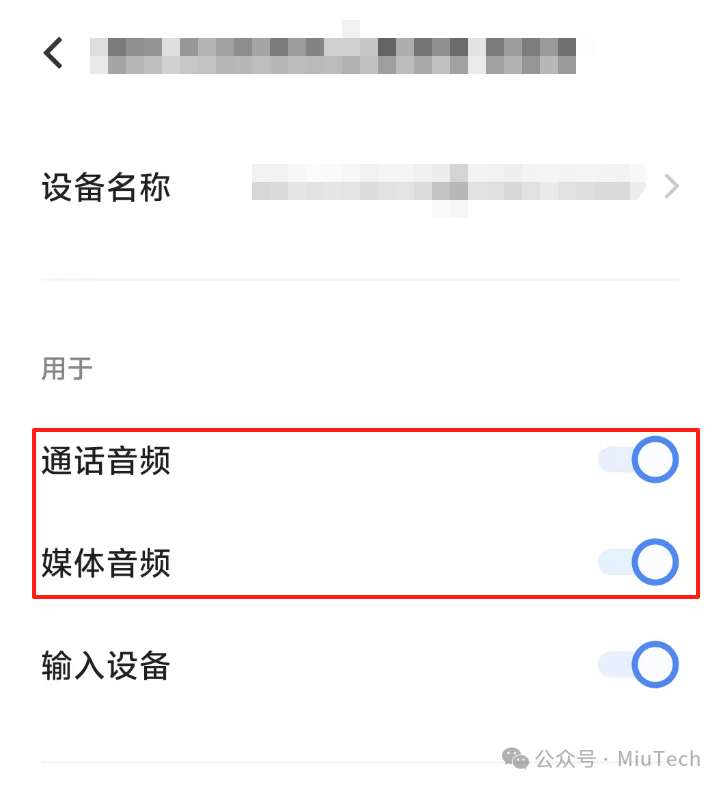
By enabling these two options, you can not only listen to music and watch videos with the headphones but also directly answer calls or voice chats without switching back and forth.
2. Disable the “Auto Play” feature
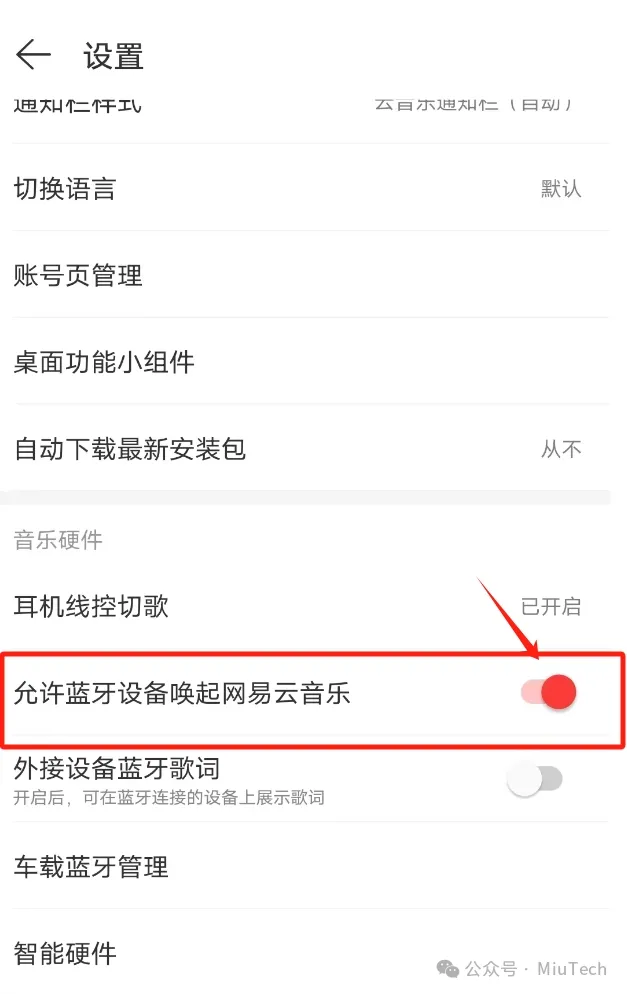
Many people encounter this issue: the Bluetooth headphones start playing music or audio content as soon as they connect to the phone. This is actually simple; go to the app that is playing music and modify the settings there:
For example, in NetEase Cloud Music, find Settings, then locate the option “Allow Bluetooth devices to wake up NetEase Cloud Music” and turn it off.
 3. Reset the headphones when connection issues occur
If the Bluetooth headphones cannot connect to the phone, or there is no sound after connecting, try restoring factory settings or resetting the headphones.
A common method is to press the Bluetooth headphones 5 times continuously (specifics may vary by brand, so it is recommended to check the manual to avoid misoperation). After resetting, re-pairing can resolve many minor issues.
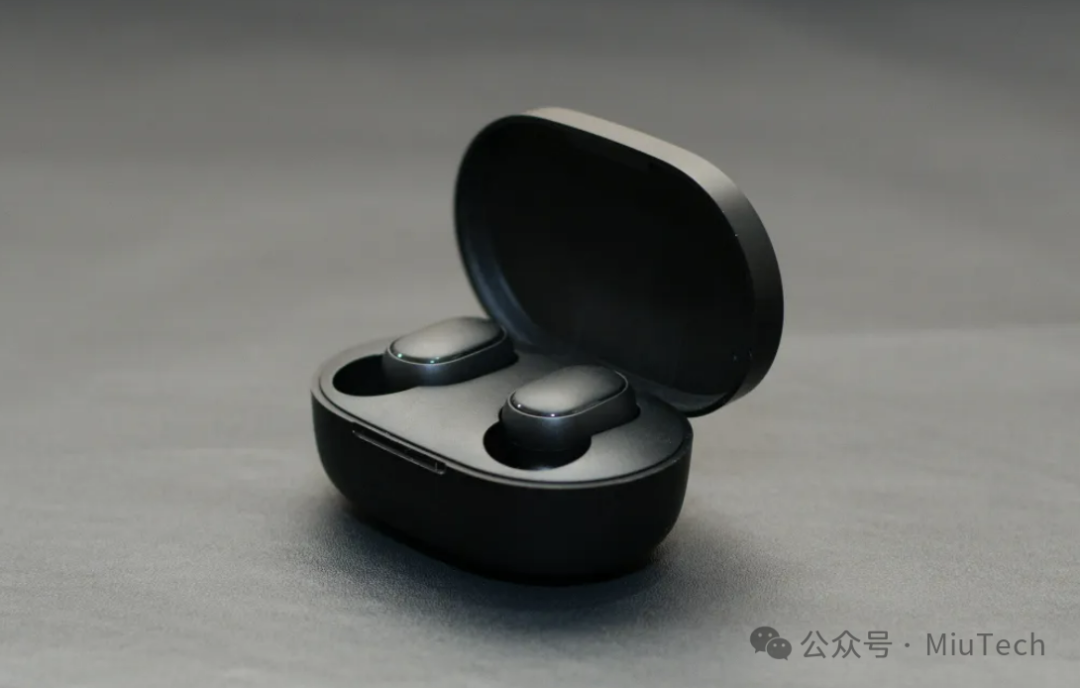
4. Power on/off issues with Bluetooth headphones
Most true wireless Bluetooth headphones (TWS) have a fixed logic:
-
Place back in the charging case and close the lid → Automatically power off
-
Take out from the charging case (and the headphones have power) → Automatically power on and pair
Understanding this, you will know that when not in use, the headphones should be placed back in the charging case to reduce battery consumption caused by prolonged standby.
 5. Noise-cancellation mode consumes more power
The Active Noise Cancellation (ANC) feature can provide a quieter experience in environments like subways and airplanes, but it consumes more power than normal mode! It is recommended to switch to normal mode in quiet environments (like offices or at home) to extend battery life.
6. Make good use of the “Wearing Detection” feature
Many headphones have a Wearing Detection feature: when you take off the headphones, music or video will automatically pause, and when you put them back on, playback resumes. However, sometimes this feature may fail due to headphone battery level, sensor dirt or damage, or firmware needing an update, which requires troubleshooting.
 7. Do not always let the headphones “stay fully charged”
Lithium batteries accelerate aging when kept at high charge levels for extended periods. If the headphones support charging protection or an 80% charging threshold, it is recommended to enable it; if not, unplug the charging cable when it reaches around 80% to extend battery life.
8. Don’t pair with too many devices
Some Bluetooth headphones support multi-device switching, but binding too many devices at once may increase the likelihood of connection confusion. It is recommended to pair the headphones with only 1-2 commonly used devices (like a phone and a computer) to reduce unnecessary pairing records.
9. How to clean the headphones and charging case?
Use a clean cotton swab or soft brush to clean the earbud filter and charging contacts. Note, do not soak the headphones directly in liquid containing alcohol to avoid damaging the waterproof layer! Be especially careful with the metal contacts when cleaning the inside of the charging case, and be gentle.
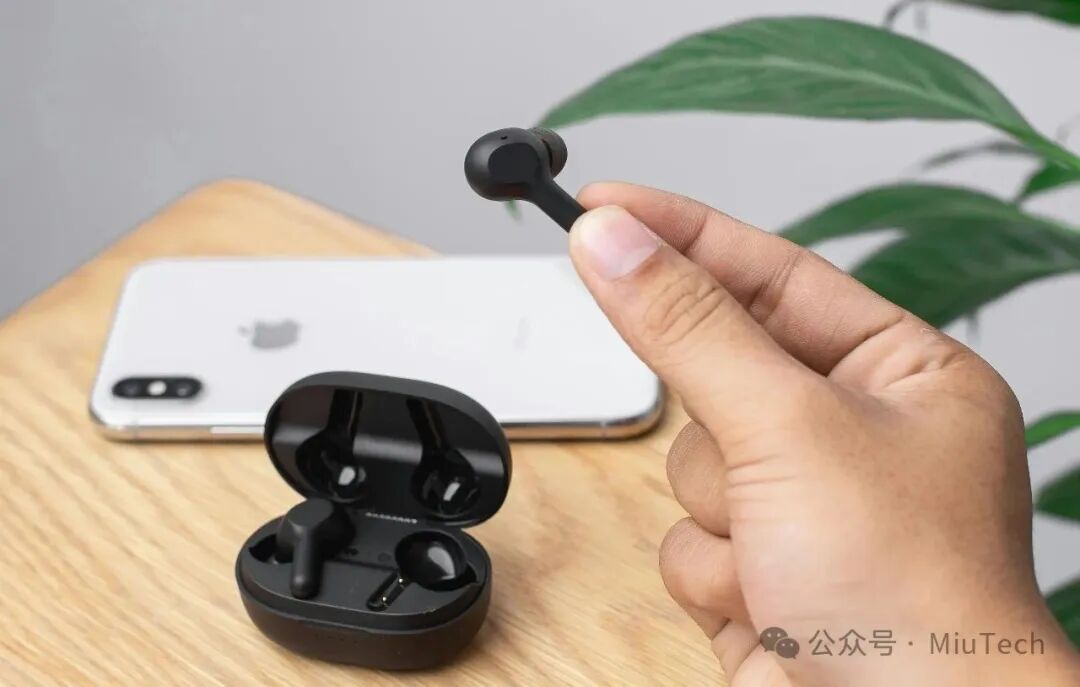
The experience with Bluetooth headphones depends not only on the hardware itself but also on usage habits. Learning to adjust function settings, clean regularly, and charge appropriately will help the Bluetooth headphones serve you better. Feel free to share this with friends who might need it!
I hope this article is helpful to you.Thank you for your support!Follow @MiuTech Uncleto learn more practical digital technology tips!Recent article recommendations:✅️How to set a 24-hour delay for WeChat payments? A practical setting, recommended to save!✅️How to enable beauty mode in WeChat video calls? This article teaches you how to do it!✅️How to register two WeChat accounts with only one phone number? Surprisingly, some people still don’t know this method!✅️How to pay without binding a bank card on WeChat? Remember these 3 methods!✅️How to use your phone to take the bus or subway? Just remember these 2 methods!
#BluetoothHeadphones #Bluetooth #BluetoothHeadphoneIssues #BluetoothConnection #BluetoothPairing #WirelessBluetoothHeadphones #WirelessHeadphones #TrueWirelessHeadphones