
Many beginners are asking: Which development tool should I use to learn STM32?
First, I would like to share my opinion:
1. There is no best tool, only what is suitable; what suits you is the best.
2. There are many development tools, each with its own characteristics, and while they have advantages, they also have disadvantages.
Today, let’s discuss the advantages and disadvantages of several popular development environments for STM32.
1. Keil
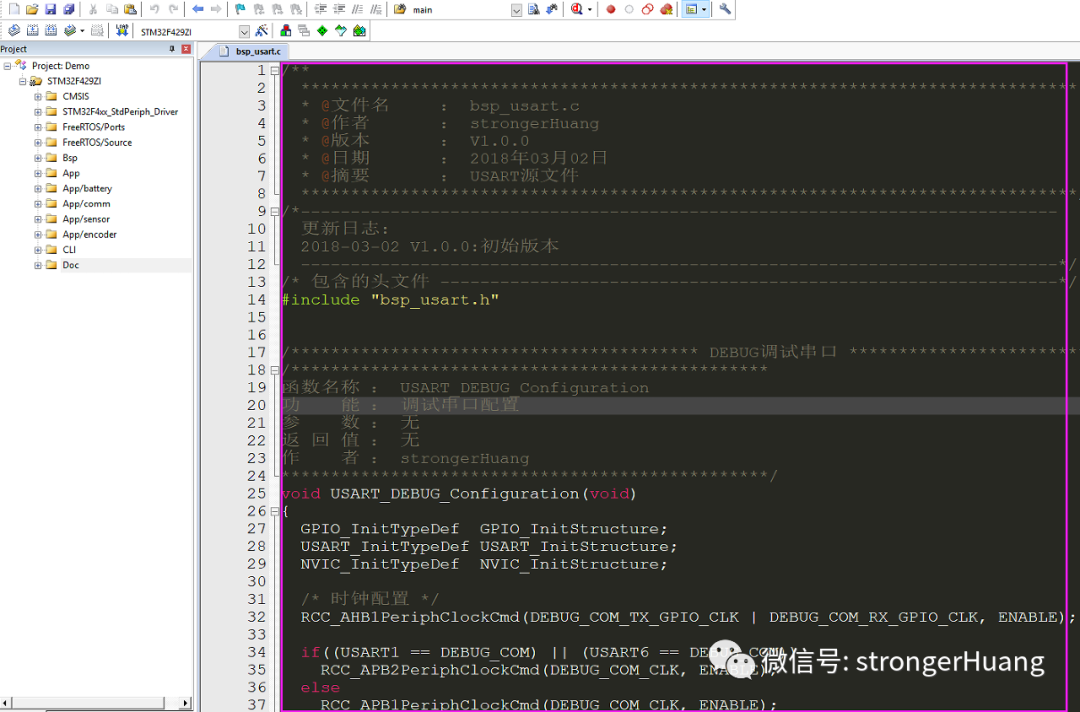
Keil is a well-established integrated development environment (IDE) and is a general-purpose IDE compatible with most microcontrollers on the market.
Official website:https://www.keil.com/
1. Advantages
-
Compatible with most MCUs on the market, allowing you to switch MCUs without changing the IDE, saving time on familiarizing yourself with a new development environment.
-
As a long-standing IDE, there are many tutorials available, making it easy to find solutions to various problems.
-
Many software projects based on Keil are available for direct use.
2. Disadvantages
-
The interface is outdated and has been criticized by many users.
-
The directory structure does not support multi-level organization.
-
The editing features need improvement.
-
It is a paid software, but some Cortex-M0 processors can be used for free.
The compilation speed of Keil MDK using the AC5 compiler is relatively slow, and Keil may launch a Keil Studio desktop IDE to improve the interface and address many shortcomings.
Recommended reading:Keil series tutorials
2. IAR
IAR is also a well-established integrated development environment and is a general-purpose IDE compatible with most microcontrollers on the market.
Official website:https://www.iar.com/
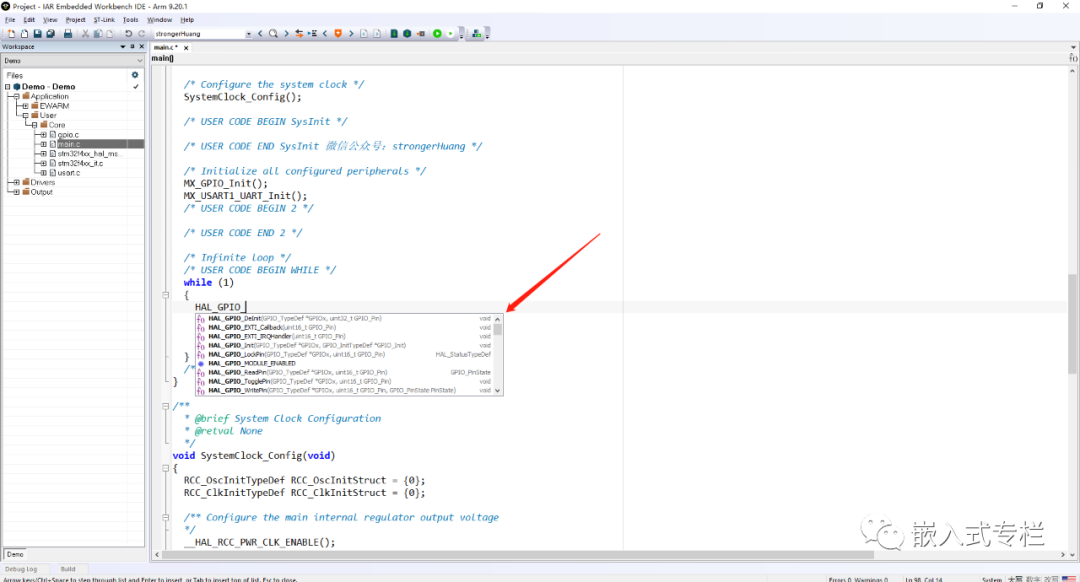
The advantages and disadvantages of IAR are similar to those of Keil, but its editing features are relatively worse than those of Keil.
1. Advantages
-
Compatible with most MCUs on the market, allowing you to switch MCUs without changing the IDE.
-
As a long-standing IDE, there are many tutorials available, making it easy to find solutions to various problems.
-
Many software projects based on IAR are available for direct use.
-
The directory structure can be multi-level.
2. Disadvantages
-
The interface is even less modern compared to Keil.
-
Although the editing features have been upgraded recently, there are still many areas that need improvement.
-
It is a paid software, with a 14-day trial or limited code size.
Recently, IAR upgraded to improve the editor, but there are still many areas that need optimization.
Recommended reading:IAR series tutorials
3. STM32CubeIDE
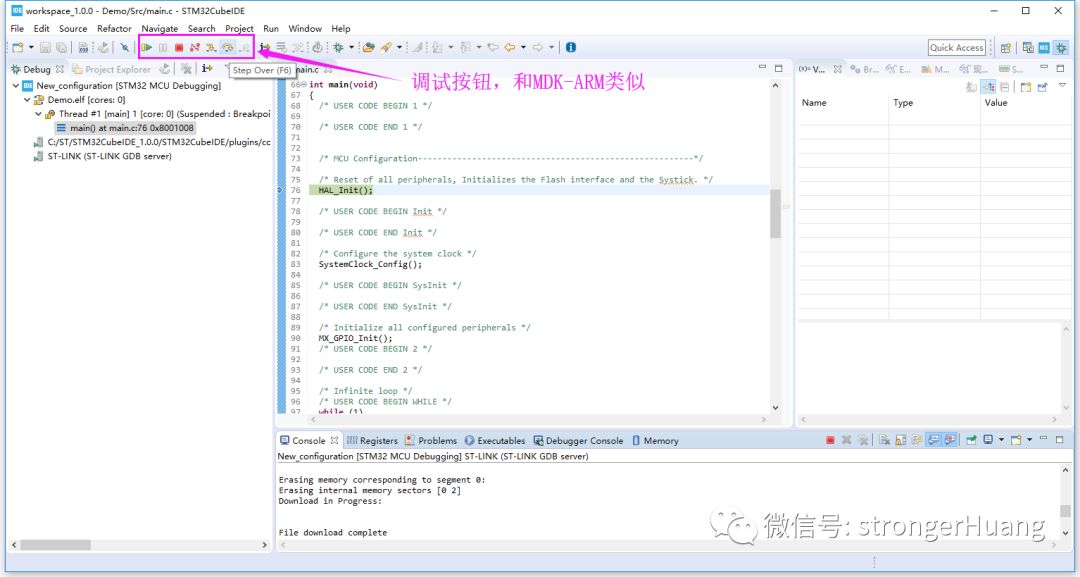
STM32CubeIDE is an integrated development environment launched by ST for STM32.
Official website:https://www.st.com/stm32cubeide
1. Advantages
-
Official software from ST, very friendly for STM32 development.
-
Based on the Eclipse toolchain, the interface is more modern.
-
Free, free, free.
2. Disadvantages
-
Limited to STM32, does not support microcontrollers from other manufacturers.
-
It has not been out for long, so there are some bugs.
-
Relatively more CPU resource-intensive compared to Keil.
Overall, STM32CubeIDE is quite good, but it still needs improvement.
Recommended reading: Installing STM32CubeIDE, configuring code generation, online debugging
4. RT-Thread Studio
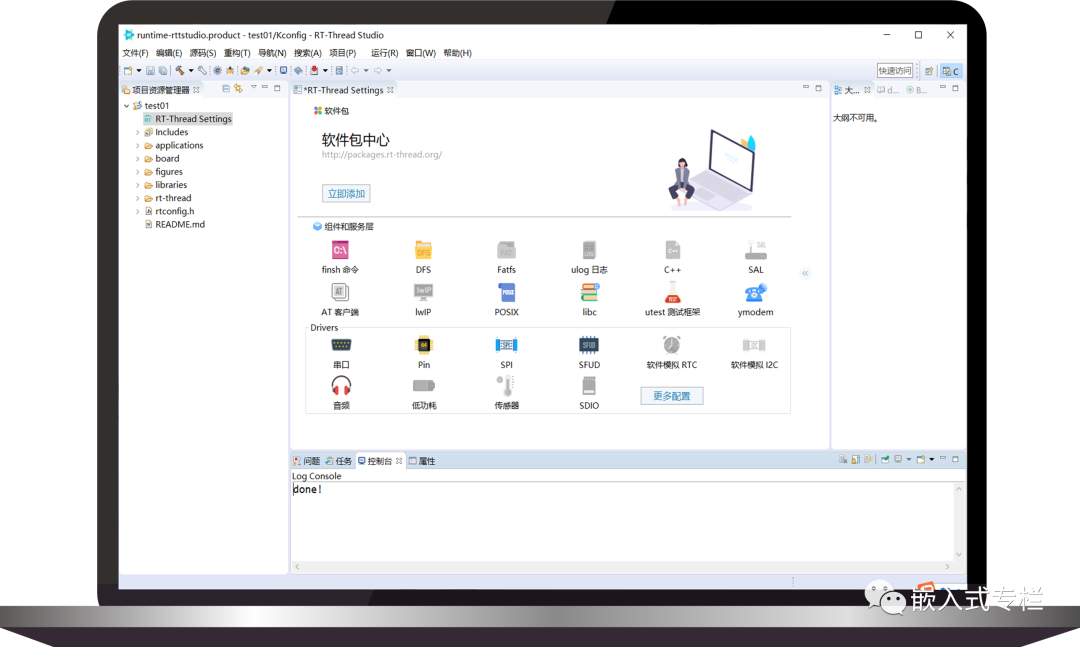
RT-Thread Studio is similar to STM32CubeIDE, being a dedicated integrated development environment that supports the RT-Thread operating system.
Official website:https://www.rt-thread.org/page/studio.html
1. Advantages
-
Domestic, in Chinese, very friendly for local users, easy to get started.
-
Based on the Eclipse toolchain, the interface is modern.
-
Supports most STM32 models, and also supports many domestic MCUs.
-
Free, free, free.
2. Disadvantages
-
It has not been out for long, and some features still need improvement.
RT-Thread Studio is one of the better domestic IDEs, and few companies in the country have been able to promote and use their IDEs on such a large scale, so it is worth recommending.
Author: strongerHuangSource: Embedded ColumnCopyright belongs to the original author. If there is any infringement, please contact for removal.